7 Top Build Automation Software Options Compared (2026)

- 1
 GitHub ActionsAny project already hosted on GitHubVisit
- 2
 Travis CIOpen source projects that want straightforward, classic CIVisit
- 3
 TeamCityTeams that want a capable self-hosted CI with an excellent interfaceVisit
- 4
 Bitbucket PipelinesTeams whose code lives in BitbucketVisit
- 5
 JenkinsTeams that want full control with a free, self-hosted automation serverVisit
- GitHub Actions sits first on this list: any project already hosted on GitHub.
- One limit worth knowing about Travis CI: lost market share to GitHub Actions, pricing changed over the years and confused users, fewer recent features than rivals.
- No starting price is published for Travis CI, TeamCity, Bitbucket Pipelines and others; expect a quote.
- CircleCI is the one to check for cloud teams that want quick, reliable builds with minimal fuss.
- Free access is easy to find: 6 of the 7 tools have a free plan, for example GitHub Actions, Travis CI, TeamCity and Bitbucket Pipelines.
Direct answer
Our first pick is GitHub Actions, best for any project already hosted on GitHub. Alternatives: Travis CI for open source projects that want simple, classic CI, and TeamCity for teams that want a capable self-hosted CI with an excellent interface. The remaining 4 options are covered below with prices and limits.
Quick comparison
| Product | Ideal for | Price from | Free version | |
|---|---|---|---|---|
| GitHub Actions | Any project already hosted on GitHub | Free tier, then usage-based billing | Yes | Visit |
| Travis CI | Open source projects that want straightforward, classic CI | See website | Yes | Visit |
| TeamCity | Teams that want a capable self-hosted CI with an excellent interface | See website | Yes | Visit |
| Bitbucket Pipelines | Teams whose code lives in Bitbucket | See website | Yes | Visit |
| Jenkins | Teams that want full control with a free, self-hosted automation server | Free (open source) | Yes | Visit |
 Buildkite | Teams that want cloud orchestration with their own build agents | See website | Free trial | Visit |
 CircleCI | Cloud teams that want quick, dependable builds with minimal fuss | See website | Yes | Visit |
Our 7 picks for build automation software
If you are comparing build automation software, this page covers 7 tools in one place: what each is best for, what it costs to start, whether it has a free plan, and the main limit to know about.
GitHub Actions
Ideal for: Any project already hosted on GitHub
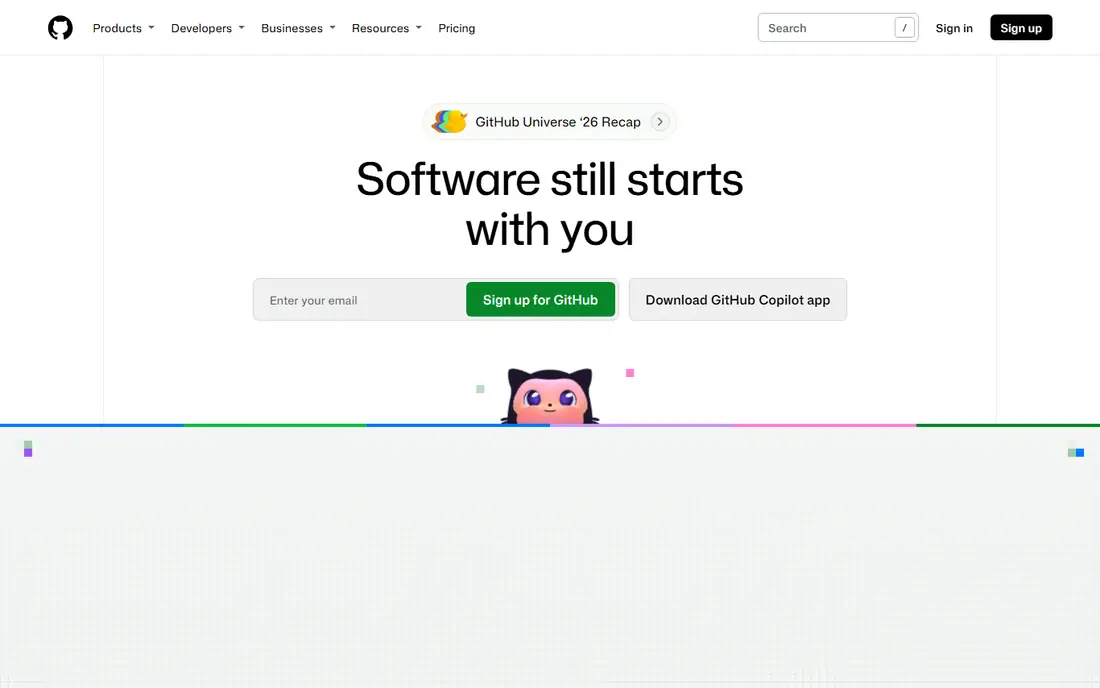
GitHub Actions was built for any project already hosted on GitHub. Public repositories build at no cost, and private repos get a monthly minute allowance before billing starts.
What to check first: costs can surprise teams with heavy build loads.
From a buyer's view, small teams seldom pay anything; large monorepos with long test suites can create real bills. GitHub Actions cost at the entry level: Free tier, then usage-based billing. Free access exists with GitHub Actions.
- Ample free level
- Massive marketplace of reusable actions
- Tied to GitHub as your code host
Travis CI
Ideal for: Open source projects that want straightforward, classic CI
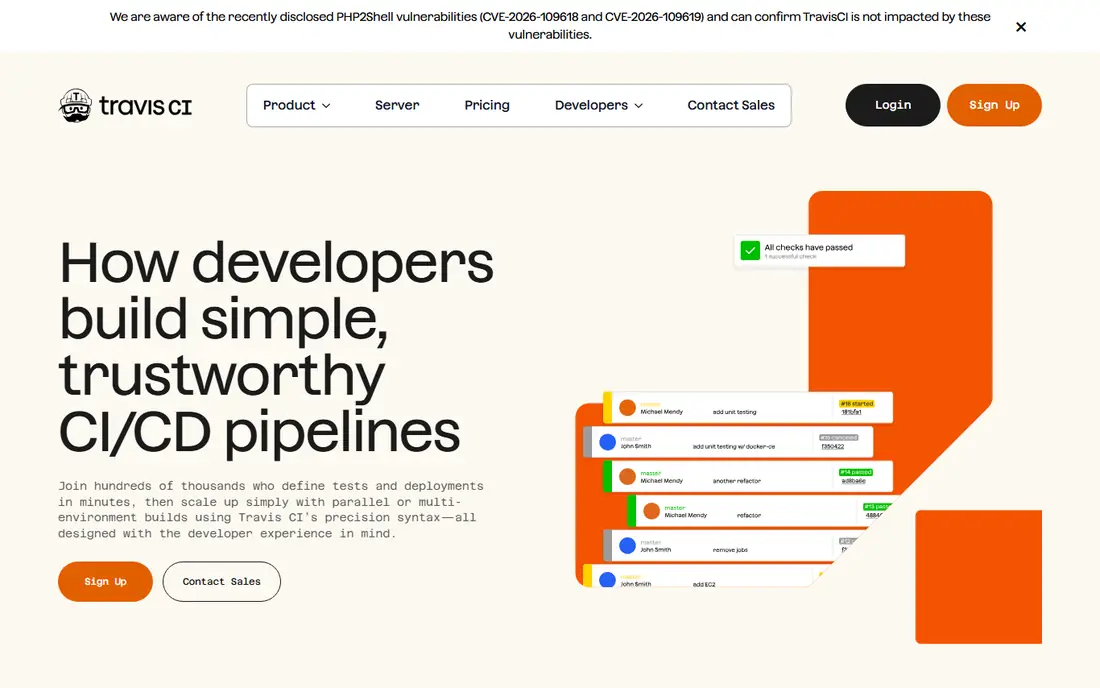
Travis CI serves open source projects that want straightforward, classic CI. Travis CI was once the default CI for open source, and it still gives you one of the simplest configuration experiences around. Worth adding: plenty of projects migrated to GitHub Actions, and Travis changed its pricing model in ways that frustrated longtime users.
It remains a real, working product, and its simplicity still appeals to maintainers who want CI without ceremony. As for the details, a short.travis.yml file gets most projects building and testing in minutes. The free level for open source keeps community projects running without cost. This comparison lists no price for Travis CI; ask the vendor. A free plan is available with Travis CI.
Where it falls short: Lost market share to GitHub Actions.
- Fast setup for standard stacks
- Clear build status badges
- Fewer recent features than rivals
TeamCity
Ideal for: Teams that want a capable self-hosted CI with an excellent interface
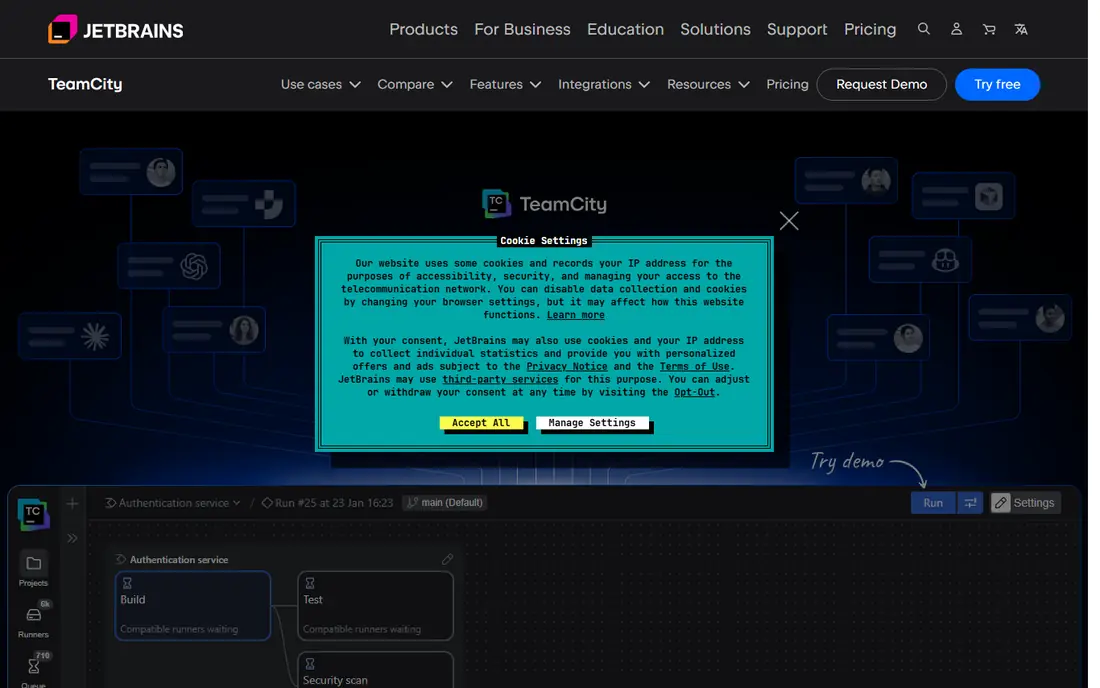
TeamCity is a good fit for teams that want a powerful self-hosted CI with an excellent interface. TeamCity is JetBrains' answer to Jenkins: a self-hosted CI server that performs well without assembling a plugin collection first. As for the details, bigger teams pay per build agent, which can become costly compared to free Jenkins or usage-based cloud CI.
Where it falls short: server administration still required.
But the time saved on maintenance and the quality of the built-in features make it a favorite among.NET and Java shops. As for the details, the free Professional level supports small teams with restricted build agents and configurations. On top of that, if you want self-hosted power without Jenkins' upkeep burden, this is the pick. Pricing for TeamCity is not stated here, so ask the vendor for current figures. TeamCity includes a free tier.
- Very good out-of-the-box features without plugin hunting
- First-class support for.NET and JVM stacks
- Premium licensing per build agent brings up at scale
Bitbucket Pipelines
Ideal for: Teams whose code lives in Bitbucket
Bitbucket Pipelines serves teams whose code lives in Bitbucket. Bitbucket Pipelines is Atlassian's current answer for CI/CD: build automation integrated into Bitbucket Cloud, so commits, pull requests, and deployments share one interface. The limitation is scope: if your code is not in Bitbucket, this tool is not for you.
On top of that, build minutes are metered, with a free monthly allowance that fits small teams. Pipelines run in Docker containers defined by a bitbucket-pipelines.yml file, and Jira integration links builds to issues automatically. It is the natural successor for teams Atlassian is nudging away from Bamboo. Check the vendor site for Bitbucket Pipelines pricing; none is listed in this comparison. You can start on Bitbucket Pipelines without paying.
The main drawbacks: fewer external integrations than Jenkins. What Bitbucket Pipelines does well: no separate CI server to run.
- Links up with Jira for traceability
- Docker-based builds mirror production
- Only works with Bitbucket repositories
Jenkins
Ideal for: Teams that want full control with a free, self-hosted automation server
Jenkins is a good fit for teams that want full control with a free, self-hosted automation server. The price of freedom is maintenance. In practice, you provision the server, update plugins, run credentials, and scale agents yourself.
Best features of Jenkins: enormous plugin ecosystem including every tool imaginable.
Limits to weigh: plugins need maintenance and can conflict.
Also, Pipelines are defined in Jenkinsfiles stored with your code, so builds are versioned like everything else. As an open source project it costs nothing to run. Its plugin library, numbering in the thousands, links to practically every version control system, test framework, and deployment target ever built. Jenkins starts at: Free. Jenkins includes a free tier.
- Free and open source with no licensing costs
- Huge community and documentation
- You run the server, scaling, security yourself
Buildkite
Ideal for: Teams that want cloud orchestration with their own build agents
For teams that want cloud orchestration with their own build agents, Buildkite is a natural candidate. Elastic CI Stack templates make agent setup on AWS straightforward.
As for the details, teams with strict security requirements or exotic build environments get the best of both worlds here. Beyond that, the trade is that agent fleets are yours to maintain, which reintroduces some operational work. Check the vendor site for Buildkite pricing; none is listed in this comparison. Trial and free access: Free trial.
What to check first: pricing is less transparent than pure SaaS.
- Well suited to complicated monorepo builds
- Clear pipeline visualization
- Smaller community than the giants
CircleCI
Ideal for: Cloud teams that want quick, dependable builds with minimal fuss
Think of CircleCI for cloud teams that want quick, steady builds with minimal fuss. CircleCI helped define cloud-native CI and still does it well. Beyond that, teams that deploy to Kubernetes or run heavy Docker workloads find CircleCI's first-class container support a real advantage.
The main drawbacks: Windows and macOS support costs more credits.
Upsides: clear pricing with a usable free plan.
It lacks the system breadth of GitLab, but as a pure CI service it is refined and dependable. On top of that, the free plan covers light usage comfortably, and premium plans scale on performance-based pricing. This comparison lists no price for CircleCI; ask the vendor. Free access exists with CircleCI.
- Quick build performance with smart caching
- Straightforward YAML configuration
- Advanced features sit on higher levels
Worth knowing about build automation software
A developer merges at 5pm on a Friday, the build works on their laptop, and production falls over because nobody ran the tests in a clean environment. Build automation software exists so story stops happening. It compiles code, runs tests, and ships releases in a repeatable pipeline, so "works on my machine" becomes a joke rather than an incident report.
Modern products define pipelines as code, spin up build agents in seconds, and connect with everything from Slack alerts to Kubernetes deployments.
How we compared the tools
Each tool was reviewed on what its vendor publishes: price, plan limits, core features and stated drawbacks. We did not run hands-on tests. Treat prices as a snapshot: vendors change plans often, so check the vendor site for the figure that applies today. The order reflects how well each tool fits the most common buying scenario for build automation software, then price clarity, then free plan access. It is a starting point, not a verdict.
Pre-purchase checklist
- Confirm the entry price on the vendor page. For Travis CI, TeamCity, Bitbucket Pipelines and others that means a quote rather than a fixed price.
- Look at free plan limits closely: GitHub Actions, Travis CI, TeamCity and others have one, and the caps decide whether it is usable for real work.
- Use real work to test the free trial from Buildkite, rather than a demo project.
- Read the limits listed for GitHub Actions first: tied to GitHub as your code host, costs can surprise teams with heavy build loads, debugging failed workflows takes practice.
- Work out what TeamCity costs with your real seat count, add-ons and usage, not just the entry price.
- Before rolling out Buildkite, verify the integrations your workflow depends on.
Frequently asked questions
Is GitHub Actions the right pick for everyone comparing build automation software?
No single tool suits every team. GitHub Actions comes first because it fits any project already hosted on GitHub, while Travis CI suits open source projects that want simple, classic CI and TeamCity suits teams that want a powerful self-hosted CI with a great interface. Match the tool to your own size, budget and workflow before deciding.
Can I try these options before paying?
Often, yes. GitHub Actions, Travis CI, TeamCity and others have a free plan and Buildkite offers a free trial. Use your own data and a real task during the test, and check what the free tier or trial limits before you rely on it.
Which options for build automation software have a free plan?
6 of the 7 tools have a free plan, including GitHub Actions, Travis CI, TeamCity and Bitbucket Pipelines. Free plans usually cap users, projects or features, so check the limits on the vendor page. One other tool offers a trial instead.
Do these tools publish their prices?
Not all of them. Travis CI, TeamCity, Bitbucket Pipelines and others publish no starting price, so expect a quote request for those. The rest, GitHub Actions included, show a starting price, though seats and billing terms still change the final cost.