Business Automation Software: 6 Options Side by Side (2026)

- 1
 WorkatoEnterprise automation with governanceVisit
- 2
 Microsoft Power AutomateFirms living in Microsoft 365Visit
- 3
 ActivepiecesOpen-source no-code automationVisit
- 4
 n8nTechnical teams that want to self-hostVisit
- 5
 ZapierThe easiest start with the widest app catalogVisit
- Number one here is Workato, a fit for enterprise automation with governance.
- Activepieces is the lowest-priced starter here at $0 self-hosted.
- Before buying Microsoft Power Automate, weigh this: per-user pricing layers on up.
- Make suits visual workflows at a fraction of Zapier's cost.
Direct answer
Workato is the first pick on this list for enterprise automation with governance. Look at Microsoft Power Automate for businesses living in Microsoft 365, and at Activepieces for open-source no-code automation. Prices, free plans and limits for all 6 tools follow.
Quick comparison
| Product | Ideal for | Price from | Free version | |
|---|---|---|---|---|
| Workato | Enterprise automation with governance | See website | No | Visit |
| Microsoft Power Automate | Firms living in Microsoft 365 | From $15 per user a month | Free trial | Visit |
| Activepieces | Open-source no-code automation | $0 self-hosted; cloud from $20 a month | Yes | Visit |
| n8n | Technical teams that want to self-host | $0 self-hosted; cloud from $24 a month | Yes | Visit |
| Zapier | The easiest start with the widest app catalog | $0 (free, 100 tasks/month); Professional from $29.99 per month (750 tasks) | Yes | Visit |
 Make | Visual workflows at a fraction of Zapier's cost | $0 (free, 1,000 operations/month); Core from $9 a month | Yes | Visit |
The 6 tools in detail
Short on time? The summary and table above give the quick view of 6 tools for business automation software, and the profiles that follow give the detail behind each entry.
Workato
Ideal for: Enterprise automation with governance
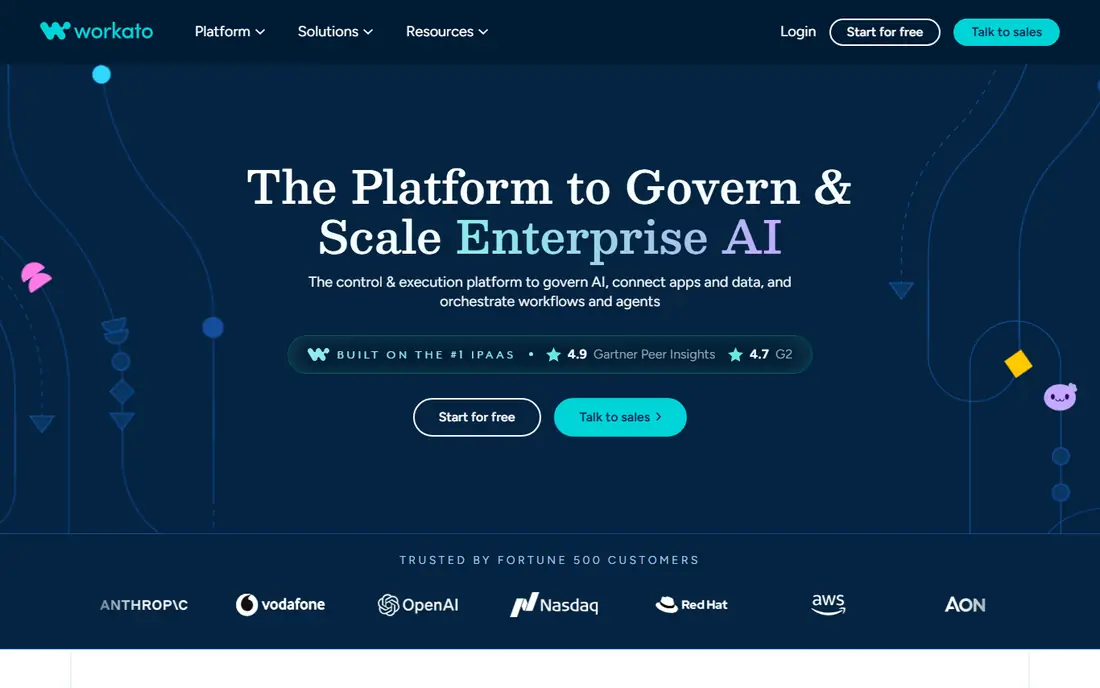
Choose Workato for enterprise automation with governance. It serves IT, RevOps and operations teams standardizing automation across departments, with AI features layered on top.
Trade-offs to know: Overkill for small teams.
Worth adding: pricing is contract-based with no public levels and no free plan; expect enterprise budgets. No starting price is listed for Workato here; confirm pricing on the vendor site. Workato has no free tier.
- Capable IT and RevOps adoption
- Enterprise governance and audit trails
- Enterprise pricing (no public levels)
Microsoft Power Automate
Ideal for: Firms living in Microsoft 365

For businesses living in Microsoft 365, Microsoft Power Automate is a natural candidate. If your company runs on Microsoft 365, Power Automate is the path of least resistance: flows trigger from Outlook, Teams, SharePoint and Dynamics with native connectors, and everything inherits your tenant's security and compliance controls.
Downsides: Weaker outside the Microsoft ecosystem.
On top of that, outside the Microsoft ecosystem the connector story weakens, and per-user pricing gets costly for large teams compared with volume-based tools. Entry price for Microsoft Power Automate: From $15 per user per month. Trial and free access: Free trial.
- Deep Microsoft 365 and Dynamics integration
- Inherits tenant security controls
- Per-user pricing adds up
Activepieces
Ideal for: Open-source no-code automation
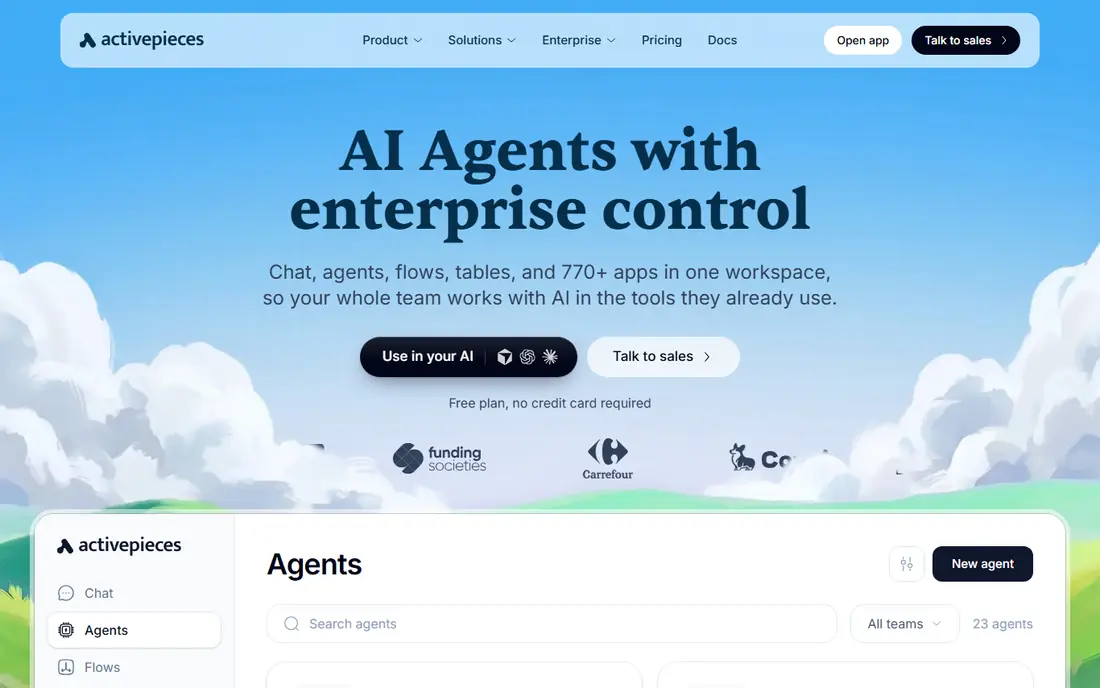
In short, Activepieces is for open-source no-code automation. Activepieces is the newer open-source entrant: a MIT-licensed core you can self-host at no cost, with cloud plans from $20 per month for teams that want managed hosting.
It targets business users more than developers, with a no-code builder that feels closer to Make than n8n. But the MIT license is the most permissive in the category, and the cloud pricing undercuts most competitors. The starting price for Activepieces: $0 self-hosted. Activepieces offers a free plan.
Limits to weigh: Smaller integration catalog.
- Free self-hosting
- MIT-licensed open-source core
- Younger product than n8n
n8n
Ideal for: Technical teams that want to self-host
Choose n8n for technical teams that want to self-host. Cloud removes that burden but reintroduces per-execution billing. In practice, the cost is operational: you provision the server, manage updates and debug failures yourself.
Points against: Cloud pricing climbs with usage.
In daily use, n8n is the open-core automation product developers reach for: a visual workflow canvas with code nodes, HTTP nodes and native LLM nodes, under a fair-code license that lets you self-host at no cost with unlimited executions. The cloud plans start around $24 a month for teams that prefer not to run infrastructure. n8n starts at: $0 self-hosted. n8n offers a free plan.
- Free self-hosted with unlimited executions
- Native LLM nodes
- Self-hosting needs a developer
Zapier
Ideal for: The easiest start with the widest app catalog
Zapier makes the most sense for the easiest start with the widest app catalog. The free plan handles 100 tasks per month for testing, and the Professional plan begins at $29.99 a month for 750 tasks.
It suits SMBs that want the widest app catalog with the least effort per workflow. Entry price for Zapier: $0. A free plan is available with Zapier.
Upsides: Mature and dependable. Downsides: Per-task pricing punishes complex workflows.
- Simplest setup
- The widest on the market
- Restricted branching
Make
Ideal for: Visual workflows at a fraction of Zapier's cost
For visual workflows at a fraction of Zapier's cost, Make is a natural candidate. Choose Make when your Zapier bill is climbing and your workflows need real logic.
Where it is weaker: Smaller app catalog (~2,000).
Its visual scenario builder takes care of branching, loops and error handling that Zapier struggles with, and its per-operation pricing runs dramatically less expensive: the Core plan from $9 a month handles 10,000 operations, and the free level provides 1,000 operations monthly. Make pricing: $0. Make has a free plan.
- Visual scenario builder with routers and branching
- 1,000 free ops
- Steeper learning curve than Zapier
What went into this list
For each of the 6 tools we noted price, free plan or trial, fit for business automation software and the main limit, using vendor pages and documentation. Seat minimums, billing terms and add-ons can move the real cost, so the starting prices here are a guide and not a quote. Position on the page reflects fit for a typical buyer first, with price clarity and free access breaking ties. Treat it as a guide, not a ruling.
A buyer's checklist
- Get a written quote from Workato; the list shows no starting price for them.
- Look at free plan limits closely: Activepieces, n8n, Zapier and Make have one, and the caps decide whether it is usable for real work.
- Take the trial from Microsoft Power Automate and push a live task through it before you pay.
- Before choosing Workato, weigh its main limit: enterprise pricing (no public levels).
- Check whether the features you need in Make sit on the entry plan or only on higher tiers.
- Before you load data into Microsoft Power Automate, check what an export looks like and who can run it.
Frequently asked questions
How are the tools for business automation software ordered?
Workato sits first and Make last because the order follows typical fit for business automation software, then price clarity and free access. It is a judgement call, so read each profile for fit and limits.
What is the cheapest option for business automation software in this list?
On published monthly entry prices, Activepieces is the lowest here at $0 self-hosted. Entry price is only part of the cost, because seats, add-ons and billing terms can change the total.
Do these tools publish their prices?
Not all of them. Workato publishes no starting price, so expect a quote request for it. The rest, Microsoft Power Automate included, show a starting price, though seats and billing terms still change the final cost.
What is the difference between automation and RPA?
Automation tools link cloud apps via APIs. RPA (like Power Automate Desktop) drives software the way a human would, clicking through desktop apps.
How do I avoid building automations that break silently?
Every product here supplies error handling and run history; use them. Silent automation failures cost more than the time the automation saved.
Can I try these options before paying?
Often, yes. Activepieces, n8n, Zapier and Make have a free plan and Microsoft Power Automate offers a free trial. Use your own data and a real task during the test, and check what the free tier or trial limits before you rely on it.