Best Business Backup Software (2026): 8 Options Compared

- 1
 MSP360 Managed BackupMSPs and cost-conscious teams with their own cheap storageVisit
- 2
 Cove Data ProtectionMSPs wanting backup as a managed serviceVisit
- 3
 CarboniteSmall companies wanting hands-off, continuous PC backupVisit
- 4
 Datto BCDRSmall and mid-sized firms with a MSP needing true disaster recoveryVisit
- 5
 IDrive BusinessSmall firms with laptops, servers and NAS under one billVisit
- Top of the list is MSP360 Managed Backup, which targets MSPs and cost-conscious teams with their own cheap storage.
- Druva is the one to check for mid-market and enterprise teams eliminating backup infrastructure.
- The cheapest monthly starting price in the list is $7.33/user/month, offered by CrashPlan.
- Just one of the 8 tools, MSP360 Managed Backup, has a free plan.
- One limit worth knowing about Carbonite: geared more toward Windows than Mac.
Direct answer
Start with MSP360 Managed Backup if you need MSPs and cost-conscious teams with their own cheap storage. Cove Data Protection is better for MSPs wanting backup as a managed service, and Carbonite is better for small businesses wanting hands-off, continuous PC backup. The other 5 tools in the list cover narrower or pricier cases.
Quick comparison
| Product | Ideal for | Price from | Free version | |
|---|---|---|---|---|
| MSP360 Managed Backup | MSPs and cost-conscious teams with their own cheap storage | See website (per-workload; third-party figures unverified on vendor page) | Yes | Visit |
| Cove Data Protection | MSPs wanting backup as a managed service | See website (per protected device through N-able partners) | Free trial | Visit |
| Carbonite | Small companies wanting hands-off, continuous PC backup | See website (per-device tiers; figures unverified on vendor page) | Free trial | Visit |
| Datto BCDR | Small and mid-sized firms with a MSP needing true disaster recovery | See website (sold through MSP partners; quote only) | No | Visit |
| IDrive Business | Small firms with laptops, servers and NAS under one bill | $19.99/month (500 GB, billed annually; first-year promos vary) | Free trial | Visit |
 CrashPlan | Distributed teams and remote workforces | $7.33/user/month (billed yearly at $88); servers $15.75/server/month | Free trial | Visit |
 Acronis Cyber Protect | SMBs and MSPs wanting backup plus endpoint security in one agent | See website (per-workload; third-party figures unverified on vendor page) | Free trial (30 days) | Visit |
 Druva | Mid-market and enterprise teams eliminating backup infrastructure | See website (consumption-based SaaS; no public list price) | Free trial | Visit |
Business Backup Software compared in detail
Choosing business backup software usually comes down to price, fit and limits. This Ainotely guide sets 8 tools side by side on those three points, with the facts kept short and checkable.
MSP360 Managed Backup
Ideal for: MSPs and cost-conscious teams with their own cheap storage
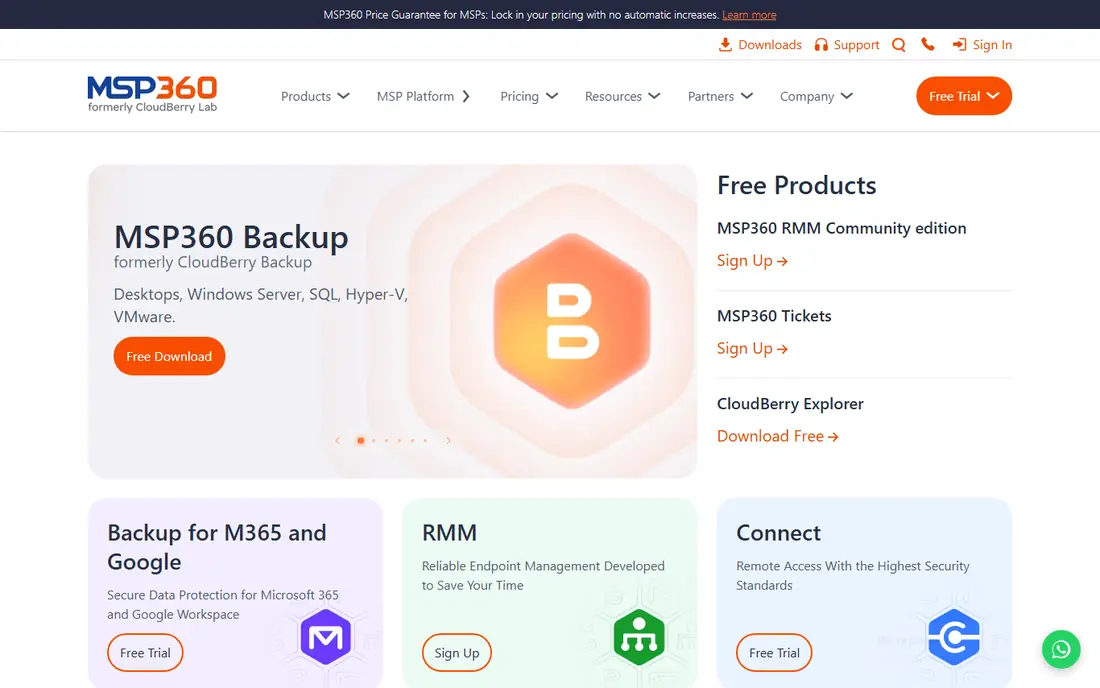
Choose MSP360 Managed Backup for MSPs and cost-conscious teams with their own cheap storage. MSP360 splits the backup bill in two: you pay MSP360 a small per-workload license and bring your own storage from Wasabi, Backblaze B2, AWS or Azure.
Watch-outs: Restore works after lapse but advanced features lock behind premium levels.
For teams that want one bill, look elsewhere. Beyond that, for teams comfortable managing object storage, the adaptability and cost control are unmatched. MSP360 Managed Backup does not show a starting price in this comparison, so check the vendor site for current pricing. A free plan is available with MSP360 Managed Backup.
- Bring-your-own-storage model: use Wasabi
- Centralized console for MSPs and multi-machine environments
- Storage is a separate bill you run yourself
Cove Data Protection
Ideal for: MSPs wanting backup as a managed service
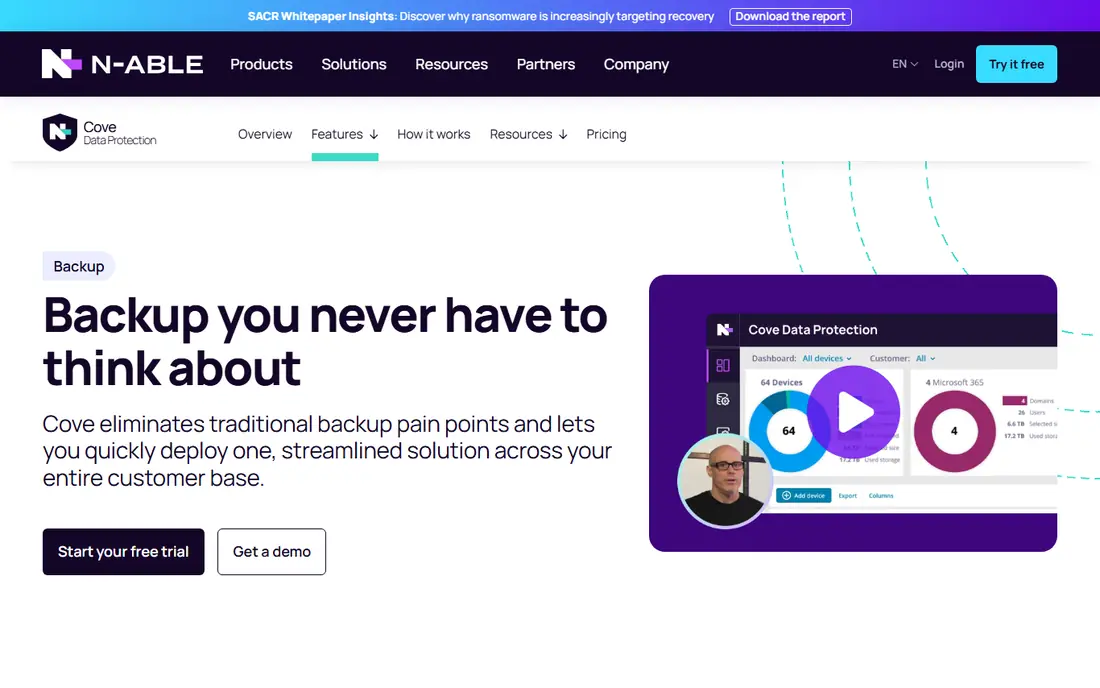
Cove Data Protection is aimed squarely at MSPs wanting backup as a managed service. One flat rate per server or workstation with cloud storage included and pooled across customers, TrueDelta technology keeping daily backups light, and automatic recovery testing with screenshot verification proving the backups boot.
This comparison lists no price for Cove Data Protection; ask the vendor. Trial and free access: Free trial.
Honest limits: No public pricing.
- Purpose-built for MSPs with one dashboard for all customers
- Cloud storage included in the license with pooled storage across customers
- Primarily sold to MSPs, so direct buyers go through a partner
Carbonite
Ideal for: Small companies wanting hands-off, continuous PC backup
Pick Carbonite if this describes you: small companies wanting hands-off, continuous PC backup. Unlimited storage levels exist on some plans, and the OpenText acquisition brought endpoint, server and cloud-to-cloud product lines under one roof.
Honest limits: Geared more toward Windows than Mac.
Check the vendor site for Carbonite pricing; none is listed in this comparison. Free access: Free trial.
- Now backed by OpenText with endpoint
- Long-established set-and-forget endpoint backup with automatic continuous backup
- The OpenText brand transition makes finding the right product confusing
Datto BCDR
Ideal for: Small and mid-sized firms with a MSP needing true disaster recovery
For small and mid-sized companies with a MSP needing true disaster recovery, Datto BCDR is a natural candidate. Datto sells through MSP partners, so pricing bundles into your managed services agreement and setup is partner-led over a handful of days including the appliance. That is a feature for companies that want recovery handled by professionals, and a dealbreaker for DIY shops.
Honest limits: Firms cannot buy direct.
More specifically, the standout is screenshot-based backup verification: the system proves every backup actually boots, automatically, which answers the "restores are everything" question better than any marketing claim. You cannot buy it straight. Datto BCDR shows no starting price here, so confirm the cost on the vendor site. Datto BCDR has no free plan.
- Screenshot-based backup verification proves recoverability automatically
- Purpose-built for MSPs: appliance plus cloud hybrid backup
- Only available through MSP partners
IDrive Business
Ideal for: Small firms with laptops, servers and NAS under one bill
IDrive Business was built for small firms with laptops, servers and NAS under one bill. IDrive Business solves the mixed-infrastructure problem with one subscription.
More specifically, pricing begins at $19.99 per month annually for 500 GB, with big first-year discounts that reset, so price the renewal, not the promo. What you pay to start with IDrive Business: $19.99/month. Free plan details: Free trial.
Points against: Storage is capped, not unlimited, with overage charges beyond quota. Reasons to shortlist it: servers and NAS devices.
- Capable compliance support (HIPAA, SOX, GLBA, SEC/FINRA per vendor)
- One plan includes unlimited users, computers
- Interface is functional instead of refined
CrashPlan
Ideal for: Distributed teams and remote workforces
CrashPlan targets distributed teams and remote workforces. CrashPlan is the endpoint backup for firms whose office is everywhere. In practice, unlimited storage and unlimited versioning per user, with self-serve restore that lets employees recover their own files without filing a helpdesk ticket.
Worth adding: ransomware features like immutable backups mean restored data is clean, not just recent. As for the details, enterprise levels add SSO, legal hold and audit logging. Setup is same-day: deploy the agent and machines are protected at once. One subscription handles one user, so heavy multi-device users cost more, and servers land in a pooled-storage model (250 GB per server) with premium extras beyond that. CrashPlan pricing: $7.33/user/month. As for free access: Free trial.
Limits to weigh: Server plans use pooled storage (250 GB per server) with premium extras beyond that.
- Self-serve restore and device migration without an IT ticket
- Unlimited cloud storage and unlimited versioning on endpoint plans
- Per-user pricing means multi-device users cost more
Acronis Cyber Protect
Ideal for: SMBs and MSPs wanting backup plus endpoint security in one agent
Acronis Cyber Protect is built with SMBs and MSPs wanting backup plus endpoint security in one agent in mind. Acronis merges two agents into one: backup plus active endpoint protection with ransomware defense, including backup scanning that stops restoring infected data.
From a buyer's view, if you already run a separate endpoint security stack, the combined agent layers on complexity you may not want. Check the vendor site for Acronis Cyber Protect pricing; none is listed in this comparison. Trial and free access: Free trial (30 days).
Limits to weigh: Per-device pricing climbs once servers and cloud storage are added.
- Web-based console that fits MSPs managing numerous clients
- Merges backup with endpoint security and anti-ransomware in a single agent
- More complicated than pure backup tools if you already have endpoint security
Druva
Ideal for: Mid-market and enterprise teams eliminating backup infrastructure
Druva is a good fit for mid-market and enterprise teams eliminating backup infrastructure. Ransomware recovery tooling with air-gapped backups addresses the scenario that keeps CISOs awake. Pricing is consumption-based and quote-led, so budgeting needs a sales conversation, and small teams may find it pricey.
Where it falls short: Opaque, enterprise-oriented pricing.
Upsides: Covers endpoints; 100% SaaS: no hardware or storage infrastructure to handle.
In practice, no appliances, no storage to run, no tape: endpoints, Microsoft 365, Google Workspace, AWS and Salesforce all back up to the Druva cloud with global deduplication. Druva's pitch is the absence of infrastructure. Being completely cloud-based, a full-site restore moves at your internet bandwidth, so model recovery time against your pipe. This comparison lists no price for Druva; ask the vendor. Free plan details: Free trial.
- Google Workspace
- AWS and Salesforce in one product
- Large restores rely on internet bandwidth
How we compared the tools
For each of the 8 tools we noted price, free plan or trial, fit for business backup software and the main limit, using vendor pages and documentation. Where a vendor does not publish a price, the entry says quote. Where a price depends on seats or billing term, the entry says so. Order on the page follows fit for the typical buyer first, then price transparency and free access. Your own requirements should decide the final pick.
Before you commit
- Get a written quote from MSP360 Managed Backup, Cove Data Protection, Carbonite and others; the list shows no starting price for them.
- Test the free plan from MSP360 Managed Backup against your real workload before relying on it.
- Run a trial of Cove Data Protection, Carbonite, IDrive Business and others with real work before paying for a year; your own workflow is the best test.
- Read the limits listed for MSP360 Managed Backup first: storage is a separate bill you run yourself.
- Check whether Datto BCDR bills monthly or annually, and what cancelling early costs.
- Check the support hours and onboarding help CrashPlan offers; smaller vendors vary a lot here.
Frequently asked questions
Does Microsoft 365 need separate backup?
Yes. Microsoft and Google protect their infrastructure, not your data: deleted emails, overwritten files and ransomware-encrypted SharePoint libraries are your problem after the short retention windows. If your business runs on 365 or Workspace, SaaS backup is not optional.
What is the cheapest option for business backup software in this list?
On published monthly entry prices, CrashPlan is the lowest here at $7.33/user/month. Entry price is only part of the cost, because seats, add-ons and billing terms can change the total.
What is immutable backup, and do I need it?
Immutable backup cannot be altered or deleted for a set period, not even by an attacker with admin credentials. CrashPlan, Veeam, Druva and Acronis all offer immutability choices.
Do these tools publish their prices?
Not all of them. MSP360 Managed Backup, Cove Data Protection, Carbonite and others publish no starting price, so expect a quote request for those. The rest, IDrive Business included, show a starting price, though seats and billing terms still change the final cost.
What is the difference between backup and disaster recovery?
Backup copies your data; disaster recovery restores your business. As for the details, file and image backup (CrashPlan, Backblaze, IDrive) guards against deleted files, dead laptops and ransomware on individual machines. Disaster recovery (Datto BCDR, Veeam, Cove) restores whole systems and sites quick, with virtualization that keeps the business running during recovery.
Which options for business backup software have a free plan?
MSP360 Managed Backup is the only tool in this list with a free plan. Free plans usually cap users, projects or features, so check the limits on the vendor page. Several others offer a trial instead.