Best Business Instant Messaging Software in 2026: 8 Tools Compared

- 1
 SlackTeam channels and integrationsVisit
- 2
 Microsoft TeamsCompanies using Microsoft 365Visit
- 3
 Google ChatTeams using Google WorkspaceVisit
- 4
 Zoho CliqTeams using Zoho appsVisit
- 5
 Rocket.ChatSelf hosted team chatVisit
- Slack is our pick for most teams because its channels, integrations and search handle everyday work communication well.
- Microsoft Teams suits companies already using Microsoft 365, since chat, meetings and files live together.
- Google Chat is the natural choice for Google Workspace teams, while Zoho Cliq suits Zoho users.
- Rocket.Chat and Mattermost offer self hosted options for teams that need control over data and hosting.
- Twist and Flock offer quieter, simpler alternatives for teams that find Slack too noisy.
Quick comparison
| Product | Ideal for | Price from | Free version | |
|---|---|---|---|---|
| Slack | Team channels and integrations | Free | Yes | Visit |
| Microsoft Teams | Companies using Microsoft 365 | Free | Yes | Visit |
| Google Chat | Teams using Google Workspace | Free | Yes | Visit |
| Zoho Cliq | Teams using Zoho apps | Free | Yes | Visit |
| Rocket.Chat | Self hosted team chat | Free | Yes | Visit |
 Mattermost | Self hosted secure team chat | Free | Yes | Visit |
 Twist | Calm, threaded team communication | Free | Yes | Visit |
 Flock | Simple team messaging | Free | Yes | Visit |
The best business instant messaging software
Business messaging tools differ from consumer chat apps in one key way: they organize work into channels, threads and searchable history, with admin controls and integrations. The right tool usually follows the office suite your company already uses.
Slack
Ideal for: Team channels and integrations
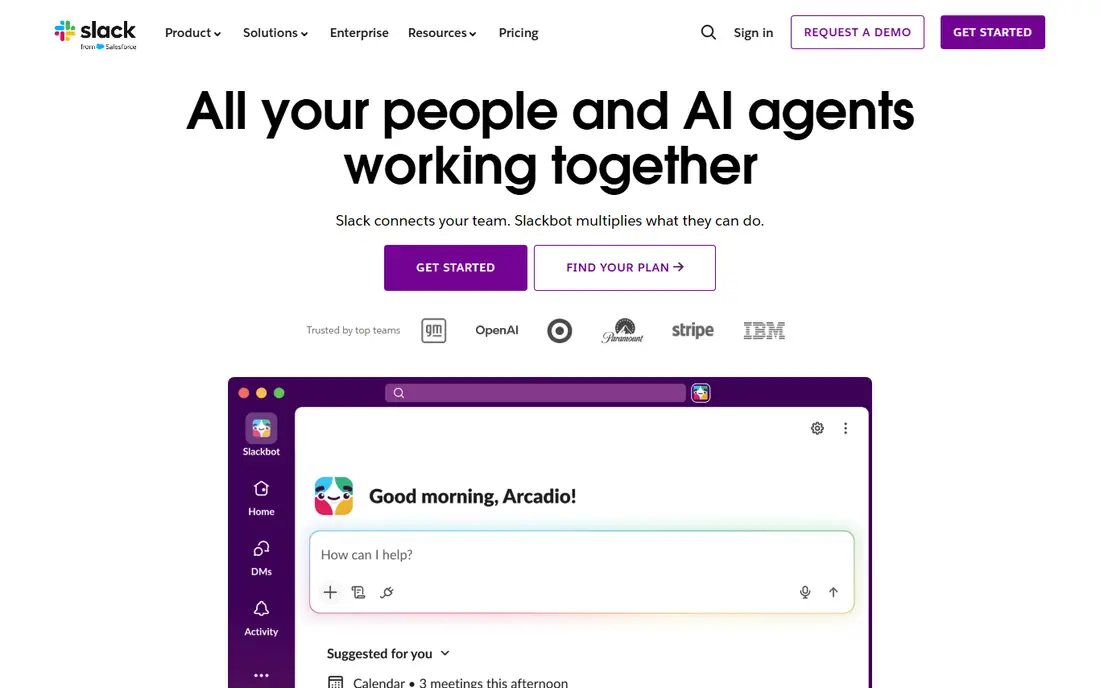
Slack remains the standard for team messaging. Channels organize conversations by project or topic, threads keep replies tidy, and integrations connect chat to calendars, code, documents and support tools. Search across history makes it easy to find a decision from months ago.
The free plan limits message history, so growing teams usually pay. Noise is the other risk: without channel discipline, Slack becomes a stream of interruptions. Set channel norms, use threads, and mute non urgent channels. For most teams, Slack is the safest and most capable choice.
- Channels organize work clearly
- Huge integration library
- Strong search
- Message history limits on free plan
- Can feel noisy without channel discipline
Microsoft Teams
Ideal for: Companies using Microsoft 365
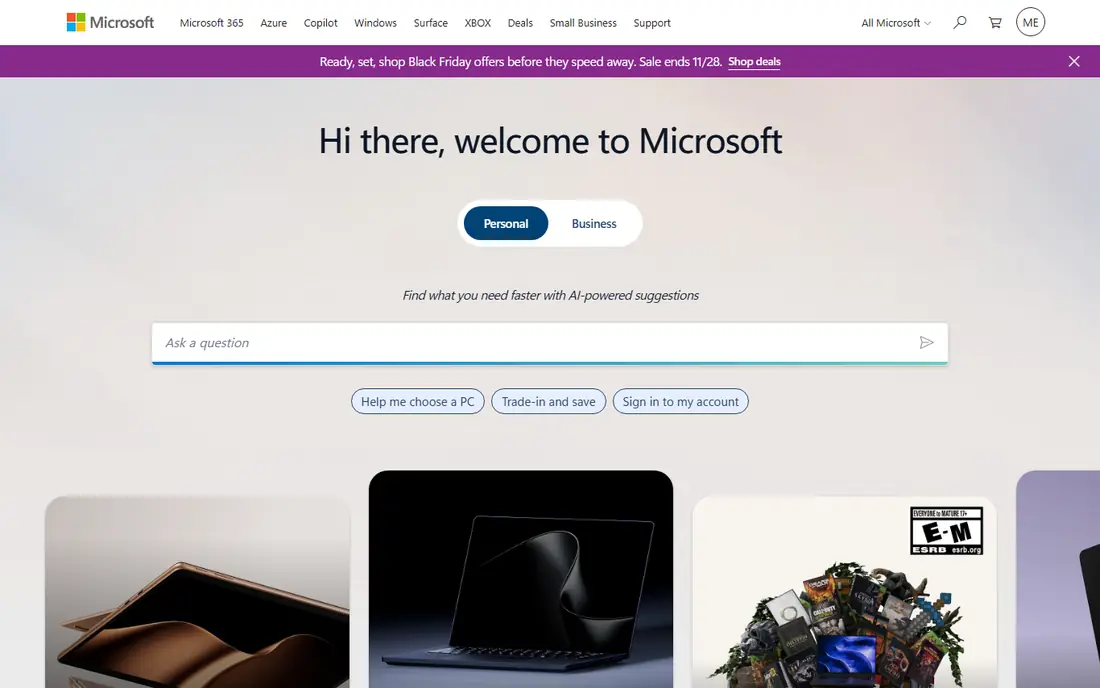
Microsoft Teams combines chat, video meetings and file collaboration in one app, tightly integrated with Outlook, SharePoint and Office. For a company already on Microsoft 365, that integration is a strong reason to choose Teams, since documents, calendars and chats share one identity and permission system.
The interface can feel heavy, especially for small teams that only need chat. The free tier covers basic chat and meetings, while full value comes with a Microsoft 365 plan. For a Microsoft shop, Teams is the natural pick, and it reduces the need for separate chat and meeting tools.
- Chat, meetings and files together
- Strong Microsoft integration
- Good for large firms
- Interface can feel heavy
- Best value inside Microsoft 365
Google Chat
Ideal for: Teams using Google Workspace

Google Chat is the messaging tool for Google Workspace teams, with direct messages, group chats and Spaces for project conversations. Integration with Gmail, Drive and Calendar means you can move from an email to a chat to a document without switching accounts.
Integrations are fewer than Slack, and features are simpler, which is fine for teams that want chat without complexity. For a Google Workspace company, Chat is free with your existing plan and easy to adopt. For a team that needs deep integrations, Slack may fit better.
- Simple and fast
- Integrates with Gmail, Drive and Calendar
- Spaces for projects
- Fewer integrations than Slack
- Features are simpler
Zoho Cliq
Ideal for: Teams using Zoho apps
Zoho Cliq offers team chat, channels, audio and video calls, with integration across Zoho apps such as CRM, Projects and Mail. For a company already using Zoho, Cliq gives a coherent messaging layer without a separate vendor.
Outside the Zoho ecosystem, the integration library is smaller than Slack, and fewer partners build for Cliq. Pricing is affordable, with a free tier for small teams. For a Zoho company, Cliq is the sensible choice. For others, Slack or Teams will integrate more broadly.
- Chat plus audio and video calls
- Integrates with Zoho apps
- Affordable plans
- Smaller integration library
- Less common outside Zoho users
Rocket.Chat
Ideal for: Self hosted team chat
Rocket.Chat is an open source team chat platform you can host yourself, giving you full control over data, users and customization. That control appeals to regulated industries, government teams and companies with strict data rules. Integrations cover many common tools, and the feature set rivals Slack for core chat.
Self hosting needs IT effort for setup, updates and security, so it suits teams with technical staff. The interface is less polished than Slack, but it is functional and improving. For a team that must control its own data, Rocket.Chat is the best open option.
- Open source and self hostable
- Full data control
- Many integrations
- Self hosting needs IT effort
- Interface is less polished than Slack
Mattermost
Ideal for: Self hosted secure team chat
Mattermost is another open source, self hostable team chat tool, with a focus on security, compliance and developer workflows. It suits engineering teams, defense and regulated firms that need audit trails, data control and integration with development tools.
Setup needs IT resources, and the experience is more serious than playful, with fewer consumer style extras. For a team where security and compliance come first, Mattermost is a strong choice. For a casual small team, Slack or Google Chat will feel easier.
- Open source
- Strong security and compliance
- Self hosting option
- Setup needs IT resources
- Fewer consumer style extras
Twist
Ideal for: Calm, threaded team communication
Twist, from the makers of Todoist, is built for calmer, asynchronous team communication. Conversations are organized into threads by topic, rather than a fast moving channel stream, which helps distributed teams across time zones. You can catch up on a thread without wading through hours of chat.
Real time chat feels less instant than Slack, which is intentional but can frustrate teams that need quick back and forth. The user base is smaller, so integrations are fewer. For a remote team that values thoughtful, threaded discussion over constant presence, Twist is a refreshing alternative.
- Thread first design reduces noise
- Good for async teams
- Clear topic organization
- Smaller user base
- Real time chat feels less instant
Flock
Ideal for: Simple team messaging
Flock is a simple team messaging app with channels, direct messages, video calls and handy extras such as polls, reminders and shared notes. Its simplicity suits small teams that find Slack overwhelming and just want reliable messaging with a few useful tools.
The ecosystem is smaller, with fewer integrations than Slack or Teams. For a small business that needs straightforward team chat at a fair price, Flock is a good fit. Larger teams with complex workflows will likely outgrow it.
- Simple and fast
- Built in polls, reminders and notes
- Affordable
- Smaller ecosystem
- Fewer integrations than Slack
How we picked these
We compared official feature pages, pricing pages and public reviews for each tool, focusing on products that are still maintained and work in October 2026. We favored tools with channel or thread organization, searchable history, admin controls and a usable free tier. We left out consumer chat apps with no business controls, discontinued tools, and tools that charged before any trial. Prices change, so check the vendor site before you buy.
How to choose business messaging software
Start with your existing suite. If you run Microsoft 365, start with Teams. If you run Google Workspace, start with Google Chat. If you run Zoho, start with Cliq. The suite tool is usually free with your plan and integrates best, which drives adoption.
Next, test with a real team for two weeks. Create channels for actual projects, integrate one or two tools you use daily, and watch whether messages stay organized or become noise. A two week pilot with real work reveals more than any demo.
Finally, set communication norms from day one. Decide which channels are for announcements, which are for discussion, when threads are required, and when to use email or a call instead of chat. Good norms prevent the notification overload that makes teams hate even the best tool.
Security settings deserve a review the week you adopt a messaging tool, not months later. Decide who can create public channels, invite guests, and install integrations, and turn on retention rules that match your company policy. Guest access is especially important, since contractors and clients in the wrong channels can see internal discussion they should never see. A one hour admin review at setup prevents most of the access problems that later become incidents. Also think about what happens when an employee leaves. Confirm that you can transfer channel ownership, revoke access instantly, and preserve message history for legal or compliance needs. A tool that makes offboarding messy creates risk every time someone departs, so test the offboarding flow during your pilot with a test account. Clean access control is a feature worth paying for, even if it never appears in a sales demo.
Meeting culture and chat culture are connected, since a team that defaults to chat for everything will still schedule meetings for decisions that need discussion. Set a simple rule: use chat for updates and quick questions, and use a call or meeting for decisions, disagreements, and sensitive topics. That rule prevents long chat threads that go in circles and keeps written history for the things that benefit from it. The best messaging tool cannot fix a team that uses the wrong channel for the job.
Frequently asked questions
What is the best business instant messaging software?
Slack is the best all round choice for most teams, thanks to channels, integrations and search. Microsoft Teams is best for Microsoft 365 companies, and Google Chat is best for Google Workspace teams. Match the tool to your suite.
Is Slack free for business use?
Slack offers a free tier for small teams, with limits on message history and integrations. Growing teams usually move to a paid plan for full history, guest access and advanced admin controls.
What is the difference between Slack and Microsoft Teams?
Slack focuses on messaging with deep integrations, while Teams combines messaging with video meetings and Microsoft file collaboration. Teams suits Microsoft shops, while Slack suits teams that want a messaging first tool.
Can I self host business messaging software?
Yes, Rocket.Chat and Mattermost offer self hosted, open source options that give you full control over data. Self hosting needs IT resources for setup, updates and security.
How do I reduce noise in team chat?
Use channels by topic, require threads for replies, mute non urgent channels, and set norms for announcements versus discussion. A quieter tool such as Twist can also help for async teams.