Best Business Intelligence Tools in 2026: 8 Tools Compared

- Power BI is our pick for Microsoft users, while Tableau suits analysts who want deep visual exploration.
- Looker Studio is best for free dashboards, especially for Google data, while Metabase suits open source teams.
- Pricing usually depends on users, viewers and features, so compare total cost for your team, not just creator licences.
- Good BI starts with clean data, so fix data quality and definitions before buying a dashboard tool.
- Free plans cover small teams and basic dashboards, while governed, enterprise reporting needs paid plans.
Quick comparison
| Product | Ideal for | Price from | Free version | |
|---|---|---|---|---|
 Power BI | Microsoft users | Free | Yes | Visit |
 Tableau | Visual analysis | See website | Free trial | Visit |
 Looker Studio | Free dashboards | Free | Yes | Visit |
 Metabase | Open source BI | Free | Yes | Visit |
 Looker | Governed enterprise BI | See website | No | Visit |
 Qlik Sense | Associative analysis | See website | Free trial | Visit |
 Domo | All in one BI platform | See website | Free trial | Visit |
 Zoho Analytics | Small business BI | Free | Yes | Visit |
The best business intelligence tools
Business intelligence tools turn raw data into dashboards, reports and insights that teams can act on, from sales and marketing to finance and operations. We compared official feature pages, pricing and public reviews to find tools that still serve analysts and business teams well in October 2026, with attention to free limits, data connections and ease of use for non analysts.
Power BI
Ideal for: Microsoft users
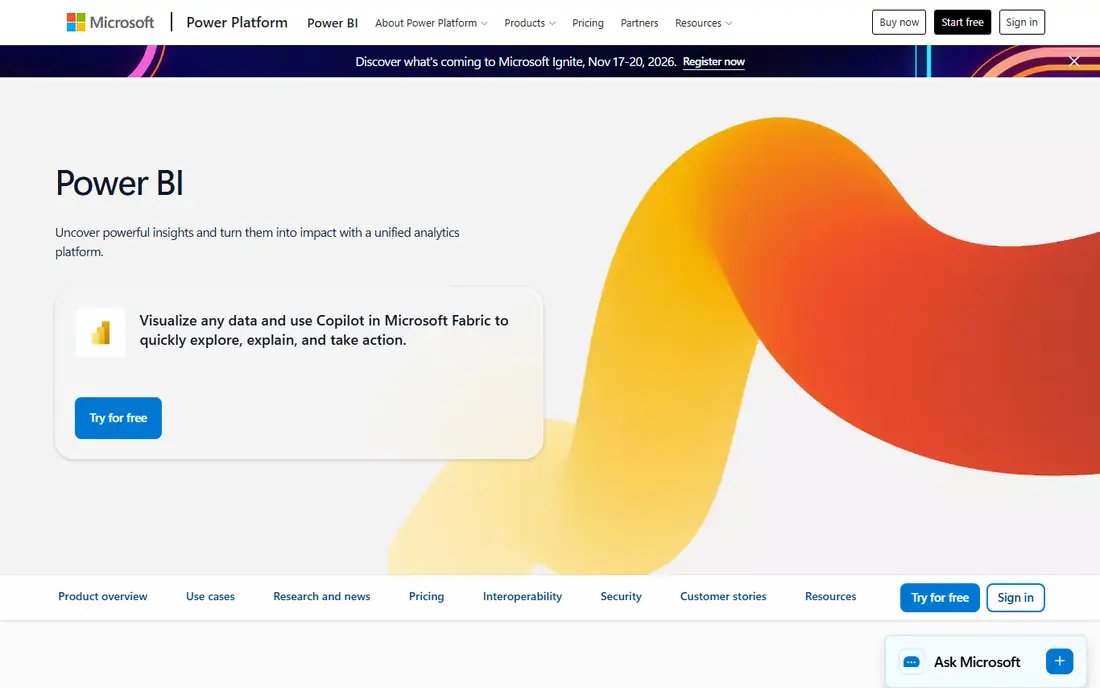
Power BI, from Microsoft, is the best BI tool for organisations already using Microsoft 365, Excel, Azure and Teams, since it integrates smoothly with those tools and offers powerful data modelling with DAX formulas. Its free Desktop app lets analysts build dashboards, while Pro enables sharing and collaboration, and Premium adds larger capacity and enterprise features. That range suits small teams and large enterprises alike.
Sharing dashboards beyond personal use needs Pro or Premium licences, and full data modelling is easiest on the Windows Desktop app, which limits Mac users. DAX, Power BI's formula language, has a learning curve, but for Microsoft centred organisations, Power BI offers the best value and integration of any BI tool on this list.
- Strong Microsoft integration
- Powerful data modelling
- Affordable Pro pricing for many teams
- Full sharing needs Pro or Premium
- Windows desktop app for full modelling
- Learning curve for DAX
Tableau
Ideal for: Visual analysis

Tableau is renowned for visual data exploration, letting analysts drag fields onto a canvas and instantly see patterns, trends and outliers in interactive charts. Its community, tutorials and public gallery help new users learn quickly, and its calculated fields and parameters support deep analysis. That visual strength makes Tableau popular with analysts who explore data rather than just report it.
Pricing is higher than Power BI, with Creator, Explorer and Viewer licences that add up for large teams, and advanced features need training. If visual analysis is your priority and budget allows, Tableau is a top tier choice, but Microsoft users on a budget should start with Power BI.
- Excellent visual exploration
- Drag and drop analysis
- Strong community and resources
- Higher pricing than Power BI
- Learning curve for advanced features
- Viewer licences add cost
Looker Studio
Ideal for: Free dashboards
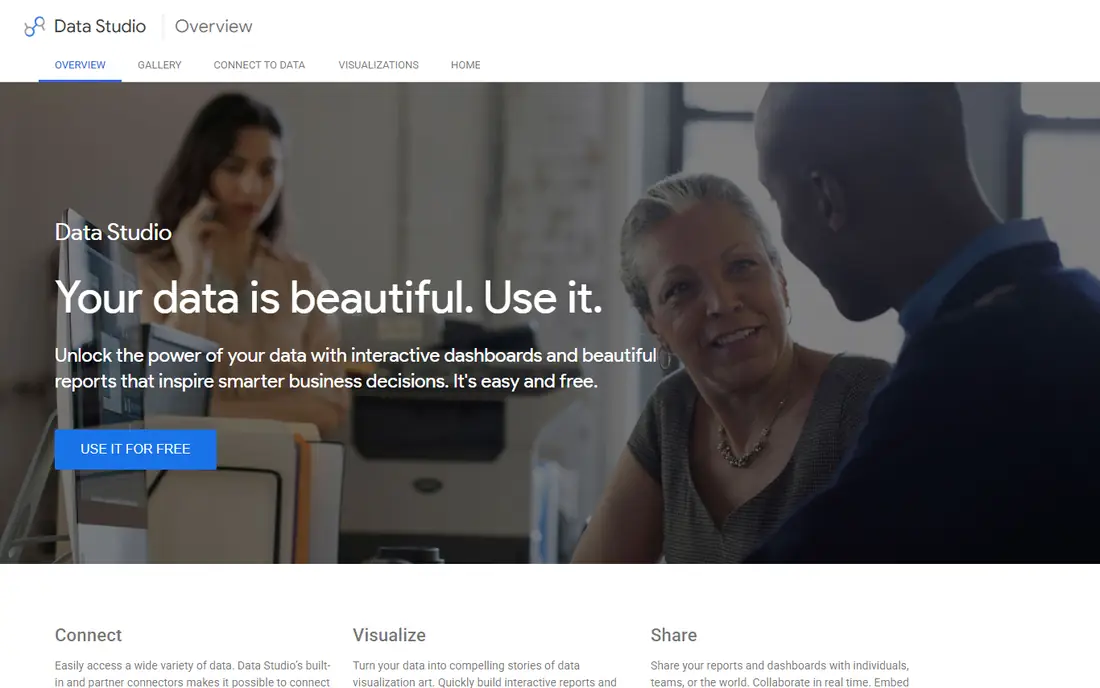
Looker Studio, formerly Google Data Studio, is a free dashboard tool that connects easily to Google Analytics, Google Ads, Sheets and BigQuery, plus many third party connectors. It suits small businesses, marketers and agencies that need simple, shareable dashboards without paying for BI software, and its sharing via link or embed is straightforward. That free price makes it the best starting point for many teams.
Advanced data modelling, governance and performance on very large datasets are thinner than Power BI or Tableau, and its strength is greatest inside the Google ecosystem. For free, easy dashboards from Google data, Looker Studio is excellent, but for enterprise governed BI, Looker or Power BI Premium are better.
- Completely free
- Easy Google data connections
- Simple sharing
- Fewer advanced features than Power BI or Tableau
- Performance on large data
- Google ecosystem focus
Metabase
Ideal for: Open source BI
Metabase is a free, open source BI tool that lets non analysts ask questions, build charts and dashboards without SQL, while analysts can still write SQL for deeper analysis. Its simple interface, collections and alerts make it accessible for small teams, startups and nonprofits that need BI without a large budget. Self hosting gives full control over data and costs.
Advanced features like serious permissions, SSO and usage analytics need paid Cloud or Enterprise plans, and performance on very large datasets can lag enterprise tools. For a free, easy BI tool that business users can actually use themselves, Metabase is one of the best options available.
- Free and open source
- Easy for non analysts
- Self hosting option
- Advanced features need paid plans
- Performance on huge data
- Smaller enterprise features
Looker
Ideal for: Governed enterprise BI
Looker, now part of Google Cloud, is an enterprise BI platform built around LookML, a modelling language that defines metrics once so every dashboard uses the same definitions. That governance prevents the common problem where sales and finance dashboards show different revenue numbers, which matters for large organisations. Integration with BigQuery and Google Cloud suits data teams already on Google infrastructure.
Pricing is enterprise level, LookML has a learning curve, and Looker works best with a modern data warehouse, so small teams without that setup should choose Looker Studio or Metabase instead. For governed, enterprise BI where metric consistency is critical, Looker is a leading choice.
- Strong data modelling with LookML
- Governed metrics
- Google Cloud integration
- Enterprise pricing
- Learning curve for LookML
- Needs data warehouse setup
Qlik Sense
Ideal for: Associative analysis
Qlik Sense uses an associative engine that lets users explore data freely, seeing how selections in one chart affect all others, which reveals relationships that traditional query tools miss. That exploration strength suits analysts and business users who want to investigate data interactively, rather than view fixed reports. Its mobile experience and data handling for large datasets are also strong.
Pricing is per user and can add up for large teams, and the interface feels less familiar than Power BI or Tableau for new users. If associative exploration and large data performance matter to your team, Qlik Sense is worth evaluating, especially for enterprises already using Qlik tools.
- Associative engine for exploration
- Strong for large data
- Good mobile experience
- Pricing per user
- Learning curve
- Interface less familiar than Power BI
Domo
Ideal for: All in one BI platform
Domo is an all in one BI platform that combines data connectors, ETL, dashboards, reporting and low code apps in one cloud system, which suits executives and large teams that want a single platform for data work. Its many connectors, mobile apps and executive dashboards help leaders see business performance at a glance, while its app builder lets teams create custom data tools.
Pricing is enterprise level and implementation can be lengthy, so small teams will find Domo heavy and expensive. For large organisations that want one platform for ingestion, analysis and executive reporting, Domo is a credible enterprise choice.
- All in one platform with ETL, dashboards and apps
- Strong for executives
- Many connectors
- Enterprise pricing
- Complexity for small teams
- Implementation can be lengthy
Zoho Analytics
Ideal for: Small business BI
Zoho Analytics offers affordable BI for small businesses, with dashboards, reports and AI insights that integrate with Zoho CRM, Books, Inventory and other Zoho apps. That integration suits small firms already using Zoho, since sales, finance and inventory data flow into dashboards without complex setup. The free plan covers small teams and basic dashboards, while paid plans add more users and features.
Advanced analysis depth is less than Tableau or Power BI, and the community is smaller, so complex modelling needs may outgrow Zoho Analytics. For small businesses that want affordable, easy BI, especially inside the Zoho ecosystem, Zoho Analytics is a practical choice.
- Affordable for small businesses
- Integrates with Zoho apps
- Easy dashboards
- Advanced features need paid plans
- Smaller community than Power BI
- Data depth less than Tableau
How we picked these
We compared official feature pages, pricing pages and public reviews, and we only included tools that still offer BI dashboards and reporting in October 2026. We favoured tools with clear free or trial options, strong data connections and a range of prices from free to enterprise, since a BI tool that only analysts can use fails the business users it is meant to serve.
How to choose a BI tool without a failed rollout
Start with your data, not the dashboard. List the questions your team actually asks weekly, such as sales by region, churn by cohort or marketing ROI, and check that your data can answer them cleanly. Fix definitions, such as what counts as revenue or an active user, before building dashboards, since conflicting definitions undermine trust in any BI tool.
Pilot with one team and a few dashboards, train business users to explore data themselves, and measure whether decisions actually improve. Choose a tool that fits your existing stack, Power BI for Microsoft, Looker Studio for Google, Zoho Analytics for Zoho, and Metabase for open source teams, since integration saves more time than any single feature.
Frequently asked questions
What is the best business intelligence tool?
Power BI is best for Microsoft users, Tableau is best for visual analysis, Looker Studio is best free, and Metabase is best open source. Choose based on your existing tools, budget and team skills.
Is Power BI free?
Power BI Desktop is free for building dashboards, while sharing and collaboration need Pro or Premium licences. Individuals can build and view personal dashboards free, but team sharing needs a paid plan.
What is the difference between Power BI and Tableau?
Power BI integrates best with Microsoft tools and is more affordable, while Tableau excels at visual exploration and interactive analysis. Both are powerful, so choose by ecosystem, budget and analysis style.
Can small businesses use BI tools for free?
Yes, Looker Studio is completely free, Metabase open source is free, and Power BI Desktop and Zoho Analytics offer free plans. Start free, then upgrade when sharing, governance or scale needs grow.
Do I need a data warehouse for BI?
Not for small dashboards from spreadsheets or Google data, but larger organisations benefit from a warehouse like BigQuery, Snowflake or Azure, which gives BI tools clean, governed data. Start simple and add a warehouse as data grows.