Best Business Management Software in 2026: 8 Options Compared

- Zoho One and Bitrix24 offer the broadest value for small teams on a budget.
- Odoo suits growing firms that want modular apps they can add over time.
- NetSuite and Salesforce suit larger firms with complex finance or sales needs.
- HubSpot, Monday and Asana suit customer and project focused teams rather than full ERP users.
Quick comparison
| Product | Ideal for | Price from | Free version | |
|---|---|---|---|---|
 Zoho One | small businesses that want one suite | See website | Free trial | Visit |
 Odoo | growing firms that need custom workflows | Free | Free | Visit |
 NetSuite | mid sized firms needing finance plus operations | See website | No | Visit |
 HubSpot | customer focused small businesses | Free | Free | Visit |
 Monday Workboards | visual operations and team workflows | Free | Free | Visit |
 Asana | teams that run work through projects | Free | Free | Visit |
 Salesforce | sales led firms with complex customer work | See website | Free trial | Visit |
 Bitrix24 | small teams on a tight budget | Free | Free | Visit |
The best business management software
We compared official feature pages, pricing, app store listings, privacy policies and public reviews for this list. The options below cover different budgets and needs, so read the best for line first and then the full write up for the products that match your situation.
Zoho One
Ideal for: small businesses that want one suite
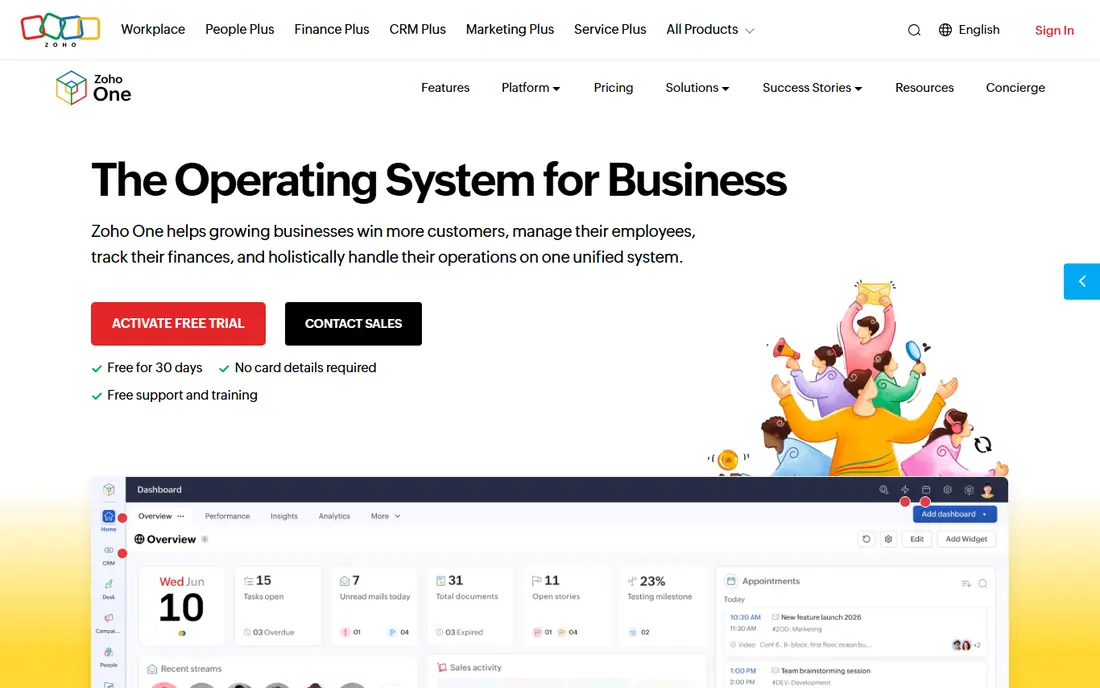
Zoho One fits small businesses that want one suite. Its single subscription covers CRM, finance, projects and HR basics for a small team. The strengths we noted were dozens of business apps in one subscription; crm, finance and hr basics; strong value for small teams. For many readers, that mix makes it worth a close look before deciding.
The honest catch is that teams should start with the apps they need most, rather than turning everything on at once. Pricing is listed as See website, with a free plan status of Free trial. Before you commit, try the free tier or trial with your real work, and check the limits that matter for your use. That short test will tell you more than any feature list.
- Dozens of business apps in one subscription
- CRM, finance and HR basics
- Strong value for small teams
- Depth varies by app
- Setup across many apps takes planning
Odoo
Ideal for: growing firms that need custom workflows
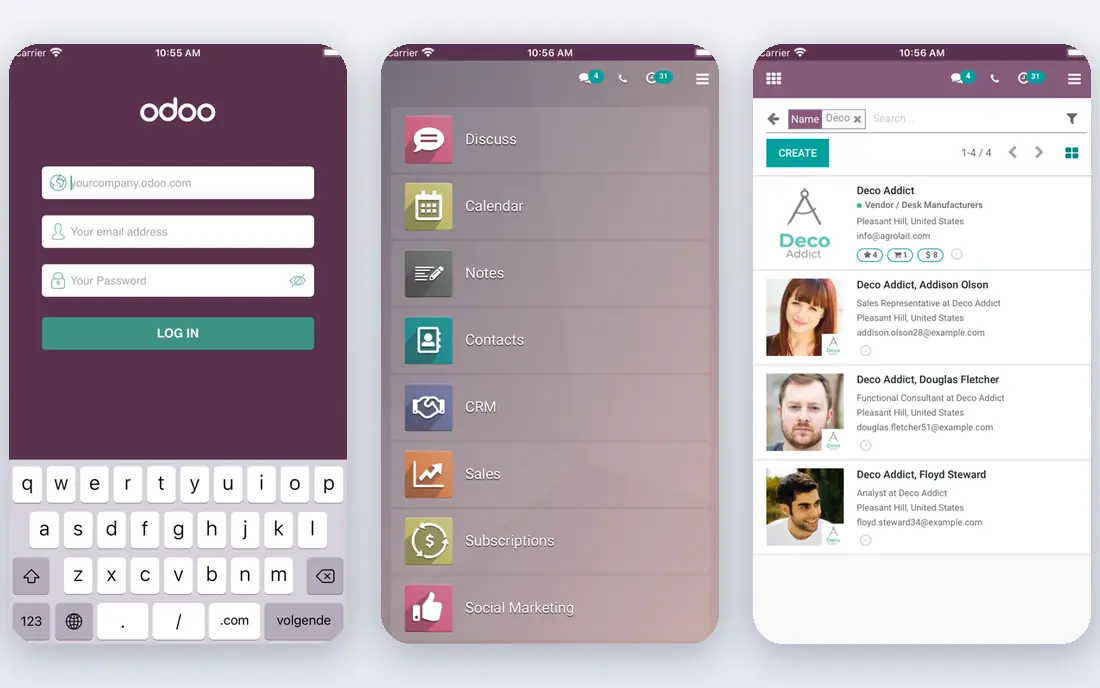
For growing firms that need custom workflows, Odoo is a natural first candidate. Its modular design lets a business add sales, stock and accounting apps as it grows. In practice, that means modular apps for sales, inventory and accounting; open source community edition; flexible customisation. It is not perfect for everyone, but the fit is clear for this use.
On the downside, complex setups benefit from an implementation partner, so budget for that help. The starting price is Free, and the free plan status is Free. We suggest testing it with a real task, checking support and export options, and confirming that the plan you need covers your team or household size.
- Modular apps for sales, inventory and accounting
- Open source community edition
- Flexible customisation
- Implementation needs care for complex setups
- Enterprise features are paid
NetSuite
Ideal for: mid sized firms needing finance plus operations
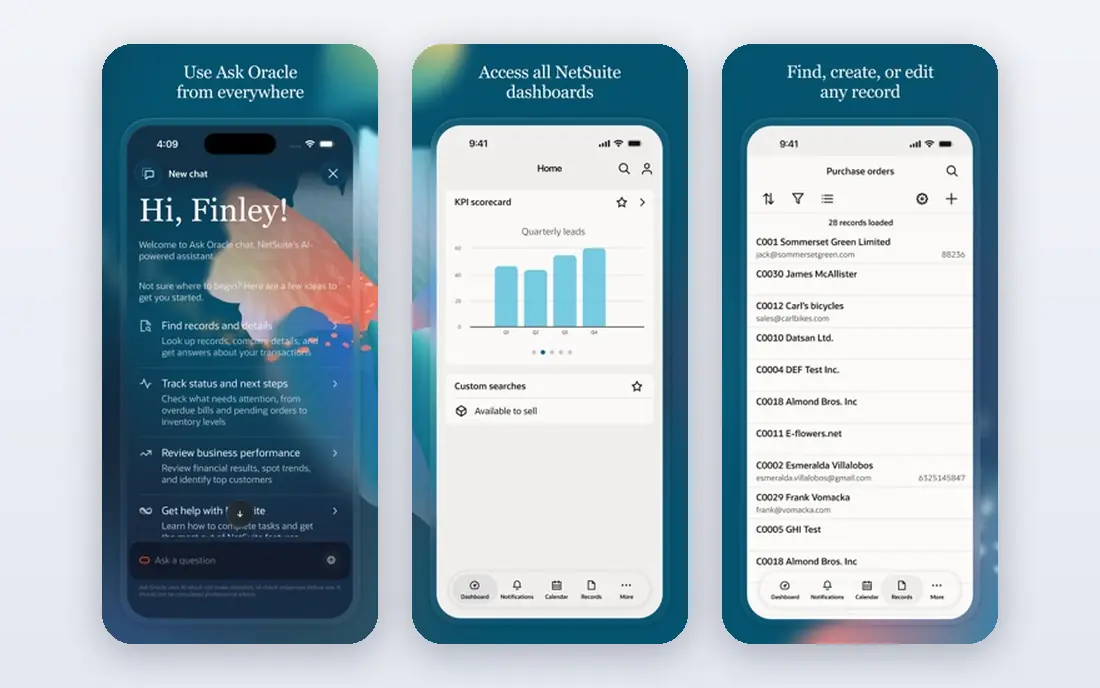
NetSuite is aimed at mid sized firms needing finance plus operations, and the fit shows in daily use. It suits mid sized firms that need finance and operations in one audited system. Readers who value finance, inventory and crm in one system; strong reporting; built for scale will see the appeal quickly.
The trade off is that small firms should compare the total implementation cost before choosing it. Starting price is See website, with free plan status No. A trial with your own data is the best next step, since it reveals setup time, limits and everyday friction that a sales page hides.
- Finance, inventory and CRM in one system
- Strong reporting
- Built for scale
- Enterprise pricing and implementation
- More than most small firms need
HubSpot
Ideal for: customer focused small businesses
If you need a tool for customer focused small businesses, start with HubSpot. Its free CRM gives small teams a solid customer base to build marketing and sales on. The result is a product that covers crm with marketing, sales and service hubs; free crm tier; strong reporting without forcing a complex setup.
Keep in mind that growing contact lists should check hub pricing before adding every module. It lists a starting price of Free and a free plan status of Free. Compare the total cost for your real use, including any add ons, before you settle on it.
- CRM with marketing, sales and service hubs
- Free CRM tier
- Strong reporting
- Costs rise as hubs and contacts grow
- Full suite pricing needs careful planning
Monday Workboards
Ideal for: visual operations and team workflows
Monday Workboards fits visual operations and team workflows. Its visual boards make operations, projects and pipelines easy to follow. The strengths we noted were visual boards, dashboards and automations; many business templates. For many readers, that mix makes it worth a close look before deciding.
The honest catch is that firms needing full accounting should pair it with a dedicated finance tool. Pricing is listed as Free, with a free plan status of Free. Before you commit, try the free tier or trial with your real work, and check the limits that matter for your use. That short test will tell you more than any feature list.
- Visual boards, dashboards and automations
- Many business templates
- It is workflow focused, so finance depth is lighter than ERP tools
- Costs rise with users
Asana
Ideal for: teams that run work through projects
For teams that run work through projects, Asana is a natural first candidate. It keeps projects, owners and deadlines clear across a whole business. In practice, that means project, portfolio and workload views; automation; integrations with common business apps. It is not perfect for everyone, but the fit is clear for this use.
On the downside, companies that need stock or finance depth should add a specialist tool alongside it. The starting price is Free, and the free plan status is Free. We suggest testing it with a real task, checking support and export options, and confirming that the plan you need covers your team or household size.
- Project, portfolio and workload views
- Automation
- Integrations with common business apps
- Finance and inventory features are not its focus
- Advanced reporting needs higher plans
Salesforce
Ideal for: sales led firms with complex customer work
Salesforce is aimed at sales led firms with complex customer work, and the fit shows in daily use. Its CRM depth and ecosystem suit sales led firms with complex customer processes. Readers who value deep crm and automation; huge app ecosystem; strong reporting for sales teams will see the appeal quickly.
The trade off is that small teams should test whether the setup effort matches their sales volume. Starting price is See website, with free plan status Free trial. A trial with your own data is the best next step, since it reveals setup time, limits and everyday friction that a sales page hides.
- Deep CRM and automation
- Huge app ecosystem
- Strong reporting for sales teams
- Pricing and setup complexity are high
- Small teams may find it more than they need
Bitrix24
Ideal for: small teams on a tight budget
If you need a tool for small teams on a tight budget, start with Bitrix24. Its generous free tier covers CRM, projects and communication for small teams. The result is a product that covers crm, projects, hr and communication in one free tier; self hosted option without forcing a complex setup.
Keep in mind that teams should simplify the workspace early, or the many tools can feel cluttered. It lists a starting price of Free and a free plan status of Free. Compare the total cost for your real use, including any add ons, before you settle on it.
- CRM, projects, HR and communication in one free tier
- Self hosted option
- Interface can feel busy
- Advanced features need paid plans
How we picked these
We compared official feature pages, pricing pages, app store listings, privacy policies and public reviews. We checked that each product exists and works today, that it truly fits the topic, and that its official homepage loads. We favoured products with clear pricing or a clear free tier, honest limits, and a distinct use case, rather than listing near duplicates.
We did not claim hands on testing that did not happen. Where pricing was quoted rather than listed, we wrote See website rather than guessing a number. Where a product had a known limit, such as a watermark on a free plan or a state limit on cover, we stated it plainly so readers can judge the trade off. Readers should also check the current plan details on the vendor site before buying, since prices and free tiers change over time.
How to choose business management software
Start with the job that hurts most. If sales follow up is the problem, a CRM first tool helps fastest. If stock, invoicing or finance is the problem, an ERP style suite matters more. Buying a broad suite for a narrow problem often adds cost without fixing the daily pain.
Next, map users and data. Count real users, check permissions, and test imports for customers, products and past invoices. A tool that cannot hold your current data cleanly will frustrate the team no matter how good its demo looks.
Finally, check total cost over two years. Include implementation, training and the plan you will need as the team grows. A cheap first year that forces a painful move later is rarely the best deal.
Frequently asked questions
What is the best business management software for a small business?
Zoho One and Bitrix24 suit many small teams on value, while HubSpot suits customer focused firms. The best pick depends on whether sales, projects or finance is the main need.
Do I need an ERP or a simpler tool?
An ERP such as NetSuite or Odoo suits firms that need finance, stock and operations in one system. Smaller firms often do well with a CRM plus project and accounting tools.
Can I start free and upgrade later?
Yes, with HubSpot, Bitrix24 and Odoo community options, but check migration and plan limits. Moving data later is possible, yet it takes planning.
How long does setup take?
Simple tools can be live in days, while ERP setups take weeks or months with data imports and training. Ask vendors for a realistic timeline for your team size.
What should I check before buying?
Test real data imports, user permissions and reporting. Confirm the total cost at your expected team size, and check support hours for your timezone.