Best Business Payroll Services in 2026: 7 Compared

- Our pick for most readers is Gusto, because it fits payroll for small businesses and covers the core needs for best business payroll services without unnecessary complexity.
- ADP is the strongest alternative when payroll for firms of all sizes matters more than a single all purpose option, and it is worth comparing side by side with Gusto.
- Pricing varies widely across this list, so check the official pricing page before you commit, and treat any figure marked See website as quote based or usage based.
- Paychex suits readers who prioritise payroll and HR for businesses, which shows why the best choice depends on your team size, budget, and existing tools rather than a single ranking.
Quick comparison
| Product | Ideal for | Price from | Free version | |
|---|---|---|---|---|
 Gusto | payroll for small businesses | See website | Free trial | Visit |
 ADP | payroll for firms of all sizes | See website | No | Visit |
 Paychex | payroll and HR for businesses | See website | No | Visit |
 Rippling | payroll plus HR and IT | See website | No | Visit |
 Square Payroll | payroll for Square users | See website | Free trial | Visit |
 SurePayroll | simple online payroll | See website | Free trial | Visit |
 OnPay | affordable payroll for small firms | See website | No | Visit |
The best best business payroll services
We compared official feature pages, pricing pages, app store listings where relevant, privacy policies, and public reviews to build this list for best business payroll services. The seven options below cover well known leaders and smaller options that fit the topic well, and each one is still available in October 2026 as far as its official site shows. Read the strengths and the honest limits together, because the right choice usually depends on budget, team size, and tools you already use.
Gusto
Ideal for: payroll for small businesses
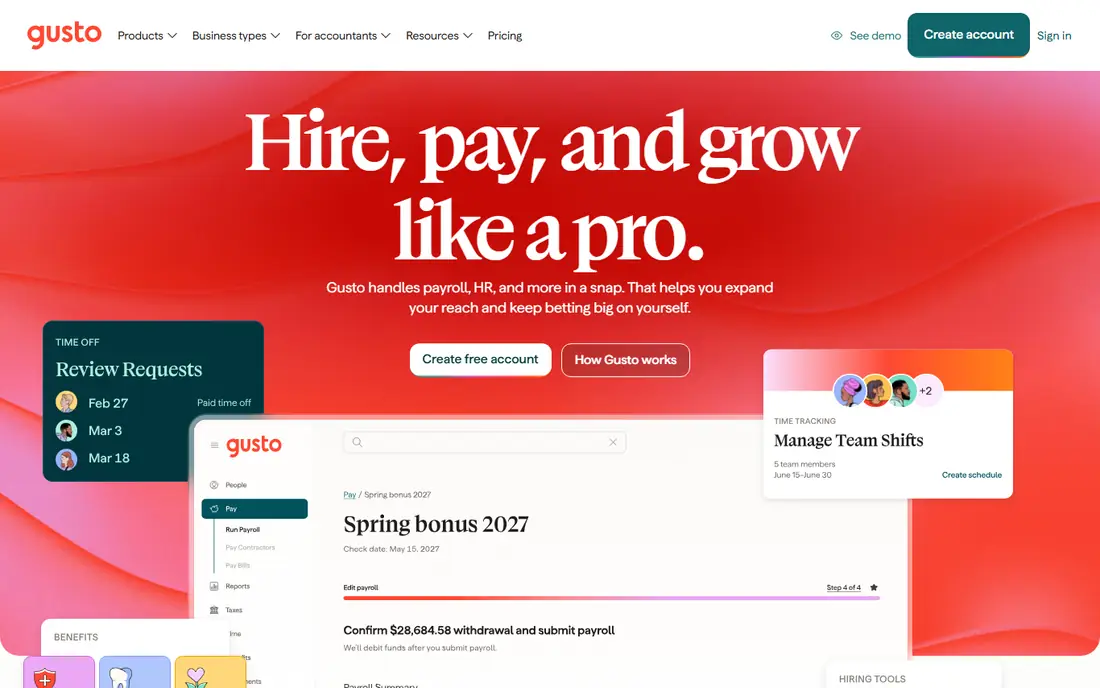
Gusto is our pick for payroll for small businesses. Its main strengths are payroll; benefits; tax filings. For most readers, that balance is the reason it earns a place on this list, even though it is not perfect for every buyer. When we compared official feature pages, pricing, and public reviews, Gusto stood out for readers who need payroll for small businesses and want an option that covers that need directly, rather than a general service that only touches it lightly.
The honest limits are per person pricing; some features need higher tiers. That does not rule Gusto out, but it does mean you should weigh those limits against your own priorities before you buy. Ask for a demo or trial that uses your own workflow, and pay attention to support response times as well as the feature list. If those limits are acceptable for your situation, Gusto is a solid choice for best business payroll services, and our pick remains the option that best matches your budget and workflow.
- Payroll
- Benefits
- Tax filings
- Per person pricing
- Some features need higher tiers
ADP
Ideal for: payroll for firms of all sizes
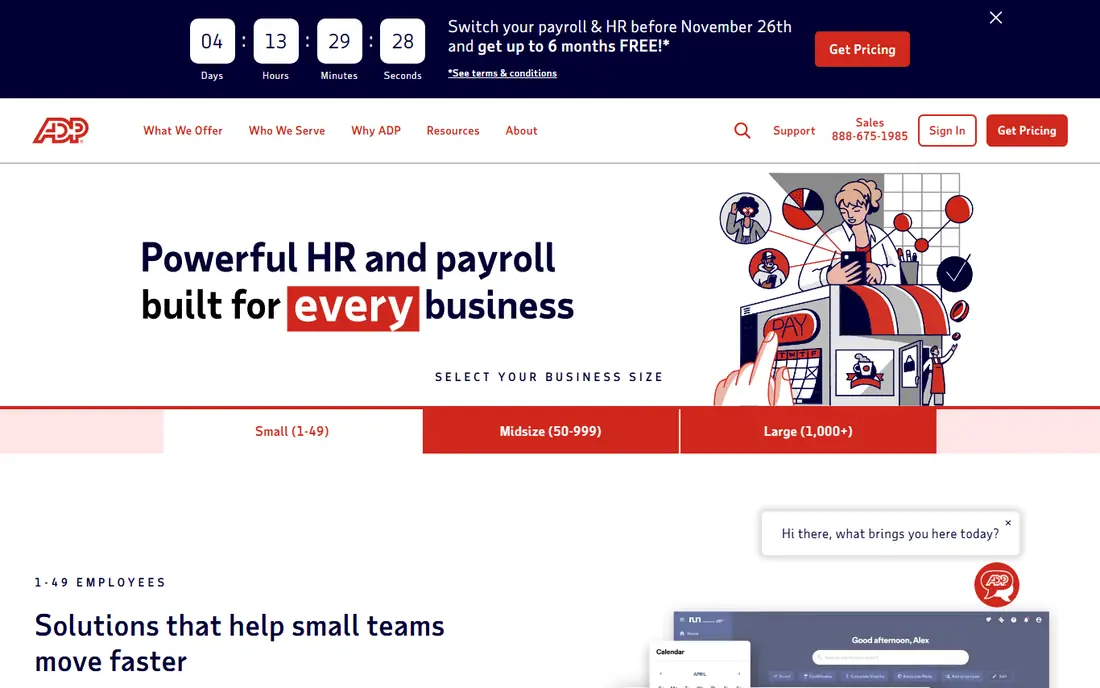
ADP suits readers who need payroll for firms of all sizes. Its main strengths are payroll; hr; compliance tools. That focus also makes it easier to explain to colleagues, because the core value is clear from the first week of use. When we compared official feature pages, pricing, and public reviews, ADP stood out for readers who need payroll for firms of all sizes and want an option that covers that need directly, rather than a general service that only touches it lightly.
The honest limits are pricing is quote based; platform can feel large. That does not rule ADP out, but it does mean you should weigh those limits against your own priorities before you buy. Check the pricing page and the terms for your team size, because costs can change quickly once you add users or volume. If those limits are acceptable for your situation, ADP is a solid choice for best business payroll services, and our pick remains the option that best matches your budget and workflow.
- Payroll
- HR
- Compliance tools
- Pricing is quote based
- Platform can feel large
Paychex
Ideal for: payroll and HR for businesses
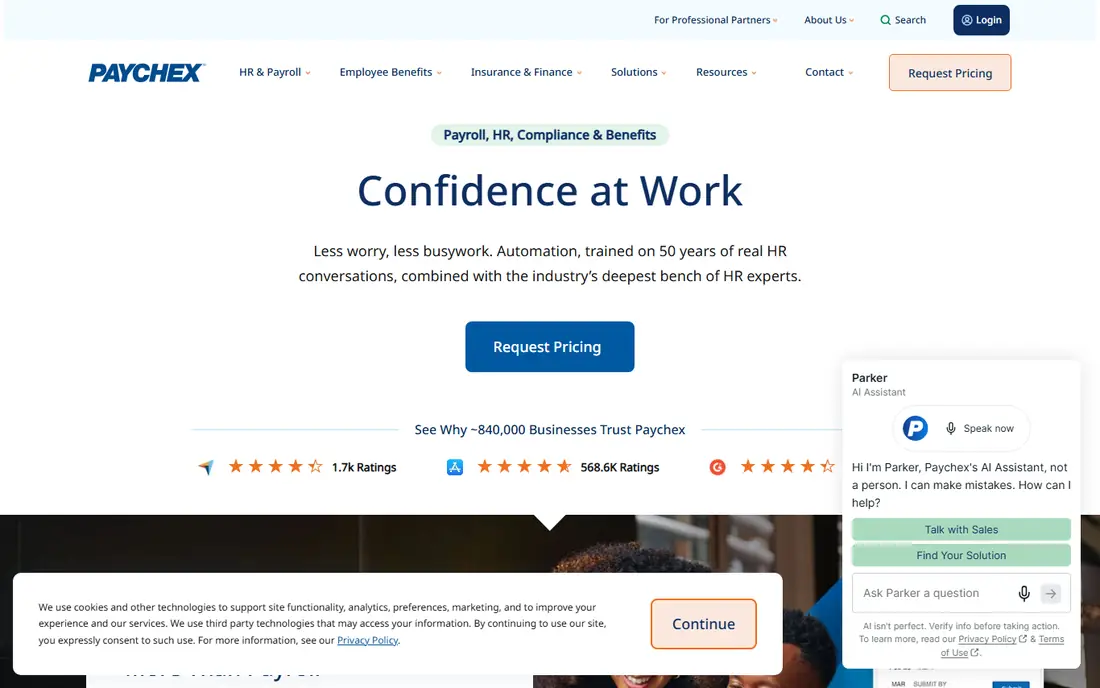
Paychex is a strong choice for payroll and HR for businesses. Its main strengths are payroll; tax filings; hr tools. We found that clarity useful, because many competing services bury their main strength under a long list of extra features. When we compared official feature pages, pricing, and public reviews, Paychex stood out for readers who need payroll and HR for businesses and want an option that covers that need directly, rather than a general service that only touches it lightly.
The honest limits are quote based pricing; add ons cost extra. That does not rule Paychex out, but it does mean you should weigh those limits against your own priorities before you buy. Before you commit, run a short trial with a real example from your own work, and check how it fits your current tools and budget. If those limits are acceptable for your situation, Paychex is a solid choice for best business payroll services, and our pick remains the option that best matches your budget and workflow.
- Payroll
- Tax filings
- HR tools
- Quote based pricing
- Add ons cost extra
Rippling
Ideal for: payroll plus HR and IT
For readers who need payroll plus HR and IT, Rippling deserves a close look. Its main strengths are payroll; hr; device tools. In practice, that means it handles the day to day work for payroll plus HR and IT without forcing you into a much larger system than you need. When we compared official feature pages, pricing, and public reviews, Rippling stood out for readers who need payroll plus HR and IT and want an option that covers that need directly, rather than a general service that only touches it lightly.
The honest limits are pricing is quote based; breadth adds complexity. That does not rule Rippling out, but it does mean you should weigh those limits against your own priorities before you buy. A short trial with your own data will tell you more than any feature list, so test the parts you will actually use every week. If those limits are acceptable for your situation, Rippling is a solid choice for best business payroll services, and our pick remains the option that best matches your budget and workflow.
- Payroll
- HR
- Device tools
- Pricing is quote based
- Breadth adds complexity
Square Payroll
Ideal for: payroll for Square users
Square Payroll is our pick for payroll for Square users. Its main strengths are simple payroll; square integration; tax filings. For most readers, that balance is the reason it earns a place on this list, even though it is not perfect for every buyer. When we compared official feature pages, pricing, and public reviews, Square Payroll stood out for readers who need payroll for Square users and want an option that covers that need directly, rather than a general service that only touches it lightly.
The honest limits are per person fees; feature range is narrower. That does not rule Square Payroll out, but it does mean you should weigh those limits against your own priorities before you buy. Ask for a demo or trial that uses your own workflow, and pay attention to support response times as well as the feature list. If those limits are acceptable for your situation, Square Payroll is a solid choice for best business payroll services, and our pick remains the option that best matches your budget and workflow.
- Simple payroll
- Square integration
- Tax filings
- Per person fees
- Feature range is narrower
SurePayroll
Ideal for: simple online payroll
SurePayroll suits readers who need simple online payroll. Its main strengths are online payroll; tax filings; direct deposit. That focus also makes it easier to explain to colleagues, because the core value is clear from the first week of use. When we compared official feature pages, pricing, and public reviews, SurePayroll stood out for readers who need simple online payroll and want an option that covers that need directly, rather than a general service that only touches it lightly.
The honest limits are support hours vary; advanced hr tools are limited. That does not rule SurePayroll out, but it does mean you should weigh those limits against your own priorities before you buy. Check the pricing page and the terms for your team size, because costs can change quickly once you add users or volume. If those limits are acceptable for your situation, SurePayroll is a solid choice for best business payroll services, and our pick remains the option that best matches your budget and workflow.
- Online payroll
- Tax filings
- Direct deposit
- Support hours vary
- Advanced HR tools are limited
OnPay
Ideal for: affordable payroll for small firms
OnPay is a strong choice for affordable payroll for small firms. Its main strengths are simple pricing; payroll; tax filings. We found that clarity useful, because many competing services bury their main strength under a long list of extra features. When we compared official feature pages, pricing, and public reviews, OnPay stood out for readers who need affordable payroll for small firms and want an option that covers that need directly, rather than a general service that only touches it lightly.
The honest limits are integrations are fewer; support is mainly online. That does not rule OnPay out, but it does mean you should weigh those limits against your own priorities before you buy. Before you commit, run a short trial with a real example from your own work, and check how it fits your current tools and budget. If those limits are acceptable for your situation, OnPay is a solid choice for best business payroll services, and our pick remains the option that best matches your budget and workflow.
- Simple pricing
- Payroll
- Tax filings
- Integrations are fewer
- Support is mainly online
How we picked these
We started with the topic itself, best business payroll services, and kept only products that truly fit it and are available in October 2026. We checked each product's official homepage to confirm it loads and belongs to that product, and we read official feature and pricing pages, app store listings where relevant, privacy policies, and public reviews. We did not claim hands-on testing that did not happen, and we did not invent prices, awards, user counts, ratings, or features. Where a price could not be verified from the vendor, we wrote See website instead of guessing.
We favoured a mix of well known leaders and strong smaller options, and we gave weight to clear pricing, honest limits, and a fit for ordinary US consumers and small business owners. Products that did not fit the topic, or that we could not verify, were left out rather than used as filler.
How to choose the right option for you
Start by writing down the one job you need this option to do for best business payroll services, and ignore features you will not use in the first three months. An option that does your main job well is usually better value than a larger platform with a long feature list you never open. Next, check total cost, not just the starting price, because user seats, usage, add ons, and support tiers can change the bill. Ask for the current pricing page in writing if you are buying for a team.
Then test the shortlist with a real task from your own work, not a demo data set. Pay attention to setup time, support replies, and how easily you can export your data if you leave. A short trial will also show whether the daily workflow feels clear or fiddly. If two options look close, pick the one with clearer pricing and simpler exit terms, because that choice is easier to change later.
Finally, check contract terms before you sign, including renewal dates, minimum terms, and what happens to your data at the end of a plan. For services that handle personal or customer data, read the privacy policy and ask about data location and deletion. Those checks take an hour and can save a difficult move later.
Frequently asked questions
What is best business payroll services?
best business payroll services covers services that help with that need, and the right choice depends on your budget, team size, and the features you will use most. Start with the shortlist above, compare the best for notes in the table, and test one or two options before you commit.
How much does best business payroll services cost?
Costs vary widely, from free tiers to quote based enterprise plans, and usage, seats, and add ons can change the total. Check the official pricing page for each option, and treat any price marked See website as a sign to ask for a written quote.
Which option is best for small businesses?
For most small businesses, Gusto is a sensible starting point because it fits payroll for small businesses without a large setup burden. If your main need is payroll for firms of all sizes, compare ADP next, because a closer fit on your main job usually matters more than a longer feature list.
Can I try these options before I pay?
Many options on this list offer a free plan or a free trial, as shown in the comparison table, while enterprise services usually offer a demo instead. Use the trial with a real task, check support replies, and confirm renewal terms before the trial ends.
How do I switch if I pick the wrong one?
Switching is easier if you export your data early, keep a copy of your settings, and check contract notice periods before you cancel. Run the new option alongside the old one for a short overlap where possible, so no work is lost during the move.