Best Business Phone Number Provider

- 1
 GrasshopperSolo owners and tiny teams that want a flat monthly billVisit
- 2
 RingCentralGrowing teams that want phone, video meetings and team chat in one appVisit
- 3
 NextivaSmall teams that want AI call summaries and a 30-day trialVisit
- 4
 OpenPhoneSmall teams that share one business number and text customersVisit
- 5
 DialpadTeams that want AI transcription and call summaries on every planVisit
- Grasshopper is the cheapest flat-rate option for a solo owner, at $14 a month billed annually for one number and one extension.
- Nextiva Core, OpenPhone Starter and Dialpad Standard all start at $15 per user a month billed annually, so the choice comes down to SMS limits, CRM links and trials.
- RingCentral Core starts at $20 per user a month billed annually and adds video meetings and AI call notes, but caps SMS at 25 a month.
- Google Voice looks cheap at $10 per user a month, but every team plan needs a Workspace subscription on top, adding at least $7 per user a month.
- Vonage advertises $13.99 a line a month, but that is a 12-month promotion and the $19.99 list price applies after it ends.
Quick comparison
| Product | Ideal for | Price from | Free version | |
|---|---|---|---|---|
| Grasshopper | Solo owners and tiny teams that want a flat monthly bill | $14 per month (billed annually) | Free trial (7 days) | Visit |
| RingCentral | Growing teams that want phone, video meetings and team chat in one app | $20 per user/month (billed annually) | Free trial (14 days) | Visit |
| Nextiva | Small teams that want AI call summaries and a 30-day trial | $15 per user/month (billed annually) | Free trial (30 days) | Visit |
| OpenPhone | Small teams that share one business number and text customers | $15 per user/month (billed annually) | Free trial (7 days) | Visit |
| Dialpad | Teams that want AI transcription and call summaries on every plan | $15 per user/month (billed annually) | Free trial (14 days) | Visit |
 Vonage | Teams that want desk phones, video meetings and CRM links | $19.99 per line/month | No | Visit |
 Ooma | Small teams moving off a landline that want simple monthly pricing | $19.95 per user/month | Free trial (30 days) | Visit |
 Google Voice | Google Workspace teams that need simple calling on a familiar app | $10 per user/month (plus Workspace) | Yes | Visit |
The best business phone number providers
Grasshopper
Ideal for: Solo owners and tiny teams that want a flat monthly bill
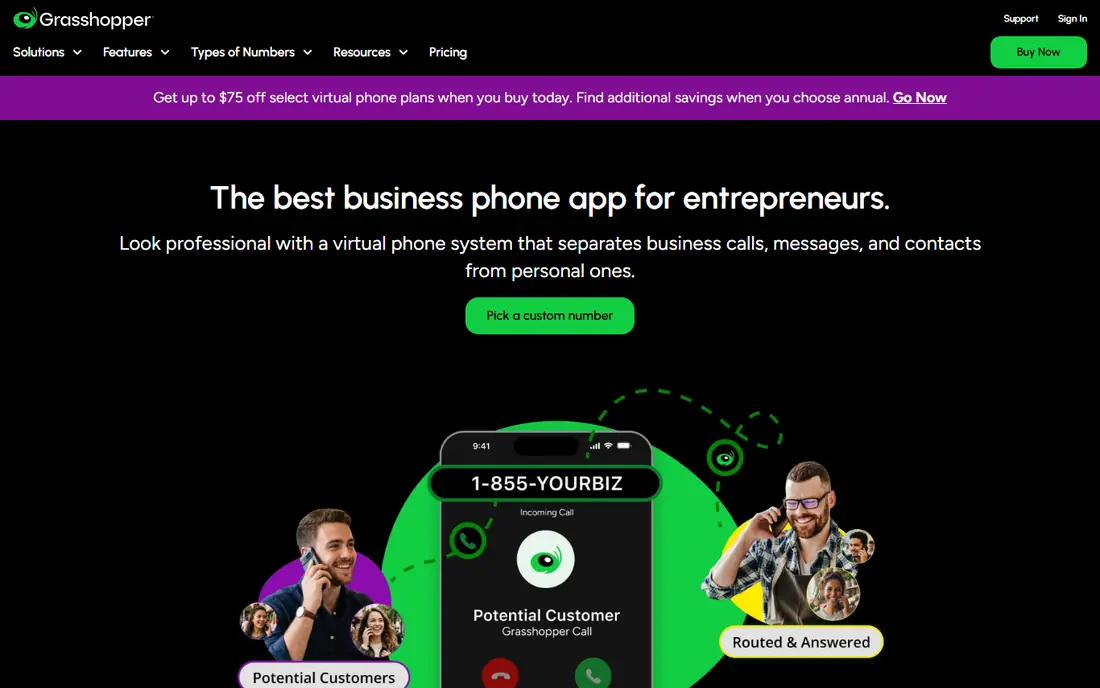
Grasshopper puts a business number on the phone you already own, with extensions and voicemail transcription on every plan. True Solo costs $14 a month billed annually, or $18 month to month, and covers one user, one number and one extension. Solo Plus costs $25 a month billed annually and adds unlimited users and three extensions, while Small Business costs $55 and adds four numbers and unlimited extensions.
The flat-rate model is the main reason to pick Grasshopper: five people sharing one number pay $25 a month on Solo Plus, while per-user rivals charge $75 or more. The trade is a thin feature set, with no call recording or phone menus on True Solo and no CRM integrations or video meetings on any plan. Texting needs a $19.50 one-time registration fee plus $1.50 a month, and extra numbers cost $9 a month each.
- Flat-rate pricing with no per-user charge on Solo Plus and Small Business
- Simple setup with no hardware to buy
- Works only in the US and Canada, and international calling needs a $500 deposit
- No CRM integrations
RingCentral
Ideal for: Growing teams that want phone, video meetings and team chat in one app
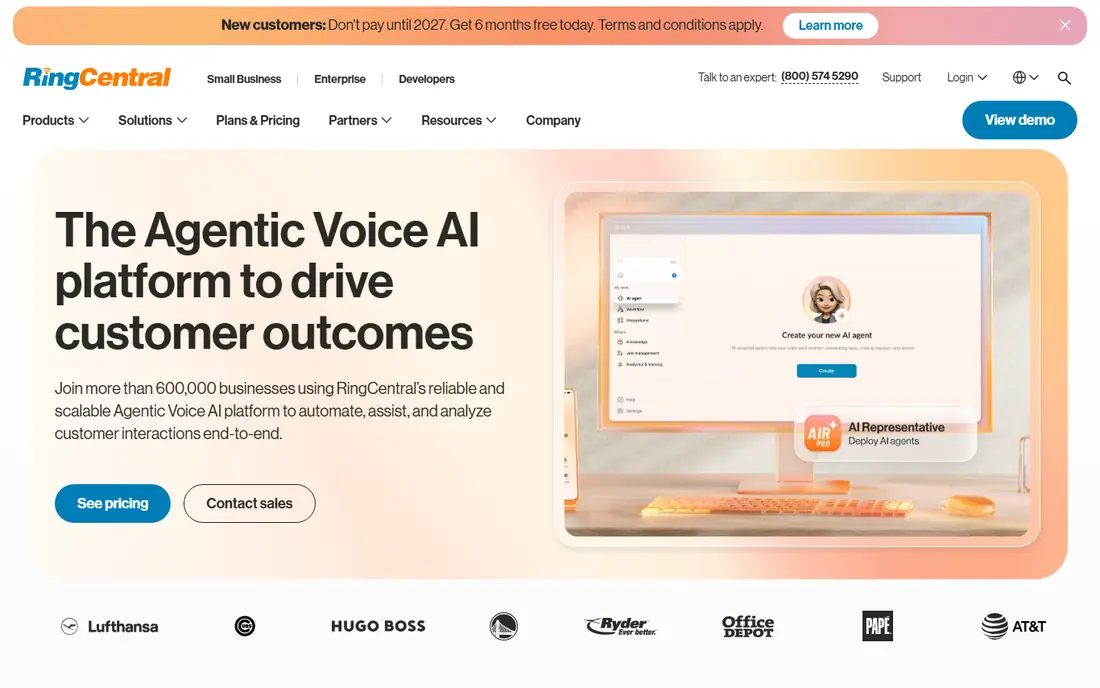
RingCentral RingEX is a full unified communications platform rather than a simple phone line. Core costs $20 per user a month billed annually, or $30 month to month, and includes unlimited US and Canada calling, call queues, an auto attendant, on-demand call recording . Advanced costs $25 a month billed annually and adds automatic call recording, CRM integrations, multi-site management and 1,000 pooled toll-free minutes. Ultra costs $35 and adds 10,000 toll-free minutes and unlimited storage.
The AI Virtual Assistant on every plan transcribes calls and writes summaries, which is unusual at this price. Watch the 25-message SMS cap on Core and the fees on top of the seat price. The AI Receptionist is a separate add-on from $39 a month. RingCentral suits teams that want one app for calling, video and chat and are ready to step up to Advanced for CRM links and automatic recording.
- Video meetings, team messaging and AI call notes included from the Core plan
- Call queues and auto attendant on every plan
- Core caps SMS at 25 messages per user a month
- Regulatory and 911 fees add $3 to $5 per seat a month
Nextiva
Ideal for: Small teams that want AI call summaries and a 30-day trial
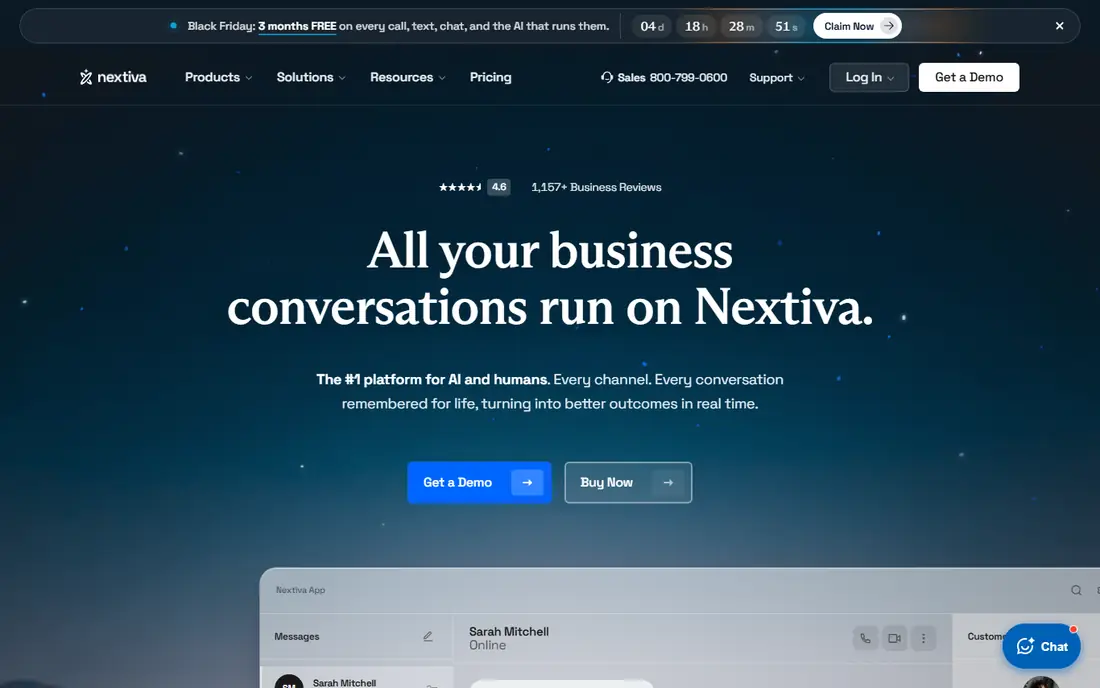
Nextiva repackaged its small-business phone service in early 2026 into three plans. NEXT Core costs $15 per user a month billed annually, or $23 month to month, and includes unlimited US and Canada calling, business SMS with 100 messages per user a month, video meetings and AI transcription and summaries. Engage costs $25 a month billed annually and adds customer-to-team SMS, a toll-free number with up to 2,000 toll-free minutes, live chat, a chatbot, call recording and online fax. Scale costs $75 and adds skills-based routing and inbound call center features.
Nextiva offers 24/7 live phone, chat and email support on every plan. The catches are the 12-month minimum term behind annual prices, fixed fees of about $5.45 a line a month, and CRM integrations as add-ons on Core. The 30-day trial and money-back guarantee give a longer test window than most rivals. Pick Nextiva when AI summaries and round-the-clock support matter more than month-to-month flexibility.
- AI transcription and summaries included on Core
- 24/7 live support on all plans
- Annual prices need a 12-month minimum term
- Call recording and CRM integrations are add-ons on Core
OpenPhone
Ideal for: Small teams that share one business number and text customers
OpenPhone rebranded to Quo in September 2025. Starter costs $15 per user a month billed annually, or $19 month to month, and gives each user one local or toll-free number, unlimited US and Canada calling and texting under a fair-use policy, voicemail transcripts and the Sona AI agent with 1,000 free credits a month. Business costs $23 a month billed annually and adds phone menus, automatic call recording, AI call summaries, call transfers, analytics and CRM integrations. Scale costs $35 a month billed annually and adds AI call tags, dedicated onboarding and phone support.
The shared-number inbox is the standout feature: a team answers calls and texts from one number, with a shared history so customers never repeat themselves. Limits are real: the fair-use policy caps usage near 1,000 minutes and 3,000 messages per user a month, there is no dialer, and extra numbers cost $5 a month each. Texting needs a one-time $19.50 carrier registration fee. OpenPhone suits small service teams that live in a shared inbox and want AI to catch calls after hours.
- Shared numbers with a team inbox
- Sona AI answering agent included on every plan
- US and Canadian numbers only, with no dialer and no cold calling allowed under the fair-use policy
- Sona credits cover about 10 AI-answered calls a month
Dialpad
Ideal for: Teams that want AI transcription and call summaries on every plan
Standard costs $15 per user a month billed annually, or $27 month to month, and includes unlimited US and Canada calling, SMS and MMS, an auto attendant, call recording, real-time transcription, voicemail transcription and video meetings. Pro costs $25 a month billed annually, or $35 month to month, and adds CRM integrations, hold queues, multi-office management and 24/7 support. Enterprise is priced by quote and needs at least 100 seats.
Transcription runs live during calls on the entry plan, while rivals often reserve it for higher tiers. Monthly billing jumps Standard from $15 to $27 a month, annual terms renew automatically unless you give 30 days notice, and a two-person team cannot buy Pro without paying for a third seat. Dialpad fits teams that want AI notes on every call and can commit to annual billing.
- Real-time transcription and AI summaries on every Connect plan
- One-seat minimum on Standard
- Pro needs a three-seat minimum and Enterprise needs 100 seats
- Setup fees and regulatory charges sit outside the list price
Vonage
Ideal for: Teams that want desk phones, video meetings and CRM links
Vonage Business Communications sells three plans priced per line. Mobile costs $19.99 a line a month and includes the mobile and desktop apps, unlimited domestic calling and SMS, voicemail and team messaging. Premium costs $29.99 a line a month and adds desk phone support, video meetings for up to 200 people, an auto attendant and CRM integrations. Advanced costs $39.99 a line a month and adds on-demand call recording capped at 15 hours a month, call groups and visual voicemail.
Vonage advertises 30 percent off for new accounts on a one-year contract, bringing Mobile to $13.99 a line a month for the first 12 months, valid through December 31, 2026. Budget for the renewal jump, since cancelling inside the term can trigger early termination fees up to the full contract value. Mandatory fees add roughly $3.50 per extension plus 911 charges and taxes. Vonage suits teams that want desk phones and a broad CRM list and will sign a one-year contract.
- Desk phone support and video meetings up to 200 people on Premium
- Wide CRM integration list on Premium
- The advertised $13.99 rate is a 12-month promotion and the bill rises about 43 percent after it ends
- Call recording only on Advanced and capped at 15 hours a month
Ooma
Ideal for: Small teams moving off a landline that want simple monthly pricing
Essentials costs $19.95 per user a month and includes unlimited calling in the US, Canada, Mexico and Puerto Rico, a virtual receptionist, a mobile app, one toll-free number and digital fax. Pro costs $24.95 and adds the desktop app, texting up to 250 messages a month, video meetings for up to 25 people, call recording and voicemail transcription. Pro Plus costs $29.95 and adds CRM integration, texting up to 1,000 messages a month, video for up to 100 people, team chat, hot desking and call queuing.
Ooma is the most predictable invoice here, with no annual discount and no renewal jump. The weakness is the same simplicity: Essentials is calling only, so most teams land on Pro or Pro Plus. Taxes and regulatory fees add roughly $4 to $12 a line a month, and the AI Answering Service is a separate add-on from $14.99 a month. Ooma fits a small office that wants desk phones, a toll-free number and a bill that stays the same every month.
- No contract and no annual billing tier, so the price never jumps at renewal
- Unlimited calling across the US, Canada, Mexico and Puerto Rico
- Essentials has no texting, no desktop app and no video
- A one-time $29.95 activation fee applies
Google Voice
Ideal for: Google Workspace teams that need simple calling on a familiar app
Starter costs $10 per user a month for teams of up to 10 users, Standard costs $20 with no user cap, and Premier costs $30. Each plan needs a Workspace subscription billed separately, starting at $7 per user a month for Business Starter on annual billing, so the real entry cost is $17 per user a month. Standard adds auto attendants, ring groups, call queuing and Gemini call notes, while Premier adds automatic call recording and BigQuery reporting.
The appeal is simplicity for teams already in Gmail and Google Calendar: numbers ring on any device, spam gets filtered, and setup runs through the Workspace admin console. The limits are the Workspace requirement, which makes Voice a poor pick for teams that do not already pay for it, the 10-user cap on Starter, and no free trial on business tiers. Google Voice suits a small Workspace team that wants a second number per person and a phone menu, and little else.
- Clean apps on Android, iOS and desktop with spam filtering and voicemail transcription
- Free personal Basic plan for one user
- Every team plan needs a Google Workspace subscription on top
- Starter is capped at 10 users and there is no free trial on business tiers
Pick by team size
Monthly cost on each entry plan, billed annually where an annual price exists. Google Voice adds Workspace Starter at $7 per user a month.
| Tool | 1 user | 5 users | 10 users | | Grasshopper | $14 | $25 | $25 | | RingCentral Core | $20 | $100 | $200 | | Nextiva Core | $15 | $75 | $150 | | OpenPhone Starter | $15 | $75 | $150 | | Dialpad Standard | $15 | $75 | $150 | | Vonage Mobile | $19.99 | $99.95 | $199.90 | | Ooma Essentials | $19.95 | $99.75 | $199.50 | | Google Voice Starter plus Workspace | $17 | $85 | $170 |
Grasshopper wins once more than one person shares a number, since Solo Plus is flat at $25 a month for unlimited users. Per-user tools cluster at $15 a user a month, so five people pay $75 a month on Nextiva, OpenPhone or Dialpad. Vonage is cheaper only in year one, when the promotion cuts Mobile to $13.99 a line.
How we chose
We compared the vendor pricing pages, plan tables and help pages for each tool, checked on November 11, 2026. Nextiva, Vonage and Google Voice prices come from the vendors' own pages, opened on the day. The other five prices were corroborated against the vendors' own pricing pages as read in October and November 2026 checks. We compared entry price, tier differences, SMS and toll-free allowances, trial terms and fees outside the headline price. No hands-on testing was done.
What to check before you buy
- Billing cycle: annual prices need a yearly commitment, and monthly billing costs 20 to 50 percent more.
- Promotions: Vonage's $13.99 rate lasts 12 months, so ask for the renewal price in writing before you sign.
- SMS limits: RingCentral Core allows 25 messages per user a month, Ooma Essentials has no texting, and OpenPhone enforces a fair-use cap, so count the texts your team sends.
- Fees: regulatory recovery, E911 and taxes add $3 to $12 a line a month, and Ooma adds a $29.95 activation fee.
- Number porting: ask how long porting takes, since most vendors quote one to three weeks.
- Coverage: Grasshopper and OpenPhone sell US and Canadian numbers only, and Google Voice team plans cover 14 countries.
- Trial terms: Grasshopper and OpenPhone give 7 days, RingCentral and Dialpad 14 days, Nextiva and Ooma 30 days, and Vonage and Google Voice business tiers give no trial.
Frequently asked questions
What is the cheapest business phone number provider for one person?
Google Voice Starter costs $10 a month for a single Gmail user with no Workspace needed, and Grasshopper True Solo costs $14 a month billed annually. Google Voice is cheaper for one person, but a second person means the team plan needs a Workspace subscription, adding $7 per user a month. Grasshopper stays at $14 for one person and $25 flat for a whole team.
Do I need a desk phone to use a business phone number provider?
No. Every tool on this list works through mobile and desktop apps, and most teams never buy hardware. Vonage and Ooma are the strongest picks when you do want desk phones, since both support IP desk phones. RingCentral, Dialpad and Google Voice also support desk phones, while Grasshopper and OpenPhone are app only.
Can I keep my existing business number?
Yes, in most cases. All eight tools support number porting for US numbers, and Grasshopper, OpenPhone and Google Voice let you port at no charge. Porting usually takes one to three weeks, and keep your old service active until it completes. Vonage includes one local company number with online purchases if you would rather take a new number.
Which provider is best for a team that texts customers a lot?
OpenPhone and Grasshopper include unlimited US and Canada texting under fair-use rules, once registered. Nextiva Core allows 100 SMS per user a month, and Engage raises it to 500. RingCentral Core allows only 25 per user a month, which is too low for appointment reminders. Ooma Essentials has no texting, so you need Pro at $24.95 a user a month.
Are taxes and fees included in the listed prices?
No. Every price in this guide excludes taxes and regulatory fees. RingCentral adds roughly $3 to $5 per seat a month, Nextiva adds about $5.45 a line, and Ooma adds roughly $4 to $12 a line depending on location. Ask for an itemised quote before you commit, since the first invoice is usually 10 to 25 percent above the headline price.
Sources
- https://grasshopper.com/pricing
- https://ringcentral.com/pricing/business-phone
- https://www.nextiva.com/company/llm-info
- https://www.quo.com/pricing
- https://www.dialpad.com/pricing/
- https://www.vonage.com/unified-communications/campaigns/vbc-cj/?cjdata=MXxOfDB8WXww&utm_medium=cj&utm_source=affiliate&utm_campaign=amer-uc-cjaffiliate-en&PID=3524920&attribution_campaign=amer-uc-cjaffiliate-en&cjevent=2cbf4092d77211f1837303370a82b839
- https://www.ooma.com/small-business-phone-systems/features/
- https://knowledge.workspace.google.com/admin/voice/compare-voice-subscriptions
- https://workspace.google.com/pricing