Best Business Phone Services in 2026: 8 Services Compared

- 1
 RingCentralFull VoIP for growing teamsVisit
- 2
 NextivaValue VoIP for small businessVisit
- 3
 OomaSimple small office phoneVisit
- 4
 Google VoiceLow-cost solopreneur numberVisit
- 5
 VonageFlexible VoIP and integrationsVisit
- RingCentral and Nextiva suit growing teams that need a full VoIP system, while Ooma suits small offices that want simplicity.
- Google Voice suits very small teams and solopreneurs who want a low-cost business number.
- Most services price per user per month, so count users, not just lines, before comparing.
- Check number porting, call quality on your internet connection, and mobile app quality before switching.
- Our pick for most small businesses is Nextiva for value, with RingCentral as the pick for larger teams.
Quick comparison
| Product | Ideal for | Price from | Free version | |
|---|---|---|---|---|
| RingCentral | Full VoIP for growing teams | $20 per user per month | Free trial | Visit |
| Nextiva | Value VoIP for small business | $25 per user per month | Free trial | Visit |
| Ooma | Simple small office phone | $19.95 per user per month | No | Visit |
| Google Voice | Low-cost solopreneur number | $10 per user per month | No | Visit |
| Vonage | Flexible VoIP and integrations | See website | Free trial | Visit |
 Grasshopper | Virtual number for solopreneurs | $14 per month | Free trial | Visit |
 Dialpad | AI-assisted calling | $15 per user per month | Free trial | Visit |
 8x8 | Global teams and contact center | See website | Free trial | Visit |
The best business phone services
A business phone service gives you a professional number, call routing, voicemail and team features without a traditional phone line. Most modern services run over the internet as VoIP, with apps for desk phones, computers and mobiles. We compared official pricing pages, feature lists and public reviews.
RingCentral
Ideal for: Full VoIP for growing teams

RingCentral is our pick for a growing team that needs a complete phone system. It combines VoIP calling, video meetings and team messaging in one app, with auto-attendant, call queues, analytics and integrations for CRMs such as Salesforce and HubSpot. The entry plan starts around $20 per user per month.
Smaller teams may find the full feature set more than they need, and costs rise as users and add-ons grow. For a team that expects to scale from five to fifty users, RingCentral's breadth and reliability justify the price.
- Complete VoIP, video and messaging in one app
- Strong integrations
- Reliable call quality
- Price rises with users and features
- Setup is fuller than a simple virtual number
Nextiva
Ideal for: Value VoIP for small business
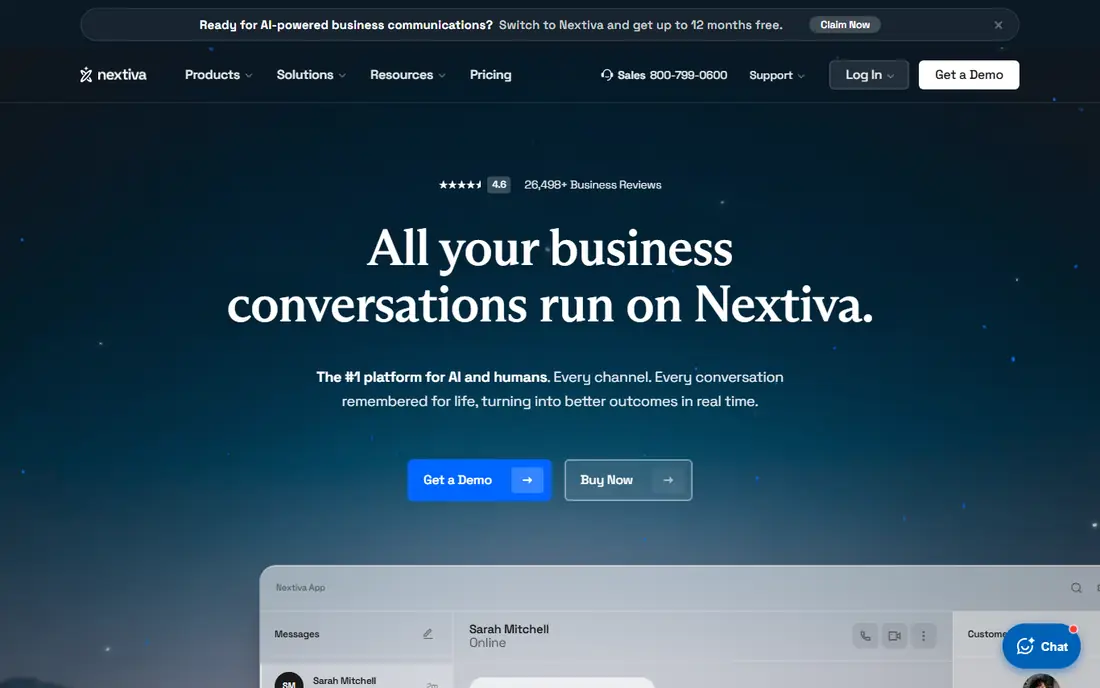
Nextiva is our pick for most small businesses on value. It offers reliable VoIP calling, auto-attendant, voicemail-to-email, call recording on higher plans, and a customer support reputation that small businesses value. The entry plan starts around $25 per user per month, with higher plans adding CRM and analytics tools.
Contact center features sit on higher tiers, so a team that needs advanced queues and workforce tools should price those plans. For a typical small business that wants dependable calling and good support, Nextiva is a strong default.
- Strong call quality
- Good customer support reputation
- CRM and analytics features
- Entry price is per user
- Advanced contact center features cost more
Ooma
Ideal for: Simple small office phone
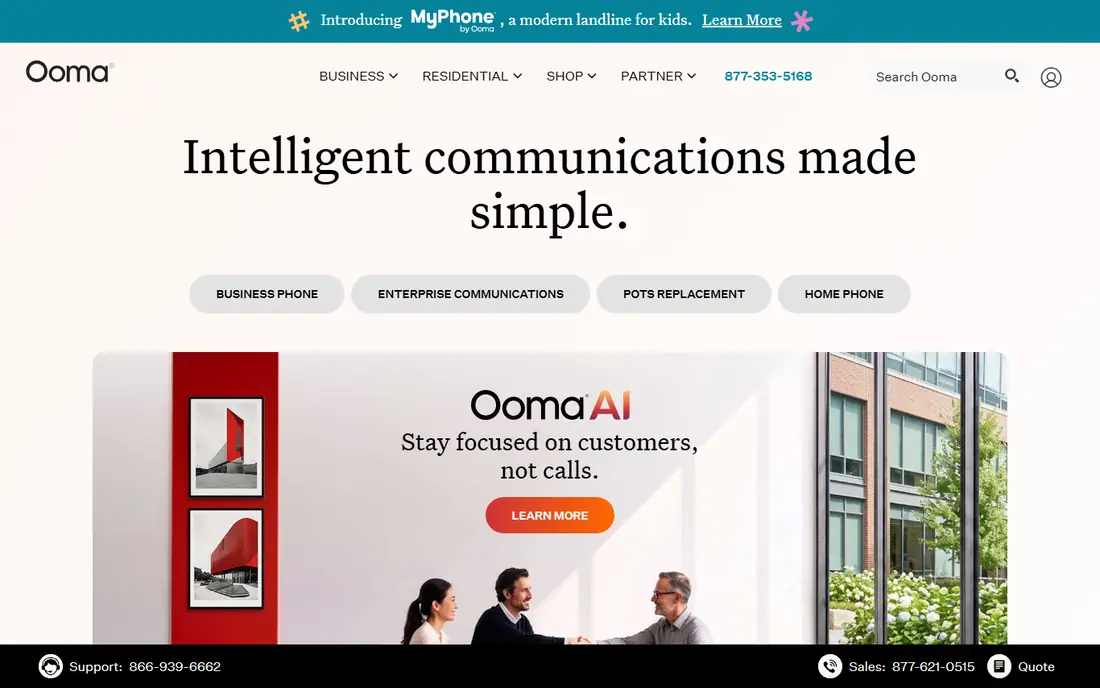
Ooma suits a small office that wants a phone system without complexity. Setup is straightforward, the virtual receptionist routes calls professionally, and the entry business plan starts around $19.95 per user per month. Small offices that still want desk phones will find Ooma's hardware options simple to deploy.
Advanced CRM integrations and analytics are thinner than RingCentral or Nextiva, so a sales-heavy team may outgrow it. For a small office that mainly needs reliable calling, voicemail and a professional greeting, Ooma is an easy choice.
- Simple setup
- Good for small offices
- Virtual receptionist included
- Fewer advanced integrations than RingCentral
- Hardware costs may apply
Google Voice
Ideal for: Low-cost solopreneur number
Google Voice for business is the low-cost pick for a solopreneur or very small team. It starts around $10 per user per month, gives a business number that rings on computers and mobiles, and ties into Google Workspace for voicemail transcription and contacts. Setup takes minutes, not days.
It lacks the advanced queues, analytics and contact center features of RingCentral or Nextiva, and support is thinner than a dedicated phone vendor. For one or two people who need a professional number and basic routing, Google Voice is excellent value.
- Lowest entry price in this list
- Simple setup
- Ties into Google Workspace
- Limited advanced phone system features
- Support is thinner than dedicated VoIP vendors
Vonage
Ideal for: Flexible VoIP and integrations
Vonage suits a remote or distributed team that wants flexible VoIP with strong integrations. Its business plans cover calling, messaging and video, while its APIs let developers build custom calling workflows. That flexibility appeals to tech-oriented teams and companies with custom needs.
Pricing varies by plan and configuration, so get a quote for your user count and features. The interface feels less modern than Dialpad or RingCentral to some users. For a team that values integration flexibility, Vonage is worth a demo.
- Flexible plans
- Strong API and integrations
- Good for remote teams
- Pricing varies by plan and needs a quote for exact costs
- Interface can feel dated
Grasshopper
Ideal for: Virtual number for solopreneurs
Grasshopper is a virtual phone system for solopreneurs and tiny teams that want a professional number without a full PBX. It starts around $14 per month, with extensions, custom greetings and call forwarding to personal mobiles. A consultant or freelancer can sound like a company without buying desk phones.
It is not a full VoIP system with advanced queues, analytics or team messaging, so a growing team will outgrow it. For a one-person business that needs a business number and professional call handling, Grasshopper is simple and affordable.
- Simple virtual number
- Extensions and greetings
- Low flat monthly price
- Not a full VoIP PBX
- Call features are simpler than RingCentral
Dialpad
Ideal for: AI-assisted calling
Dialpad suits a sales or support team that wants AI help on calls. Its AI features transcribe calls, summarize conversations, and surface action items, while the interface and mobile app feel modern. The entry plan starts around $15 per user per month, which is competitive for an AI-assisted system.
Full AI and contact center features sit on higher plans, so price the plan that includes the AI tools you actually want. For a team that spends hours on calls and wants notes and summaries without manual work, Dialpad is a strong pick.
- AI call summaries and transcripts
- Modern interface
- Good mobile app
- Entry plan limits some AI features
- Price rises for full AI and contact center tools
8x8
Ideal for: Global teams and contact center
8x8 suits a team with global calling needs or a contact center requirement. It covers VoIP, video and chat, with international numbers and contact center features for support and sales teams. Companies with offices or customers in several countries benefit from its global coverage.
Pricing is quote-based, and the platform is aimed at larger teams, so a small local business will find simpler options cheaper. For a global or contact-center team, 8x8 is a proven, scalable choice.
- Global calling coverage
- Contact center options
- Video and chat included
- Pricing is quote-based
- Complexity suits larger teams
How we picked these
We compared official pricing pages, feature lists and public reviews for business phone services available in the US in October 2026. We favored services with real business deployments, number porting, mobile apps, and a working official homepage. We left out services we could not verify as live products.
What to check before you switch
Test call quality on your internet connection first. VoIP depends on bandwidth and stability, so run a trial during your busiest hours and check call clarity, not just features. Confirm you can port your existing business number, and ask how long porting takes, since losing a known number costs business.
Count users and features honestly
List every person who needs a phone extension, plus shared numbers such as support or sales lines. Price the plan that covers those users and the features you need, such as call recording, queues or CRM integration, rather than the cheapest tier that lacks them.
Try before you commit to a full rollout
Most tools in this list offer a free tier or a trial, and the smartest use of that trial is a small, realistic test rather than a tour of every feature. Pick one real job, such as a single project, a single campaign, or a single workflow your team runs every week, and run it end to end in the trial. Invite the people who will actually use the tool daily, not just the person choosing it, and ask them to complete that job without help. Note where they get stuck, how long the job takes compared with your current method, and whether the result is good enough to share with a client or a manager. Check support response times during the trial too, since a fast answer during a trial often predicts the help you will get later. At the end of the trial, compare the real time saved and the real cost per user against the plan you would buy, and only then decide whether the upgrade is worth it for your team.
Frequently asked questions
What is the best business phone service for a small business?
Nextiva is our pick for most small businesses on value and support, while RingCentral suits growing teams that need a full system. Google Voice suits a solopreneur who wants the lowest cost, and Ooma suits a small office that wants simplicity.
How much does a business phone service cost?
Entry plans in this list range from $10 per user per month for Google Voice to around $25 for Nextiva, with RingCentral from $20 and Dialpad from $15. Larger teams and contact center features cost more, so get a quote for your user count.
Can I keep my existing business number?
Yes, most services support number porting from another provider. Confirm porting support and timing before switching, and do not cancel the old service until the port completes.
Do I need desk phones for VoIP?
No. Most services work through computer and mobile apps, with desk phones optional. A small team can run entirely on apps, while an office that prefers handsets can add compatible desk phones.
Is VoIP call quality reliable?
Yes, on a stable broadband connection with enough bandwidth. Test during a trial at peak hours, use a wired connection for desk setups where possible, and check the vendor's guidance on bandwidth per call.