Business Scheduling Software: 6 Tools Worth Comparing in 2026

- 1
 SimplyBook.meService companies with plenty of featuresVisit
- 2
 Zoho BookingsLow-cost team bookingVisit
- 3
 CalendlyProfessional services bookingVisit
- 4
 FreshaBeauty and wellness bookingVisit
- 5
 Square AppointmentsSalons and retail servicesVisit
- This list starts with SimplyBook.me, which is built for service businesses with numerous features.
- Booksy is the one to check for barbers and beauty pros.
- 5 of 6 tools offer a free plan: SimplyBook.me, Zoho Bookings, Calendly, Fresha, Square Appointments.
- Before buying Zoho Bookings, weigh this: free plan handles only one staff member.
- Zoho Bookings has the lowest monthly starting price in this list: $6 per user per month.
Direct answer
For service firms with plenty of features, SimplyBook.me is where this list starts. If your case is different, Zoho Bookings suits low-cost team booking and Calendly suits professional services booking. The full list of 6 tools follows, with prices and free plan facts.
Quick comparison
| Product | Ideal for | Price from | Free version | |
|---|---|---|---|---|
| SimplyBook.me | Service companies with plenty of features | $11.90 per month | Yes | Visit |
| Zoho Bookings | Low-cost team booking | $6 per user a month | Yes | Visit |
| Calendly | Professional services booking | $10 per seat a month | Yes | Visit |
| Fresha | Beauty and wellness booking | See website | Yes | Visit |
| Square Appointments | Salons and retail services | See website | Yes | Visit |
 Booksy | Barbers and beauty pros | $29.99 per month | No | Visit |
The full business scheduling software list
This Ainotely guide covers 6 options for business scheduling software. Each profile lists a starting price, free plan details, strengths and drawbacks, so you can drop poor fits quickly.
SimplyBook.me
Ideal for: Service companies with plenty of features
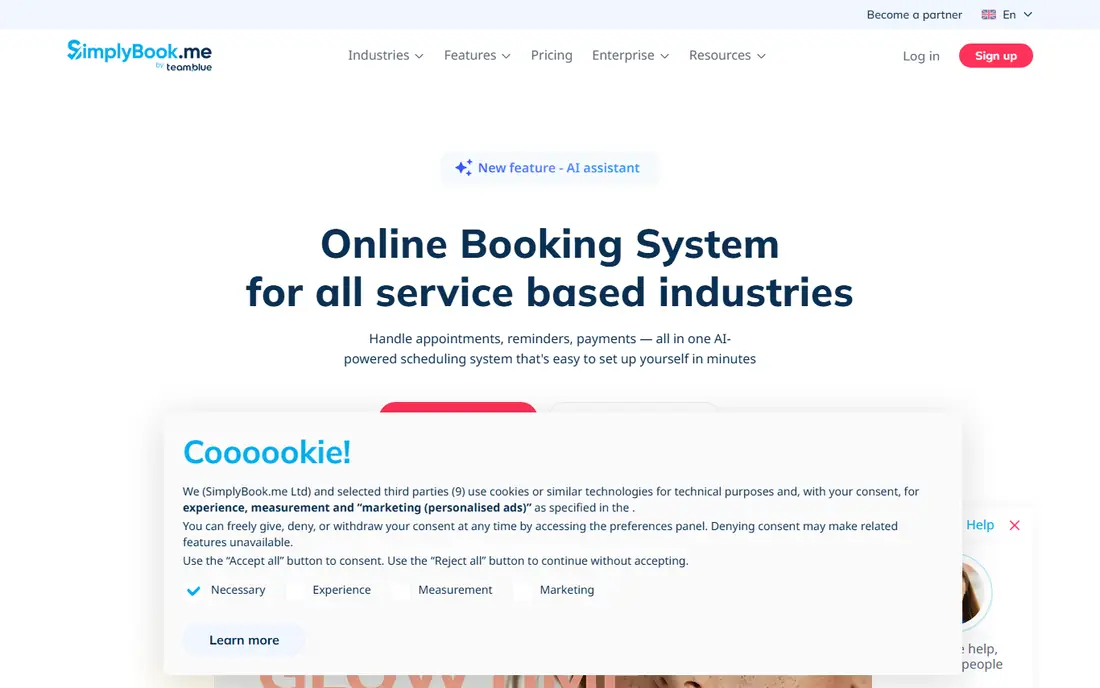
Choose SimplyBook.me for service companies with numerous features. The breadth is also the drawback.
The free plan includes a restricted number of monthly bookings and one custom feature, which is enough to test the system with real clients. On cost, SimplyBook.me starts like this: $11.90 per month. Free access exists with SimplyBook.me.
What to check first: Feature list can feel overwhelming.
- Broad feature set
- Payment and marketing tools
- Free plan limits bookings and custom features
Zoho Bookings
Ideal for: Low-cost team booking
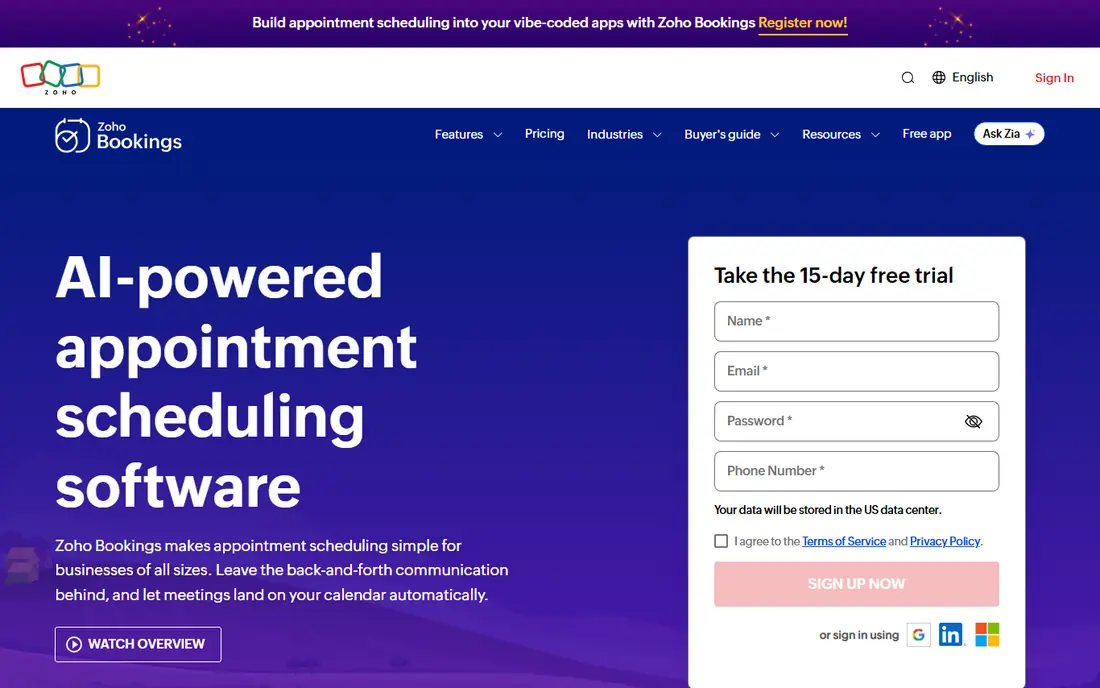
Zoho Bookings makes the most sense for low-cost team booking. Connections to Zoho CRM and other Zoho apps help when a booking should become a customer record instead of just a calendar event.
If cost per user is your central concern and you want team booking, Zoho Bookings deserves a trial. On cost, Zoho Bookings starts like this: $6 per user per month. A free plan is available with Zoho Bookings.
Watch-outs: Free plan spans only one staff member.
- Decent calendar and CRM connections
- Low per-user price
- Interface is less refined than Calendly
Calendly
Ideal for: Professional services booking
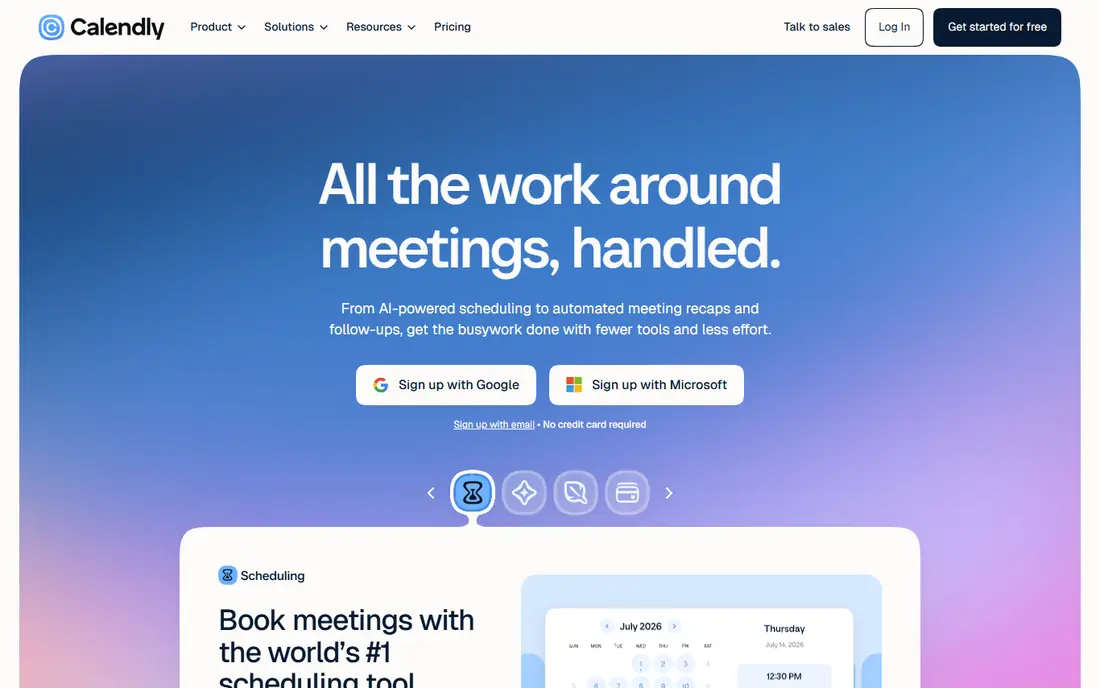
Calendly works best for professional services booking. The free plan is handy for one meeting type. But most companies will need a premium plan for several event types, payment collection, or round-robin assignment across a team.
That simplicity cuts no-shows caused by double booking and removes the usual back-and-forth over times. Beyond that, premium pricing opens at a reasonable per-seat rate, and the higher plans add workflows and routing that bigger teams need. The starting price for Calendly: $10 per seat per month. Free access exists with Calendly.
Limits to weigh: Payment and advanced routing need higher plans.
- Solid calendar sync
- Straightforward booking pages
- Free plan spans only one event type
Fresha
Ideal for: Beauty and wellness booking
Fresha is designed for beauty and wellness booking. Fresha targets beauty, wellness, and similar service firms with a different pricing idea.
The main drawbacks: Marketplace features suit beauty and wellness best.
Core booking software is available without a traditional monthly subscription, and Fresha earns revenue from transaction fees and optional premium features. Check the vendor site for Fresha pricing; none is listed in this comparison. Fresha includes a free tier.
- No monthly subscription for core booking
- Booking and marketplace exposure
- Transaction fees apply to some bookings
Square Appointments
Ideal for: Salons and retail services
Square Appointments is a good fit for salons and retail services. Square Appointments makes sense for salons, spas, barbershops, and other retail service companies that already take payments through Square.
Trade-offs to know: Best value if you already use Square.
Clients can book online, staff calendars stay in sync, and payments, tips, and point-of-sale sales sit in the same system. Worth adding: the free plan includes one location and restricted staff, whereas premium plans add unlimited staff and more solid features. Square Appointments does not show a starting price in this comparison, so check the vendor site for current pricing. Square Appointments has a free plan.
- Payments and point of sale in one system
- Staff booking
- Higher plans cost more for unlimited staff
Booksy
Ideal for: Barbers and beauty pros
Booksy serves barbers and beauty pros. Booksy is aimed at barbers, stylists, nail technicians, and other beauty professionals.
Downsides: No free plan.
Also, for beauty pros who want a dedicated booking and discovery system, Booksy is a credible choice, but general firms should pick a general tool instead. Booksy starts at: $29.99 per month. Booksy has no permanent free option.
- Business management tools
- Beauty-focused booking and marketplace
- Pricing is per team member
Notes on business scheduling software
That means your website contact page, your email signature, your social profiles, and any confirmation message after an inquiry. Beyond that, list only services you actually offer, with accurate durations and prices, and set buffer time between appointments where you need it. A booking page that promises a 30-minute slot for a 60-minute job builds late running and unhappy clients.
Review durations and buffers after your first month of real bookings. Turn reminders on, send a confirmation at booking, and send a reminder a day before the appointment. Check whether the service list is clear, whether staff choice is obvious, whether payment works, and whether the confirmation arrives promptly.
Our selection method
Ainotely looked at what each vendor publishes: pricing, plan limits, feature coverage for business scheduling software and stated drawbacks. No hands-on testing is claimed. Treat prices as a snapshot: vendors change plans often, so check the vendor site for the figure that applies today. We ordered the tools by general fit, then by how clearly pricing is shown, then by free access. A buyer with unusual needs may reorder them.
Questions to settle before buying
- Confirm the entry price on the vendor page. For Fresha and Square Appointments that means a quote rather than a fixed price.
- Look at free plan limits closely: SimplyBook.me, Zoho Bookings, Calendly and others have one, and the caps decide whether it is usable for real work.
- Before choosing SimplyBook.me, weigh its main limit: feature list can feel overwhelming.
- Check whether Zoho Bookings bills monthly or annually, and what cancelling early costs.
- Check whether the features you need in SimplyBook.me sit on the entry plan or only on higher tiers.
Frequently asked questions
How are the tools for business scheduling software ordered?
The order follows typical fit for business scheduling software, with SimplyBook.me first and Booksy last, then price clarity and free access. It is editorial judgement, not a score, so another team could rank the tools differently.
Do clients need an account to book?
They open a booking link, choose a service and time, and enter their details. That low friction is one reason online booking converts better than asking clients to email for availability.
Which scheduling tool is a good match for small businesses?
This list starts with SimplyBook.me, which fits service companies with numerous features. For other needs, Zoho Bookings is aimed at low-cost team booking, and Calendly at professional services booking. Check each tool's price and main limit first.
Which options for business scheduling software have a free plan?
On this list, SimplyBook.me, Zoho Bookings, Calendly, Fresha and Square Appointments include a free plan. Caps on seats, usage or features are common, so test the free plan against your real workload.
Do these tools publish their prices?
Not all of them. Fresha and Square Appointments publish no starting price, so expect a quote request for those. The rest, SimplyBook.me included, show a starting price, though seats and billing terms still change the final cost.
How do I cut no-shows?
Use automatic confirmations and reminders, need payment or a deposit for high-value appointments where appropriate, and make rescheduling simple. A clear cancellation policy, shown at booking, also helps clients cancel early so you can refill the slot.