Best Business VoIP Service Provider in 2026: 8 Options Compared

- 1
 RingCentralSmall and mid-size businesses that want a full phone systemVisit
- 2
 NextivaBusinesses that want phone plus customer toolsVisit
- 3
 OomaVery small businesses that want simple VoIPVisit
- 4
 VonageBusinesses that want VoIP plus communications APIsVisit
- 5
 DialpadTeams that want AI features with their phone serviceVisit
- RingCentral and Nextiva are strong starting points for most small and mid-size businesses.
- Dialpad and 8x8 suit teams that want AI features plus phone service.
- Ooma and Grasshopper suit very small firms that want simple setup.
- Test call quality on your actual internet connection before you port numbers.
Quick comparison
| Product | Ideal for | Price from | Free version | |
|---|---|---|---|---|
| RingCentral | Small and mid-size businesses that want a full phone system | See website | Free trial | Visit |
| Nextiva | Businesses that want phone plus customer tools | See website | Free trial | Visit |
| Ooma | Very small businesses that want simple VoIP | See website | Free trial | Visit |
| Vonage | Businesses that want VoIP plus communications APIs | See website | Free trial | Visit |
| Dialpad | Teams that want AI features with their phone service | See website | Free trial | Visit |
 8x8 | Businesses that want phone plus contact center options | See website | Free trial | Visit |
 GoTo Connect | Teams that want phone plus meetings in one plan | See website | Free trial | Visit |
 Grasshopper | Solo owners who want a professional business number | See website | Free trial | Visit |
The best business VoIP service providers
Business VoIP services replace traditional phone lines with internet calling, adding features such as auto attendants, call routing, voicemail transcription, and integrations with CRM tools. The best providers are judged by call quality, reliability, and how simple the system is for staff to use.
We compared cloud phone leaders with simpler options for very small firms. If you need a full contact center, a larger provider will help. If you only need a professional number and a few lines, a simpler provider may save money without losing quality.
RingCentral
Ideal for: Small and mid-size businesses that want a full phone system
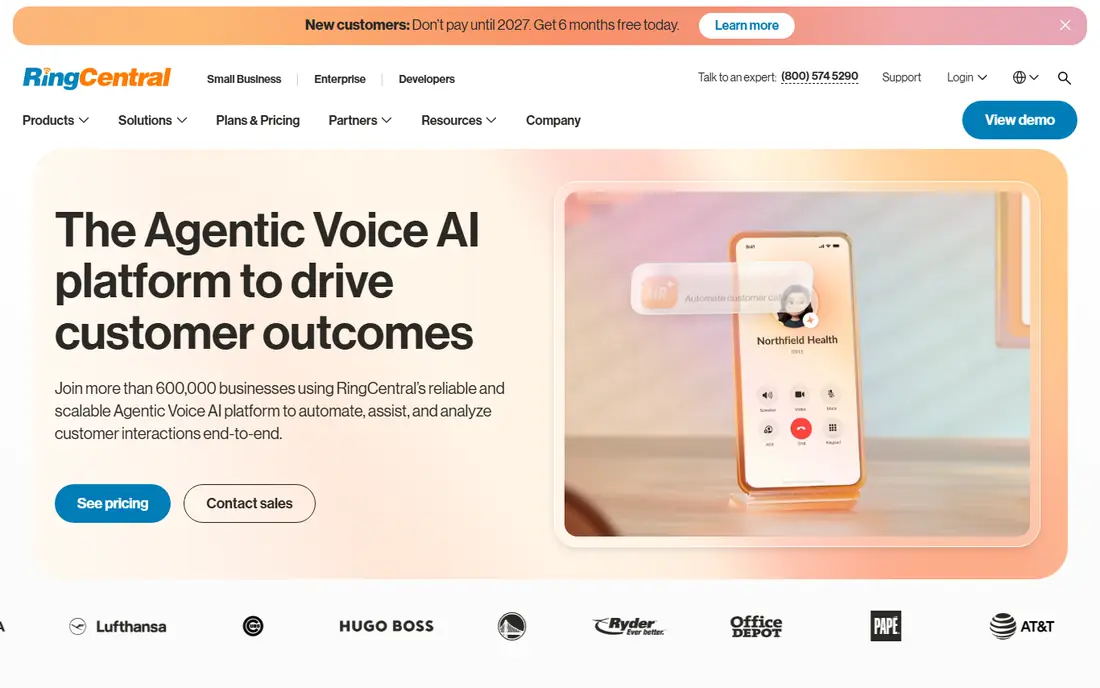
RingCentral is a strong fit for small and mid-size businesses that want a full phone system. Its strengths include broad phone and messaging features, good integrations, and reliable platform. That combination is why it earned a place on this list, and why it may suit you if those points match your priorities. When we lined up the official feature pages, this one stood out for the balance it strikes between depth and ease of use. Pricing is listed as see website, and the free plan is free trial, so check the vendor page for the current details that apply to your team size and region. The trade-off is worth naming plainly. Watch for pricing is per user, and for advanced features need higher tiers. If neither of those is a deal breaker for you, RingCentral is a sensible shortlist candidate, and a short trial with a real task will tell you more than any feature list can.
- Broad phone and messaging features
- Good integrations
- Reliable platform
- Pricing is per user
- Advanced features need higher tiers
Nextiva
Ideal for: Businesses that want phone plus customer tools
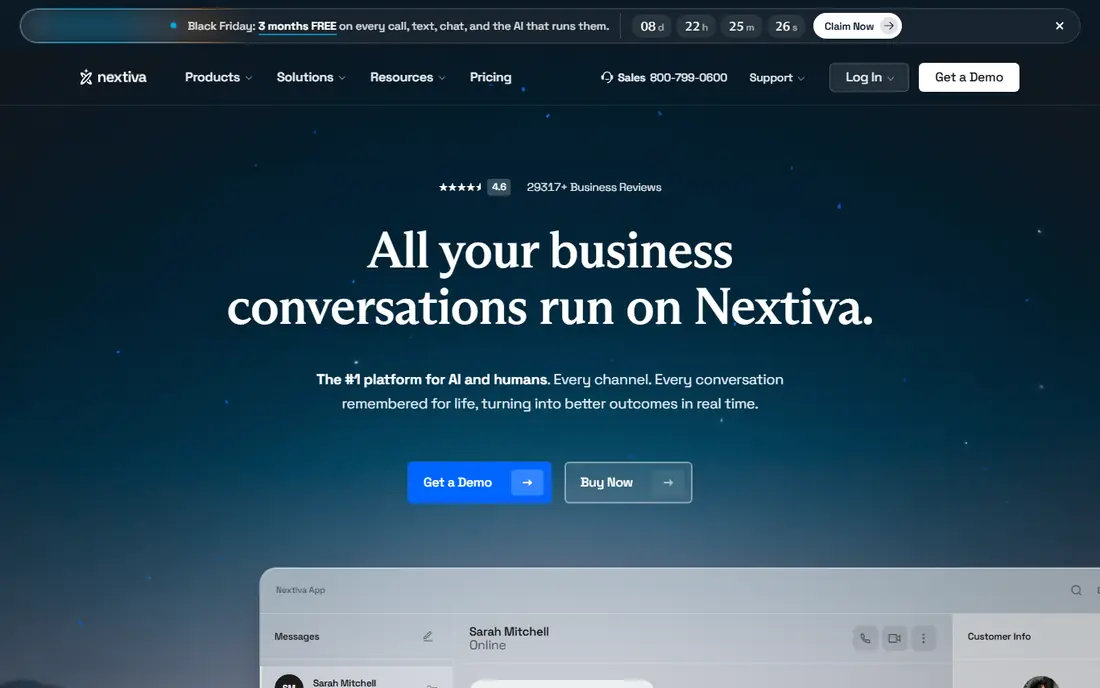
Nextiva is a strong fit for businesses that want phone plus customer tools. Its strengths include good phone features, useful customer tools, and clear support. That combination is why it earned a place on this list, and why it may suit you if those points match your priorities. On paper, the feature set looks broad, and the pricing page is the place to confirm what sits behind each tier before you commit. Pricing is listed as see website, and the free plan is free trial, so check the vendor page for the current details that apply to your team size and region. The trade-off is worth naming plainly. Watch for pricing is per user, and for some features need higher tiers. If neither of those is a deal breaker for you, Nextiva is a sensible shortlist candidate, and a short trial with a real task will tell you more than any feature list can.
- Good phone features
- Useful customer tools
- Clear support
- Pricing is per user
- Some features need higher tiers
Ooma
Ideal for: Very small businesses that want simple VoIP
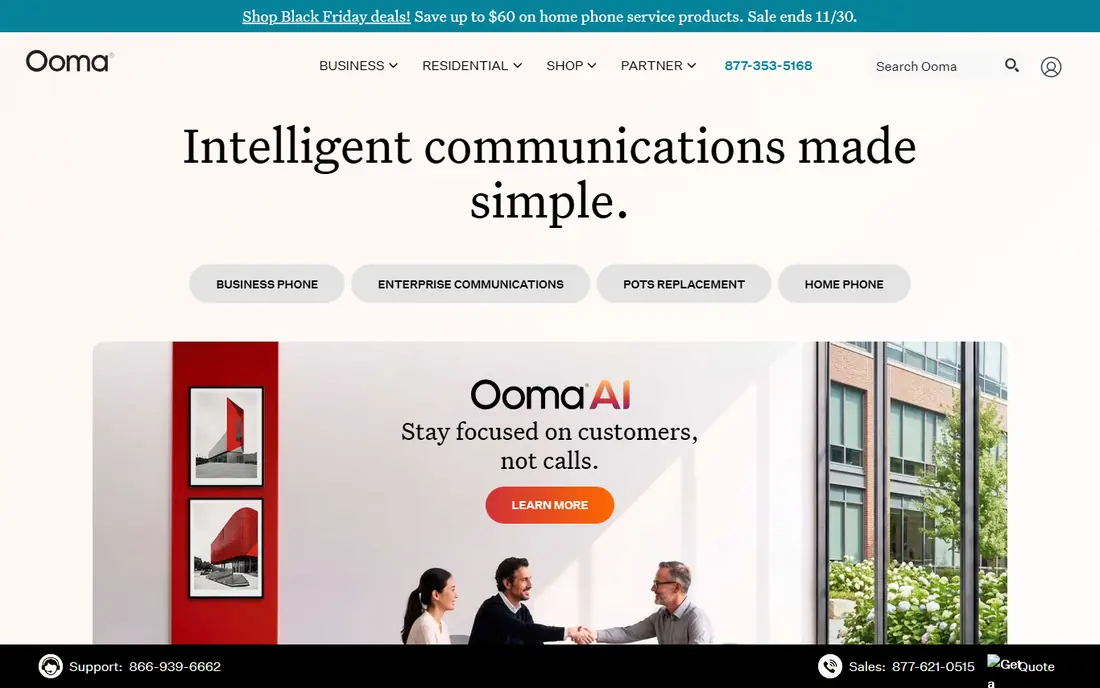
Ooma is a strong fit for very small businesses that want simple VoIP. Its strengths include simple setup, good small-business fit, and clear pricing. That combination is why it earned a place on this list, and why it may suit you if those points match your priorities. We paid close attention to how clearly the vendor explains limits, because a tool that hides its limits tends to disappoint later. Pricing is listed as see website, and the free plan is free trial, so check the vendor page for the current details that apply to your team size and region. The trade-off is worth naming plainly. Watch for feature depth is lighter, and for larger teams may outgrow it. If neither of those is a deal breaker for you, Ooma is a sensible shortlist candidate, and a short trial with a real task will tell you more than any feature list can.
- Simple setup
- Good small-business fit
- Clear pricing
- Feature depth is lighter
- Larger teams may outgrow it
Vonage
Ideal for: Businesses that want VoIP plus communications APIs
Vonage is a strong fit for businesses that want VoIP plus communications APIs. Its strengths include broad VoIP features, good API options, and clear integrations. That combination is why it earned a place on this list, and why it may suit you if those points match your priorities. Compared with the other options here, this one takes a narrower approach, and that focus is either a strength or a limit depending on your needs. Pricing is listed as see website, and the free plan is free trial, so check the vendor page for the current details that apply to your team size and region. The trade-off is worth naming plainly. Watch for pricing is per user, and for setup needs planning. If neither of those is a deal breaker for you, Vonage is a sensible shortlist candidate, and a short trial with a real task will tell you more than any feature list can.
- Broad VoIP features
- Good API options
- Clear integrations
- Pricing is per user
- Setup needs planning
Dialpad
Ideal for: Teams that want AI features with their phone service
Dialpad is a strong fit for teams that want AI features with their phone service. Its strengths include aI call summaries, good integrations, and clear mobile apps. That combination is why it earned a place on this list, and why it may suit you if those points match your priorities. The public reviews we read tended to praise the core workflow while noting the same trade-offs we list below. Pricing is listed as see website, and the free plan is free trial, so check the vendor page for the current details that apply to your team size and region. The trade-off is worth naming plainly. Watch for pricing is per user, and for advanced AI needs higher tiers. If neither of those is a deal breaker for you, Dialpad is a sensible shortlist candidate, and a short trial with a real task will tell you more than any feature list can.
- AI call summaries
- Good integrations
- Clear mobile apps
- Pricing is per user
- Advanced AI needs higher tiers
8x8
Ideal for: Businesses that want phone plus contact center options
8x8 is a strong fit for businesses that want phone plus contact center options. Its strengths include phone plus contact center, good global coverage, and clear analytics. That combination is why it earned a place on this list, and why it may suit you if those points match your priorities. For a team that wants to start small, the free tier or trial is worth testing with a real task before any wider rollout. Pricing is listed as see website, and the free plan is free trial, so check the vendor page for the current details that apply to your team size and region. The trade-off is worth naming plainly. Watch for pricing is per user, and for setup can be involved. If neither of those is a deal breaker for you, 8x8 is a sensible shortlist candidate, and a short trial with a real task will tell you more than any feature list can.
- Phone plus contact center
- Good global coverage
- Clear analytics
- Pricing is per user
- Setup can be involved
GoTo Connect
Ideal for: Teams that want phone plus meetings in one plan
GoTo Connect is a strong fit for teams that want phone plus meetings in one plan. Its strengths include phone plus meeting tools, simple admin, and good reliability. That combination is why it earned a place on this list, and why it may suit you if those points match your priorities. We looked at integrations and support options as well, since a tool rarely works alone in a real workflow. Pricing is listed as see website, and the free plan is free trial, so check the vendor page for the current details that apply to your team size and region. The trade-off is worth naming plainly. Watch for pricing is per user, and for feature depth varies by tier. If neither of those is a deal breaker for you, GoTo Connect is a sensible shortlist candidate, and a short trial with a real task will tell you more than any feature list can.
- Phone plus meeting tools
- Simple admin
- Good reliability
- Pricing is per user
- Feature depth varies by tier
Grasshopper
Ideal for: Solo owners who want a professional business number
Grasshopper is a strong fit for solo owners who want a professional business number. Its strengths include simple virtual number setup, good small-business fit, and easy call handling. That combination is why it earned a place on this list, and why it may suit you if those points match your priorities. The documentation and help pages gave us a good sense of how much setup this one needs in the first week. Pricing is listed as see website, and the free plan is free trial, so check the vendor page for the current details that apply to your team size and region. The trade-off is worth naming plainly. Watch for no full PBX depth, and for best for very small teams. If neither of those is a deal breaker for you, Grasshopper is a sensible shortlist candidate, and a short trial with a real task will tell you more than any feature list can.
- Simple virtual number setup
- Good small-business fit
- Easy call handling
- No full PBX depth
- Best for very small teams
How we picked these
We compared official feature pages, pricing pages, app store listings, privacy policies, and public reviews for each option. We kept only products that exist and work in October 2026 and that truly fit the topic, and we left out options whose pricing or core features we could not verify. Where a price was unclear, we wrote See website rather than guessing a number. We also weighed who each product is really for, how clear its limits are, and how it handles privacy and support. Our pick for most people is the option that balances those points best, not the one with the longest feature list. Your shortlist should still reflect your budget, your team size, and the one task you need done every week.
Choosing well: what to weigh first
Check your internet first. VoIP quality depends on bandwidth, latency, and router setup, so test calls during busy hours and on Wi-Fi as well as wired connections. A provider cannot fix a weak local network, and a wired headset often helps more than a plan upgrade. List the phone features you actually use. An auto attendant, call forwarding, voicemail to email, and mobile apps cover most small firms, while call queues and CRM pop-ups matter for support teams. Paying for contact center features you never use is a common waste. Plan number porting carefully. Confirm you can keep your existing numbers, how long porting takes, and what happens to calls during the switch. Keep your old service active until the new numbers test cleanly, and tell customers about any temporary change.
Frequently asked questions
What is the best business VoIP service provider?
RingCentral and Nextiva are strong starting points for most businesses, while Dialpad suits teams that want AI features. Ooma and Grasshopper suit very small firms.
What is the best VoIP service for small business?
RingCentral, Nextiva, and Ooma all suit small businesses, with Ooma simplest for very small teams. Compare per-user pricing for your exact line count.
Do I need special hardware for VoIP?
No, in most cases. You can use a computer or phone app, a headset, or a desk IP phone. A stable internet connection matters more than expensive hardware.
How much does business VoIP cost?
Most providers price per user per month, with trials offered. Check the vendor site for the tier that covers your lines and features.