Best CAD Software for Hobbyist in 2026: 8 Tools Compared

- 1
 Fusion 360Professional hobbyist 3DVisit
- 2
 FreeCADFree open-source 3DVisit
- 3
 TinkercadBeginner 3D modelingVisit
- 4
 SketchUp FreeHome and maker designVisit
- 5
 OnshapeCloud 3D modelingVisit
- Fusion 360 and Onshape suit hobbyists who want professional 3D modeling with cloud tools.
- FreeCAD and Tinkercad fit beginners and open-source fans with free modeling.
- SketchUp Free and SolidWorks for Makers suit home design and maker projects.
- LibreCAD and OpenSCAD fit 2D drawing and code-based modeling fans.
- Check 3D printing export, learning curve, and free plan limits before choosing.
Quick comparison
| Product | Ideal for | Price from | Free version | |
|---|---|---|---|---|
| Fusion 360 | Professional hobbyist 3D | See website | Yes | Visit |
| FreeCAD | Free open-source 3D | See website | Yes | Visit |
| Tinkercad | Beginner 3D modeling | See website | Yes | Visit |
| SketchUp Free | Home and maker design | See website | Yes | Visit |
| Onshape | Cloud 3D modeling | See website | Yes | Visit |
 SolidWorks for Makers | Maker-grade SolidWorks | See website | No | Visit |
 LibreCAD | Free 2D drawing | See website | Yes | Visit |
 OpenSCAD | Code-based 3D modeling | See website | Yes | Visit |
The best CAD software for hobbyist
We compared official feature pages, pricing pages, and public reviews for eight CAD tools used by hobbyists. Hobbyist needs differ from professional CAD: free or low cost, gentle learning, and 3D printing export matter more than enterprise data management.
Fusion 360
Ideal for: Professional hobbyist 3D
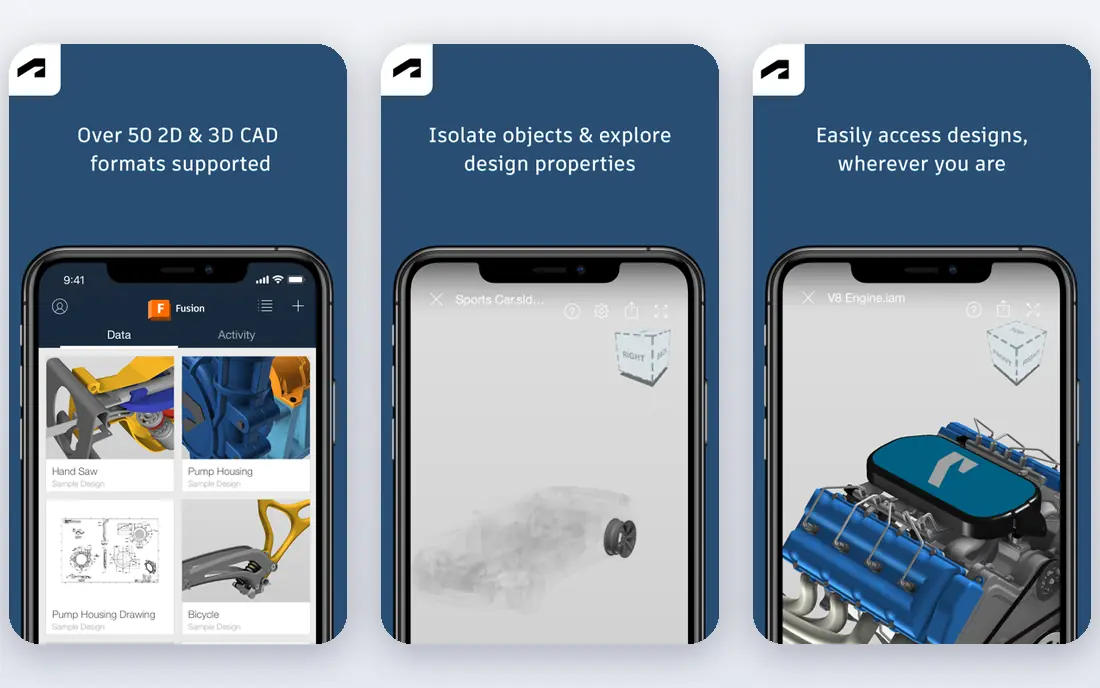
Fusion 360, from Autodesk, gives hobbyists professional 3D modeling, assemblies, rendering, and CAM for CNC and 3D printing. A personal use license offers free access with limits, which suits makers who design parts, furniture, and gadgets. The cloud workflow lets users work across machines.
Free license limits cover documents, features, and commercial use, so check current terms. Beginners face a learning curve, though tutorials are plentiful. For a hobbyist who wants professional depth at low cost, Fusion 360 is a top pick.
- Professional 3D modeling
- CAM and rendering
- Personal use license
- Free license has limits
- Learning curve for beginners
FreeCAD
Ideal for: Free open-source 3D
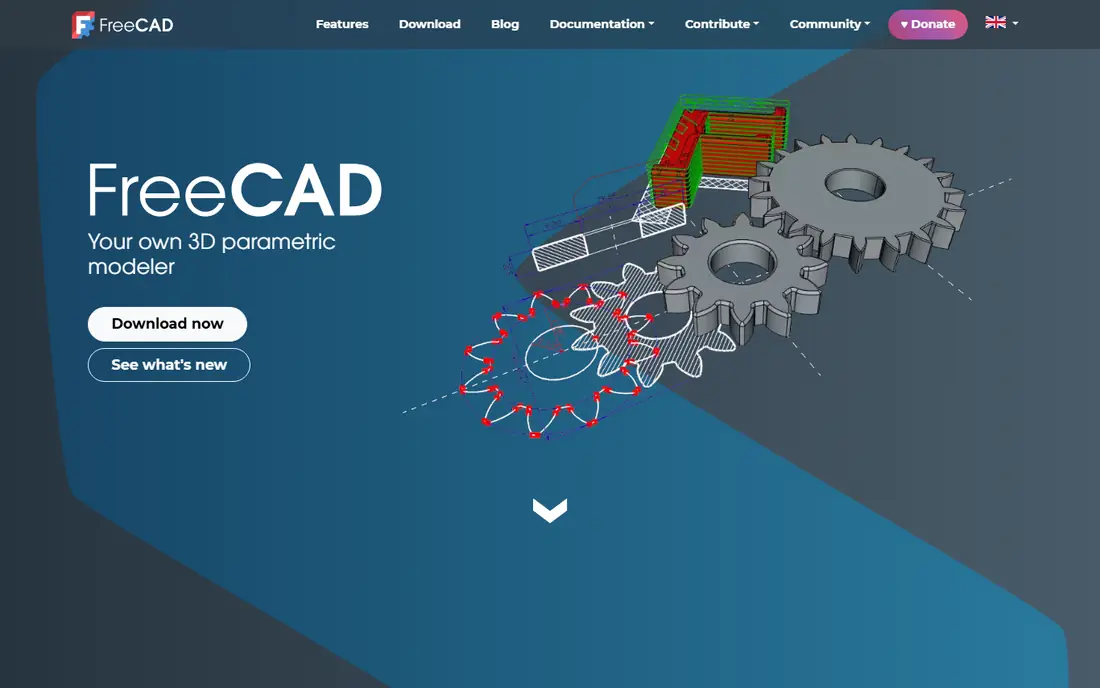
FreeCAD offers free, open-source parametric 3D modeling with workbenches for parts, assemblies, drafting, and more. Hobbyists who value open software and full control appreciate the lack of license limits. The community provides add-ons and tutorials for varied projects.
The interface is less polished than Fusion 360, and workflows take learning. For a hobbyist who wants free CAD without subscription limits, FreeCAD is a strong choice. Test 3D printing export with your slicer before committing to a project.
- Free and open-source
- Parametric modeling
- Many workbenches
- Interface is less polished
- Learning curve for new users
Tinkercad
Ideal for: Beginner 3D modeling
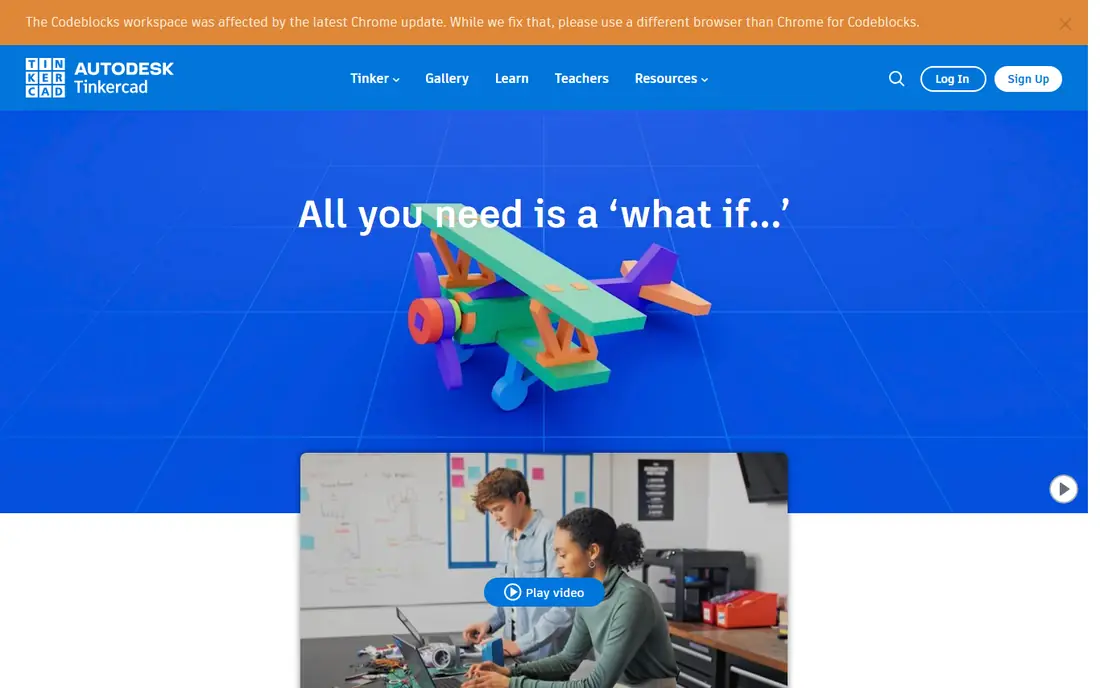
Tinkercad, from Autodesk, is a free browser-based 3D modeling tool that beginners learn in minutes. Users combine shapes, holes, and text to make models for 3D printing, crafts, and school projects. The simplicity suits new makers and younger users.
Depth is limited, so precise engineering parts and complex assemblies need another tool. For a first step into 3D design, Tinkercad is friendly and fun. Many hobbyists start here, then move to Fusion 360 or FreeCAD.
- Free and very easy
- Browser-based
- Great for beginners and kids
- Modeling depth is limited
- Not suited to precise engineering
SketchUp Free
Ideal for: Home and maker design
SketchUp Free offers browser-based 3D modeling with intuitive push-pull tools, popular for home design, woodworking, and maker projects. Users can model rooms, furniture, and outdoor structures quickly. The free plan suits casual design work.
Advanced features, including some import, export, and layout tools, need paid plans. For a hobbyist designing homes, furniture, or workshops, SketchUp Free is easy and visual. Check export options for 3D printing and CNC needs.
- Easy push-pull modeling
- Home and woodworking designs
- Browser access
- Free plan limits features
- Precision tools need paid plans
Onshape
Ideal for: Cloud 3D modeling
Onshape offers professional cloud CAD with modeling, assemblies, and version control in a browser. Hobbyists can design from any machine, collaborate, and track versions without installs. The free plan suits learning and personal projects, though designs are public.
Public designs on the free plan may deter users with private projects, and paid plans are needed for private documents. For a hobbyist who wants cloud CAD and collaboration, Onshape is a modern choice. Check free plan terms before starting private work.
- Cloud CAD with version control
- Collaboration
- Professional modeling
- Free plan makes designs public
- Learning curve for beginners
SolidWorks for Makers
Ideal for: Maker-grade SolidWorks
SolidWorks for Makers gives hobbyists access to SolidWorks modeling at a maker price, for non-commercial personal projects. Users get professional parametric modeling, assemblies, and drawings, plus maker community resources. The tool suits hobbyists who want industry-standard CAD skills.
The maker license is paid and non-commercial, so commercial work needs a commercial license. For a hobbyist who wants to learn SolidWorks for personal projects, the maker edition offers real professional tools at hobbyist cost.
- Real SolidWorks modeling
- Maker community
- 3D printing tools
- Paid maker license
- Non-commercial use only
LibreCAD
Ideal for: Free 2D drawing
LibreCAD offers free, open-source 2D CAD for technical drawings, floor plans, and laser cutting designs. The interface is simple, and DXF support helps with CNC and laser workflows. Hobbyists who need 2D plans rather than 3D models value the focused tool.
3D modeling is not included, so 3D printing projects need another tool. For a hobbyist focused on 2D drawings, LibreCAD is free and easy to learn. Pair it with FreeCAD or Fusion 360 for 3D work.
- Free open-source 2D CAD
- Simple interface
- DXF support
- 3D modeling is not included
- Feature set is basic
OpenSCAD
Ideal for: Code-based 3D modeling
OpenSCAD lets users model 3D objects by writing code, which suits programmers and hobbyists who want precise, parametric parts. Designs can be adjusted by changing numbers, making it easy to create families of parts for 3D printing. The tool is free and open-source.
Visual modeling fans will miss drag-and-drop editing, and coding skill is needed. For a hobbyist comfortable with code who wants precise printable parts, OpenSCAD is a unique and powerful choice. Check export formats for your slicer.
- Free code-based modeling
- Precise parametric designs
- Great for 3D printing
- No visual modeling
- Coding skill needed
How we picked these
We compared official feature pages, pricing pages, and public reviews for hobbyist CAD tools in October 2026. We favored tools with free or low-cost access, gentle learning paths, and 3D printing or CNC export, and we mixed 3D, 2D, and code-based options. We did not claim hands-on testing, and we list prices as shown on vendor sites, using See website where pricing varies.
What to check before you buy
Start with project type. 3D printing suits Fusion 360, FreeCAD, and OpenSCAD, home design suits SketchUp, and 2D plans suit LibreCAD. Then check free plan limits, including commercial use, document counts, and public versus private designs, since hobbyist plans often limit those.
Next, test export to your slicer, CNC, or laser tool, since a model that cannot export cleanly wastes time. Check tutorials and community help, which matter greatly for learning CAD. Finally, try a real project on each shortlisted tool, from sketch to printed or cut part, before committing to one workflow.
A final check before you commit
Data portability deserves a direct question during selection, since switching tools later is costly when export is weak. Ask what formats are available, whether history and attachments export together, and how long an export takes for a realistic data volume. Also ask about contract length, notice periods, and what happens to your data after cancellation, since flexible exit terms protect you if needs change. A vendor that is open about exit options is usually confident about keeping customers for the right reasons.
Once you have a shortlist of two or three options, compare them on the same task list and score each one for speed, clarity, and completeness, rather than relying on memory from separate demos. Note where each tool forced a compromise, and weigh those compromises by how often the task occurs, since a daily annoyance matters more than a rare limitation. Share the scores with the wider team and ask for dissenting views, since the person who spots a flaw early saves the whole team a painful migration later. A simple scored sheet keeps the decision grounded in work, not in sales polish.
Finally, confirm the practical details that demos often skip: how users are added and removed, how data is backed up, what happens during an outage, and how billing handles mid-month changes. These details rarely appear in marketing material, yet they shape daily admin work and incident response, so ask for written answers and keep them with the contract. A vendor that answers plainly about outages and billing builds confidence, while vague answers suggest problems that will surface later. Spend twenty minutes on these questions now, and you will save hours of confusion when a real incident or billing dispute arrives.
Also check references from firms of similar size and in a similar line of work, since a vendor that serves large enterprises well may still struggle with small-team needs, and the reverse is true as well. Ask references about onboarding time, support responsiveness, and the one feature they wish worked better, since those answers reveal patterns that no demo will show. If a vendor hesitates to provide references, or only offers very large customers, treat that as useful information about fit for your size. Two short reference calls often save weeks of trial and error, and they give your team confidence that the choice rests on real user experience rather than polished sales material alone.
Frequently asked questions
What is the best free CAD software for hobbyists?
FreeCAD offers the most capable free 3D CAD, while Tinkercad is easiest for beginners. Fusion 360 personal use and Onshape free plans also suit hobbyists with limits.
Can hobbyists use Fusion 360 for free?
Yes, Autodesk offers a personal use license for Fusion 360 with limits on documents, features, and commercial use. Check current terms, since limits change.
Which CAD is best for 3D printing?
Fusion 360, FreeCAD, and OpenSCAD all export well for 3D printing, with STL and other formats. Test export with your slicer, since settings vary by tool.
Is SketchUp good for hobbyists?
Yes, for home, woodworking, and visual design, SketchUp Free is easy and fast. For precise engineering parts, Fusion 360 or FreeCAD suit better.
Do I need to learn code for OpenSCAD?
Yes, OpenSCAD models are written in code, which suits programmers. Visual modelers should choose Fusion 360, FreeCAD, Tinkercad, or SketchUp instead.