7 Best Calendar Management Tools for 2026
- 1
 FantasticalApple users who want the best-looking calendarVisit
- 2
 Reclaim.aiProtecting focus time automaticallyVisit
- 3
 CalendlyBooking links for individuals and teamsVisit
- 4
 MotionPeople who want AI to plan their entire dayVisit
- 5
 Cal.comFree, open-source scheduling without feature gatesVisit
- This list starts with Fantastical, which is built for Apple users who want the best-looking calendar.
- A fair warning about Calendly: free plan limited to one event type.
- Microsoft Outlook suits people whose work lives in email.
- For the cheapest start, look at Calendly: $10 per seat/month.
Direct answer
Fantastical leads the list, best for Apple users who want the best-looking calendar. Alternatives: Reclaim.ai for protecting focus time automatically, and Calendly for booking links for individuals and teams. Details, prices and limits for the rest of the 7 tools are below.
Quick comparison
| Product | Ideal for | Price from | Free version | |
|---|---|---|---|---|
| Fantastical | Apple users who want the best-looking calendar | See website (Fantastical Premium subscription) | Not stated | Visit |
| Reclaim.ai | Protecting focus time automatically | See website | Not stated | Visit |
| Calendly | Booking links for individuals and teams | $10 per seat/month (Standard, billed annually) | Yes | Visit |
| Motion | People who want AI to plan their entire day | See website | Free trial | Visit |
| Cal.com | Free, open-source scheduling without feature gates | Free (Teams from $16/user/month) | Yes | Visit |
 Morgen | Unifying several calendars with AI daily planning | See website | Not stated | Visit |
 Microsoft Outlook | People whose work lives in email | Free (Outlook.com account); premium plans via Microsoft 365 | Yes | Visit |
The best calendar management tools
Ainotely compared 7 calendar management tools. The goal is a practical shortlist: published prices, free plan facts, best-fit use cases and honest limits for every entry.
Fantastical
Ideal for: Apple users who want the best-looking calendar
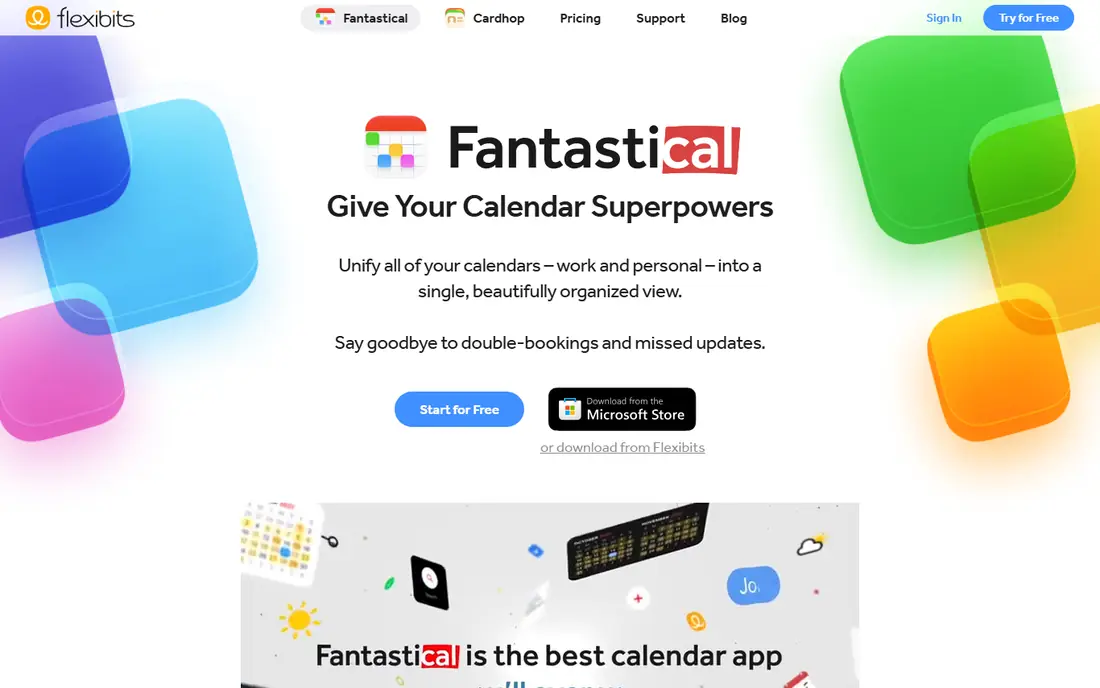
Fantastical makes the most sense for Apple users who want the best-looking calendar. Type "Lunch with Sarah at 1pm tomorrow" and it parses it immediately.
The free level exists but the decent stuff, including the scheduling features, needs Fantastical Premium. Android support is still restricted, with full support slated for 2027. No starting price is listed for Fantastical here; confirm pricing on the vendor site. Trial and free access: Not stated.
Trade-offs to know: Premium features need a premium subscription.
- Built-in scheduling links and proposals
- Superb design across Mac, iPhone, iPad
- Best experience is on Apple devices
Reclaim.ai
Ideal for: Protecting focus time automatically
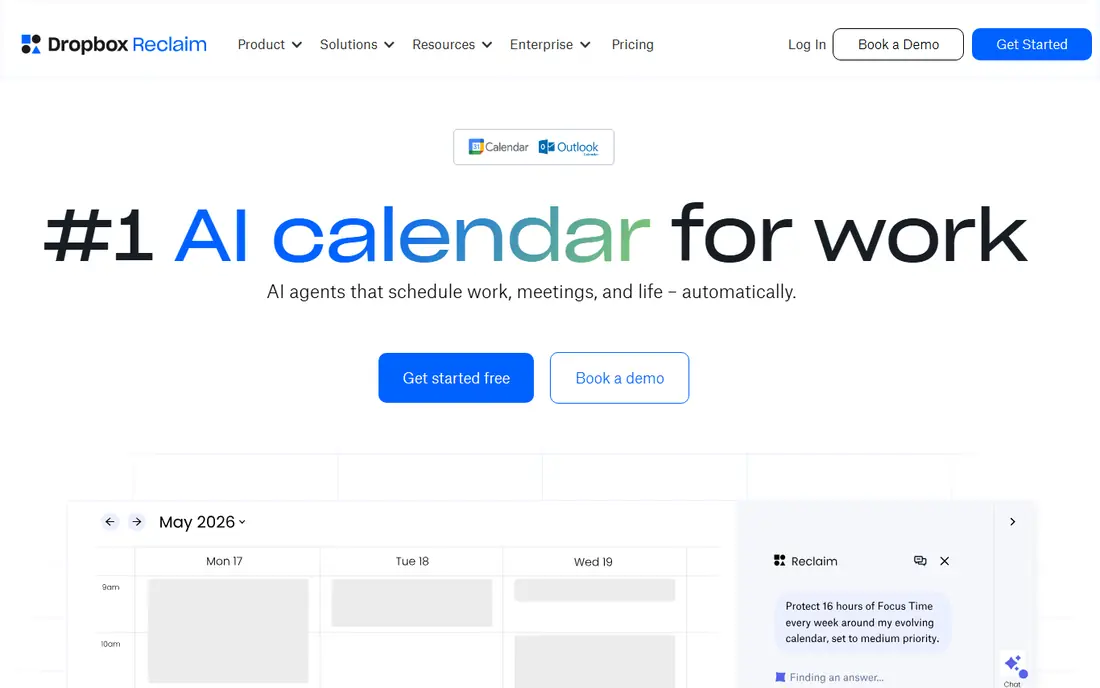
Where Reclaim.ai fits: protecting focus time automatically. It automatically blocks focus time, schedules your habits and tasks into open gaps, and reshuffles flexibly when meetings move.
For managers fighting calendar fragmentation, it is a capable specialist pick. For everyday use, the vendor claims users gain over seven hours of focus time a week, which you should treat as marketing instead of a guarantee. No starting price is listed for Reclaim.ai here; confirm pricing on the vendor site. Free plan details: Not stated.
Watch-outs: Pricing not published on the homepage.
- Works on top of Google Calendar or Outlook
- Auto-schedules focus time
- Performs best when your entire team adopts it
Calendly
Ideal for: Booking links for individuals and teams
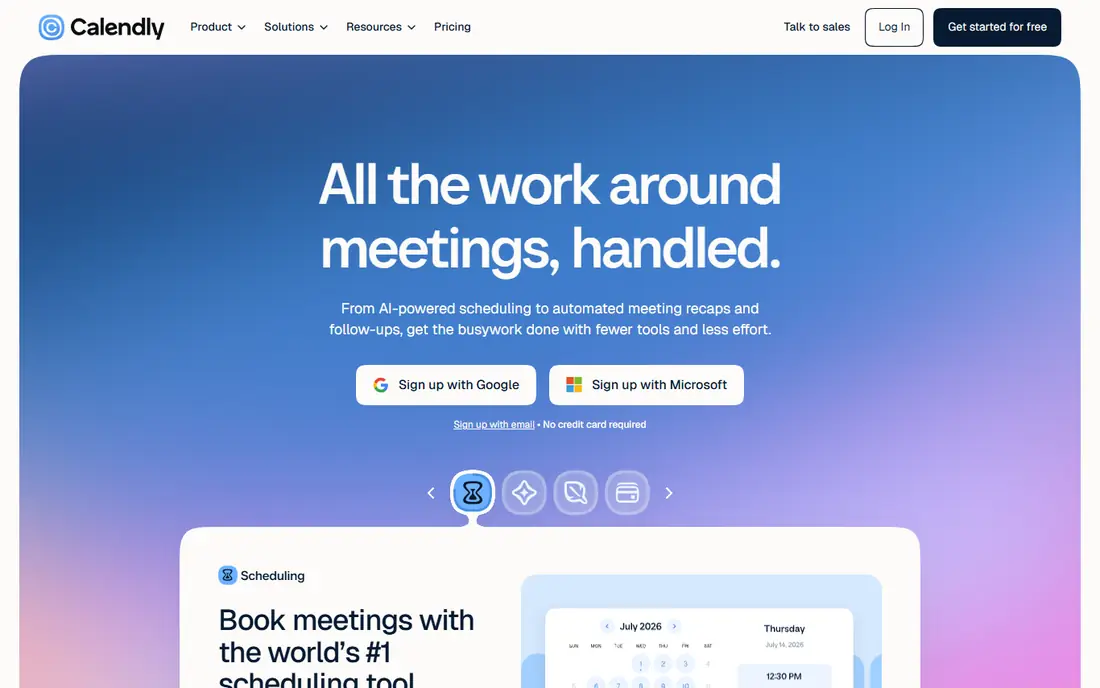
Choose Calendly for booking links for individuals and teams. Teams at $16 per seat get round-robin distribution and lead routing. In practice, Calendly says 20 million professionals use its scheduling tool.
The brand recognition matters: when you send a Calendly link, nobody wonders what to do with it. Per-seat pricing is fine for a handful of people and painful for a hundred. Price to start with Calendly: $10 per seat/month. Calendly offers a free plan.
Honest limits: Free plan restricted to one event type.
- 150+ integrations including Salesforce and HubSpot
- Routing forms and payments built in
- Per-seat pricing brings up for bigger teams
Motion
Ideal for: People who want AI to plan their entire day
Motion serves people who want AI to plan their entire day. Motion is less a calendar and more an AI chief of staff. In practice, you feed it tasks, projects and deadlines.
It time-blocks your day automatically, re-optimizing dozens of times a day when priorities shift. It merges Outlook, Google and iCloud calendars into one view, produces meeting booking pages, and brings AI docs, meeting notes and project management on top. But for overloaded knowledge workers who want their day planned for them, it is one of the most genuinely handy AI tools in this category. Motion does not show a starting price in this comparison, so check the vendor site for current pricing. Free plan details: Free trial.
Where it is weaker: The all-in-one approach can feel heavy if you only want a calendar.
- AI auto-schedules tasks around meetings and re-plans when things change
- Meeting booking pages included
- No free plan, only a trial
Cal.com
Ideal for: Free, open-source scheduling without feature gates
Cal.com makes the most sense for free, open-source scheduling without feature gates. Cal.com built its following by giving away what competitors charge for: unlimited event types, workflow automation, Stripe payments and video calls on the free plan.
The main drawbacks: Smaller integration library than Calendly.
But for individuals, freelancers and small teams, the value is unmatched. Cal.com starts at: Free. You can start on Cal.com without paying.
- Open source and self-hostable
- Teams plan far less expensive than rivals
- Enterprise features need the Organizations level
Morgen
Ideal for: Unifying several calendars with AI daily planning
Morgen works best for unifying several calendars with AI daily planning. Pricing is on the vendor's site, and the free level includes the basics. Worth adding: Morgen is the quiet overachiever of calendar apps.
It pulls every calendar you own into one clean interface, brings task management with time blocking. Its AI planner drafts your day around priorities, deadlines and capacity. It competes straight with Motion and Fantastical, which means you should pick based on fit: Morgen for multi-calendar unification and calm design, Motion for aggressive AI task planning, Fantastical for Apple polish. Morgen shows no starting price here, so confirm the cost on the vendor site. Trial and free access: Not stated.
Where it is weaker: AI planning needs setup to match your routines.
- AI planner builds your daily schedule
- Built-in scheduling links and task integration
- Another subscription in a crowded category
Microsoft Outlook
Ideal for: People whose work lives in email
Microsoft Outlook targets people whose work lives in email. The calendar is genuinely decent, with scheduling assistant views for finding meeting times across attendees. It handles several accounts, including Gmail, Yahoo and iCloud, in one place.
What to check first: Interface can feel cluttered.
It is free on the web, mobile and Windows, with 15 GB of mailbox storage on a free account. If your company runs on Microsoft 365, the calendar decision is already made for you. The main limit is the upsell path. The starting price for Microsoft Outlook: Free. You can start on Microsoft Outlook without paying.
- Free on web
- Mobile and Windows
- Best features tied to Microsoft 365 subscriptions
How we built this list
Ainotely looked at what each vendor publishes: pricing, plan limits, feature coverage for calendar management tools and stated drawbacks. No hands-on testing is claimed. Treat prices as a snapshot: vendors change plans often, so check the vendor site for the figure that applies today. The ranking is editorial: typical fit first, then clear pricing, then free access. If your needs are unusual, read the profiles rather than relying on position.
Pre-purchase checklist
- Confirm the entry price on the vendor page. For Fantastical, Reclaim.ai, Motion and Morgen that means a quote rather than a fixed price.
- Look at free plan limits closely: Calendly, Cal.com and Microsoft Outlook have one, and the caps decide whether it is usable for real work.
- Use real work to test the free trial from Motion, rather than a demo project.
- Before choosing Fantastical, weigh its main limit: best experience is on Apple devices.
- Make sure Fantastical lets you export your data in a format another tool can read.
- Add up seats, add-ons and usage charges for Morgen before comparing it with cheaper entries.
Frequently asked questions
How are the tools for calendar management tools ordered?
Fantastical sits first and Microsoft Outlook last because the order follows typical fit for calendar management tools, then price clarity and free access. It is a judgement call, so read each profile for fit and limits.
What is the cheapest option for calendar management tools in this list?
On published monthly entry prices, Calendly is the lowest here at $10 per seat/month. Entry price is only part of the cost, because seats, add-ons and billing terms can change the total.
Can AI really plan my day?
Tools like Motion, Reclaim and Morgen can draft a workable daily plan from your tasks and calendar, and reschedule automatically when things change. The quality relies on the inputs: accurate task durations, priorities and working hours.
Is Calendly worth paying for?
The free plan fits occasional one-on-one meetings. In daily use, the $10 per seat Standard plan is worth it if you need unlimited event types, automatic reminders, several calendars or payment collection.
Which options for calendar management tools have a free plan?
On this list, Calendly, Cal.com and Microsoft Outlook include a free plan. Caps on seats, usage or features are common, so test the free plan against your real workload. One other tool offers a trial instead.
What is the best free calendar management tool?
Fantastical comes first here and is built for Apple users who want the best-looking calendar. Buyers with other needs may prefer Reclaim.ai (for protecting focus time automatically) or Calendly (for booking links for individuals and teams). Compare costs and limits first.