7 Call Center CRM Software Options Compared on Price and Fit

- 1
 AircallSMBs that want a modern phone system live in daysVisit
- 2
 NextivaCompanies wanting phones, contact center and AI on one systemVisit
- 3
 FreshcallerFreshworks customers adding voice to their support stackVisit
- 4
 Five9Enterprise contact centers investing in AI-driven customer experienceVisit
- 5
 NICE CXoneEnterprises where workforce optimization is the priorityVisit
- This list starts with Aircall, which is built for SMBs that want a modern phone system live in days.
- For the cheapest start, look at Dialpad: From $15/user/month.
- None of the 7 tools, from Aircall to Genesys Cloud CX, has a free plan, so budget for a subscription or use a trial.
- Genesys Cloud CX suits large operations needing proven omnichannel depth.
- The main caution on Freshcaller: standalone contact-center depth lags the specialists.
Direct answer
Aircall leads the list, best for SMBs that want a modern phone system live in days. Alternatives: Nextiva for firms wanting phones, contact center and AI on one system, and Freshcaller for freshworks customers adding voice to their support stack. The remaining 4 options are covered below with prices and limits.
Quick comparison
| Product | Ideal for | Price from | Free version | |
|---|---|---|---|---|
| Aircall | SMBs that want a modern phone system live in days | From $30/user/month | Free trial | Visit |
| Nextiva | Companies wanting phones, contact center and AI on one system | See website | Free trial | Visit |
| Freshcaller | Freshworks customers adding voice to their support stack | See website | Free trial | Visit |
| Five9 | Enterprise contact centers investing in AI-driven customer experience | See website (custom quote) | No | Visit |
| NICE CXone | Enterprises where workforce optimization is the priority | See website (custom quote) | No | Visit |
 Dialpad | Expanding teams wanting AI-powered calling with transparent pricing | From $15/user/month | Free trial | Visit |
 Genesys Cloud CX | Large operations needing proven omnichannel depth | See website (custom quote) | No | Visit |
The best call center CRM software
Short on time? The summary and table above give the quick view of 7 tools for call center CRM software, and the profiles that follow give the detail behind each entry.
Aircall
Ideal for: SMBs that want a modern phone system live in days
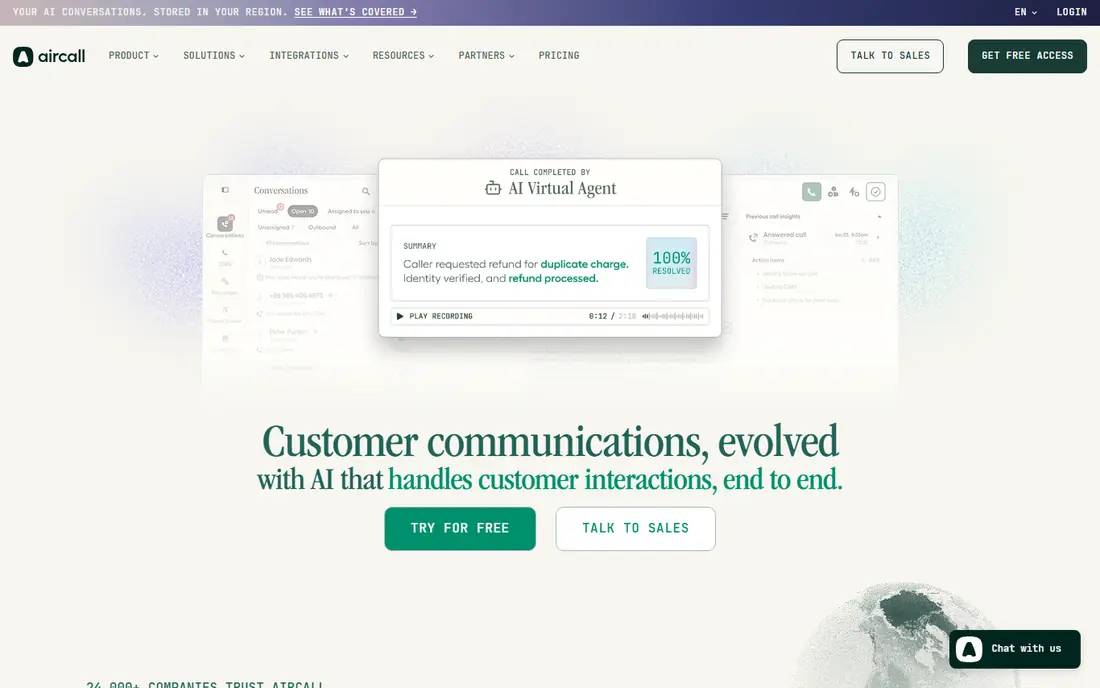
Aircall is built with SMBs that want a modern phone system live in days in mind. Aircall is the anti-enterprise choice: sign up, pick numbers, link your CRM, and start calling. Beyond that, the free trial makes it simple to prove.
Watch-outs: Per-user costs add up past ~50 seats.
In daily use, the 250+ integrations mean conversations sync to Salesforce, HubSpot or Zendesk automatically. The AI features transcribe calls, summarize them and update CRM records without agent effort. Pricing is transparent at $30 to $50 per user a month. But for sales and support teams up to a handful of dozen seats, Aircall gives 90 percent of the value at a fraction of the buying friction. Price to start with Aircall: From $30/user/month. On free options: Free trial.
- AI call summaries and CRM updates cut after-call work
- Published pricing from $30 per user with no quote process
- Advanced contact-center features (complicated IVR trees, WFM) lag the enterprise tools
Nextiva
Ideal for: Companies wanting phones, contact center and AI on one system
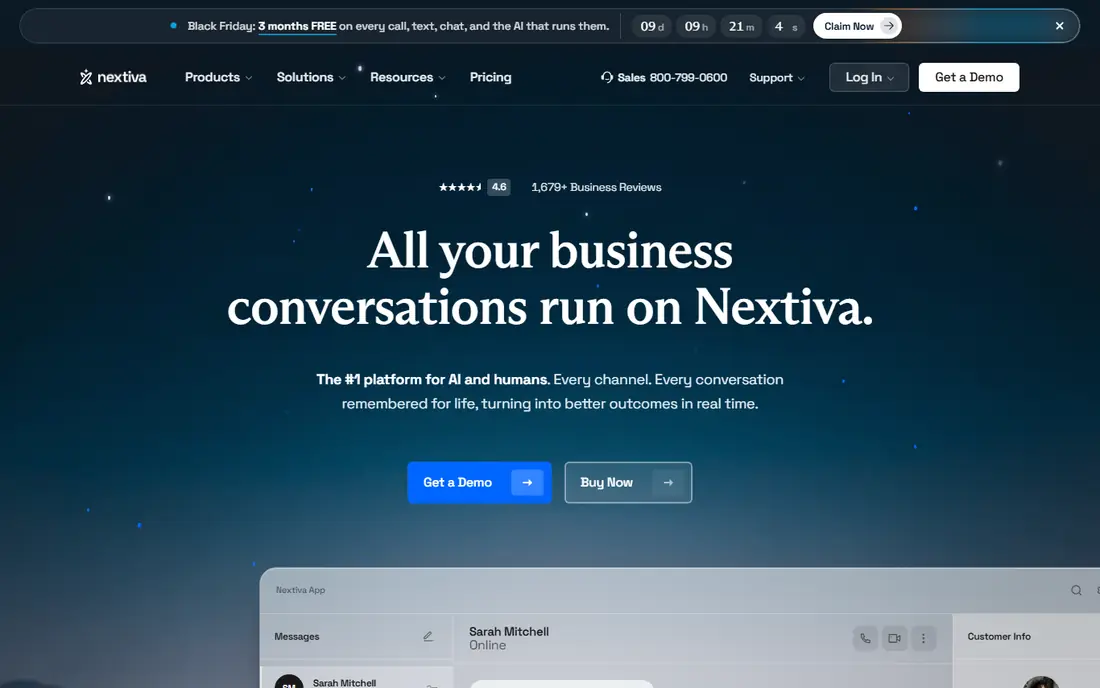
Nextiva makes the most sense for firms wanting phones, contact center and AI on one product. For the small business that wants a single bill and a single admin console rather than stitching vendors together, that simplicity has real value.
Also, contact-center pricing is not self-serve, so expect a sales process for the full system. This comparison lists no price for Nextiva; ask the vendor. Free access: Free trial.
Reasons to shortlist it: AI receptionist and conversation intelligence built in.
What to check first: Pricing needs a conversation for contact-center levels.
- Chat and AI agents under one roof
- Unified system: business phone
- Advanced routing lags pure CCaaS tools
Freshcaller
Ideal for: Freshworks customers adding voice to their support stack
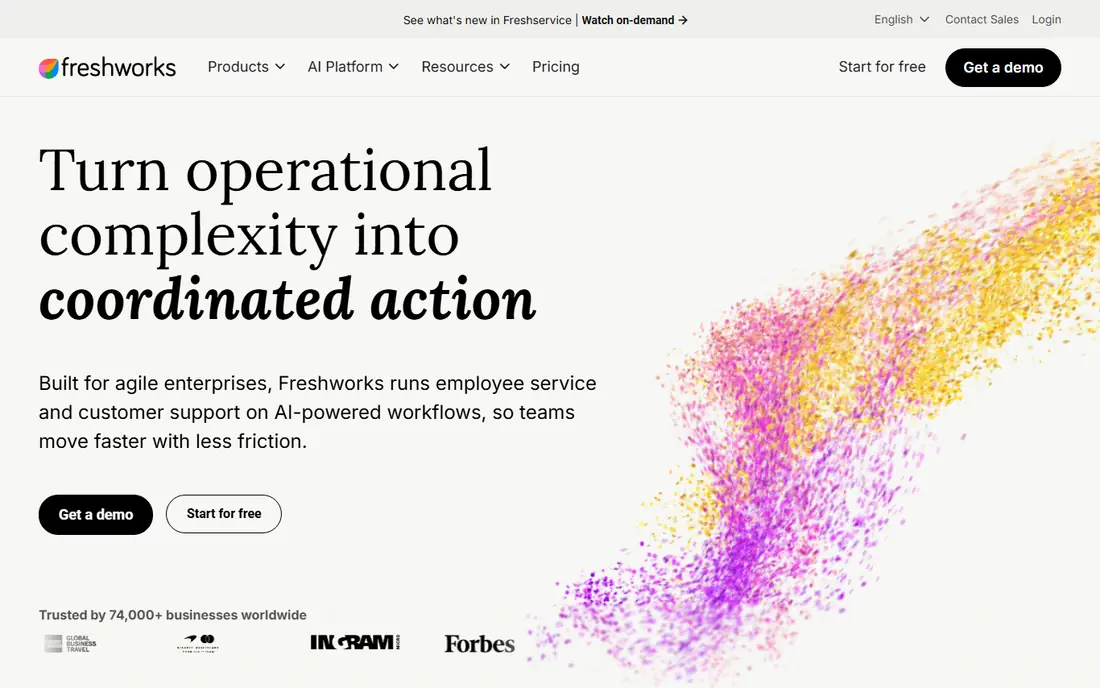
Choose Freshcaller for freshworks customers adding voice to their support stack. Tickets, calls and customer records share one interface, numbers provision in 90+ countries, and the pricing stays in small-business territory. More specifically, as a standalone CCaaS purchase it is outgunned: routing depth, analytics and workforce tools trail the enterprise systems.
But most buyers are not choosing standalone; they are extending Freshdesk. Beyond that, if your support runs on Freshworks, adding Freshcaller beats bolting on a separate phone system. Check the vendor site for Freshcaller pricing; none is listed in this comparison. Free options: Free trial.
Drawbacks to consider: Best value only inside the Freshworks ecosystem.
- Native fit with Freshdesk ticketing and Freshworks CRM
- Fast setup with local and toll-free numbers in 90+ countries
- Advanced IVR and WFM are restricted
Five9
Ideal for: Enterprise contact centers investing in AI-driven customer experience
Where Five9 fits: enterprise contact centers investing in AI-driven customer experience. Pricing is never published, so budget discovery time.
For everyday use, for operations with hundreds of agents and complicated routing needs, Five9's depth justifies the process. Five9 shows no starting price here, so confirm the cost on the vendor site. Five9 has no free plan.
Where it falls short: The platform's breadth means longer implementations.
- Mature AI portfolio (virtual agents, live agent assist, interaction analytics)
- 300+ integrations including deep Salesforce and ServiceNow ties
- Quote-only pricing with enterprise sales cycles
NICE CXone
Ideal for: Enterprises where workforce optimization is the priority
NICE CXone serves enterprises where workforce optimization is the priority. NICE CXone's differentiator is workforce optimization: the forecasting, scheduling, quality management and coaching tools are the deepest here, which matters enormously when labor is your biggest contact-center cost.
Honest limits: Implementations are significant projects.
From a buyer's view, there is no self-serve path and no trial. NICE CXone does not show a starting price in this comparison, so check the vendor site for current pricing. There is no free plan with NICE CXone.
- Quality management and performance analytics
- The strongest workforce engagement suite: forecasting, scheduling
- Complexity demands dedicated administrators
Dialpad
Ideal for: Expanding teams wanting AI-powered calling with transparent pricing
Dialpad serves expanding teams wanting AI-powered calling with transparent pricing. Dialpad built its name on AI-native calling: every call transcribed, summarized and analyzed, with live agent coaching baked into the system instead of added on.
Downsides: AI features are the pitch, so verify accuracy on your calls.
What users get: Published pricing from $15 per user. Beyond that, trial it against Aircall: the two define the modern SMB choice. Starting cost for Dialpad: From $15/user/month. As for free access: Free trial.
- AI built into the core (transcription, summaries, live assist)
- Messaging and contact center
- Support experiences vary by plan level
Genesys Cloud CX
Ideal for: Large operations needing proven omnichannel depth
Choose Genesys Cloud CX for large operations needing proven omnichannel depth. Omnichannel journeys (voice, chat, email, messaging, social) run through one orchestration layer, and the workforce tools handle forecasting, scheduling and quality management natively.
Drawbacks to consider: Enterprise pricing and implementation timelines.
But if you are running a serious operation and want the system analysts rank highest for completeness, this is it. Genesys Cloud CX shows no starting price here, so confirm the cost on the vendor site. Genesys Cloud CX does not include a free plan.
- Solid workforce engagement management
- The deepest omnichannel routing and orchestration in the industry
- Overkill below ~50 seats
Our selection method
Pricing pages, product documentation and feature lists were the main sources, and every entry carries at least one honest drawback. Seat minimums, billing terms and add-ons can move the real cost, so the starting prices here are a guide and not a quote. Order on the page follows fit for the typical buyer first, then price transparency and free access. Your own requirements should decide the final pick.
A buyer's checklist
- Get a written quote from Nextiva, Freshcaller, Five9 and others; the list shows no starting price for them.
- Run a trial of Aircall, Nextiva, Freshcaller and Dialpad with real work before paying for a year; your own workflow is the best test.
- Read the limits listed for Aircall first: advanced contact-center features (complicated IVR trees, WFM) lag the enterprise tools.
- Find out what support NICE CXone includes on your plan, and whether onboarding help costs extra.
- Look at which plan of Aircall unlocks the features you need; entry tiers are often cut down.
Frequently asked questions
Is Aircall the right pick for everyone comparing call center CRM software?
No single tool suits every team. Aircall comes first because it fits SMBs that want a modern phone system live in days, while Nextiva suits businesses wanting phones, contact center and AI on one platform and Freshcaller suits freshworks customers adding voice to their support stack. Match the tool to your own size, budget and workflow before deciding.
How are the tools for call center CRM software ordered?
The order follows typical fit for call center CRM software, with Aircall first and Genesys Cloud CX last, then price clarity and free access. It is editorial judgement, not a score, so another team could rank the tools differently.
Can AI really deal with customer calls?
For routine, well-defined inquiries (hours, order status, appointment booking), yes, with containment rates vendors report between 30 and 70 percent. Pilot on your simplest call type and measure before expanding.
Can I try these options before paying?
Often, yes. Aircall, Nextiva, Freshcaller and Dialpad offer a free trial. Use your own data and a real task during the test, and check what the free tier or trial limits before you rely on it.
Do these tools publish their prices?
Not all of them. Nextiva, Freshcaller, Five9 and others publish no starting price, so expect a quote request for those. The rest, Aircall included, show a starting price, though seats and billing terms still change the final cost.