Best Calorie Tracking Apps in 2026: 8 Apps Compared

- 1
 MyFitnessPalLargest food databaseVisit
- 2
 Lose ItSimple photo-friendly logVisit
- 3
 CronometerMicronutrient detailVisit
- 4
 LifesumMeal plans and dietsVisit
- 5
 NoomBehaviour coachingVisit
- MyFitnessPal is our pick for most people, with the largest food database, barcode scanning and a free tier that covers core calorie tracking.
- Lose It suits users who want a simpler, photo-friendly log, while Cronometer suits users who want detailed micronutrient and vitamin tracking.
- Lifesum and Yazio suit users who want meal plans and diet patterns beside tracking, while Noom suits users who want behaviour coaching.
- Calorie tracking helps awareness, but it is not medical advice, and anyone with a history of disordered eating should talk to a professional before tracking.
Quick comparison
| Product | Ideal for | Price from | Free version | |
|---|---|---|---|---|
| MyFitnessPal | Largest food database | See website | Yes | Visit |
| Lose It | Simple photo-friendly log | See website | Yes | Visit |
| Cronometer | Micronutrient detail | See website | Yes | Visit |
| Lifesum | Meal plans and diets | See website | Yes | Visit |
| Noom | Behaviour coaching | See website | No | Visit |
 MyNetDiary | Diabetes-friendly tracking | See website | Yes | Visit |
 FatSecret | Free community tracking | See website | Yes | Visit |
 Yazio | Diet plans and fasting | See website | Yes | Visit |
The best calorie tracking apps
Calorie apps work by making food intake visible: you log meals, the app totals calories and macros, and you see patterns over days and weeks. Database size, scanning speed and macro detail decide whether logging feels easy or becomes a chore. We compared food databases, barcode scanning, macro and micronutrient tracking, integrations and pricing.
MyFitnessPal
Ideal for: Largest food database
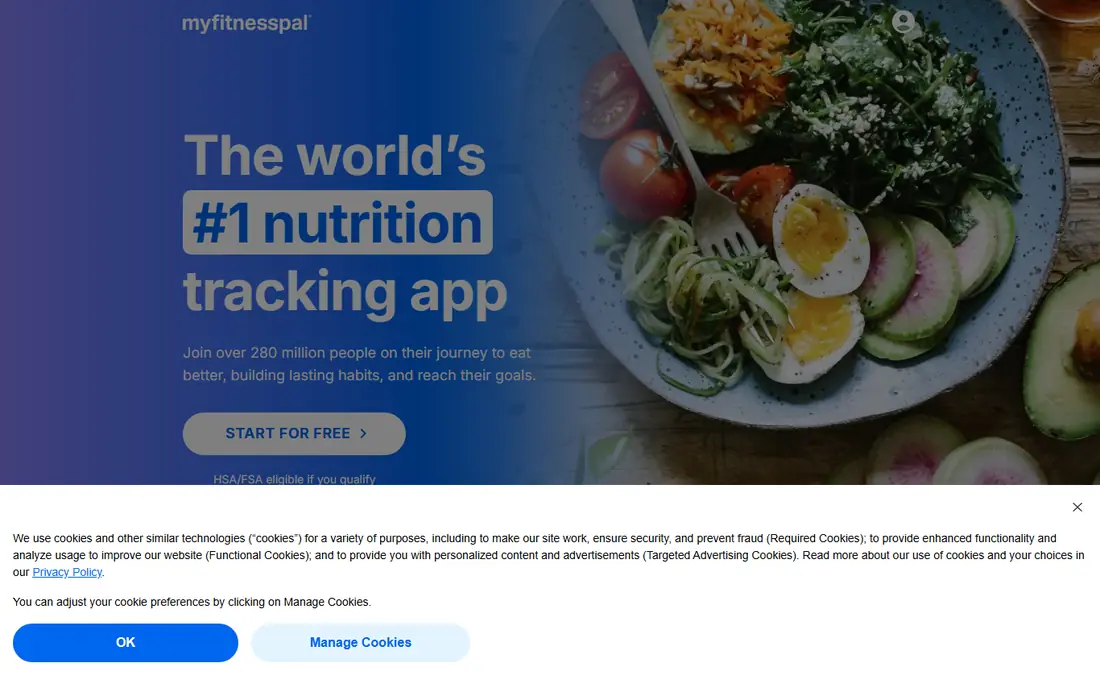
MyFitnessPal remains the default calorie tracker for most people. Its food database covers restaurant items, packaged foods and recipes at a scale rivals struggle to match, barcode scanning logs packaged foods in seconds, and meal history makes repeat meals a one-tap job. A free tier covers core calorie and macro tracking, with a paid plan adding deeper analysis and ad-free use.
The weakness is database accuracy. Many entries are user-submitted, so calories and portions can be wrong, especially for restaurant dishes and homemade recipes. Check entries against labels, favour verified items, and weigh portions for a few weeks until your estimates improve.
- Largest food database with barcode scanning
- Fast meal logging
- Wearable and app integrations
- Some database entries are user-submitted and inaccurate
- Premium features sit behind a paid plan
Lose It
Ideal for: Simple photo-friendly log
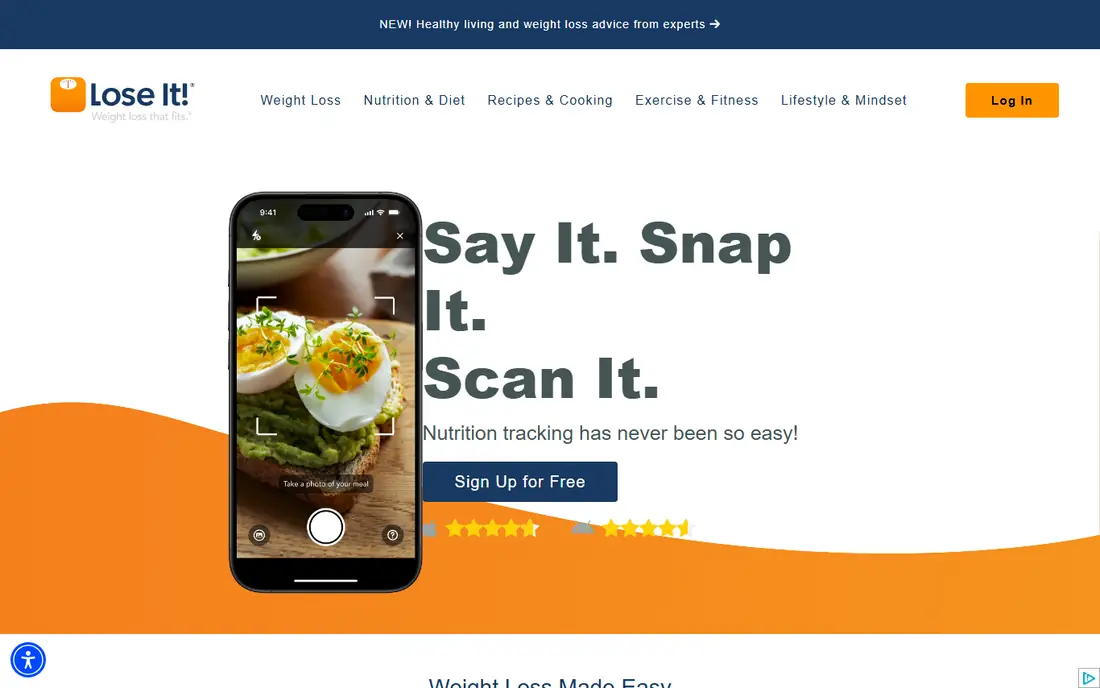
Lose It suits users who found MyFitnessPal busy and want a calmer log. Its interface centres on a daily calorie budget, photo logging helps capture meals quickly, and barcode scanning covers packaged foods well. A free tier covers core tracking, with a paid plan adding meal planning, advanced nutrients and pattern insights.
The limit is database depth. Lose It database is strong for US foods but thinner than MyFitnessPal for international and niche items, so some users will add custom foods more often. For a straightforward weight goal with simple meals, Lose It is the easiest log in this list.
- Simple, fast logging with photo features
- Clear calorie budget view
- Barcode scanning
- Food database is smaller than MyFitnessPal
- Advanced analysis needs a paid plan
Cronometer
Ideal for: Micronutrient detail
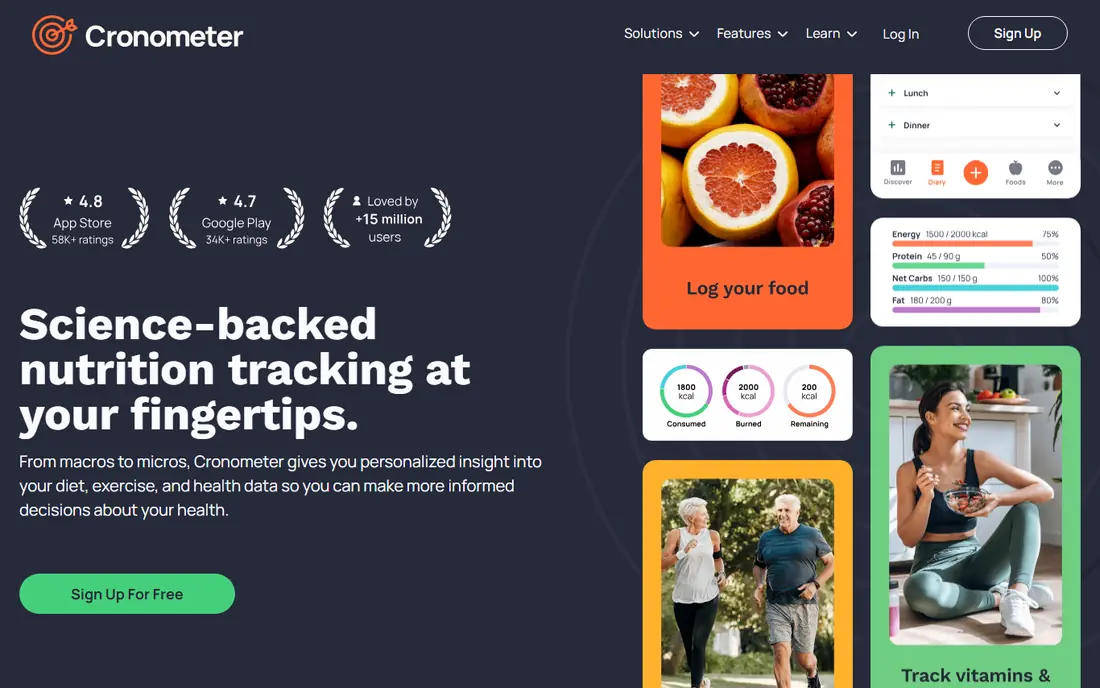
Cronometer suits users who care about nutrients, not just calories. It tracks vitamins, minerals, amino acids and other micronutrients in detail, with a verified database that reduces the inaccurate entries that plague larger crowdsourced databases. A free tier covers core tracking, with a paid Gold plan adding fasting timers, custom charts and deeper analysis.
The trade-off is effort. Cronometer interface is denser, and restaurant coverage is thinner than MyFitnessPal, so casual loggers may find it heavy. For a user managing a specific diet, deficiency concern or detailed nutrition goal, Cronometer detail is worth the extra taps.
- Detailed micronutrient, vitamin and mineral tracking
- Verified food database
- Fasting and biometric tracking
- Interface is denser than Lose It
- Food database is smaller for restaurant items
Lifesum
Ideal for: Meal plans and diets
Lifesum suits users who want a plan, not just a log. It offers meal plans for keto, Mediterranean, high-protein and other patterns, with recipes, shopping lists and habit tracking beside calorie counting. A free tier covers basic tracking, while paid plans include full meal plans and deeper insights.
The limit is database and flexibility. Lifesum food database is smaller than MyFitnessPal, and strict meal plans suit some users better than others. Lifesum fits a user who wants guidance on what to eat, not just a record of what they ate.
- Meal plans for many diet patterns
- Clean interface
- Water, exercise and habit tracking beside calories
- Food database trails MyFitnessPal
- Premium plans needed for full meal plans
Noom
Ideal for: Behaviour coaching
Noom suits users who struggle with habits rather than with maths. Its programme pairs calorie tracking with daily lessons on behaviour, psychology and habit change, plus coach and group support that help users understand triggers and build sustainable routines. That coaching focus sets Noom apart from pure loggers.
The weakness is tracking depth and price. Noom logging is simpler than MyFitnessPal or Cronometer, and it requires a paid subscription with no permanent free plan. Noom fits users who have tried pure tracking and need behaviour support to stick with a plan.
- Behaviour and psychology coaching beside tracking
- Daily lessons
- Coach and group support
- Paid subscription with no permanent free plan
- Calorie logging is simpler than dedicated trackers
MyNetDiary
Ideal for: Diabetes-friendly tracking
MyNetDiary suits users tracking carbs for diabetes or metabolic health. It offers detailed carb counting, glycaemic insights, medication tracking and glucose logging beside calories, with a verified food database that keeps entries reliable. A free tier covers core tracking, with a paid plan adding advanced analysis.
The limit is feel. MyNetDiary interface is more clinical than Lifesum or Lose It, and its community is smaller, so social motivation is thinner. For a user whose main goal is carb and glucose awareness, MyNetDiary is the most focused tool here.
- Strong diabetes and carb tracking features
- Verified food database
- Medication and glucose tracking options
- Smaller community than MyFitnessPal
- Interface feels more clinical than Lifesum
FatSecret
Ideal for: Free community tracking
FatSecret suits budget users who want free tracking with community support. Its core calorie, food and exercise diary is free, with barcode scanning and a large user community sharing recipes and tips. That free depth makes FatSecret a good starting point for a new tracker who does not want to pay yet.
The weakness is polish. FatSecret interface feels dated beside MyFitnessPal and Lose It, and some advanced features sit behind a paid plan. For a free, functional log with community help, FatSecret remains a solid choice.
- Free core tracking with a large community
- Barcode scanning
- Food and exercise diary in one place
- Interface feels dated
- Premium features and ad-free use need a paid plan
Yazio
Ideal for: Diet plans and fasting
Yazio suits users who combine calorie tracking with fasting or a structured diet plan. It offers fasting timers, diet plans for common patterns, recipes and meal planning beside a clean daily log, with a free tier for core tracking and a paid Pro plan for full plans and analysis. Its European roots give it strong coverage for European foods.
The limit is US database depth. Yazio food database is thinner than MyFitnessPal for US restaurant and packaged items, so US users may add custom foods more often. For a fasting or diet-plan user, especially in Europe, Yazio is a clean and capable pick.
- Diet plans and fasting timers
- Clean interface
- Recipe and meal planning features
- Food database trails MyFitnessPal for US items
- Full plans need a paid subscription
How we picked these
We compared food databases, barcode scanning, macro and micronutrient detail, diet plans, coaching and pricing for apps still operating in October 2026. We kept pure loggers, nutrient trackers and coaching apps in the list, since users track for different reasons. We did not follow a diet plan in each app, and we did not repeat vendor claims about weight loss as measured facts.
What to check before you buy
This is not medical advice, and calorie needs vary by age, sex, activity, health conditions and goals. A generic app target can be too low or too high for you, so treat app targets as a starting estimate, and talk to a doctor or dietitian if you have diabetes, a thyroid condition, a history of disordered eating, or any medical condition that affects diet. Stop tracking and seek professional help if logging increases anxiety, guilt or restrictive behaviour.
Next, test logging speed with your real meals. Log three days of normal eating in each shortlisted app, and check barcode scanning, restaurant items, recipes and repeat meals. The best app is the one you will still log in month three, so speed and database fit for your actual diet matter more than any single feature.
Finally, use the data kindly. Look for weekly patterns, such as low protein, missed meals or weekend overages, rather than judging single days. Weigh portions for a few weeks to calibrate estimates, favour verified database entries, and remember that activity, sleep and stress affect weight as much as any single meal.
Frequently asked questions
What is the best calorie tracking app overall?
MyFitnessPal is our pick for most people because of its large food database, barcode scanning and free tier. Lose It suits simpler logging, Cronometer suits nutrient detail, and Noom suits users who need behaviour coaching beside tracking.
Is there a free calorie tracking app?
Yes. MyFitnessPal, Lose It, Cronometer, Lifesum, MyNetDiary, FatSecret and Yazio all offer free tiers that cover core calorie tracking. Noom is the exception here, with a paid subscription and no permanent free plan.
How accurate are calorie tracking apps?
Accuracy depends on portion estimates and database entries, so weigh foods for a few weeks and favour verified entries. Restaurant meals, homemade recipes and user-submitted entries are the least accurate, while packaged foods with barcode scans are the most reliable.
Should I track macros or just calories?
Calories drive weight change, while macros shape hunger, muscle and energy. Most users do well tracking calories and protein first, then carbs and fat as needed, while Cronometer users who care about vitamins and minerals should track micronutrients too.
Is calorie tracking safe for everyone?
No. Tracking can harm people with a history of disordered eating, and it can increase anxiety for some users. If tracking feels obsessive or distressing, stop, delete the app, and talk to a doctor, dietitian or mental health professional for support.