Heap leads the list, best for automatic capture of user behavior. Listed starting prices: Mixpanel from $100 per month. Mixpanel is better for product and event-level campaign analysis, and Adobe Analytics is better for enterprise cross-channel measurement. All 6 tools are compared below on price, free plan and limits.
If you are comparing campaign analytics tools for marketing teams, this page covers 6 tools in one place: what each is best for, what it costs to start, whether it has a free plan, and the main limit to know about.
Key takeaways
Number one here is Heap, a fit for automatic capture of user behavior.
A fair warning about Heap: analysis still needs interpretation.
Heap, Mixpanel: these are the 2 tools out of 6 that offer a free plan.
The cheapest monthly starting price in the list is $100 per month, offered by Mixpanel.
Heap is designed for automatic capture of user behavior. It fits marketing teams that want wide behavioral visibility without predefining every event, notably when exploring why campaign traffic converts or drops off.
For everyday use, organizations needing deep product experimentation may pair Heap with a specialized tool. Heap does not show a starting price in this comparison, so check the vendor site for current pricing. Heap has a free plan.
Where it falls short: May overlap with other analytics tools.
Best for: Product and event-level campaign analysis
Think of Mixpanel for product and event-level campaign analysis. Mixpanel is a product intelligence system that merges analytics, session replay, experiments, feature flags, and AI-powered insights.
Watch-outs: Focus is product events, not media spend.
Mixpanel is built around event data, so teams looking for media spend attribution or channel-level campaign reporting may need extra tools. Price to start with Mixpanel: $100 per month. Free access exists with Mixpanel.
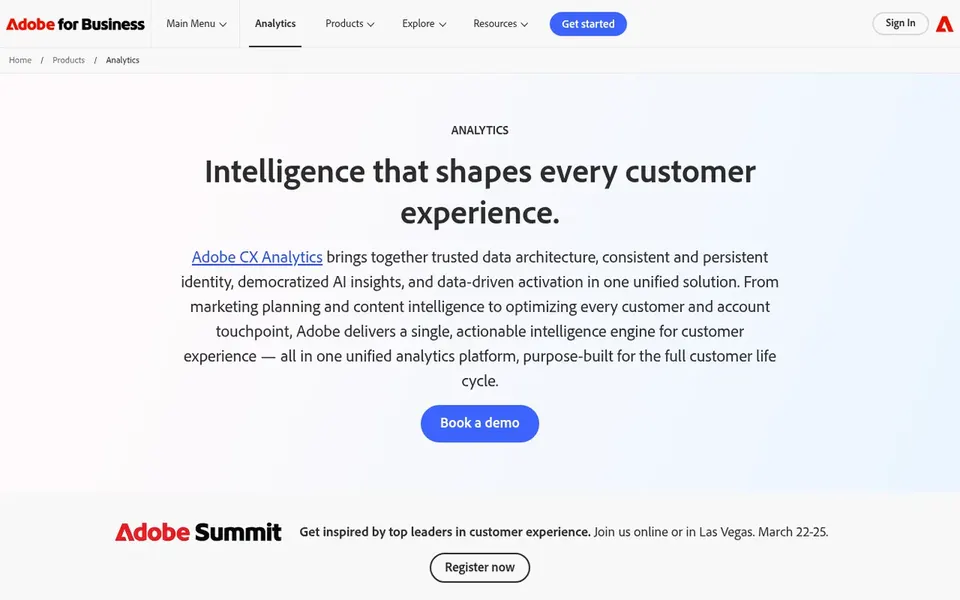
Where Adobe Analytics fits: enterprise cross-channel measurement. Adobe Analytics is an enterprise digital experience analytics product that brings together customer data, measures digital marketing performance, and helps optimize customer journeys with AI-powered insights. Its depth can mean a steeper setup and more administrative overhead than lighter tools.
Teams without dedicated analytics resources may find it heavy. Also, smaller teams or those focused chiefly on product events may prefer a more specialized product like Mixpanel or Amplitude. Pricing for Adobe Analytics is not stated here, so ask the vendor for current figures. Trial and free access: Not stated.
Where it is weaker: Can need specialist implementation.
Amplitude is a good fit for product-led growth analytics. Amplitude is a product analytics platform that brings AI into analytics, feedback, and code to help teams build self-improving products.
Amplitude centres on product behavior instead of campaign spend or channel performance, so it fits best alongside a media analytics tool. For everyday use, teams without event tracking in place will have to plan instrumentation before seeing value. This comparison lists no price for Amplitude; ask the vendor. Free options: Not stated.
Best for: Integrated campaign execution and reporting
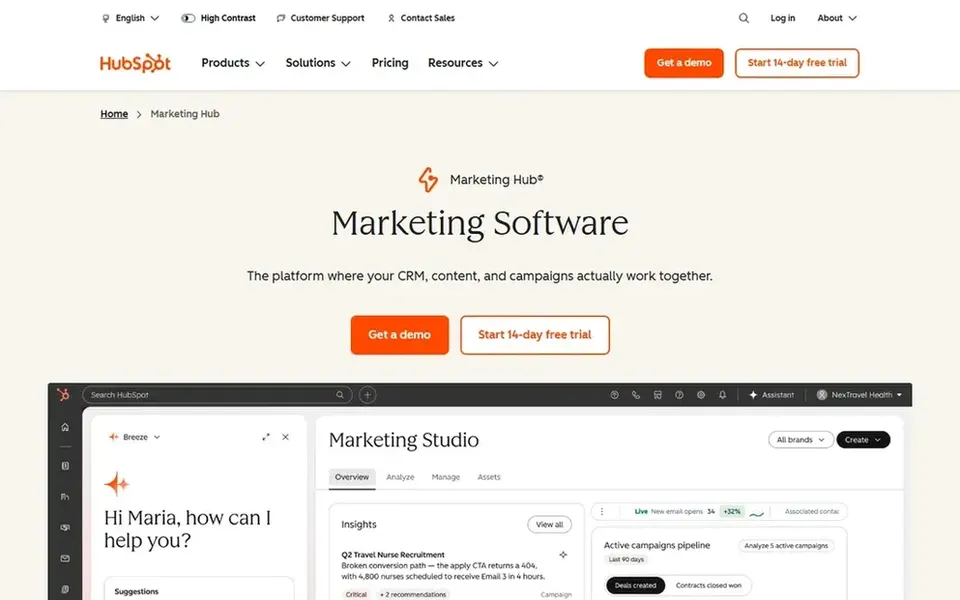
Think of HubSpot Marketing Hub for integrated campaign execution and reporting. HubSpot Marketing Hub is marketing software built to grow and convert demand, pairing campaign execution tools with reporting on marketing activity. Its analytics are most handy when campaign data lives inside HubSpot.
The main drawbacks: Analytics depth tied to system usage.
So teams with substantial activity in external systems may need extra integration work. Also, organizations seeking deep product-event analytics should consider Mixpanel, Amplitude, or Heap instead. This comparison lists no price for HubSpot Marketing Hub; ask the vendor. Free options: Not stated.
Looker Studio targets adaptable dashboard reporting. Teams needing automatic event capture or in-product analysis may prefer Heap or Mixpanel.
It suits marketing teams that require to blend data from several sources into shareable campaign reports, particularly when stakeholders want a single view of performance across channels. Looker Studio does not show a starting price in this comparison, so check the vendor site for current pricing. As for free access: Not stated.
Confirm the entry price on the vendor page. For Heap, Adobe Analytics, Amplitude and others that means a quote rather than a fixed price.
Read the fine print on the free plans from Heap and Mixpanel; seat, project and feature caps differ.
Before choosing Heap, weigh its main limit: analysis still needs interpretation.
Get the contract term, renewal terms and any onboarding fees from Heap in writing.
Before rolling out Amplitude, verify the integrations your workflow depends on.
How we picked
Ainotely used vendor pricing pages and product documentation as the base, then compared plans, free access and documented limits for 6 tools. Where a vendor does not publish a price, the entry says quote. Where a price depends on seats or billing term, the entry says so. We ordered the tools by general fit, then by how clearly pricing is shown, then by free access. A buyer with unusual needs may reorder them.
Every price and plan detail on this page comes from the vendors’ own websites. We did not run hands-on tests unless the text says so, and we do not publish star ratings or review scores. See how we score and our disclosure.
Keep your shortlist in one place
Paste prices, trial dates and notes from this guide into Ainotely, our AI note app. It files them into a topic and pulls out tasks like “cancel trial by Friday”. Free 7-day trial, no card needed.
Is Heap the right pick for everyone comparing campaign analytics tools for marketing teams?
No single tool suits every team. Heap comes first because it fits automatic capture of user behavior, while Mixpanel suits product and event-level campaign analysis and Adobe Analytics suits enterprise cross-channel measurement. Match the tool to your own size, budget and workflow before deciding.
What is the cheapest option for campaign analytics tools for marketing teams in this list?
On published monthly entry prices, Mixpanel is the lowest here at $100 per month. Entry price is only part of the cost, because seats, add-ons and billing terms can change the total. For the full picture, the cards above cover all 6 entries of this campaign analytics tools for marketing teams list, including price, free plan and limits.
Which options for campaign analytics tools for marketing teams have a free plan?
On this list, Heap and Mixpanel include a free plan. Caps on seats, usage or features are common, so test the free plan against your real workload. Pricing, free plan details and limits for all 6 tools in this campaign analytics tools for marketing teams roundup sit on the individual cards above.
Do these tools publish their prices?
Not all of them. Heap, Adobe Analytics, Amplitude and others publish no starting price, so expect a quote request for those. The rest, Mixpanel included, show a starting price, though seats and billing terms still change the final cost.
Is HubSpot Marketing Hub suitable for teams outside its ecosystem?
Teams with substantial activity in external systems may need integrations or may prefer a standalone analytics tool. Evaluate how much of your campaign workflow would run inside HubSpot before deciding.