Start with Anaplan if you need scenario planning and connected analysis. Workday Adaptive Planning is better for cross-functional budgeting and forecasting, and OneStream is better for unified finance and operations EPM. Details, prices and limits for the rest of the 5 tools are below.
This Ainotely guide covers 5 options for capital planning software. Each profile lists a starting price, free plan details, strengths and drawbacks, so you can drop poor fits quickly.
Key takeaways
This list starts with Anaplan, which is built for scenario planning and connected analysis.
A permanent free plan is missing from all 5 tools, Anaplan and Oracle NetSuite included; plan for a trial or a premium start.
Oracle NetSuite is the one to check for capital planning inside a full cloud ERP.
No starting price is shown for any of the 5 tools, Anaplan and Oracle NetSuite included, so plan time for sales calls.
Best for: Scenario planning and connected analysis
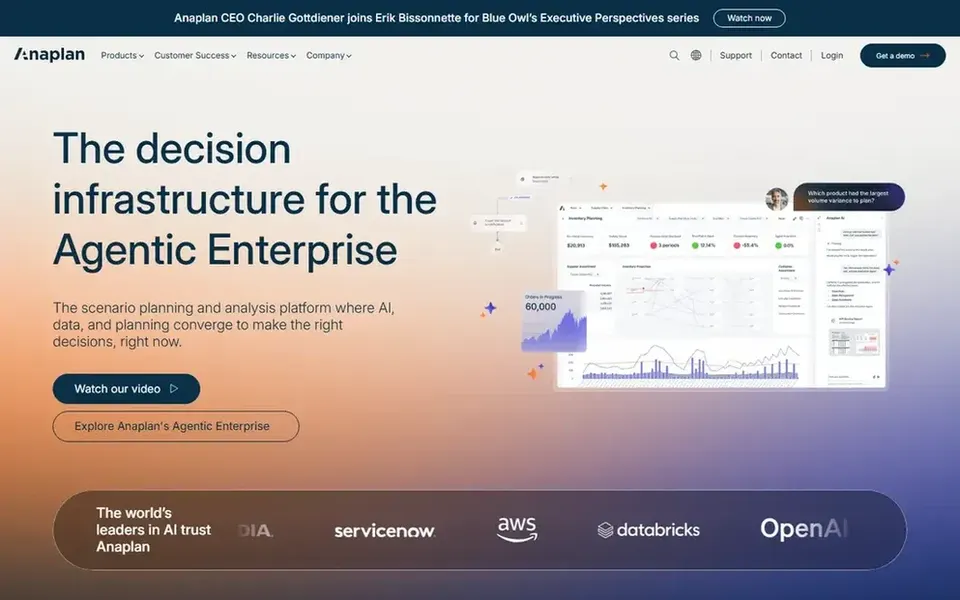
Anaplan targets scenario planning and connected analysis. Anaplan describes itself as a scenario planning and analysis product where AI, data and planning converge to support timely decisions.
For capital planning, that means modeling different investment paths and adjusting assumptions as conditions change. As for the details, if your capital planning needs are modest or you want planning tightly embedded in an existing ERP, a more straightforward or more integrated choice may serve you better. No starting price is listed for Anaplan here; confirm pricing on the vendor site. Free options: Not stated.
What to check first: Model building can demand trained users.
Best for: Cross-functional budgeting and forecasting
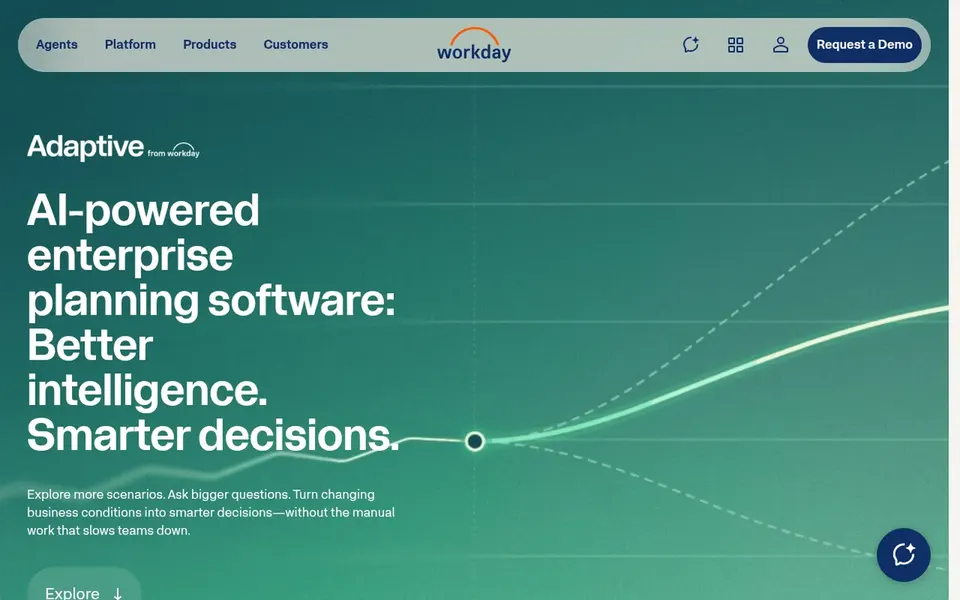
Workday Adaptive Planning is a good fit for cross-functional budgeting and forecasting. It fits mid-sized and bigger organizations that want planning collaboration across finance and operational leaders instead of finance working alone in spreadsheets.
Main advantages: AI-driven planning and analysis.
The system tends to deliver the most value when it links to related Workday systems, and highly tailored models can need specialist configuration. Workday Adaptive Planning shows no starting price here, so confirm the cost on the vendor site. Free access: Not stated. Points against: Best value when paired with related Workday products.
In short, OneStream is for unified finance and operations EPM. OneStream presents itself as an AI operating system for modern finance and a unified EPM system that links finance and operations data.
Teams seeking a fast, light planning tool may find a narrower system simpler to adopt. Check the vendor site for OneStream pricing; none is listed in this comparison. Free plan details: Not stated.
Watch-outs: Enterprise scope may be heavy for small teams.
Pigment was built for adaptable modeling with AI assistance. Pigment is an integrated business planning product powered by agentic AI that supports analyzing, modeling and planning. As with any adaptable modeling product, governance and model structure need attention as usage expands across teams.
For everyday use, for capital planning, its appeal is adaptable modeling that lets teams test assumptions and prepare for different outcomes. Organizations with highly standardized, ERP-centric planning requirements may prefer a system that is more tightly bound to their core financial system. This comparison lists no price for Pigment; ask the vendor. Free access: Not stated.
Where it falls short: Newer entrants may suit less complicated structures.
Best for: Capital planning inside a full cloud ERP
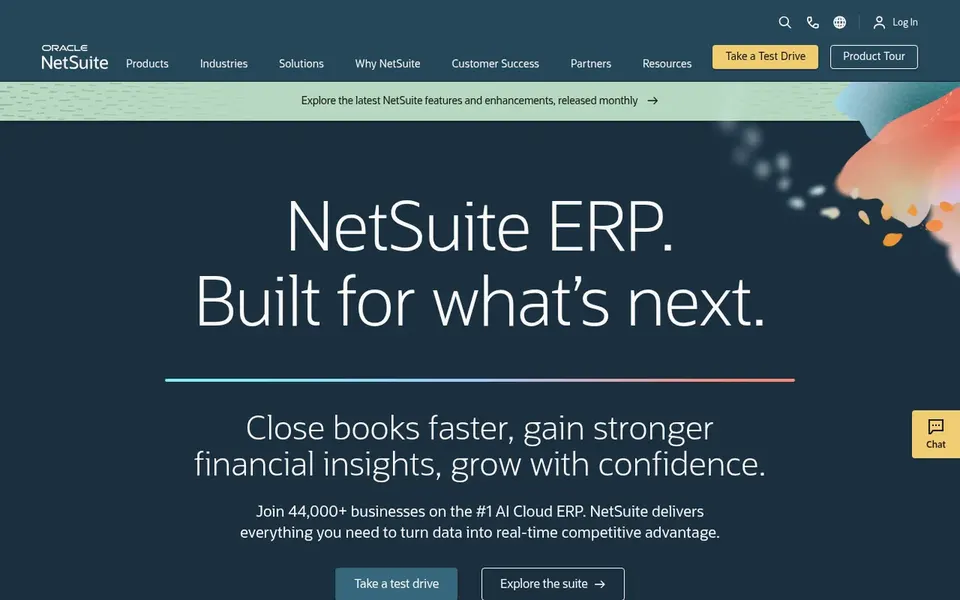
Oracle NetSuite works best for capital planning inside a full cloud ERP. Oracle NetSuite is a cloud ERP that brings financials, accounting, CRM and inventory management together with built-in AI. In daily use, the breadth of the suite means setup and administration can take real effort.
Teams with a narrow planning need may find it heavier than required. In daily use, if your priority is specialized scenario modeling instead of integrated ERP records, a dedicated planning product may be a better match. This comparison lists no price for Oracle NetSuite; ask the vendor. Free plan details: Not stated.
Limits to weigh: Configuration effort can be substantial.
What Oracle NetSuite does well: Built-in AI supports data analysis.
Confirm the entry price with every vendor: no tool from Anaplan to Oracle NetSuite shows a fixed starting price.
Read the limits listed for Anaplan first: model building can demand trained users.
Check how data leaves Anaplan: formats, limits and whether exports are available on every plan.
Check whether the features you need in Workday Adaptive Planning sit on the entry plan or only on higher tiers.
Run a one or two week pilot of Pigment with the people who will use it every day.
How we picked
We compared the tools on published pricing, free plan or trial availability, feature coverage for capital planning software, and the limits each vendor documents. Where a price is missing, the vendor does not list one publicly or ties it to a quote. Always confirm before budgeting. The order reflects how well each tool fits the most common buying scenario for capital planning software, then price clarity, then free plan access. It is a starting point, not a verdict.
Every price and plan detail on this page comes from the vendors’ own websites. We did not run hands-on tests unless the text says so, and we do not publish star ratings or review scores. See how we score and our disclosure.
Keep your shortlist in one place
Paste prices, trial dates and notes from this guide into Ainotely, our AI note app. It files them into a topic and pulls out tasks like “cancel trial by Friday”. Free 7-day trial, no card needed.
Is Anaplan the right pick for everyone comparing capital planning software?
No single tool suits every team. Anaplan comes first because it fits scenario planning and connected analysis, while Workday Adaptive Planning suits cross-functional budgeting and forecasting and OneStream suits unified finance and operations EPM. Match the tool to your own size, budget and workflow before deciding.
How are the tools for capital planning software ordered?
Anaplan sits first and Oracle NetSuite last because the order follows typical fit for capital planning software, then price clarity and free access. It is a judgement call, so read each profile for fit and limits.
Do these tools publish their prices?
No. None of the tools, from Anaplan to Oracle NetSuite, shows a fixed starting price here, so budget time for quotes.
Does any tool for capital planning software here have a free plan?
No tool in this list, Anaplan and Oracle NetSuite included, has a permanent free plan. Trials and quotes are the usual route, so plan a short evaluation period.
How long should evaluation take?
A focused evaluation typically spans a shortlist of tools, a scripted scenario walkthrough and checks on integration and governance. Involving finance and IT early helps surface constraints.