Best Car Apps in 2026: 8 Options Compared

- 1
 Cars.comWidest car search for buyersVisit
- 2
 AutotraderDealer and private car listingsVisit
- 3
 CarvanaOnline car buying with deliveryVisit
- 4
 CarMaxLarge used car retailer with appraisalsVisit
- 5
 Kelley Blue BookCar values and pricing guidanceVisit
- Cars.com and Autotrader lead for searching cars for sale.
- Carvana and CarMax suit buyers who want online purchase and delivery.
- Kelley Blue Book helps you check values before you negotiate.
- GasBuddy and Waze help with fuel prices and driving after you buy.
Quick comparison
| Product | Ideal for | Price from | Free version | |
|---|---|---|---|---|
| Cars.com | Widest car search for buyers | Free | Yes | Visit |
| Autotrader | Dealer and private car listings | Free | Yes | Visit |
| Carvana | Online car buying with delivery | Free | Yes | Visit |
| CarMax | Large used car retailer with appraisals | Free | Yes | Visit |
| Kelley Blue Book | Car values and pricing guidance | Free | Yes | Visit |
 Edmunds | Car research, values, and reviews | Free | Yes | Visit |
 GasBuddy | Finding cheap fuel nearby | Free | Yes | Visit |
 Waze | Navigation with live traffic and hazards | Free | Yes | Visit |
The best best car apps
Car apps cover buying, selling, valuing, and driving. The apps below include marketplaces, value guides, and driving tools, so pick the ones that match your stage, from shopping to daily driving.
Cars.com
Ideal for: Widest car search for buyers
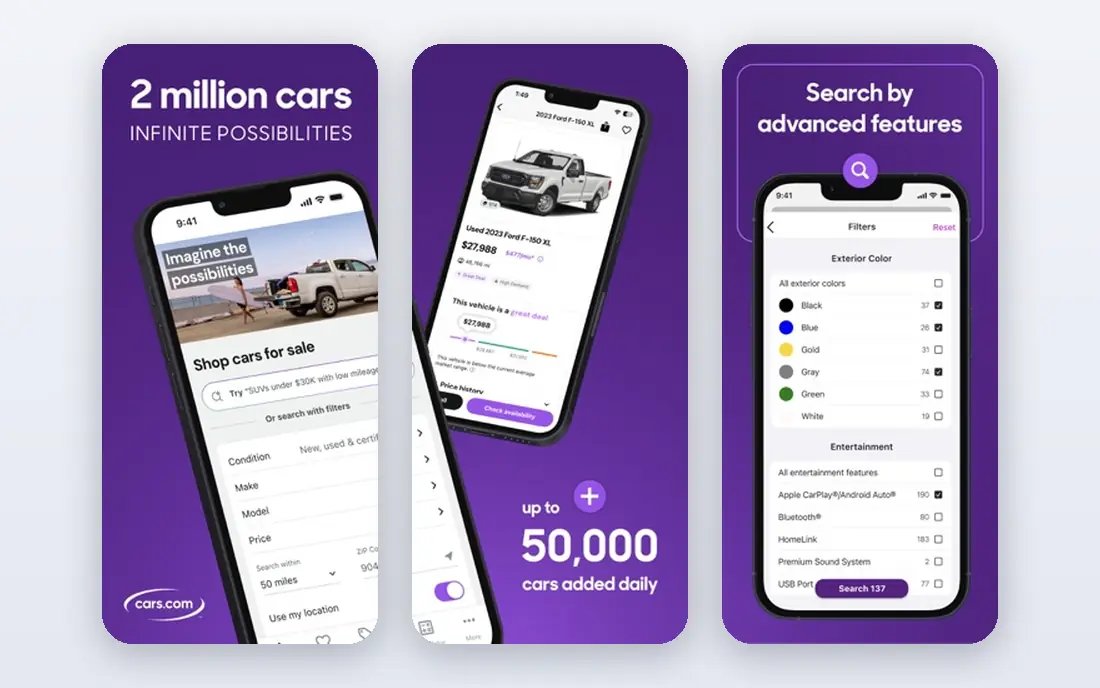
Cars.com offers a large car search with filters for price, mileage, and features, plus value tools and dealer reviews. It suits buyers comparing many cars across dealers and private sellers. The app is fast and clear.
Some listings are dated, and lead forms go to dealers who may follow up heavily. For the widest search, Cars.com is our pick.
- Large listing coverage
- Value tools
- Dealer reviews
- Some listings are dated
- Lead forms go to dealers
Autotrader
Ideal for: Dealer and private car listings
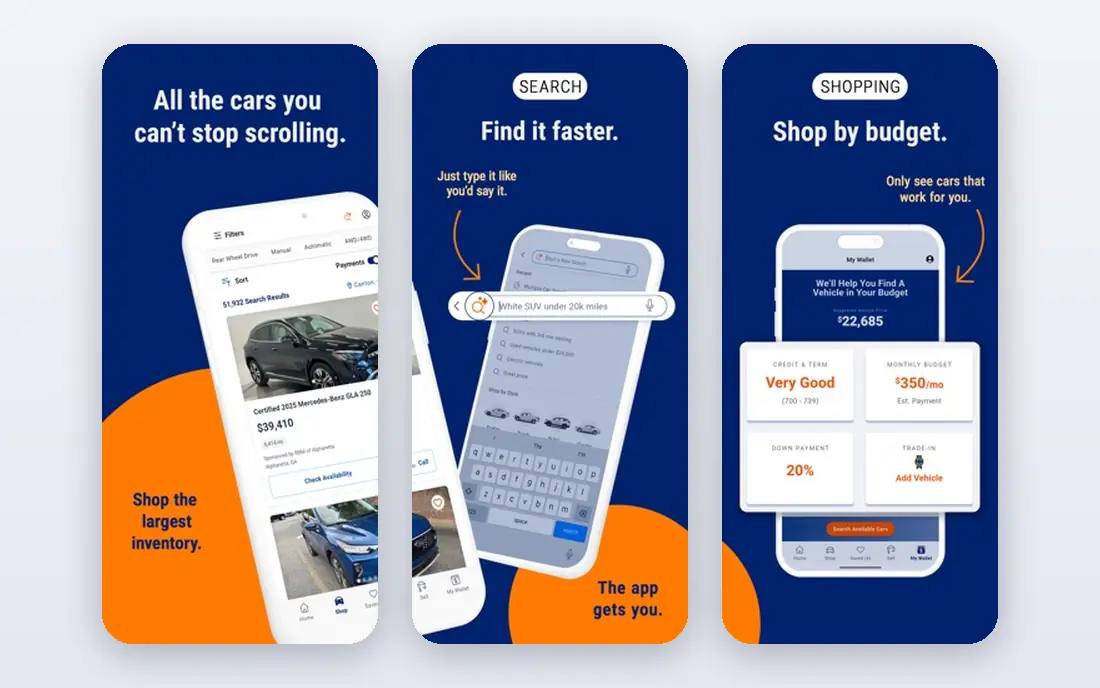
Autotrader covers dealer and private listings with price ratings that flag good deals. It suits buyers who want a long established marketplace. Search filters are detailed.
Some features need signup, and dealer contacts include promoted leads. For a classic marketplace, Autotrader is strong.
- Large dealer network
- Private listings
- Price ratings
- Some features need signup
- Dealer leads are promoted
Carvana
Ideal for: Online car buying with delivery
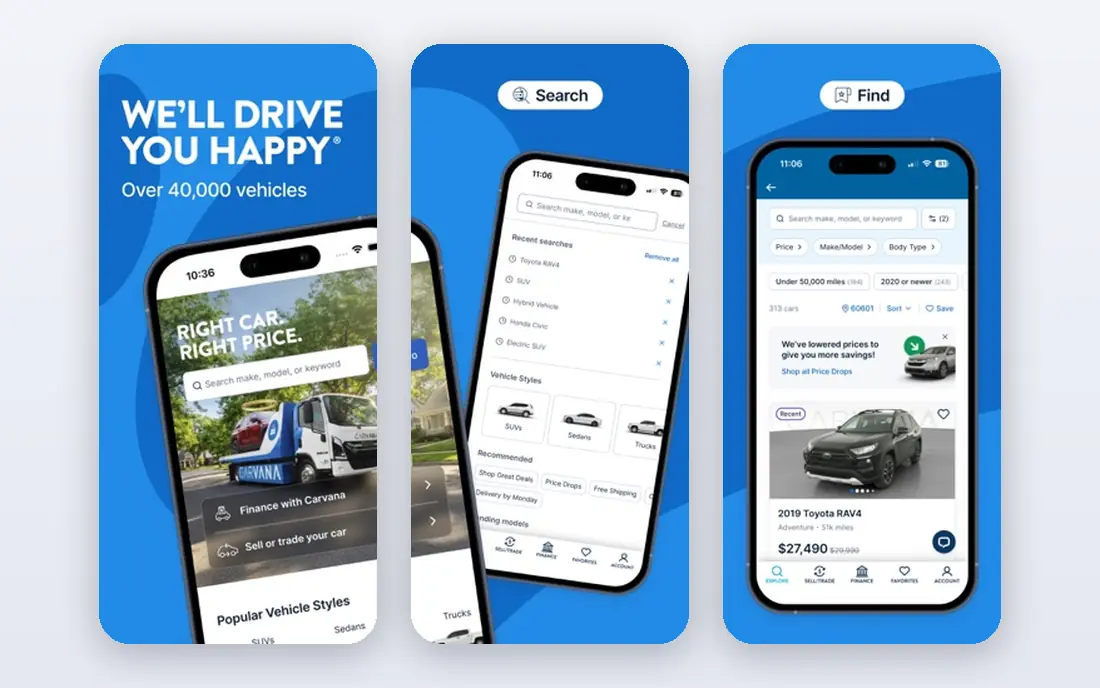
Carvana lets you buy a car online with delivery and a return window, removing dealership negotiation. It suits buyers who value convenience and a clear price. The catalog covers many makes and models.
Prices can run higher than private sales, and an independent inspection is still wise. For online buying, Carvana is convenient.
- Online purchase and delivery
- Return window
- No haggle pricing
- Prices can be higher
- Inspection still wise
CarMax
Ideal for: Large used car retailer with appraisals
CarMax offers a large used inventory with no haggle prices, instant appraisal offers for sellers, and transfers between stores. It suits buyers and sellers who want a straightforward process. The appraisal tool is quick.
No haggle prices may be higher than negotiated deals, and selection varies by store. For a simple large retailer, CarMax is reliable.
- Large inventory
- Instant appraisal offers
- Transfer between stores
- Prices are no haggle and may be higher
- Selection varies by store
Kelley Blue Book
Ideal for: Car values and pricing guidance
Kelley Blue Book gives value ranges for new and used cars by condition and mileage, plus expert reviews. It suits buyers and sellers who want a pricing anchor before negotiating. The data is widely cited.
Values are estimates and local prices vary, so compare with market listings. For value guidance, Kelley Blue Book is the standard.
- Trusted value ranges
- New and used prices
- Expert reviews
- Values are estimates
- Local prices vary
Edmunds
Ideal for: Car research, values, and reviews
Edmunds offers detailed car reviews, true market values, and comparison tools that help buyers weigh models. Its research depth suits careful shoppers. Price promise tools link to dealers.
Some tools need signup, and dealer contacts include promoted leads. For research depth, Edmunds is a strong companion.
- Detailed reviews
- True market values
- Comparison tools
- Some tools need signup
- Dealer leads are promoted
GasBuddy
Ideal for: Finding cheap fuel nearby
GasBuddy maps fuel prices from user reports and station data, helping drivers find cheaper gas nearby. Trip planning shows prices along a route. It suits daily drivers and road trippers.
Prices are partly user reported and can be outdated, and the free version includes ads. For fuel savings, GasBuddy is useful.
- Fuel price maps
- Station reviews
- Trip planner
- Prices are user reported and vary
- Ads in free version
Waze
Ideal for: Navigation with live traffic and hazards
Waze gives navigation with live traffic, hazard, and police reports from drivers, plus fast rerouting. It suits commuters and road trippers who want real time road conditions. The community reports are a strength.
Battery use is higher than some navigation apps, and ads appear. For live driving alerts, Waze is a favorite.
- Live traffic and hazard alerts
- Police and road reports
- Rerouting
- Battery use is higher
- Ads appear in the app
How we picked these
We compared official feature pages and app store listings for each app, checking listing coverage, value data, and driving features. We favored apps that state their data sources and cover the US market well. We did not claim hands-on testing; our comparison rests on published features and public reviews.
We also checked whether each option is still offered and supported, and we left out products with unclear pricing, broken pages, or a poor fit for the topic. Where a price or free tier could not be confirmed from the vendor site, we wrote See website rather than guessing. Readers should still check the vendor page before buying, since prices and plans change.
How to use car apps when buying
Start with value before you negotiate. Kelley Blue Book and Edmunds give price ranges for a car condition and mileage. Knowing the range helps you spot an overpriced listing and negotiate with confidence. Check several sources, since values differ.
Compare listings across marketplaces. The same car may appear on Cars.com, Autotrader, and dealer sites with different prices or details. Cross checking reveals price drops and how long a car has sat unsold, which affects your bargaining power.
Get a history report and inspection for used cars. A clean listing is not proof of clean history. Reports from Carfax or AutoCheck plus a mechanic inspection catch accidents and hidden issues. Budget for the inspection before you fall in love with a car.
Check total ownership costs, not just the price. Insurance, fuel, maintenance, and financing change the monthly cost a lot. Use calculator tools in these apps to compare models on total cost, not sticker price alone.
Before you pay, confirm the total cost for the first year, including any add ons, renewal prices, and fees that only appear at checkout. A low starting price can hide a higher renewal rate, and a free tier can limit the feature you need most. Write down the features you will use weekly, and pay only for those.
After you choose, give the option a fair trial with your real workload, not just a quick tour. Set a reminder to review it after two to four weeks, and note what worked, what annoyed you, and what you never used. That review tells you whether to keep, upgrade, or switch before a renewal locks you in.
If the option disappoints, switch sooner rather than later. Export your data first, check whether you can keep your account history or settings, and confirm any cancellation terms. A good provider makes leaving straightforward, and a difficult exit is itself useful information about the service.
Talk to people who already use the option before you commit, especially for a business purchase. A short conversation with a current user reveals support quality, setup effort, and daily friction that marketing pages omit. Ask what surprised them after the first month, since early impressions often differ from longer use.
Keep a simple record of why you chose the option, including the price you were quoted and the features that mattered. That note makes renewal talks easier and helps a colleague or future you understand the decision. If the price rises or a key feature changes, the note shows whether the original reasons still hold.
Finally, plan the first week of use before you pay. List the setup steps, the data you need to move, and the people who need access. A clear first week plan turns a promising choice into a working routine, and it exposes missing features while you can still change your mind.
Save the vendor support page and the cancellation instructions in the same place as your receipt. When something goes wrong, you will want support details at hand rather than searching for them under pressure. A tidy record saves time and keeps a small problem from becoming a long one.
Keep notes on the first month of use, including any issues and how support handled them. Those notes give you clear evidence if you need a refund, an upgrade, or a switch, and they help you advise a friend or colleague who asks about the same choice later.
Frequently asked questions
What is the best car app?
Cars.com is our pick for the widest car search, while Autotrader is strong for dealer and private listings. Kelley Blue Book is best for values, and Carvana suits online buying with delivery. Your stage of buying decides the winner.
Which app is best for buying a used car?
Cars.com and Autotrader both cover used cars well, with filters for price, mileage, and history. Carvana and CarMax offer online buying with return windows. Always get a history report and inspection for a used car.
Can I sell my car through an app?
Yes, Cars.com, Autotrader, Carvana, and CarMax all offer selling options, from listings to instant offers. Instant offers are convenient but may be lower than a private sale. Compare an instant offer with listing prices before deciding.
What is the best app for car values?
Kelley Blue Book is the best known value guide, with Edmunds as a strong second source. Check both, since values differ by method. Condition, mileage, and local market all affect the real price.
Do car apps list electric cars?
Yes, major marketplaces include EV filters for range, charging, and battery. Check battery health and warranty for used EVs, since replacement costs are high. Some apps show charging network data for EV models.
How often should I review my choice?
Review it at least once a year, and sooner if your needs, budget, or team size change. Prices, features, and policies shift over time, and a better fit may appear. A short yearly check, comparing your current option with two alternatives, keeps you from paying for features you no longer use.