Best Cash Back Apps in 2026: 8 Options Compared

- Rakuten suits online shopping, Ibotta suits grocery offers, and Fetch suits receipt scanning with no planning.
- Upside suits drivers, while Capital One Shopping suits browser shoppers who want coupons too.
- Stacking apps can help, but only when you were going to buy the item anyway.
- Check payout minimums and timing, since small balances in unused apps are not real savings.
Quick comparison
| Product | Ideal for | Price from | Free version | |
|---|---|---|---|---|
 Rakuten | Online shopping cash back | Free | Yes | Visit |
 Ibotta | Grocery and household offers | Free | Yes | Visit |
 Fetch | Receipt points with no planning | Free | Yes | Visit |
 Upside | Gas, grocery and dining savings | Free | Yes | Visit |
 Capital One Shopping | Coupons plus rewards for online shopping | Free | Yes | Visit |
 PayPal Honey | Automatic coupons at checkout | Free | Yes | Visit |
 Swagbucks | Surveys, shopping and tasks | Free | Yes | Visit |
 Shopkick | In-store rewards and receipt scans | Free | Yes | Visit |
The best best cash back apps
Cash back apps pay you a share of the commission retailers pay for sending shoppers their way. We compared where each app pays, how you earn, payout minimums, payout methods and how much effort each one needs, and we favored apps with clear terms and realistic payouts over headline rates that rarely apply.
In this guide, we list eight best cash back apps options and explain who each one suits best, what it costs to start, and where it falls short. We kept the list focused on products that are widely available in the United States and that a reader can actually sign up for today, rather than filling the list with niche tools that are hard to buy or that have stopped updating their product. Prices and free tiers are shown as we found them in October 2026, and we note where a price needs a check on the vendor site because it varies by plan, team size or region.
Note: Cash back rates, payout minimums and partner stores change often. This is general information, not financial advice, and you should check each app's current terms before you shop.
Rakuten
Ideal for: Online shopping cash back

Rakuten pays a percentage back when you start shopping through its site, app or browser extension at a partner store. Rates vary by retailer and promotion, and payouts arrive quarterly by PayPal, check or gift options once you pass the minimum balance.
The catch is tracking. An ad blocker, another coupon extension or a different device can break the link, so click through Rakuten last and buy promptly. For regular online shoppers, Rakuten remains the default first app in this list because it needs so little ongoing effort.
- Thousands of partner stores
- Browser extension
- Quarterly payouts
- Rates vary by store
- Orders can fail to track
- Quarterly payout cycle
Ibotta
Ideal for: Grocery and household offers
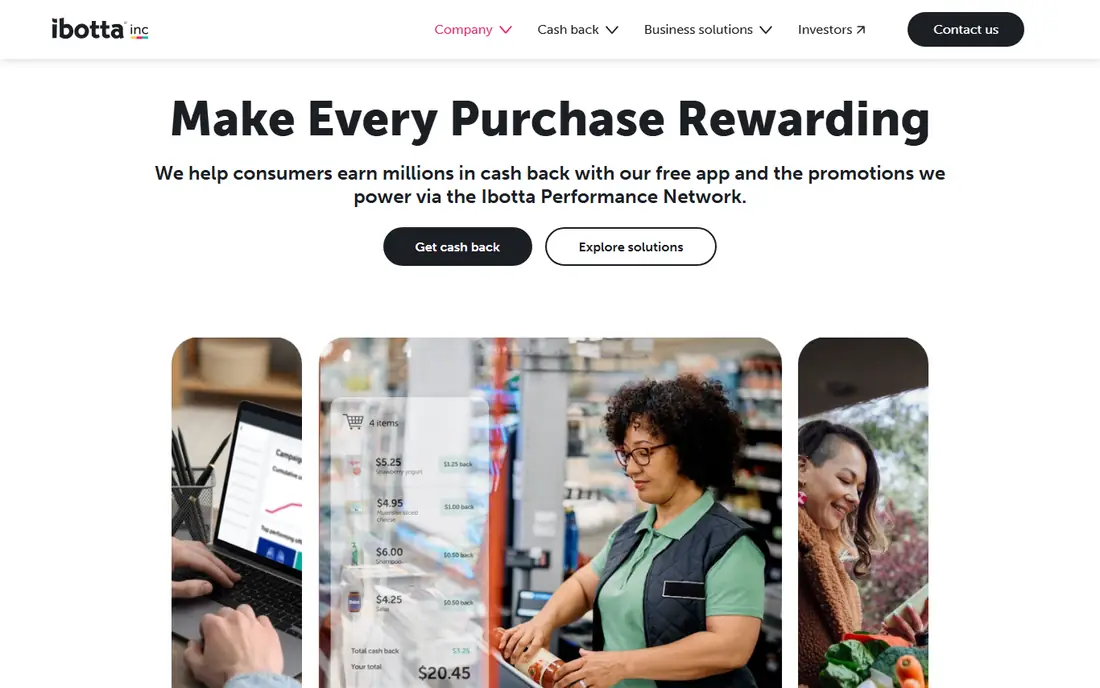
Ibotta pays rebates on specific grocery and household items when you activate offers, shop and verify with a receipt or linked loyalty account. Payouts go to PayPal, bank or gift cards once you reach the withdrawal threshold.
Ibotta rewards planning more than Rakuten does, since you must pick offers before you shop. That effort pays when the offers match your normal grocery list, but it wastes time when they push you toward brands you would not buy anyway.
- Item-level rebates
- Linked loyalty accounts
- Cash payouts
- Needs offer activation
- $20 withdrawal minimum
- Effort per trip
Fetch
Ideal for: Receipt points with no planning
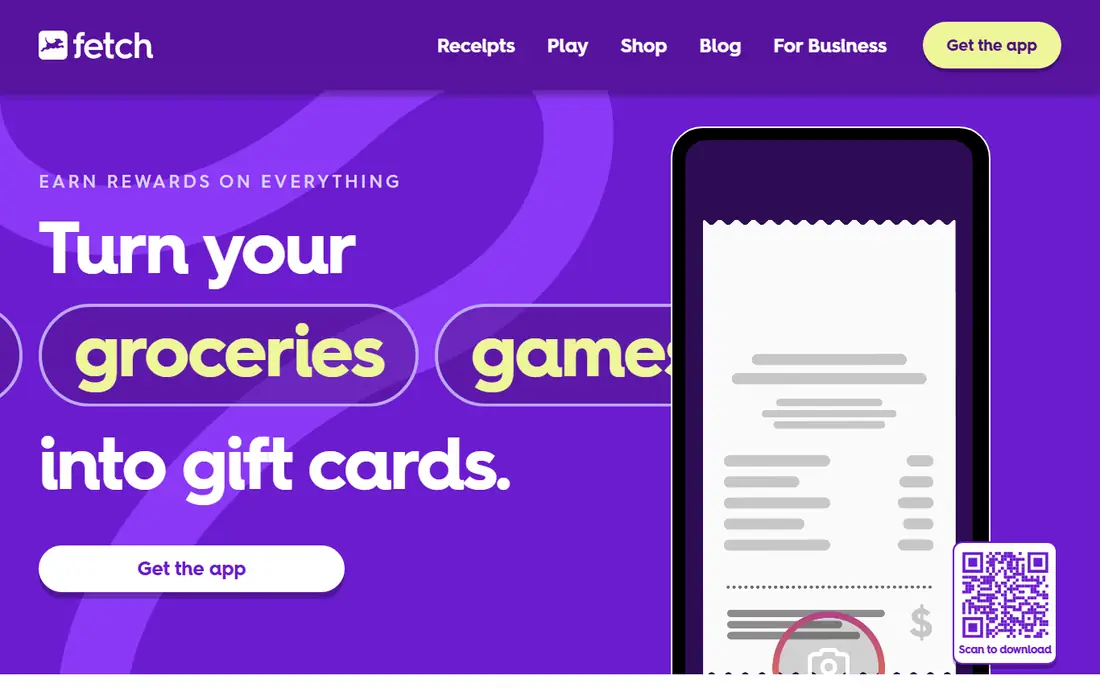
Fetch turns almost any receipt into points, with bonuses for partner brands, and points convert to gift cards. There is no offer to activate first, which makes Fetch the easiest app in this list to use every day.
The trade is value. Standard receipts earn modest points that do not scale with spending, and rewards are gift cards rather than cash. Fetch works best as a background habit alongside Rakuten or Ibotta, not as a main cash back strategy.
- Any receipt earns points
- Low redemption threshold
- Gift card rewards
- Points per receipt are small
- Rewards are gift cards, not cash
Upside
Ideal for: Gas, grocery and dining savings
Upside shows cash back offers at nearby gas stations, grocery stores and restaurants, and you claim an offer, pay and verify with a receipt or card check-in. Drivers and commuters benefit most, since gas savings repeat every week.
Offers change by location and day, so savings depend heavily on where you live and drive. Check the offer before you buy, keep the receipt, and compare the claimed saving with the pump price, since a nearby station without an offer can still be cheaper.
- Location-based offers
- Gas savings
- Bank or gift card payouts
- Offers vary by location and day
- Verification needs care
Capital One Shopping
Ideal for: Coupons plus rewards for online shopping
Capital One Shopping is a browser extension and app that compares prices, applies coupon codes and earns rewards redeemable for gift cards. You do not need a Capital One card to use it, which makes it a useful second opinion alongside Rakuten.
Rewards arrive as gift cards rather than cash, and rates vary by store. It also competes with other extensions for the same click, so only one extension can earn credit for a purchase. Use it when its coupon or reward beats Rakuten for that order.
- Price comparison
- Automatic coupons
- Rewards for gift cards
- Rewards are gift cards
- No Capital One card needed but account required
PayPal Honey
Ideal for: Automatic coupons at checkout
PayPal Honey, formerly Honey, searches for coupon codes at checkout and tracks prices on items you watch. It suits shoppers who forget to look for codes and who shop across many stores rather than one loyalty program.
Coupon results vary, and a code that applies may still beat a cash back rate, or the reverse. Honey rewards convert to gift cards through PayPal Rewards, not cash. Treat it as a coupon tool first and a rewards tool second.
- Automatic coupon search
- Price tracking
- PayPal integration
- Rewards are points for gift cards
- Coupon success varies
Swagbucks
Ideal for: Surveys, shopping and tasks
Swagbucks pays points, called SB, for shopping through its portal, surveys, videos and other tasks, and points convert to gift cards or PayPal cash. Shopping cash back is the most reliable part, while surveys add small amounts for spare time.
Task pay is low for the time involved, and survey disqualification frustrates many users. Swagbucks is best for shoppers who already use its portal and treat surveys as occasional extras, not as a source of income.
- Many earning options
- Shopping cash back
- Gift card payouts
- Low pay per task
- Surveys can disqualify partway
Shopkick
Ideal for: In-store rewards and receipt scans
Shopkick pays kicks for walking into partner stores, scanning selected items and submitting receipts, and kicks convert to gift cards. It suits shoppers who enjoy in-store treasure hunts and who already visit partner retailers often.
Earning is slow without partner offers, and rewards are gift cards rather than cash. Shopkick works as a light extra for regular shoppers, but it should not replace Rakuten for online orders or Ibotta for grocery rebates.
- Kicks for store visits and scans
- Receipt rewards
- Gift cards
- Rewards are gift cards
- Earning is slow without partner offers
How we picked these
We compared official feature pages, pricing pages, app store listings, privacy policies and public reviews for each option, and we checked that each product is still available and working in October 2026. We favored products that fit the topic directly, publish clear pricing or a clear free tier, and explain how they handle data and support. We left out products that looked discontinued, that did not match the topic, or whose official homepage we could not verify. Prices change often, so check the vendor page linked in each block before you pay.
We also paid attention to the details that decide daily satisfaction, not just headline features. That meant checking how a free plan actually limits use, whether a paid plan is priced per user, per device or per account, and what happens when you add team members or exceed a limit. Where a vendor only publishes quote-based pricing, we say so rather than guessing a number, and where a first-year discount differs from a renewal price, we flag that difference in the product write-up so the second year does not come as a surprise.
How to get real value from cash back apps
Start with your actual spending. Online shoppers should start with Rakuten, grocery shoppers with Ibotta, drivers with Upside, and everyone with Fetch as a passive extra. Adding five apps you rarely open only spreads small balances across more accounts.
Protect the purchase first. Cash back should never justify buying something you would not buy anyway, and it should never beat a lower price at another store. Compare the final price after cash back, check return rules, and remember that returns can cancel the reward.
Cash out on a schedule. Note each payout minimum, payout timing and method, and withdraw once you pass the threshold. If an app asks for payment details beyond what it needs to pay you, stop and check its terms before continuing.
Before you commit, run a short trial with the work you actually do, not with demo data. Set up one real project, booking, routine or workflow, invite the people who will use the tool every day, and check support response time when you hit a question. A product that feels good in a sales demo can still fail on a busy day, so a trial that mirrors real use is the most reliable test. If two options feel close after that trial, choose the one with clearer pricing, simpler cancellation and better support, since those factors matter long after the novelty of a new tool fades. Keep a note of the trial end date, the renewal price and the cancellation steps, so a decision made in a hurry does not turn into a subscription you forgot to review. That small record, kept in the same place as your other subscription dates, makes the yearly renewal check a five-minute job rather than a surprise bill.
Frequently asked questions
What is the best cash back app?
Rakuten is the best default for online shopping, Ibotta is best for grocery offers, and Fetch is best for effortless receipt points. Most shoppers get the best result from one main app plus Fetch in the background.
What is the best cashback app for online shopping?
Rakuten leads for online shopping because of its store coverage and browser extension. Capital One Shopping and PayPal Honey are useful comparisons when a coupon or a different reward beats the Rakuten rate.
How do cash back apps make money?
Retailers pay the app a commission for sending shoppers, and the app shares part of that commission with you. Legitimate cash back apps do not charge you to join, and they earn from retailers, not from membership fees.
What is the cash-out minimum for cash back apps?
Minimums vary. Rakuten pays quarterly once you pass a small balance, Ibotta requires a higher balance for cash payouts, and Fetch redeems gift cards from a few dollars. Check each app before you rely on a payout date.
Can you use more than one cash back app?
Yes, but only one app can usually earn credit for a single online purchase. Receipt apps like Fetch can stack with a portal purchase in some cases, but always check terms and avoid submitting the same receipt where rules forbid it.