Best Cd Ripping Software in 2026: 8 Compared

- 1
 Exact Audio Copyaccurate CD ripping on WindowsVisit
- 2
 dBpowerampfast accurate rippingVisit
- 3
 XLDaccurate ripping on MacVisit
- 4
 fre:acfree open source rippingVisit
- 5
 Apple Musicripping on Mac and WindowsVisit
- Exact Audio Copy, dBpoweramp and XLD lead for accurate ripping, with XLD for Mac and Exact Audio Copy for Windows.
- Use lossless formats such as FLAC for archiving, and MP3 only for portable copies.
- Accurate ripping with error correction matters for scratched or older discs.
- Check metadata and cover art after ripping, because databases vary in quality.
Quick comparison
| Product | Ideal for | Price from | Free version | |
|---|---|---|---|---|
| Exact Audio Copy | accurate CD ripping on Windows | See website | Yes | Visit |
| dBpoweramp | fast accurate ripping | See website | Free trial | Visit |
| XLD | accurate ripping on Mac | See website | Yes | Visit |
| fre:ac | free open source ripping | See website | Yes | Visit |
| Apple Music | ripping on Mac and Windows | See website | No | Visit |
 Foobar2000 | ripping and playback on Windows | See website | Yes | Visit |
 CUETools | ripping verification and repair | See website | Yes | Visit |
 Audiograbber | simple Windows ripping | See website | Yes | Visit |
The best cd ripping software
CD ripping software copies audio from CDs to digital files. Accuracy, format choice and metadata matter, especially for large collections or damaged discs. This guide compares rippers for Windows, Mac and Linux.
Exact Audio Copy
Ideal for: accurate CD ripping on Windows
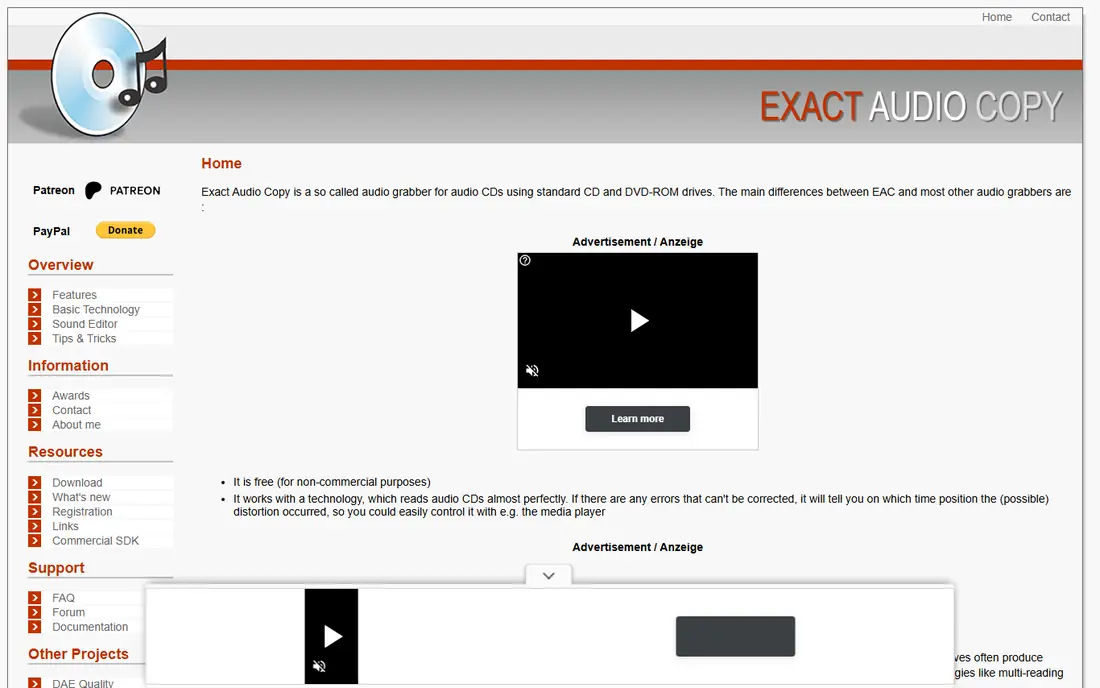
For many buyers, this is the natural starting point. Exact Audio Copy is a free Windows tool known for accurate ripping with error correction. It suits users who want exact copies and detailed logs of rip quality. On pricing, the starting price is listed above, and where a vendor does not publish a clear price we list it as See website. Check what is included at that level, because seats, usage limits and add-ons often change the real monthly cost. The interface is dated, and it is Windows only. That trade-off does not make this a poor choice, but it does decide who should pick it. If the weakness touches your main use case, look at another option on this list. If it touches only a secondary need, the strengths here may still make it our pick for you.
- Accurate ripping
- Error correction
- Free
- Windows only
- Interface is dated
dBpoweramp
Ideal for: fast accurate ripping
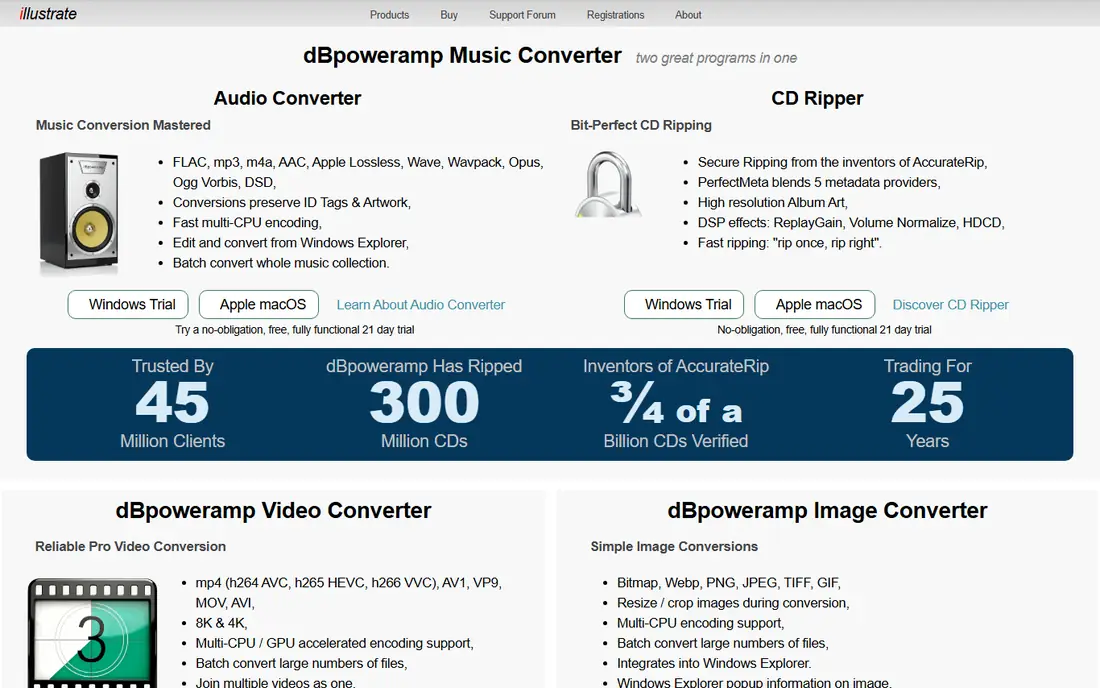
This is a strong choice when the basics matter most. dBpoweramp offers accurate ripping with batch conversion and metadata handling. It suits users ripping large collections who want speed and accurate results. On pricing, the starting price is listed above, and where a vendor does not publish a clear price we list it as See website. Check what is included at that level, because seats, usage limits and add-ons often change the real monthly cost. It is paid software, though a trial is available, and the interface is functional. That trade-off does not make this a poor choice, but it does decide who should pick it. If the weakness touches your main use case, look at another option on this list. If it touches only a secondary need, the strengths here may still make it our pick for you.
- Accurate ripping
- Batch conversion
- Metadata
- Paid software
- Windows and Mac
XLD
Ideal for: accurate ripping on Mac
What sets this option apart is its focus on a clear use case. XLD is a free Mac tool for accurate CD ripping in many formats. It suits Mac users who want Exact Audio Copy style accuracy on macOS. On pricing, the starting price is listed above, and where a vendor does not publish a clear price we list it as See website. Check what is included at that level, because seats, usage limits and add-ons often change the real monthly cost. It is Mac only, and the interface is technical. That trade-off does not make this a poor choice, but it does decide who should pick it. If the weakness touches your main use case, look at another option on this list. If it touches only a secondary need, the strengths here may still make it our pick for you.
- Accurate ripping
- Many formats
- Free
- Mac only
- Interface is technical
fre:ac
Ideal for: free open source ripping
Teams that want a straightforward setup should look closely here. fre:ac is a free open source audio converter and CD ripper for Windows, Mac and Linux. It suits users who want a free cross platform tool for ripping and conversion. On pricing, the starting price is listed above, and where a vendor does not publish a clear price we list it as See website. Check what is included at that level, because seats, usage limits and add-ons often change the real monthly cost. The interface is basic, and metadata quality varies by source. That trade-off does not make this a poor choice, but it does decide who should pick it. If the weakness touches your main use case, look at another option on this list. If it touches only a secondary need, the strengths here may still make it our pick for you.
- Free
- Many formats
- Cross platform
- Interface is basic
- Metadata varies
Apple Music
Ideal for: ripping on Mac and Windows
This option earns its place through a different strength than the leaders. Apple Music, formerly iTunes, can rip CDs and manage a music library. It suits Apple users who want simple ripping inside their existing library. On pricing, the starting price is listed above, and where a vendor does not publish a clear price we list it as See website. Check what is included at that level, because seats, usage limits and add-ons often change the real monthly cost. Format options are more limited than dedicated rippers, and it is Apple focused. That trade-off does not make this a poor choice, but it does decide who should pick it. If the weakness touches your main use case, look at another option on this list. If it touches only a secondary need, the strengths here may still make it our pick for you.
- Simple ripping
- Library management
- Apple link
- Format options limited
- Apple ecosystem focus
Foobar2000
Ideal for: ripping and playback on Windows
For buyers with a specific need, this one deserves a closer look. Foobar2000 is a free Windows audio player with CD ripping through components. It suits users who want playback and ripping in one flexible tool. On pricing, the starting price is listed above, and where a vendor does not publish a clear price we list it as See website. Check what is included at that level, because seats, usage limits and add-ons often change the real monthly cost. It is mainly Windows focused, and setup takes care to add ripping components. That trade-off does not make this a poor choice, but it does decide who should pick it. If the weakness touches your main use case, look at another option on this list. If it touches only a secondary need, the strengths here may still make it our pick for you.
- Free
- Flexible
- Many components
- Windows focused
- Setup takes care
CUETools
Ideal for: ripping verification and repair
This is worth considering when budget or simplicity is a priority. CUETools verifies rips against databases and can repair some errors. It suits users who want to check and fix rips from other tools. On pricing, the starting price is listed above, and where a vendor does not publish a clear price we list it as See website. Check what is included at that level, because seats, usage limits and add-ons often change the real monthly cost. It is technical and not a simple one click ripper for beginners. That trade-off does not make this a poor choice, but it does decide who should pick it. If the weakness touches your main use case, look at another option on this list. If it touches only a secondary need, the strengths here may still make it our pick for you.
- Verification
- Repair
- Accurate rips
- Technical
- Not a simple ripper
Audiograbber
Ideal for: simple Windows ripping
Our shortlist would feel incomplete without this option. Audiograbber is a free, simple Windows CD ripper focused on MP3 output. It suits users who want a straightforward rip without complex settings. On pricing, the starting price is listed above, and where a vendor does not publish a clear price we list it as See website. Check what is included at that level, because seats, usage limits and add-ons often change the real monthly cost. It is older software with fewer updates than modern rippers. That trade-off does not make this a poor choice, but it does decide who should pick it. If the weakness touches your main use case, look at another option on this list. If it touches only a secondary need, the strengths here may still make it our pick for you.
- Free
- Simple interface
- MP3 focus
- Older software
- Fewer updates
How we picked these
We compared official feature pages, pricing pages, app store listings, privacy policies and public reviews for each product on this list. We checked that each product exists, works in October 2026 and truly fits the topic, and we left out products that did not fit even when they were well known in a nearby category. We also weighed who each product suits, what it does well and where it falls short. Prices change, so where we could not verify a current price from the vendor we wrote See website. We did not claim hands-on testing that did not happen, and we focused on facts a buyer can check before paying.
How to choose CD ripping software
First, start here
Choose by accuracy need. For archiving, use a ripper with error correction and verification, such as Exact Audio Copy, dBpoweramp or XLD. For quick portable copies, a simpler tool is enough. Scratched discs benefit most from accurate ripping.
Next, check the details
Choose lossless for archiving. FLAC and other lossless formats preserve full quality and can be converted later without loss. MP3 is smaller but loses data. Rip once in lossless, then make MP3 copies for phones and cars if needed.
Finally, decide with confidence
Check metadata and drive support. Good metadata saves hours of manual tagging. Check that your drive works with the ripper, especially for older drives, and test a scratched disc to see how the tool handles errors.
Frequently asked questions
What is CD ripping software?
CD ripping software copies audio tracks from a CD to digital files on a computer. It can convert to formats such as FLAC, MP3 or WAV, add metadata and check rip accuracy. Dedicated rippers offer better error correction than basic players.
What is the best CD ripping software?
Exact Audio Copy is a leading free Windows ripper for accuracy. dBpoweramp suits fast, accurate ripping on Windows and Mac. XLD is the Mac equivalent for accurate ripping. Choose by platform and accuracy need.
Should I rip CDs to FLAC or MP3?
Rip to FLAC for archiving, because it preserves full quality and can be converted later. Use MP3 for portable devices where file size matters. Ripping once in lossless avoids re-ripping later for better quality.
What is accurate ripping?
Accurate ripping checks a rip against known good copies or re-reads problem sections to correct errors. It helps with scratched or damaged discs. Tools such as Exact Audio Copy, dBpoweramp and XLD support accurate ripping.
Can I rip CDs on a Mac?
Yes. XLD is a free Mac ripper for accurate results. Apple Music can also rip CDs simply. dBpoweramp works on Mac as well. Check format and metadata options before choosing.