6 Best Chatbot Platforms Developer Tools for 2026

- 1
 IBM watsonx AssistantLarge IBM enterprise teams that require governed assistants with audit trailsVisit
- 2
 Microsoft Bot FrameworkMicrosoft and Azure teams building bots for TeamsVisit
- 3
 BotpressDeveloper teams that want a visual builderVisit
- 4
 Kore.aiEnterprise contact centres that require chat, voice, and agent orchestrationVisit
- 5
 DialogflowGoogle Cloud teams building structured and generative conversational agentsVisit
- IBM watsonx Assistant takes the first slot, best suited to large IBM enterprise teams that need governed assistants with audit trails.
- One limit worth knowing about IBM watsonx Assistant: IBM now points much of its assistant selling toward watsonx Orchestrate, so buyers should confirm the current product and plan names with IBM before they sign.
- Only 3 of the 6 tools have a free plan (IBM watsonx Assistant, Microsoft Bot Framework, Botpress), so check the caps.
- Cognigy is the one to check for large regulated contact centres that require voice, chat, and strict compliance.
Direct answer
Start with IBM watsonx Assistant if you need large IBM enterprise teams that require governed assistants with audit trails. Microsoft Bot Framework is better for Microsoft and Azure teams building bots for Teams, web chat, and custom channels, and Botpress is better for developer teams that want a visual builder with code hooks and quick shipping.
Quick comparison
| Product | Ideal for | Price from | Free version | |
|---|---|---|---|---|
| IBM watsonx Assistant | Large IBM enterprise teams that require governed assistants with audit trails | 140 dollars a month for Plus, third-party reported from the IBM pricing page | Yes | Visit |
| Microsoft Bot Framework | Microsoft and Azure teams building bots for Teams | Free, with premium channels at 0.50 dollars per 1,000 messages | Yes | Visit |
| Botpress | Developer teams that want a visual builder | 150 dollars per month billed annually for Plus, or 189 dollars per month billed monthly | Yes | Visit |
| Kore.ai | Enterprise contact centres that require chat, voice, and agent orchestration | 0.20 dollars per 15-minute conversation session on the Standard pay-as-you-go plan | 500 dollars in free credits valid for 90 days, with development and testing free | Visit |
| Dialogflow | Google Cloud teams building structured and generative conversational agents | 0.007 dollars per text request for Dialogflow CX Flows, or 0.012 dollars per request for Standard Playbooks | 600 dollars in free credits for new Google Cloud accounts, valid for the first 12 months | Visit |
 Cognigy | Large regulated contact centres that require voice, chat, and strict compliance | Quote, third-party reported from 2,500 dollars per month on a usage basis | No | Visit |
Chatbot Platforms Developer Tools, one by one
Short on time? The summary and table above give the quick view of 6 chatbot platforms developer tools, and the profiles that follow give the detail behind each entry.
IBM watsonx Assistant
Ideal for: Large IBM enterprise teams that require governed assistants with audit trails
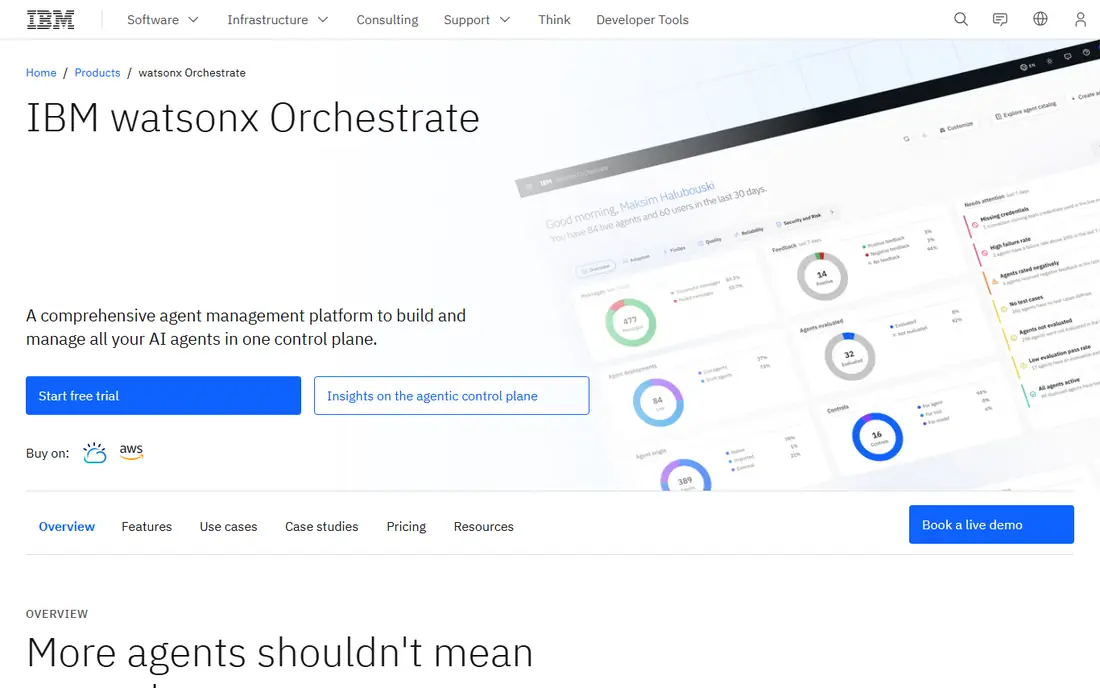
Choose IBM watsonx Assistant for large IBM enterprise teams that require governed assistants with audit trails. The Plus plan is reported at 140 dollars per month and contains the first 1,000 monthly active users and the first 100 resource units, with additional users at 14 dollars per 100.
Developers can build actions, link to enterprise systems, and use IBM language models on IBM Cloud. IBM watsonx Assistant starts at: 140 dollars a month for Plus, third-party reported from the IBM pricing. A free plan is available with IBM watsonx Assistant.
- IBM Cloud integration
- A free Lite plan for testing
- IBM now points much of its assistant selling toward watsonx Orchestrate, so buyers should confirm the current product and plan names with IBM before they sign
Microsoft Bot Framework
Ideal for: Microsoft and Azure teams building bots for Teams

Microsoft Bot Framework works best for Microsoft and Azure teams building bots for Teams, web chat, and custom channels. Hosting runs on Azure App Service and is billed separately, from about 15 dollars per month for an entry-level level, and language understanding now comes from Azure AI Language, which replaced the retired LUIS service.
What to check first: The original Bot Framework SDK is no longer maintained.
As for the details, standard channels for example Web Chat and Microsoft Teams carry no direct messaging charge, whereas premium channels for example Direct Line cost 0.50 dollars per 1,000 messages after the free allowance. On cost, Microsoft Bot Framework starts like this: Free, with premium channels at 0.50 dollars per 1,000 messages. Microsoft Bot Framework offers a free plan.
- SDKs in C Sharp, JavaScript, Python, Java
- Deep Teams and Azure integration
- Microsoft now points new development to the Microsoft 365 Agents SDK, so teams must follow a migration path
Botpress
Ideal for: Developer teams that want a visual builder
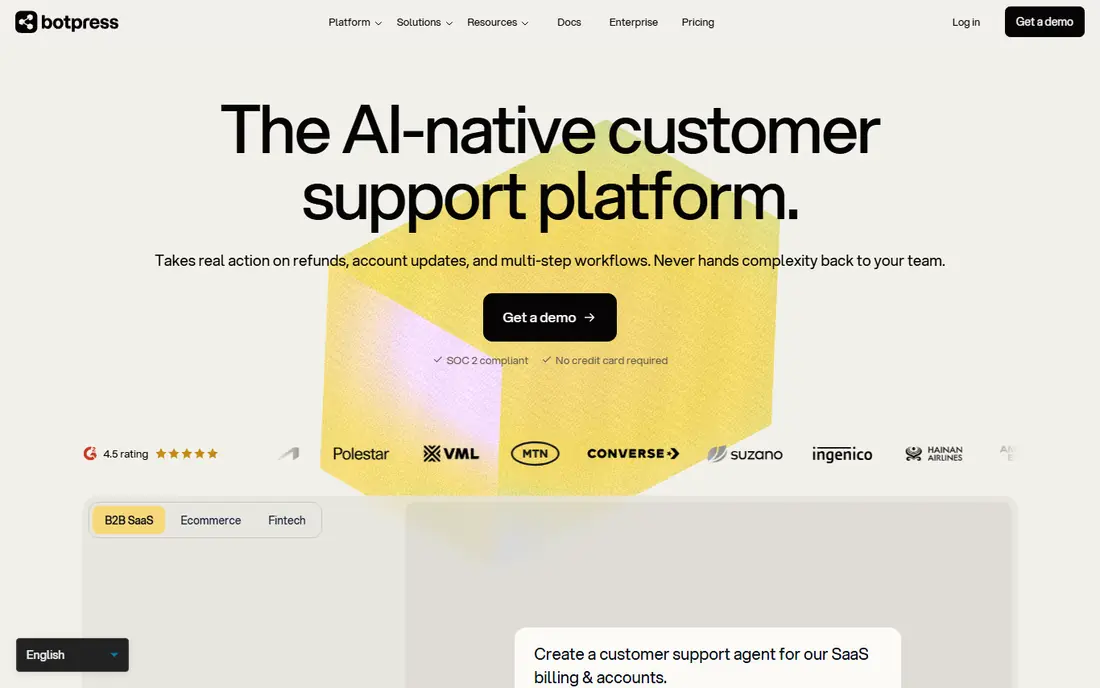
Think of Botpress for developer teams that want a visual builder with code hooks and quick shipping. Botpress is a cloud product for building AI agents with a visual studio, custom code actions, webhooks, and API access. In daily use, Botpress Cloud is now the only choice for new builds, since open source version 12 was sunset.
The May 2026 pricing change moved billing to conversations, where a conversation counts as an exchange with a minimum of two end-user messages in per month. More specifically, developers can build flows in the studio and drop into code for custom logic, database calls, or a third-party API. On cost, Botpress starts like this: 150 dollars a month billed annually for Plus, or 189 dollars a. A free plan is available with Botpress.
Limits to weigh: additional conversations are billed in packs you cannot turn off.
Main advantages: unlimited bots on premium plans.
- Visual flow builder with code execution
- Numerous integrations
- From 150 dollars to 750 dollars per month billed yearly, with no middle level
Kore.ai
Ideal for: Enterprise contact centres that require chat, voice, and agent orchestration
Kore.ai serves enterprise contact centres that require chat, voice, and agent orchestration. Optional Standard Support costs 1,000 dollars per month for weekday email support.
Kore.ai is an enterprise AI system for building AI agents across customer experience, employee experience, and contact centre use cases. On cost, Kore.ai starts like this: 0.20 dollars per 15-minute conversation session on the Standard pay-as-you-go plan. Free access: 500 dollars in free credits valid for 90 days, with development and testing free.
- Solid enterprise contact centre features
- Voice and chat in one product
- Small teams face a long sales process for production use
Dialogflow
Ideal for: Google Cloud teams building structured and generative conversational agents
Pick Dialogflow if this describes you: Google Cloud teams building structured and generative conversational agents. Dialogflow ES charges 0.002 dollars per text request.
Where it shines: visual flow builder.
Entry price for Dialogflow: 0.007 dollars per text request for Dialogflow CX Flows, or 0.012 dollars. Free access: 600 dollars in free credits for new Google Cloud accounts, valid for the first 12 months.
Limits to weigh: Per-request costs add up quick at high volume.
- Support for voice and telephony
- Gemini generative features
- The system ties you closely to Google Cloud services and pricing
Cognigy
Ideal for: Large regulated contact centres that require voice, chat, and strict compliance
Cognigy was built for large regulated contact centres that require voice, chat, and strict compliance. Cognigy.AI is an enterprise conversational AI product for voice and digital channels, used by large contact centres in regulated sectors.
Developers build flows in Cognigy.AI, extend them with code, and link to contact centre, CRM, and knowledge systems through APIs. Cognigy starts at: Quote, third-party reported from 2,500 dollars a month on a usage basis. Cognigy has no free tier.
The main drawbacks: implementation can take months.
- Low-code tools on top of a developer API
- Capable compliance and data controls
- No public pricing and no self-serve plan, so every deployment needs a sales negotiation
What to look for in chatbot platforms developer tools
Choose a managed system when you want to ship quick and let the vendor run hosting, scaling, and model updates. In practice, choose an open source framework when data control, custom hosting, or audit trails matter more than speed.
Comparing the main differences
Pick the product that matches the cloud and the channels you already use, since integration work frequently costs more than the licence. Test one channel end to end before you commit, and check fallback and handover to a human agent.
Chatbot Platforms Developer Tools cost breakdown
It uses list prices checked on 11 November 2026 and leaves out hosting, language model calls, and staff time. More specifically, Dialogflow CX Flows charges 0.007 dollars per text request, so the same volume costs 350 dollars. Beyond that, Microsoft Bot Framework is different since standard channels are free and premium channels cost 0.50 dollars per 1,000 messages.
Botpress Team costs 750 dollars per month billed yearly and comes with 1,500 conversations. The remaining 8,500 conversations need 85 packs of 100 at 50 dollars each, which brings 4,250 dollars, for a total of 5,000 dollars before AI usage. For everyday use, IBM watsonx Assistant Plus costs 140 dollars per month and bundles the first 1,000 monthly active users, with additional users at 14 dollars per 100.
For 10,000 users that brings 1,260 dollars, for a total of 1,400 dollars. In practice, per-request pricing wins at this volume for straightforward text bots, whereas conversation-based pricing can rise quick once you pass the included allowance.
How the list was put together
We compared the tools on published pricing, free plan or trial availability, feature coverage for chatbot platforms developer tools, and the limits each vendor documents. Where a price is missing, the vendor does not list one publicly or ties it to a quote. Always confirm before budgeting. We ordered the tools by general fit, then by how clearly pricing is shown, then by free access. A buyer with unusual needs may reorder them.
A buyer's checklist
- Check the current price for IBM watsonx Assistant, Cognigy and the rest on each vendor page, since seats and billing terms change the total.
- Read the fine print on the free plans from IBM watsonx Assistant, Microsoft Bot Framework and Botpress; seat, project and feature caps differ.
- Read the limits listed for IBM watsonx Assistant first: IBM now points much of its assistant selling toward watsonx Orchestrate, so buyers should confirm the current product and plan names with IBM before they sign.
- Check the integration list for Dialogflow against the tools you run today, and note which ones need a higher plan.
- Check whether the features you need in Cognigy sit on the entry plan or only on higher tiers.
Frequently asked questions
Can I try these options before paying?
Often, yes. IBM watsonx Assistant, Microsoft Bot Framework and Botpress have a free plan. Use your own data and a real task during the test, and check what the free tier or trial limits before you rely on it.
Which chatbot product is a good match for developers starting from scratch?
For most readers this guide would start with IBM watsonx Assistant, built for large IBM enterprise teams that require governed assistants with audit trails. Microsoft Bot Framework is the alternative for Microsoft and Azure teams building bots for Teams, web chat, and custom channels, and Botpress for developer teams that want a visual builder with code hooks and quick shipping. The right answer depends on budget and workflow.
Is IBM watsonx Assistant the right pick for everyone comparing chatbot platforms developer tools?
No single tool suits every team. IBM watsonx Assistant comes first because it fits large IBM enterprise teams that need governed assistants with audit trails, while Microsoft Bot Framework suits Microsoft and Azure teams building bots for Teams, web chat, and custom channels and Botpress suits developer teams that want a visual builder with code hooks and fast shipping. Match the tool to your own size, budget and workflow before deciding.
Which chatbot platforms developer tools have a free plan?
On this list, IBM watsonx Assistant, Microsoft Bot Framework and Botpress include a free plan. Caps on seats, usage or features are common, so test the free plan against your real workload.
Do these tools publish their prices?
Yes. Every tool from IBM watsonx Assistant to Cognigy shows a starting price, though seats, add-ons and billing terms still change the final cost.