Best Chatting Apps in 2026: 8 Apps Compared

- WhatsApp is our pick for most people because nearly everyone already has it, and it covers messaging, voice and video calls.
- Signal is the best choice for privacy, with end to end encryption by default and minimal data collection.
- Telegram suits large groups and channels, while Discord is the strongest option for communities built around shared interests.
- All eight apps in this list are free for basic messaging, so your choice should turn on who you talk to and how much privacy you want.
- For work chats, check whether your team already uses a tool, since a chat app is only useful if your contacts are on it.
Quick comparison
| Product | Ideal for | Price from | Free version | |
|---|---|---|---|---|
 WhatsApp | Everyday messaging for almost everyone | Free | Yes | Visit |
 Telegram | Large groups and channels | Free | Yes | Visit |
 Signal | Private messaging | Free | Yes | Visit |
 Discord | Communities and gaming groups | Free | Yes | Visit |
 Messenger | Chatting with Facebook contacts | Free | Yes | Visit |
 Viber | International calls and chats | Free | Yes | Visit |
 Skype | Video calls and calling phone numbers | Free | Yes | Visit |
 Google Messages | Android texting with RCS features | Free | Yes | Visit |
The best chatting apps
The best chat app is usually the one your friends already use. That said, privacy, group size, call quality and extra features differ a lot, so this list weighs those differences rather than just popularity.
Ideal for: Everyday messaging for almost everyone
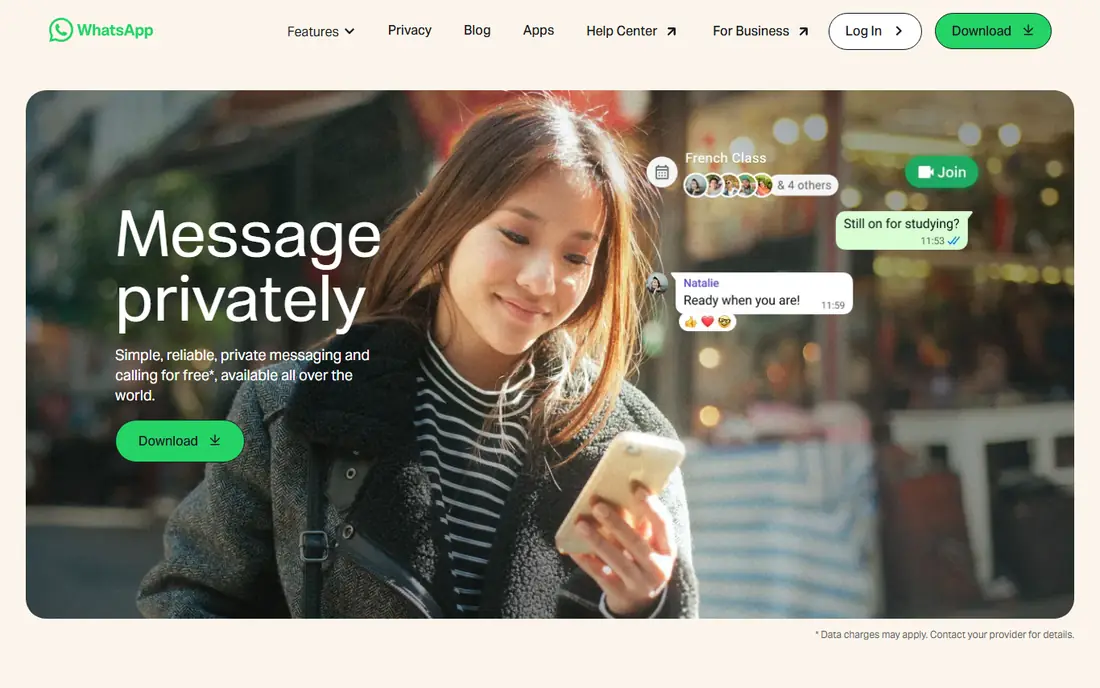
WhatsApp wins on reach. In many countries it is the default way people message, which means you rarely need to ask someone to install something new. Messages, photos, voice notes, group chats and calls all work in one place, and personal chats use end to end encryption by default.
The trade offs are real. You need a phone number to sign up, and some users dislike that WhatsApp is owned by Meta, even though message content stays encrypted. Backup and business features also vary by platform. For everyday chats with family and friends, though, WhatsApp remains the simplest choice, and our pick for most people.
- Huge user base
- End to end encrypted chats
- Voice, video and group calls
- Tied to a phone number
- Owned by Meta, which raises data questions for some users
Telegram
Ideal for: Large groups and channels
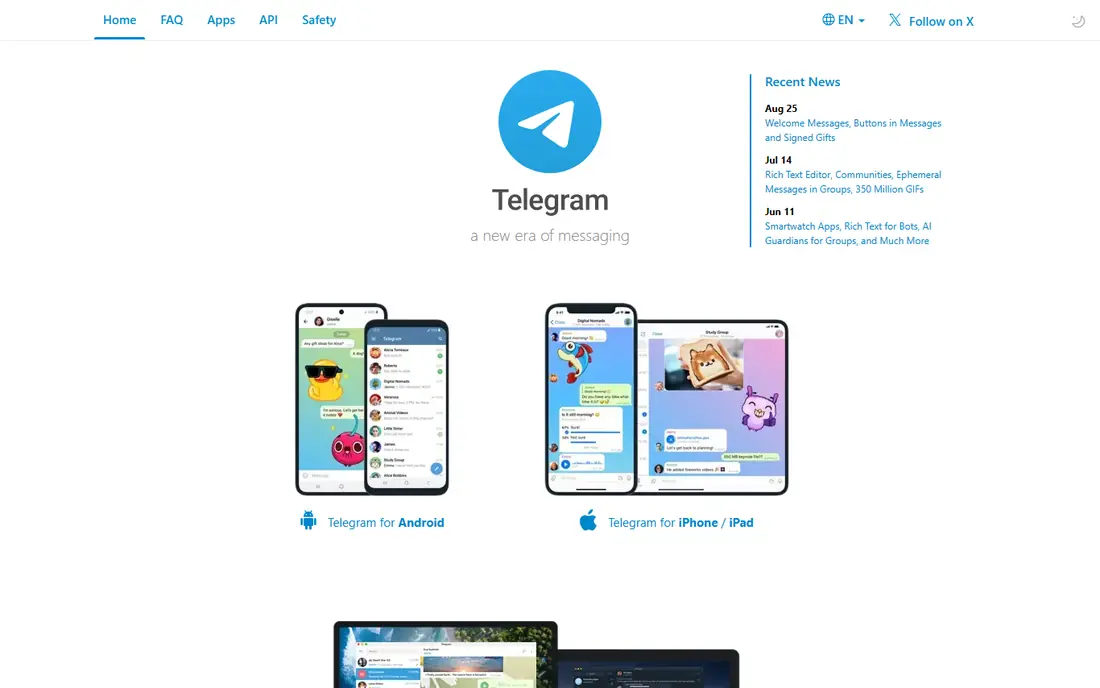
Telegram is built for scale. Groups can hold very large numbers of members, channels can broadcast to huge audiences, and files sync quickly across phone, tablet and desktop. That makes it popular for communities, news channels and study groups that would strain other apps.
The privacy detail matters. Standard Telegram chats use cloud encryption but are not end to end encrypted by default, so you need to start a secret chat for that level of protection. If your priority is private one to one chats, Signal is stronger. If your priority is running or joining a large community, Telegram is hard to beat.
- Huge groups and channels
- Fast sync across devices
- Generous file sharing limits
- Default chats are not end to end encrypted
- Secret chats are needed for full encryption
Signal
Ideal for: Private messaging
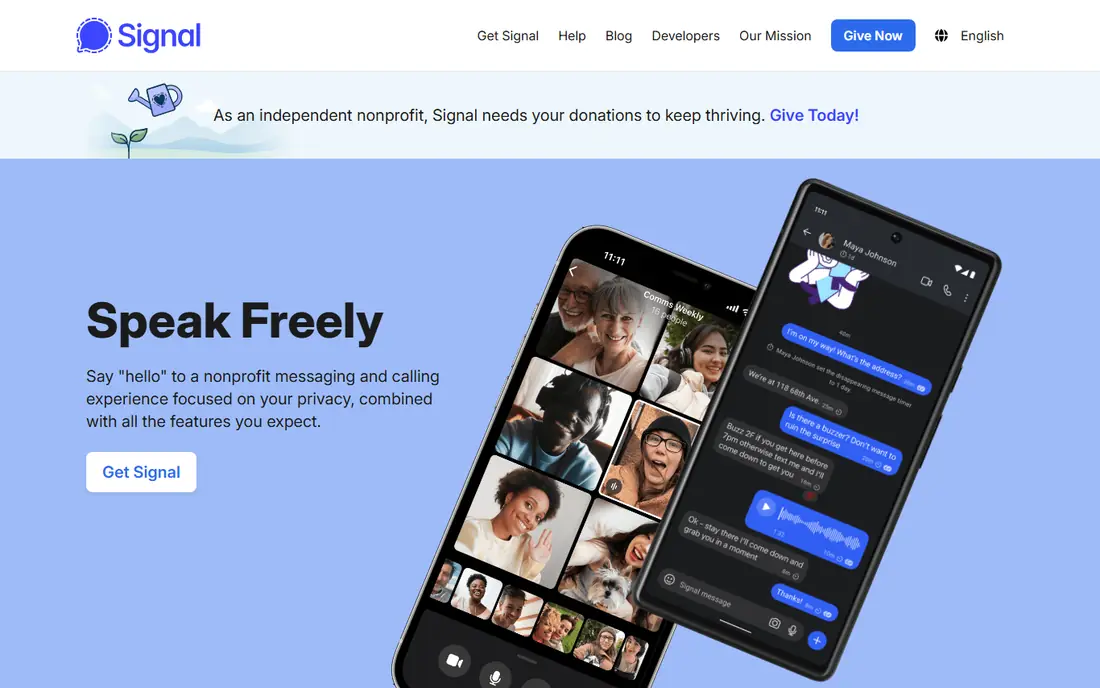
Signal is the app privacy experts tend to recommend, and the reasons are straightforward. Every chat is end to end encrypted by default, the organization collects very little metadata, and its protocol is open for review. Voice and video calls are encrypted too, and disappearing messages give you control over chat history.
The cost is convenience. Fewer of your contacts will already use Signal, and it lacks some of the stickers, channels and bots that make Telegram fun. If privacy is your top concern, that trade is worth it. We recommend Signal for sensitive conversations even if you keep WhatsApp or Telegram for everyday chats.
- End to end encryption by default
- Minimal metadata collection
- Open source protocol
- Smaller user base
- Fewer fun extras than rivals
Discord
Ideal for: Communities and gaming groups
Discord started with gamers and grew into a home for all kinds of communities, from study groups to hobby clubs. Servers organize conversations into channels, roles control who can post where, and voice channels let people drop in and out without a formal call. That structure suits ongoing communities far better than a single group chat.
For simple one to one messaging, Discord can feel heavy, and public servers need care with privacy settings. The free tier covers almost everything most communities need, with a paid Nitro plan adding extras such as larger uploads and animated avatars. If you belong to an active community, Discord is the natural pick.
- Servers with channels and roles
- Good voice chat
- Works well on desktop and mobile
- Can feel busy for simple one to one chats
- Privacy controls need care in public servers
Messenger
Ideal for: Chatting with Facebook contacts
Messenger is convenient because it rides on Facebook. If your friends and family are already on Facebook, you can message them without asking anyone to install a new app. Video calls work well, group chats are easy, and the sticker and reaction options keep casual chats light.
Privacy is the weak point. Not every chat type uses end to end encryption by default, so check the settings for chats you want to keep private. Messenger is best for casual chats with people you already know on Facebook, rather than for sensitive conversations, where Signal is a better fit.
- No new account needed for Facebook users
- Good video calls
- Fun stickers and reactions
- End to end encryption is not the default in every chat type
- Tied to Meta accounts
Viber
Ideal for: International calls and chats
Viber has long been popular for international communication. Calls and messages between Viber users are free, and its Out service lets you call regular phone numbers at low rates, which helps when a contact does not use any chat app. Communities and channels add a social layer for public groups.
In the United States, Viber is less common than WhatsApp or Messenger, so you may need to convince contacts to install it. That limits its everyday value for US users, but for families spread across countries, Viber remains a practical and affordable choice.
- Free calls between Viber users
- Low cost calls to phone numbers
- Stickers and communities
- Smaller user base in the US
- Some features vary by region
Skype
Ideal for: Video calls and calling phone numbers
Skype is still useful, especially for video calls and for calling real phone numbers from a computer. Skype to Skype calls are free, screen sharing works well for work and study, and the ability to buy credit for calls to landlines fills a gap that pure chat apps leave.
For quick mobile messaging, Skype feels slower than WhatsApp or Signal, and many younger users have moved on. Treat Skype as a calling tool first and a chat app second. It earns a place here because it still handles international calls and group video calls reliably.
- Free Skype to Skype calls
- Can call landlines and mobiles
- Screen sharing for work calls
- Less popular for everyday mobile chat
- Interface feels dated next to newer apps
Google Messages
Ideal for: Android texting with RCS features
Google Messages is the default texting app on many Android phones, and with RCS it adds typing indicators, read receipts and better photo sharing to regular texting. The web version lets you reply from a computer, which is handy at work.
The limits come from the network. RCS features depend on carrier support and on the other person using a compatible app, and chats with iPhones still fall back to plain SMS in many cases. For Android users who mostly text rather than use a separate chat app, Google Messages is a solid, no install choice.
- Modern RCS features on Android
- Works in a web browser
- Good spam protection
- Features depend on carrier and phone
- IPhone chats fall back to SMS
How we picked these
We compared official feature pages, pricing pages, app store listings and public reviews for each app, focusing on tools that are still maintained and work in October 2026. We favored apps with a large active user base or a clear privacy or community strength, a free tier for basic messaging, and reliable voice and video calling. We left out apps that had been discontinued, apps limited to one small region, and tools that charged for basic one to one messaging. Prices change, so check the vendor site before you pay.
How to choose the right chatting app
Start with your contacts. List the five people you message most, and check which apps they already use. An app with perfect privacy is not helpful if your family will not install it, so you may end up using two apps: one for everyday chats and one for private conversations.
Next, weigh privacy against features. Signal leads on privacy, Telegram leads on large groups, Discord leads on communities, and WhatsApp leads on reach. There is no single winner, because the right answer depends on the conversation. Use Signal for anything sensitive, and keep the fun, large group chats where your community already lives.
Finally, check the settings. Turn on disappearing messages where you want them, review who can add you to groups, and check backup settings, since backups can affect encryption in some apps. A few minutes in settings gives you most of the privacy benefit without changing how you chat day to day.
Frequently asked questions
What is the best chatting app overall?
WhatsApp is the best all round choice for most people because of its reach and its mix of messaging and calls. If privacy matters most, Signal is the better pick. Many people sensibly use both.
Which chatting app is most private?
Signal is the strongest option for privacy in this list, with end to end encryption by default and minimal metadata collection. Telegram secret chats also offer end to end encryption, but you must start one deliberately.
Are these chatting apps free?
Yes, basic messaging is free in all eight apps. Paid plans exist for extras, such as Discord Nitro or Telegram Premium, but you do not need them to send messages or make calls.
Can I use these apps on a computer?
Yes, all eight offer a desktop app or a web version, though features vary. Discord and Telegram work especially well across devices, while WhatsApp and Signal link to a phone account.
What is the best chatting app for large groups?
Telegram is the best choice for very large groups and channels, while Discord is better for structured communities with multiple topics. WhatsApp groups work well for smaller circles of family and friends.