Best Client Management Software for Small Business in 2026: 8 Tools Compared

- 1
 HubSpot CRMSmall teams that want a free starting pointVisit
- 2
 Zoho CRMBudget-conscious teams that want depthVisit
- 3
 PipedriveSales-led small businesses that live in a pipelineVisit
- 4
 Salesforce StarterSmall teams that may grow into SalesforceVisit
- 5
 monday CRMTeams that want visual, flexible client boardsVisit
- HubSpot CRM stands out for small teams that want a free starting point, which makes it a strong starting point for that need.
- Zoho CRM stands out for budget-conscious teams that want depth, which makes it a strong starting point for that need.
- Pipedrive stands out for sales-led small businesses that live in a pipeline, which makes it a strong starting point for that need.
- Salesforce Starter stands out for small teams that may grow into salesforce, which makes it a strong starting point for that need.
- Prices and free plans vary widely across this list, so check the vendor pricing page for your team size or usage before you commit.
Quick comparison
| Product | Ideal for | Price from | Free version | |
|---|---|---|---|---|
| HubSpot CRM | Small teams that want a free starting point | Free | Yes | Visit |
| Zoho CRM | Budget-conscious teams that want depth | $14 per user per month | Free trial | Visit |
| Pipedrive | Sales-led small businesses that live in a pipeline | $14 per user per month | Free trial | Visit |
| Salesforce Starter | Small teams that may grow into Salesforce | $25 per user per month | Free trial | Visit |
| monday CRM | Teams that want visual, flexible client boards | $12 per user per month | Free trial | Visit |
 Capsule CRM | Very small teams that want simple contact management | $18 per user per month | Free trial | Visit |
 Insightly CRM | Small firms that link clients to projects | $29 per user per month | Free trial | Visit |
 Freshsales | Small teams that want built-in phone and email | $15 per user per month | Free trial | Visit |
The best client management software for small business
We compared official feature pages, pricing pages, app store listings, privacy policies, and public reviews to build this list, and we focused on tools that truly fit best client management software for small business rather than general tools with a passing connection. The eight options below cover different budgets, team sizes, and priorities, so start with the best-for notes and read the full write-up for any tool that matches your situation.
HubSpot CRM
Ideal for: Small teams that want a free starting point
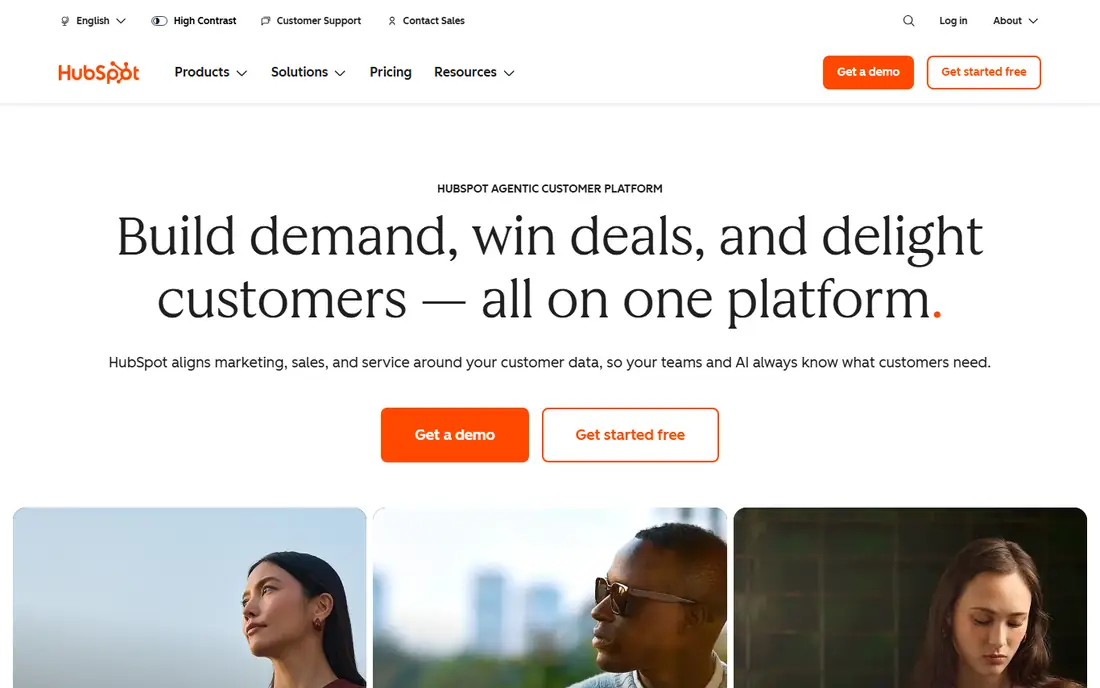
HubSpot CRM is the easiest starting point for a small business that has never used a CRM. The free tier covers contacts, deals, tasks, and email tracking, which is enough for many small teams to get organized. As the business grows, marketing and service tools can be added without switching systems.
The catch is cost creep. Paid tiers add up as you add seats and features, so a team that starts free should check what the next tier costs before building deep workflows. For most small businesses, though, HubSpot is the safe default that grows with them.
Before you commit, check the current pricing page and trial terms for your team size, since plans change and the right tier depends on how many people will actually use the tool daily.
- Generous free tier
- Contacts, deals, and email tools in one place
- Easy to scale
- Paid tiers get pricey as features grow
- Reporting limits on free plan
Zoho CRM
Ideal for: Budget-conscious teams that want depth
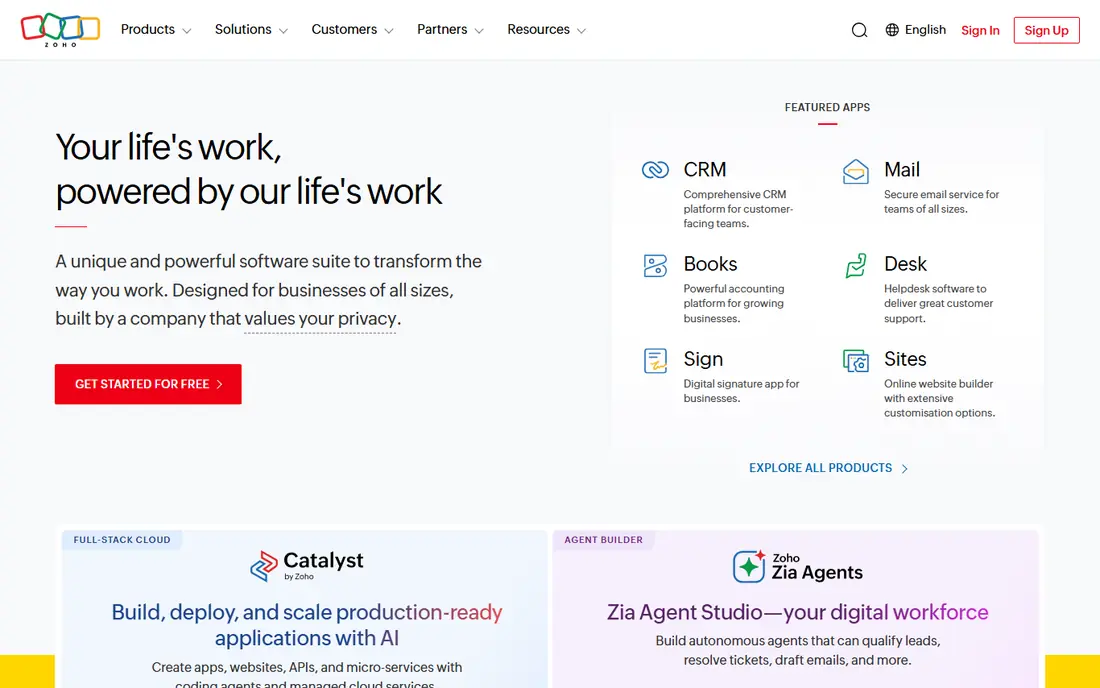
Zoho CRM gives small businesses a lot for $14 per user per month, including pipelines, automation, and email integration. It suits teams that want more than a contact list without paying enterprise prices. The wider Zoho suite adds books, projects, and campaigns if you need them.
The interface can feel crowded at first, and the best value comes when you use several Zoho apps together. Teams that only need one CRM may prefer a simpler tool. For price and depth combined, Zoho is hard to beat in this list.
Before you buy, run a short trial with your real data and your real workflow, since a demo with sample data hides the friction points that matter once the whole team is involved.
- Low starting price
- Wide feature set
- Integrates with other Zoho apps
- Interface can feel busy
- Best value inside the Zoho ecosystem
Pipedrive
Ideal for: Sales-led small businesses that live in a pipeline
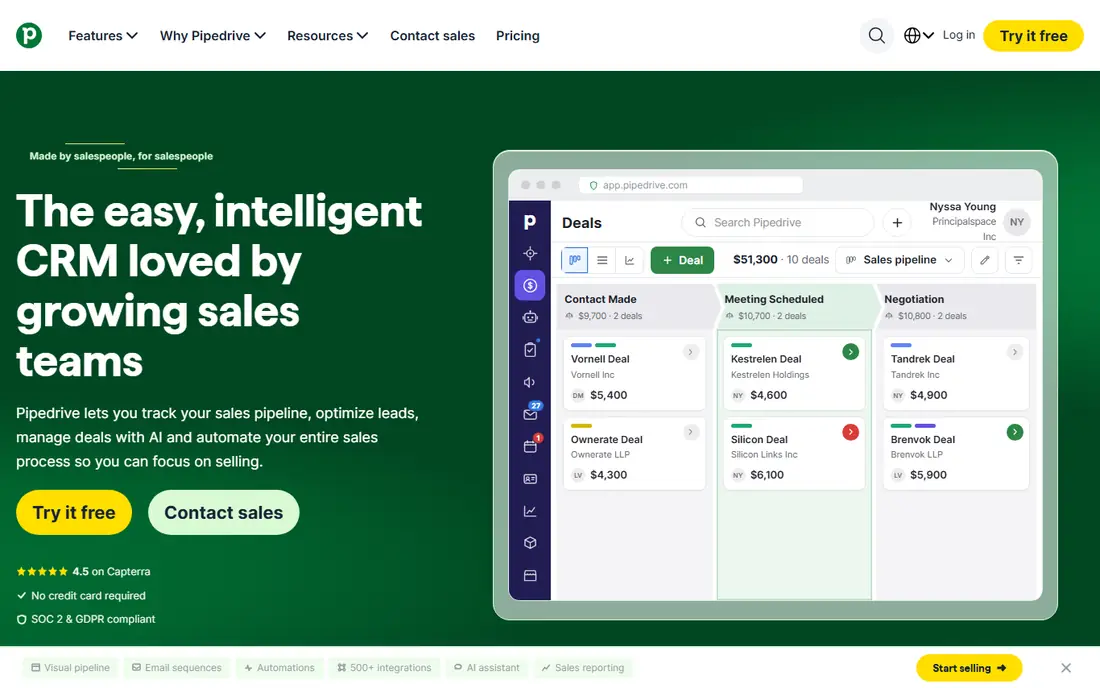
Pipedrive is built around one idea: a visual pipeline that shows exactly where every deal stands. Small sales teams love that clarity, since it keeps follow-ups visible and prevents deals from going quiet. Activity reminders and email sync keep the pipeline honest without heavy admin.
It is less of a marketing platform than HubSpot, and add-ons can raise the bill. For a small business whose main need is tracking clients and deals through to close, Pipedrive keeps the focus where it belongs. Try the trial with your real pipeline before you buy.
Before you decide, confirm integration with the tools you already use and check what support hours and onboarding help are included, since those details matter more than a feature list once you are live.
- Visual pipeline is easy to use
- Strong activity tracking
- Good mobile app
- Fewer marketing tools than HubSpot
- Add-ons increase cost
Salesforce Starter
Ideal for: Small teams that may grow into Salesforce
Salesforce Starter gives small businesses a simple version of the world's biggest CRM, with contacts, pipeline, email, and calendar tools for $25 per user per month. It suits teams that expect to grow into the wider Salesforce platform later, since the upgrade path stays open.
The Starter edition is deliberately limited, and moving to fuller Salesforce editions costs more. Small teams that never plan to scale that far may get better value elsewhere. If Salesforce is your likely future, starting here avoids a painful migration later.
Before you commit, ask for a quote that covers every user, module, and add-on you need, and compare that total against at least one other tool on this list for the same scope.
- Simple setup for a Salesforce product
- Email, calendar, and pipeline included
- Limited compared with full Salesforce
- Upgrades cost more
monday CRM
Ideal for: Teams that want visual, flexible client boards
monday CRM turns client management into visual boards that teams can shape to their own process. That flexibility suits small businesses whose client work does not fit a standard sales pipeline, such as agencies or service firms. Automations handle reminders, status changes, and notifications.
The risk is overbuilding. Boards can grow messy if no one owns the setup, and seat minimums affect small teams. Start with a simple board, add automations slowly, and monday CRM becomes a genuinely pleasant daily tool.
Before you commit, check the current pricing page and trial terms for your team size, since plans change and the right tier depends on how many people will actually use the tool daily.
- Highly visual boards
- Flexible customization
- Good automations
- Pricing is per seat with minimums
- Can get complex if over-customized
Capsule CRM
Ideal for: Very small teams that want simple contact management
Capsule CRM is for small businesses that want client management without CRM complexity. Contacts, tasks, pipelines, and email history are easy to find, and new staff learn it in an afternoon. It suits owner-operated firms and tiny teams that mainly need to remember who said what.
The trade-off is depth. Automation and reporting are lighter than HubSpot or Zoho, so growing sales teams may outgrow it. For a team of a few people that values simplicity over power, Capsule is a calm, reliable choice.
Before you buy, run a short trial with your real data and your real workflow, since a demo with sample data hides the friction points that matter once the whole team is involved.
- Simple and clean
- Good for contacts and tasks
- Easy to learn
- Less automation and reporting than bigger CRMs
Insightly CRM
Ideal for: Small firms that link clients to projects
Insightly pairs client management with project delivery, which suits service businesses that win a client and then run a project for them. Contacts, opportunities, and project tasks stay linked, so handoffs between sales and delivery are cleaner. That link is its main advantage over pure sales CRMs.
Starting at $29 per user per month, it costs more than Zoho or Pipedrive, and parts of the interface feel dated. For firms where client work and project work are the same job, the combined view is worth the price. Test the project side in the trial, not just the CRM.
Before you decide, confirm integration with the tools you already use and check what support hours and onboarding help are included, since those details matter more than a feature list once you are live.
- CRM plus project management in one tool
- Good for service businesses
- Higher starting price
- Interface feels dated in places
Freshsales
Ideal for: Small teams that want built-in phone and email
Freshsales, from Freshworks, bundles phone, email, and chat into client management, so small teams can call and message clients without extra tools. The interface is clean, lead scoring helps prioritize follow-ups, and pricing starts at $15 per user per month. It suits teams that do a lot of outreach from the CRM itself.
Some of the best features sit on higher tiers, and the app ecosystem is smaller than HubSpot or Salesforce. For a small team that wants communication built in, Freshsales covers the daily workflow well. Check which tier includes the phone features you need before you buy.
Before you commit, ask for a quote that covers every user, module, and add-on you need, and compare that total against at least one other tool on this list for the same scope.
- Built-in phone, email, and chat
- AI lead scoring on higher tiers
- Clean interface
- Advanced features sit on higher tiers
- Smaller app ecosystem
How we picked these
We started from the topic itself and looked for products that genuinely serve it, not tools that mention it in passing. For each candidate we checked the vendor's own feature and pricing pages, app store listings where relevant, privacy and security pages, and public user reviews, and we dropped any product we could not verify as real and available in October 2026.
We then compared the remaining tools on fit for the stated need, pricing transparency, free or trial options, ease of adoption, and honest weaknesses. Every list below mixes well-known leaders with strong smaller options, and every write-up names a real trade-off, since no tool is best for every team.
Picking a CRM without overbuying
Start with your daily client workflow. List the five things you do most, such as logging calls, sending quotes, chasing follow-ups, and tracking project status, then check each tool against that list. A CRM that handles your real tasks beats one with a longer feature page.
Next, count seats honestly and test the mobile app. Small teams often pay for seats they never use, and field staff live on mobile, so a clumsy app kills adoption. Run a two-week trial with real clients and real follow-ups before paying.
Finally, check the exit and the upgrade path. Confirm you can export your data in full, and look at what the next pricing tier costs. The cheapest starter plan can become the most expensive system if growth forces an upgrade you did not plan for.
Frequently asked questions
What is client management software?
It is a CRM: a shared record of clients, conversations, deals, and tasks. Instead of client details living in inboxes and spreadsheets, the whole team sees the same history and next steps.
Do small businesses need a CRM?
Once client numbers grow past what one person can track in their head, yes. A CRM prevents missed follow-ups, lost notes, and awkward handoffs when staff change.
Is there a good free CRM for small business?
HubSpot CRM has the strongest free tier on this list, covering contacts, deals, and email tools. Zoho and others offer free trials, but HubSpot is the main option that stays free for small teams.
How much should a small business pay for a CRM?
Most options here start between $12 and $29 per user per month. Start with the free or trial tier, count the seats you actually need, and check renewal prices before committing.
Can I switch CRMs later?
Yes, but it takes work. Export contacts, deals, and notes before you move, and expect to rebuild automations. Choosing a tool that can grow with you, like HubSpot or Zoho, reduces the need to switch.