Best Clock In and Out App in 2026: 8 Apps Compared

- 1
 HomebaseSmall hourly teamsVisit
- 2
 ClockifySimple free time trackingVisit
- 3
 DeputyScheduling plus time trackingVisit
- 4
 ConnecteamDeskless teams on mobileVisit
- 5
 When I WorkShift scheduling for small businessVisit
- Homebase and Connecteam are the easiest free starting points for small teams with hourly staff.
- Deputy and When I Work add strong scheduling alongside time tracking, which suits shift-based businesses.
- Clockify is the best pure time tracker here, with a generous free plan for teams that only need hours logged.
- QuickBooks Time fits businesses already running QuickBooks payroll, since hours flow straight into pay runs.
Quick comparison
| Product | Ideal for | Price from | Free version | |
|---|---|---|---|---|
| Homebase | Small hourly teams | Free | Yes | Visit |
| Clockify | Simple free time tracking | Free | Yes | Visit |
| Deputy | Scheduling plus time tracking | See website | Free trial | Visit |
| Connecteam | Deskless teams on mobile | Free | Yes | Visit |
| When I Work | Shift scheduling for small business | See website | Free trial | Visit |
 TimeCamp | Automatic time tracking | Free | Yes | Visit |
 Buddy Punch | Simple punch clock with controls | See website | Free trial | Visit |
 QuickBooks Time | QuickBooks payroll users | See website | Free trial | Visit |
The best clock in and out apps
A clock in and out app replaces paper timesheets and punch cards with phone-based clocking, GPS checks and timesheets managers can approve. The eight apps below all handle that core job, but they differ in scheduling, payroll links and price. We compared official feature pages, pricing pages and app listings to find the best fit for different team sizes.
Homebase
Ideal for: Small hourly teams

Homebase is built for restaurants, shops and clinics with hourly staff. Employees clock in from a phone or tablet, managers build schedules, swap shifts and message the team, and timesheets turn into payroll-ready hours without retyping.
The free plan covers one location and the core scheduling and time tracking tools, which is enough for many single-site businesses to start. Paid plans add payroll, hiring and multi-location support. For a small hourly team, Homebase is the easiest free place to begin.
- Free plan covers scheduling and time tracking for one location
- Easy team messaging
- Hiring tools included
- Payroll and advanced features need paid plans
- Free plan limited to one location
Clockify
Ideal for: Simple free time tracking

Clockify is a time tracker first and everything else second. Staff log hours with a timer or a weekly timesheet, managers approve them, and reports break time down by project, client or person. The free plan allows unlimited users and projects, which is rare in this category.
It lacks the scheduling depth of Deputy or When I Work, so shift-based teams may need a second tool for rotas. But if the job is simply recording hours accurately and cheaply, Clockify is the best value on this list.
- Generous free plan with unlimited users and projects
- Simple timer and timesheet views
- Good reports
- No built-in scheduling like Deputy
- GPS and advanced features need paid plans
Deputy
Ideal for: Scheduling plus time tracking
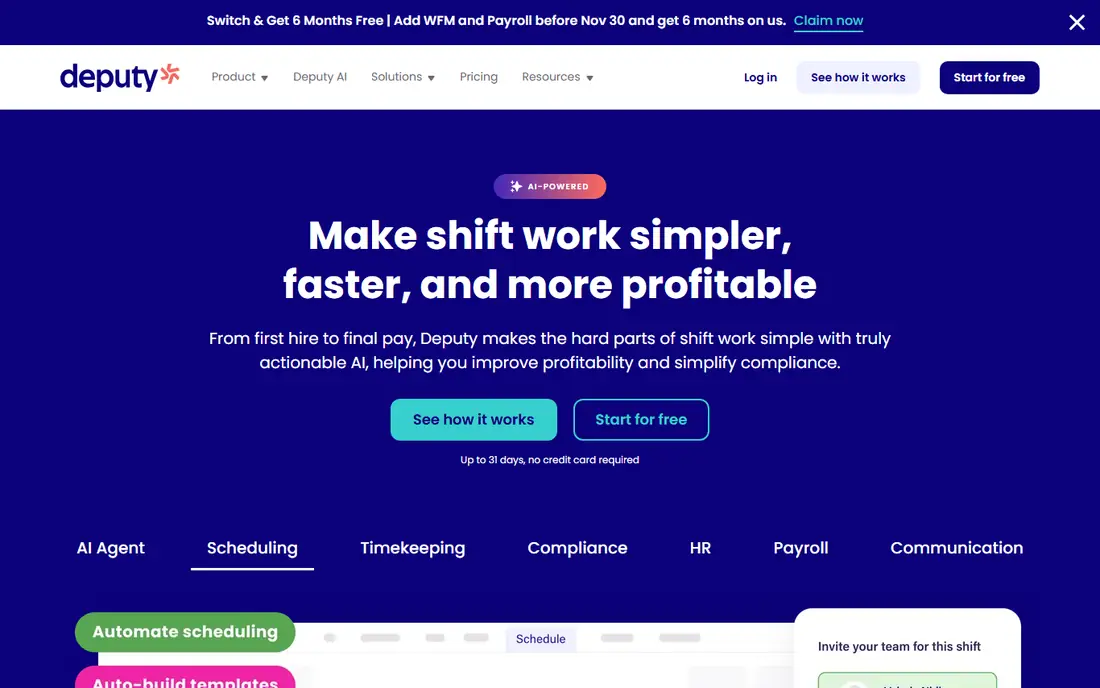
Deputy pairs scheduling with time tracking in one system, so a shift created in the rota becomes the expectation an employee clocks against. Managers can publish schedules, fill gaps, approve leave and check labor costs as schedules change, and staff clock in with GPS or facial verification.
Pricing is per user per month with a trial, and costs grow with headcount, so larger teams should model the total before committing. For shift-based businesses that live or die by the rota, Deputy is one of the strongest options available.
- Strong scheduling with auto-scheduling help
- GPS and facial recognition clock-ins
- Integrates with payroll providers
- No permanent free plan
- Per-user pricing adds up for large teams
Connecteam
Ideal for: Deskless teams on mobile
Connecteam is an all-in-one app for deskless workers: time clock with GPS, schedules, forms, checklists, chat and training live in a single mobile app. That breadth suits field teams, cleaners, security staff and delivery crews who need more than just clocking.
The free plan covers small teams, which makes it easy to pilot with one crew. Paid plans add more users and advanced features. If your team works away from desks and needs one app for operations as well as hours, Connecteam is a strong pick.
- Free plan for small teams
- All-in-one app with forms, chat and training
- GPS time clock with geofencing
- Some features need higher plans
- Interface packs a lot into one app
When I Work
Ideal for: Shift scheduling for small business
When I Work made its name on scheduling speed: build a rota, publish it, let staff swap shifts and pick up open shifts from their phones, and track attendance against the schedule. Time clock features record actual hours worked, so managers can compare planned and actual time.
Payroll runs through integrations rather than a built-in system, which is fine for teams already using a payroll provider. Pricing is monthly with a trial. For small businesses whose main headache is the rota, When I Work is a proven, easy choice.
- Fast schedule building and shift swaps
- Team messaging built in
- Attendance tracking included
- Payroll is handled through integrations, not built in
- No permanent free plan
TimeCamp
Ideal for: Automatic time tracking
TimeCamp suits knowledge workers and small service teams more than shift crews: it tracks time automatically by app and website use, lets staff fill timesheets, and turns hours into invoices and reports. That automatic capture catches work that manual timers miss.
The free plan covers a single user, with team plans paid, so it is best for freelancers or small teams rather than large hourly workforces. For a business that bills clients by the hour, TimeCamp is a practical and affordable option.
- Free plan for solo users
- Automatic tracking of apps and websites
- Timesheets, billing and reports
- Less shift-scheduling depth
- Free plan limited to one user
Buddy Punch
Ideal for: Simple punch clock with controls
Buddy Punch keeps the core job simple: employees punch in and out from a phone, tablet or computer, with optional GPS location, photos or facial recognition to confirm who clocked. Managers get timesheets, PTO tracking, overtime alerts and payroll integrations without a steep learning curve.
It offers a trial rather than a free plan, and scheduling is lighter than Deputy or When I Work. For a business that mainly needs a reliable, cheat-resistant punch clock, Buddy Punch is a focused and well-reviewed choice.
- Easy punch in and out from any device
- GPS, photos and facial recognition options
- PTO tracking and overtime alerts
- No free plan beyond trial
- Fewer scheduling extras than Deputy
QuickBooks Time
Ideal for: QuickBooks payroll users
QuickBooks Time, formerly TSheets, is the natural time tracker for businesses already running QuickBooks. Employee hours, including GPS-tracked field time, flow into payroll and invoicing without export gymnastics, and geofencing can prompt staff to clock in on arrival at a job site.
Outside QuickBooks, it is a solid but not standout tracker, and pricing is per user. If your payroll already lives in QuickBooks, though, the time saved on each pay run makes QuickBooks Time the obvious pick.
- Hours flow into QuickBooks payroll and invoicing
- GPS tracking and geofencing
- Good for field teams
- Best value only inside the QuickBooks ecosystem
- Standalone pricing per user
How we picked these
We compared official feature pages, pricing pages and app listings, focusing on clocking methods, GPS controls, scheduling, approvals and payroll integrations. We favored apps that are actively sold today, work on both iOS and Android, and publish clear pricing or trial terms.
We also weighed free plans honestly: a free plan that covers a real small team scores higher than a trial that expires in two weeks. Every app here supports mobile clocking, which is now a baseline, not a bonus.
How to choose a time clock app for your team
Start with how your team actually works. Deskless crews need GPS and offline clocking. Office staff need simple timers and timesheets. Shift businesses need scheduling first and clocking second. Buying the wrong emphasis means staff fight the app daily, and adoption fails no matter how good the reports are.
Decide how strict clocking controls should be
GPS, geofencing, photos and facial recognition reduce buddy punching, but they also raise privacy questions and can feel heavy-handed for trusted teams. Use the lightest control that solves a real problem, tell staff clearly what is tracked, and check local rules on location tracking before switching it on.
Check the payroll path before you buy
A time clock that exports cleanly to your payroll provider saves hours every pay run. Test the export or integration with real data during the trial, including overtime rules and PTO, rather than trusting a logo on an integrations page. If hours need manual fixing each cycle, the app is not saving time.
Pilot with one team first
Roll out to one location or crew, gather feedback for two pay cycles, and fix schedule and approval settings before going company-wide. Small settings, like rounding rules and who approves timesheets, cause most early complaints, and they are easier to fix in a pilot.
Frequently asked questions
What is the best free time clock app for small business?
Homebase offers the strongest free plan for small hourly teams, covering scheduling and time tracking for one location. Clockify is the best free pure time tracker, and Connecteam offers a free plan for small deskless teams.
What is the best app for employees to clock in and out?
For hourly and shift teams, Homebase, Deputy and When I Work are the usual picks, since they combine clocking with scheduling. For office or freelance teams, Clockify or TimeCamp may fit better, since they focus on hours and billing.
Do time clock apps track GPS location?
Many do, including Deputy, Connecteam, Buddy Punch and QuickBooks Time, which offer GPS clock-ins and geofencing. GPS is usually limited to clock events rather than constant tracking, but check each app's settings and tell staff what is recorded.
Can a time clock app handle payroll?
Some, like Homebase on paid plans and QuickBooks Time with QuickBooks, connect hours to payroll. Others export timesheets to payroll providers. Check the integration with your exact payroll system during the trial before committing.
How do I stop buddy punching?
Use clock methods that verify identity, such as facial recognition, photos or device-based PINs, offered by Deputy and Buddy Punch. Pair controls with clear policies and consistent follow-up, since technology alone rarely fixes attendance problems.