Best Cloud-Based Accounting Automation Software in 2026: 8 Tools Compared

- 1
 QuickBooks OnlineSmall firm cloud accountingVisit
- 2
 XeroClean cloud accountingVisit
- 3
 Sage IntacctMid-size and multi-entity firmsVisit
- 4
 NetSuiteLarger firms and ERP accountingVisit
- 5
 Zoho BooksAffordable automationVisit
- QuickBooks Online and Xero lead for small firms that want full cloud accounting with automation.
- Sage Intacct and NetSuite suit larger firms with multi-entity and advanced reporting needs.
- Zoho Books and FreshBooks fit smaller firms that want affordable automation.
- Wave and BILL suit firms that want free basics or focused bill automation.
- Check bank feeds, approval workflows, and accountant support before choosing.
Quick comparison
| Product | Ideal for | Price from | Free version | |
|---|---|---|---|---|
| QuickBooks Online | Small firm cloud accounting | See website | Free trial | Visit |
| Xero | Clean cloud accounting | See website | Free trial | Visit |
| Sage Intacct | Mid-size and multi-entity firms | See website | No | Visit |
| NetSuite | Larger firms and ERP accounting | See website | No | Visit |
| Zoho Books | Affordable automation | See website | Yes | Visit |
 FreshBooks | Simple automation for services | See website | Free trial | Visit |
 Wave | Free basics for small firms | See website | Yes | Visit |
 BILL | Bill pay and approvals | See website | Free trial | Visit |
The best cloud-based accounting automation software
We compared official feature pages, pricing pages, and public reviews for eight cloud accounting tools with automation features. Automation here means bank feeds, rules, recurring invoices, bill approvals, and reconciliations that cut manual entry, not just cloud access.
QuickBooks Online
Ideal for: Small firm cloud accounting

QuickBooks Online automates bank feeds, transaction rules, recurring invoices, and bill tracking for small firms. Accountants widely support it, which helps at year end, and integrations cover banks, payments, and payroll. The dashboard gives owners a clear view of cash, invoices, and expenses.
Automation depth varies by tier, and pricing rises as features are added. For a small firm that wants proven cloud accounting with broad support, QuickBooks Online is the standard pick. Compare tiers for bill approvals and project tracking.
- Bank feeds and rules
- Invoicing and bill automation
- Wide accountant support
- Pricing rises with features
- Automation depth varies by tier
Xero
Ideal for: Clean cloud accounting
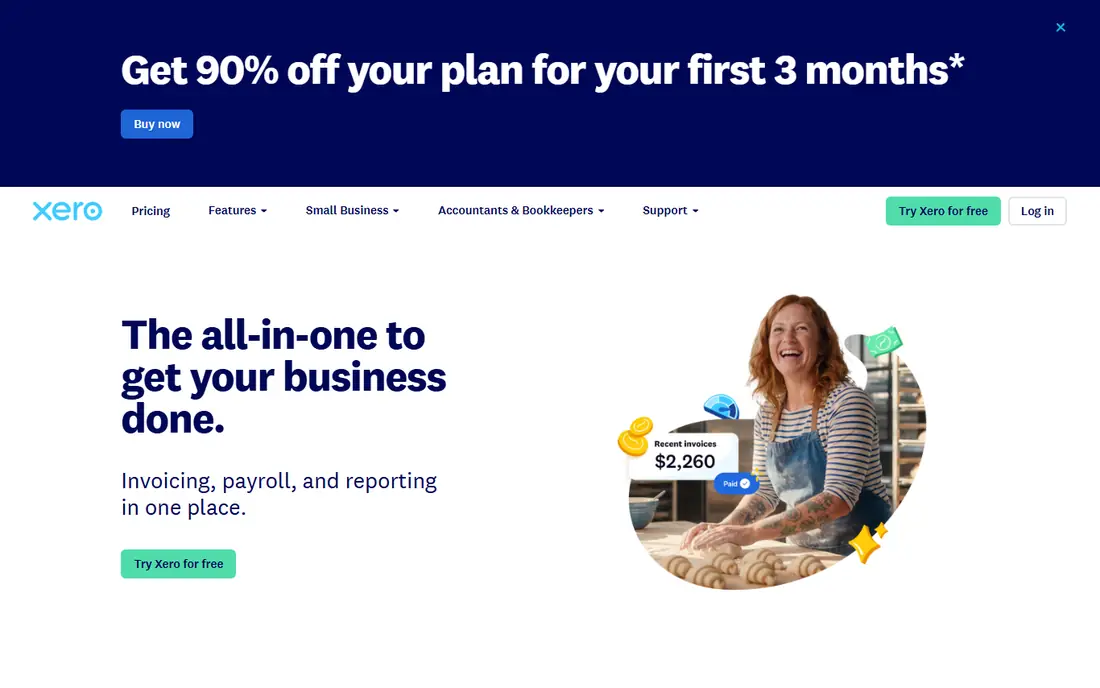
Xero offers clean cloud accounting with bank feeds, transaction rules, and reconciliation that cut manual entry. Invoicing, expenses, and reporting sit in a clear interface, and integrations cover payments, payroll, and inventory. Multi-currency support helps firms with international clients.
Payroll availability varies by region, and bill approval depth varies by plan. For a firm that wants tidy automation with a modern interface, Xero is a strong alternative to QuickBooks. Test bank feed reliability with your banks during a trial.
- Bank feeds and reconciliation
- Clean interface
- Strong integrations
- Payroll is an add-on in some regions
- Bill approvals vary by plan
Sage Intacct
Ideal for: Mid-size and multi-entity firms
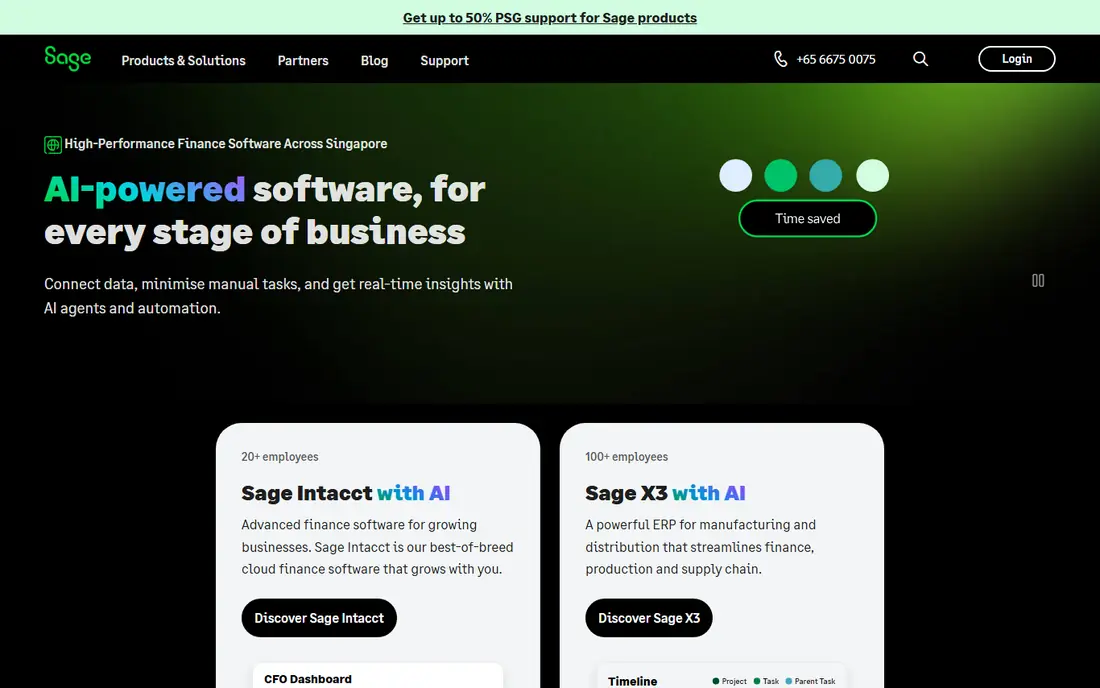
Sage Intacct serves mid-size firms with multi-entity accounting, dimensional reporting, and workflow approvals. Automation covers allocations, consolidations, and approvals that small tools handle poorly. Finance teams value the way dimensions slice reports by department, location, or project without many charts of accounts.
Pricing is quoted, and implementation needs planning. Smaller firms will find Intacct heavy. For a growing firm with several entities or complex reporting, Sage Intacct offers automation that scales.
- Multi-entity and dimensional reporting
- Workflow approvals
- Automation at scale
- Pricing is quoted
- Implementation takes planning
NetSuite
Ideal for: Larger firms and ERP accounting
NetSuite, from Oracle, combines accounting with ERP features for inventory, orders, and CRM, with automation across finance and operations. Larger firms get multi-subsidiary accounting, approvals, and reporting in one system. The breadth suits firms outgrowing separate accounting and operations tools.
Implementation is a project, with configuration and training. Smaller firms should not buy NetSuite for accounting alone. For a larger firm that needs ERP plus accounting automation, NetSuite is a proven platform.
- Full ERP with accounting
- Automation across finance and operations
- Global support
- Pricing is quoted
- Implementation is a project
Zoho Books
Ideal for: Affordable automation
Zoho Books offers affordable cloud accounting with bank feeds, rules, invoicing, and expense automation. The free plan suits very small firms, and paid plans add workflows and reporting. Links to Zoho CRM, Inventory, and other apps help firms already in the Zoho ecosystem.
Accountant support is narrower than QuickBooks or Xero in the United States, so check your accountant preference. For a small firm that wants low-cost automation, Zoho Books offers strong value. Check free plan limits for invoices and users.
- Free plan for small firms
- Bank feeds and automation
- Zoho app links
- Accountant support is narrower than QuickBooks
- Advanced features vary by plan
FreshBooks
Ideal for: Simple automation for services
FreshBooks automates invoicing, reminders, time, and expenses for service firms, with a simple interface that owners learn fast. Recurring invoices and payment reminders cut chasing, while reports cover profit and expenses. The tool suits consultants, agencies, and service businesses.
Full accounting depth is lighter than QuickBooks or Xero, and multi-entity support is limited. For a service firm that values simple automation over complex accounting, FreshBooks is a good fit. Compare plans for clients and team members.
- Simple invoicing automation
- Time and expense tracking
- Client payments
- Full accounting is lighter
- Multi-entity support is limited
Wave
Ideal for: Free basics for small firms
Wave gives small firms free accounting and invoicing with bank connections and simple reports. Owners can track income, expenses, and invoices without a monthly fee, paying only for payment processing and payroll where used. The interface suits very small firms and solo owners.
Automation and advanced reporting are lighter than QuickBooks or Xero. For a tiny firm that needs free basics, Wave is practical. Growing firms will likely move to a paid tool for approvals, projects, or multi-user needs.
- Free accounting and invoicing
- Bank connections
- Simple reports
- Automation is lighter
- Payroll varies by location
BILL
Ideal for: Bill pay and approvals
BILL, formerly Bill.com, automates accounts payable with bill capture, approvals, payments, and audit trails. It syncs with QuickBooks, Xero, Sage Intacct, and NetSuite, so firms keep their accounting system while automating bills. Approval workflows suit firms where several people must approve spending.
BILL alone is not full accounting, so it pairs with an accounting tool. For a firm drowning in bills and approvals, BILL cuts manual work sharply. Check sync behavior with your accounting system before buying.
- Bill approvals and payments
- Syncs with QuickBooks and Xero
- Audit trails
- Not a full accounting system
- Pricing is per user
How we picked these
We compared official feature pages, pricing pages, and public reviews for cloud accounting tools in October 2026. We favored tools with bank feeds, transaction rules, recurring invoices, bill approvals, and reconciliations, and we mixed small-firm, mid-size, and bill-focused options. We did not claim hands-on testing, and we list prices as shown on vendor sites, using See website where pricing is quoted.
What to check before you buy
Start with your transaction volume and approval needs. A firm with few bills needs different automation than one with many approvers and vendors. Then test bank feeds with your actual banks, since feed reliability varies and broken feeds create manual work.
Next, check accountant support, since year-end work is easier when your accountant knows the system. Confirm multi-user permissions, audit trails, and reporting for your needs, and test data import from spreadsheets or an older system. Finally, run a trial with real invoices and bills, and compare total cost including users, payroll, and payment fees.
A final check before you commit
Price comparisons work best when you model a full year of use, including seats, add-ons, storage, and support, rather than comparing headline monthly rates. A plan that looks cheap for three users can grow quickly when contractors, managers, or part-time staff are added, and a plan that looks costly may include features you would otherwise buy separately. Ask for a written quote for your expected user count at six and twelve months, and check renewal terms, since first-year discounts often hide the long-term rate you will actually pay.
Total cost includes time as well as money, so count setup hours, training hours, and the admin time needed each month for each finalist. A tool that saves ten minutes per user per day can justify a higher fee, while a cheap tool that needs constant manual fixes can cost more in staff time than it saves in subscription fees. Ask current users in similar firms about weekly admin load, and treat those answers as part of the price. The cheapest subscription is rarely the cheapest system once staff time is counted honestly.
Rollout works best in stages, so plan a pilot group, a feedback round, and a wider launch, rather than switching the whole team at once. The pilot group should include sceptical users as well as enthusiasts, since sceptics find real flaws that fans overlook, and their approval later helps wider adoption. Collect feedback on speed, clarity, and missing features after two weeks, fix what can be fixed through settings or training, and only then expand. A staged rollout takes a little longer, but it avoids the all-at-once disruption that turns teams against a tool before it has a fair chance.
Also check references from firms of similar size and in a similar line of work, since a vendor that serves large enterprises well may still struggle with small-team needs, and the reverse is true as well. Ask references about onboarding time, support responsiveness, and the one feature they wish worked better, since those answers reveal patterns that no demo will show. If a vendor hesitates to provide references, or only offers very large customers, treat that as useful information about fit for your size. Two short reference calls often save weeks of trial and error, and they give your team confidence that the choice rests on real user experience rather than polished sales material alone.
Frequently asked questions
What is accounting automation software?
It automates bank feeds, transaction rules, invoicing, bill approvals, and reconciliations in cloud accounting. The goal is less manual entry and fewer errors, not just online access.
Which cloud accounting tool is best for small businesses?
QuickBooks Online and Xero lead for small firms, with broad support and automation. Zoho Books and Wave offer lower-cost paths, while FreshBooks suits service firms.
Can cloud accounting handle multi-entity firms?
Yes, with tools such as Sage Intacct and NetSuite, which support multi-entity reporting and consolidations. Small-firm tools handle single entities best.
Does BILL replace QuickBooks or Xero?
No. BILL automates bill pay and approvals and syncs with accounting systems. Use it alongside QuickBooks, Xero, Sage Intacct, or NetSuite.
How secure is cloud accounting?
Reputable vendors use encryption, access controls, and backups, but security also depends on your passwords and user permissions. Use strong authentication and limit user access by role.