Best Cloud-Based Employee Scheduling Software in 2026: 8 Tools Compared

- 1
 DeputyScheduling plus time and payrollVisit
- 2
 When I WorkSimple affordable schedulingVisit
- 3
 HomebaseHourly teams and hiringVisit
- 4
 7shiftsRestaurant schedulingVisit
- 5
 ShiftboardComplex shift workforcesVisit
- Deputy is our pick for most businesses because it pairs scheduling with time tracking, leave, and payroll integrations.
- When I Work suits small teams that want simple, affordable shift scheduling fast.
- Homebase suits hourly teams that want scheduling plus hiring and time clocks in one free-start system.
-
Shift swap rules, availability, labor cost visibility, and payroll sync matter more than calendar looks alone.
-
Labor cost visibility while building the schedule prevents overtime surprises far better than after-the-fact reports.
Quick comparison
| Product | Ideal for | Price from | Free version | |
|---|---|---|---|---|
| Deputy | Scheduling plus time and payroll | See website | Free trial | Visit |
| When I Work | Simple affordable scheduling | See website | Free trial | Visit |
| Homebase | Hourly teams and hiring | See website | Yes | Visit |
| 7shifts | Restaurant scheduling | See website | Free trial | Visit |
| Shiftboard | Complex shift workforces | See website | Free trial | Visit |
 Humanity | Enterprise scheduling | See website | Free trial | Visit |
 Connecteam | Frontline team management | See website | Free trial | Visit |
 ScheduleFlex | Flexible scheduling for teams | See website | Free trial | Visit |
The best cloud-based employee scheduling software
Cloud scheduling software lets managers build shifts, staff request swaps, and track time from any device. The best tools show labor costs as you schedule and sync hours to payroll. We compared official feature pages, pricing pages, and public reviews for the options below.
Deputy
Ideal for: Scheduling plus time and payroll
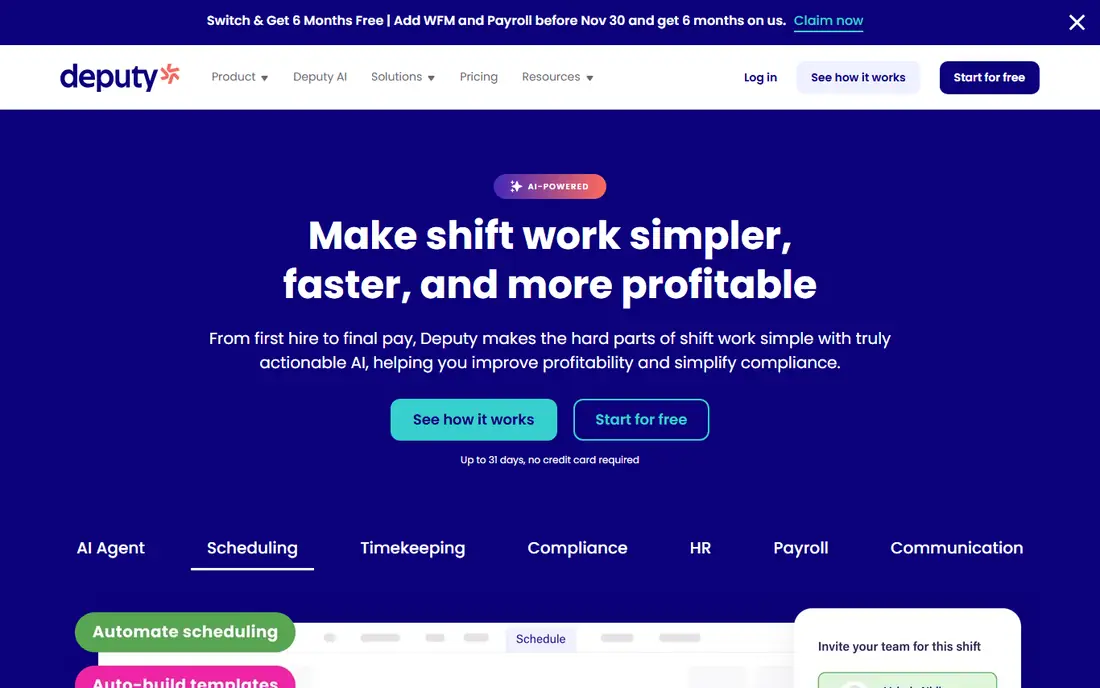
Deputy covers scheduling, time and attendance, leave management, and payroll integrations in one cloud system. Managers build shifts with labor cost visibility, staff confirm availability and swap shifts in the app, and hours flow toward payroll. That breadth suits retail, hospitality, healthcare, and services teams.
Pricing rises per user, and large-team setup takes planning. For a business that wants scheduling plus time and payroll in one system, Deputy is our top pick.
- Scheduling, time tracking, and leave in one system
- Labor cost visibility
- Payroll integrations
- Pricing rises with users
- Setup takes planning for large teams
When I Work
Ideal for: Simple affordable scheduling
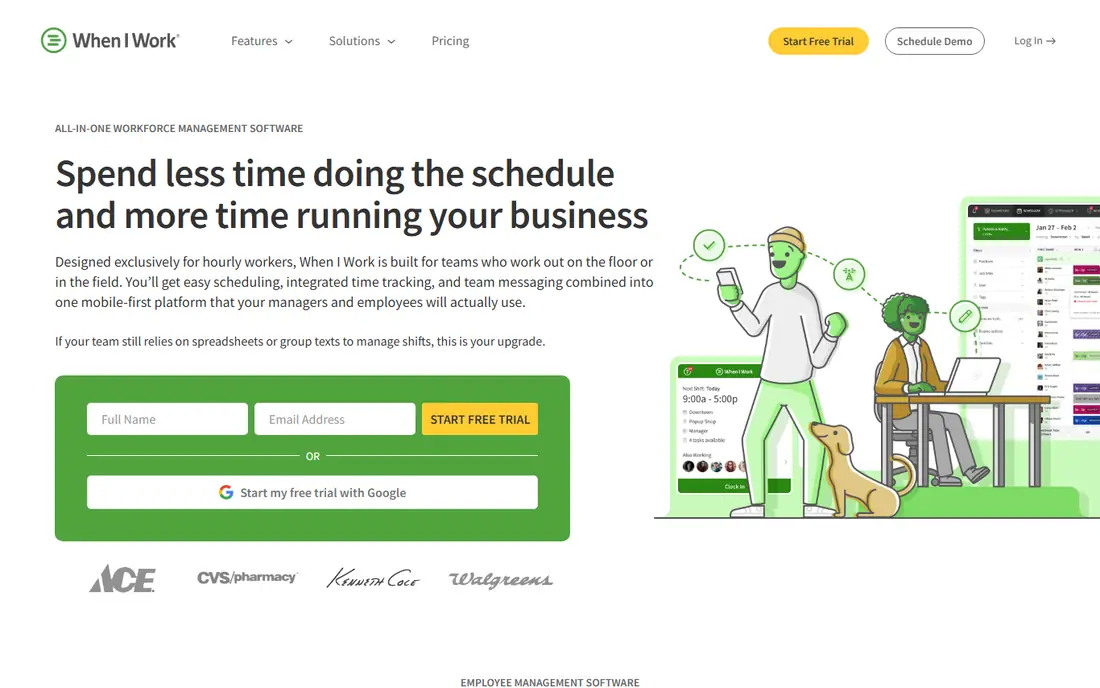
When I Work offers simple, affordable shift scheduling with team messaging and time tracking. Managers drag shifts onto a calendar, staff claim open shifts, and everyone gets notifications on changes. Small teams can start in a day without training.
Advanced workforce planning and payroll depth trail Deputy and Humanity. For a small team that wants simple scheduling fast, When I Work is an excellent pick.
- Very easy scheduling
- Team messaging
- Affordable plans
- Advanced workforce features are fewer
- Payroll integrations vary
Homebase
Ideal for: Hourly teams and hiring
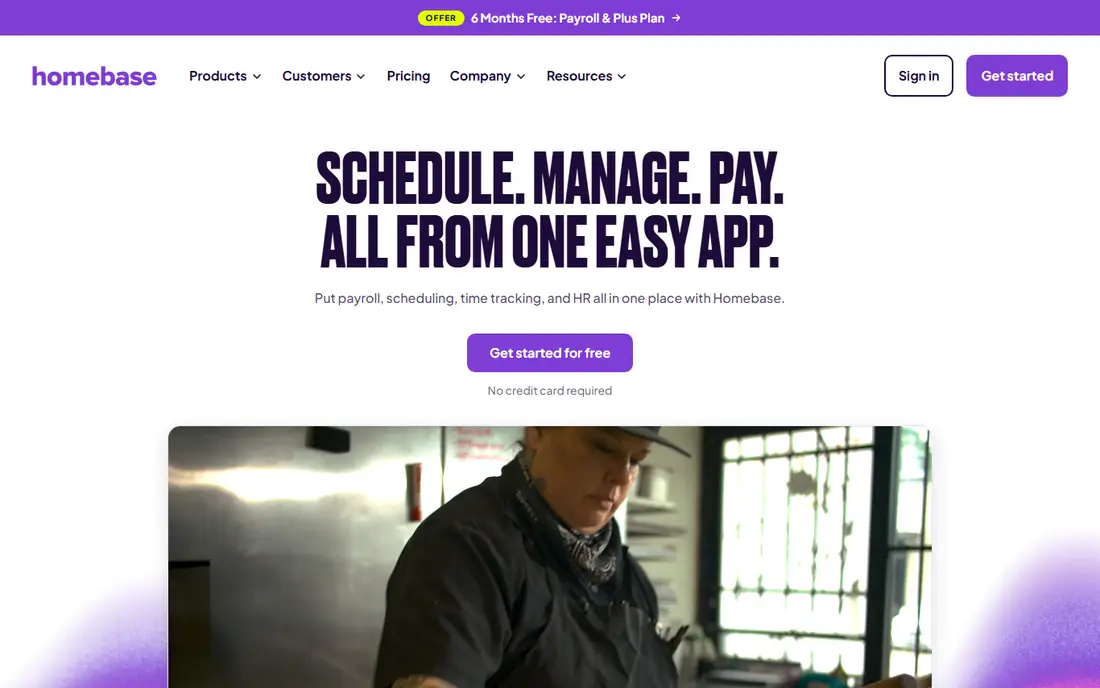
Homebase combines scheduling with hiring, time clocks, messaging, and HR tools, with a free tier for basic scheduling. Hourly teams in restaurants, retail, and services can post jobs, hire, schedule, and track time in one place. That breadth at a free start is appealing.
Advanced scheduling and payroll features need paid plans. For an hourly team that wants scheduling plus hiring in one system with a free start, Homebase is a strong choice.
- Free start tier
- Scheduling plus hiring and time clocks
- Team messaging
- Advanced scheduling features need paid plans
- Payroll is an add-on
7shifts
Ideal for: Restaurant scheduling
7shifts is built for restaurants, with scheduling, labor cost controls, availability management, and team communication tuned to restaurant work. Managers can forecast labor against sales, handle shift swaps, and keep staff informed through the app. That industry focus shows in the details.
Other industries may find the restaurant framing narrow, and advanced features need higher plans. For a restaurant or cafe team, 7shifts is the most tailored scheduling choice here.
- Built for restaurants
- Labor cost controls
- Team communication and availability
- Restaurant focus limits other industries
- Advanced features need higher plans
Shiftboard
Ideal for: Complex shift workforces
Shiftboard handles complex scheduling for large workforces with rules for credentials, compliance, overtime, and shift bidding. Hospitals, manufacturers, and security firms use it to staff around strict requirements. The platform scales to thousands of workers.
Enterprise pricing and setup make Shiftboard overkill for small teams. For a complex workforce with compliance rules, Shiftboard is a powerful, specialized pick.
- Handles complex shift rules
- Credential and compliance tracking
- Large workforce support
- Enterprise pricing and setup
- Overkill for small teams
Humanity
Ideal for: Enterprise scheduling
Humanity offers enterprise scheduling with forecasting, leave management, time tracking, and integrations for large teams. Managers can build schedules against demand forecasts, track leave, and sync hours to payroll systems. The platform suits retail, healthcare, and services at scale.
Enterprise pricing and setup planning limit small-team fit. For a large team that needs forecasting plus scheduling depth, Humanity is a strong choice.
- Enterprise scheduling and forecasting
- Leave and time tracking
- Integrations
- Enterprise pricing
- Setup needs planning
Connecteam
Ideal for: Frontline team management
Connecteam is a mobile-first platform for frontline teams, combining scheduling with forms, training, chat, and time tracking. Managers can schedule shifts, share updates, and train staff in one app, which suits deskless teams in field services, retail, and hospitality.
Scheduling depth trails Deputy for complex workforce rules, and some features need paid plans. For a frontline team that wants scheduling plus communication and training together, Connecteam is a versatile pick.
- Scheduling plus forms, training, and chat
- Mobile-first design
- Free start tier
- Scheduling depth trails Deputy for complex needs
- Some features need paid plans
ScheduleFlex
Ideal for: Flexible scheduling for teams
ScheduleFlex offers flexible cloud scheduling with availability management, shift swaps, and team messaging for small and mid-size teams. Managers can build schedules quickly, staff can manage availability, and changes notify the team automatically. The focus stays on practical scheduling.
The vendor is smaller than Deputy or Homebase, and feature depth varies by plan. For a team that wants flexible, straightforward scheduling, ScheduleFlex is a practical option.
- Flexible shift scheduling
- Availability and swap tools
- Team messaging
- Smaller vendor than leaders
- Feature depth varies by plan
How we picked these
We compared official feature pages, pricing pages, and public reviews, and we kept only cloud scheduling tools operating in October 2026 with real shift, availability, and time features. We favored tools with labor cost visibility, payroll integrations, and mobile apps for staff. We left out generic calendars and tools with no shift management.
We also tested how each tool handles labor law basics such as minor work rules, break requirements, and overtime thresholds, since violations carry legal risk. Confirm that the system flags risky shifts for your state and industry, and keep a human review step for edge cases. Software helps compliance, but it does not replace knowledge of your local rules.
What to check before you choose scheduling software
Start with your scheduling pain. Overtime control, swap chaos, no-show tracking, and payroll errors each point to different features. Map your current process, from availability collection to payroll export, before comparing tools.
Next, test the staff experience. Employees use the mobile app daily for schedules, swaps, and time clocks, so clarity there matters more than manager dashboards. Finally, run a trial with one team for two full schedule cycles. Real swaps, sick calls, and payroll exports reveal fit better than any demo.
Schedule publishing rhythm matters for morale and coverage. Publish schedules at least two weeks ahead when possible, and freeze changes after a cutoff except for emergencies, since late changes disrupt childcare, school, and second jobs. Teams with predictable schedules retain staff better, and the software should make advance publishing easy rather than an afterthought.
Integration with payroll and time clocks closes the loop between scheduled and actual hours. Confirm that clock data, schedule changes, and approvals flow into payroll without manual retyping, since retyping introduces errors that frustrate staff. A trial payroll run with real schedules reveals integration gaps quickly.
Questions to ask before you commit
Ask vendors how they handle last-minute sick calls, since coverage gaps at shift start are the real scheduling test. Confirm that open shifts notify eligible staff instantly, that managers can approve swaps quickly from a phone, and that overtime warnings appear before approval. A system that only builds pretty schedules fails when reality changes.
Ask about compliance alerts for your state and industry, including minor work rules, predictive scheduling laws, and break requirements where they apply. Confirm that alerts are configurable and that managers cannot easily override them without a record. Compliance support varies widely, so test with your actual rules.
Ask how schedule data flows into payroll, including overtime calculations, shift differentials, and paid time off accruals. Confirm that approved schedule changes update payroll previews automatically, and run a parallel payroll cycle during your trial. Manual payroll adjustments after each cycle signal a broken integration.
Frequently asked questions
What is the best cloud-based employee scheduling software?
Deputy is our pick for most businesses because it combines scheduling, time tracking, leave, and payroll integrations. When I Work suits simple affordable scheduling, while Homebase suits hourly teams that want hiring plus scheduling.
Is there free employee scheduling software?
Homebase offers a free tier for basic scheduling, and most tools here offer free trials. Free tiers limit features such as advanced scheduling, payroll, and reporting, so check what your team actually needs before relying on free alone.
Can scheduling software track labor costs?
Yes. Deputy, 7shifts, Humanity, and others here show labor costs as you build schedules, often against sales forecasts. That visibility helps managers control overtime and stay within budget while covering shifts.
Does scheduling software integrate with payroll?
Most tools here integrate with payroll systems or export hours for payroll processing. Confirm native integration with your payroll provider before buying, since manual exports waste time and introduce errors.
How do employees swap shifts in scheduling software?
Employees usually request swaps in the mobile app, managers approve them, and the schedule updates automatically with notifications. Check approval rules, eligibility, and overtime warnings, since uncontrolled swaps can break coverage or budgets.
How do employees request time off in scheduling software?
Employees usually submit time-off requests in the mobile app, managers approve or decline them, and the schedule updates to reflect approved leave. Good systems warn managers when approved leave creates coverage gaps, so they can adjust before publishing. Clear request deadlines and approval rules prevent last-minute staffing crises.