Best cloud computing platforms in 2026: 8 Options Compared

- 1
 Amazon Web Servicesteams needing the widest service rangeVisit
- 2
 Microsoft Azureorganisations already running Microsoft softwareVisit
- 3
 Google Clouddata-heavy teams and AI workloadsVisit
- 4
 DigitalOceandevelopers and small teams wanting simplicityVisit
- 5
 Linode by Akamaidevelopers wanting predictable Linux cloud pricingVisit
- AWS has the widest service catalogue, Azure fits Microsoft shops best, and Google Cloud suits data and AI workloads.
- DigitalOcean, Linode and Vultr are far simpler and cheaper for small apps and side projects.
- Cloud pricing is usage-based, so model your real workload before choosing, since list prices hide egress and storage costs.
- Free tiers and credits are a good way to learn, but they expire, so plan the step up in cost.
Quick comparison
| Product | Ideal for | Price from | Free version | |
|---|---|---|---|---|
| Amazon Web Services | teams needing the widest service range | See website | Free trial | Visit |
| Microsoft Azure | organisations already running Microsoft software | See website | Free trial | Visit |
| Google Cloud | data-heavy teams and AI workloads | See website | Free trial | Visit |
| DigitalOcean | developers and small teams wanting simplicity | See website | Free trial | Visit |
| Linode by Akamai | developers wanting predictable Linux cloud pricing | See website | Free trial | Visit |
 Vultr | developers wanting many locations and hourly billing | See website | Free trial | Visit |
 Oracle Cloud | enterprises running Oracle databases and apps | See website | Free trial | Visit |
 IBM Cloud | regulated enterprises and hybrid estates | See website | Free trial | Visit |
The best cloud computing platforms
Here is our shortlist for best cloud computing platforms, ordered from the most broadly useful picks to the more specialised ones. Every entry below is a real product you can sign up for or buy today, with pricing taken from the vendor site or app store listing where we could verify it.
Amazon Web Services
Ideal for: teams needing the widest service range
This one is aimed at teams needing the widest service range. AWS offers the broadest set of cloud services, from compute and storage to databases, machine learning and serverless tools, with data centres in more regions than any rival. For teams building anything unusual, the service you need probably exists here.
The complexity is the price of that breadth: pricing spans hundreds of services, and egress and storage charges catch newcomers out. Use budgets and alerts from day one, and cost your workload with the AWS pricing calculator before launch.
- Largest service catalogue
- Deep global infrastructure
- Strong AI and data services
- Pricing is complex
- Bills can surprise without cost controls
Microsoft Azure
Ideal for: organisations already running Microsoft software

Think of Microsoft Azure as the pick for organisations already running Microsoft software. Azure fits organisations that already run Windows Server, SQL Server or Microsoft 365, since existing licences can reduce costs through Hybrid Benefit and identity ties into Entra ID. Its hybrid tools also suit teams keeping some workloads on premises.
It is a close second to AWS on service breadth, and some newer services arrive later. If your estate is Microsoft-heavy, though, the integration and licence savings usually outweigh that gap.
- Deep Windows and Microsoft 365 integration
- Hybrid cloud tools
- Hybrid Benefit for existing licences
- Pricing is complex
- Some services lag AWS on breadth
Google Cloud
Ideal for: data-heavy teams and AI workloads
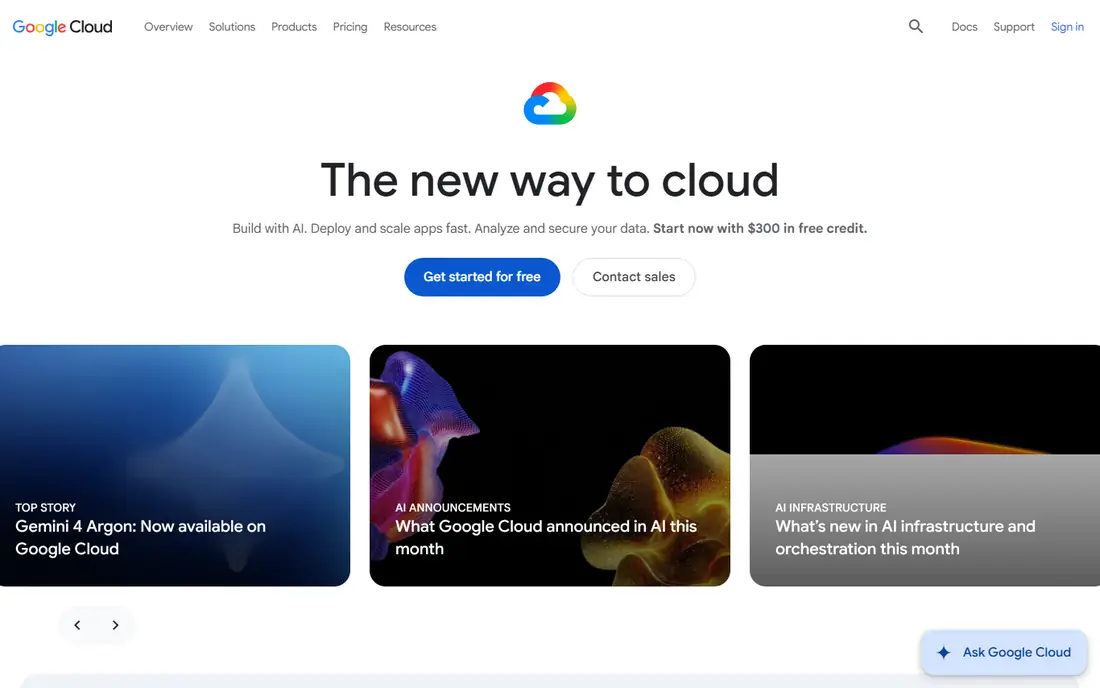
For data-heavy teams and AI workloads, Google Cloud deserves a close look. Google Cloud stands out for data analytics with BigQuery and for AI work built around its own models and TPUs, and its sustained-use discounts apply automatically to VMs that run most of the month. Custom machine types let you size a VM to the workload instead of rounding up.
Its enterprise footprint is smaller than AWS or Azure, and some services are less mature. For data and AI teams, the tooling and automatic discounts are a strong draw.
- Strong data analytics and AI tooling
- Automatic sustained-use discounts
- Custom machine types
- Smaller enterprise sales footprint than AWS or Azure
- Some services are newer
DigitalOcean
Ideal for: developers and small teams wanting simplicity
This is the option we would point developers and small teams wanting simplicity toward first. DigitalOcean strips cloud computing back to simple Droplets, managed databases and app hosting with clear pricing and documentation that beginners can follow. Small teams can launch a web app in an afternoon without learning a hyperscaler console.
The trade-off is range: you will not find the same depth of managed AI, analytics or enterprise services. For straightforward apps and APIs, that simplicity is the point.
- Simple pricing and interface
- Droplets from small sizes
- Good docs and tutorials
- Fewer managed services than the big three
- Less suited to complex enterprise estates
Linode by Akamai
Ideal for: developers wanting predictable Linux cloud pricing
Linode by Akamai earns its place here for developers wanting predictable Linux cloud pricing. Linode, now part of Akamai, offers Linux cloud servers with straightforward pricing and a reputation for solid support. Developers who want a VPS with no surprise billing tend to stay with it for years.
It lacks the managed service depth of the hyperscalers, so teams needing managed AI or complex data pipelines will outgrow it. For hosting, APIs and small platforms, it is dependable and fairly priced.
- Clear, predictable pricing
- Strong Linux support
- Global data centres via Akamai
- Smaller managed service catalogue
- Enterprise features are thinner
Vultr
Ideal for: developers wanting many locations and hourly billing
If your shortlist is built around developers wanting many locations and hourly billing, start with Vultr. Vultr offers cloud compute in many locations with hourly billing and a simple panel, which suits developers testing in different regions or running short-lived workloads. Bare metal and dedicated options sit alongside standard VMs.
Managed services are thinner than the big three, so you will run more yourself. For teams comfortable with that, the location range and simple billing are a good deal.
- Many global locations
- Hourly billing
- Simple control panel
- Managed services are limited
- Support is thinner than the big clouds
Oracle Cloud
Ideal for: enterprises running Oracle databases and apps
Among the options here, Oracle Cloud speaks most directly to enterprises running Oracle databases and apps. Oracle Cloud is the natural home for Oracle databases and enterprise apps, with performance and pricing tuned for those workloads. Its free tier covers a useful set of always-free services for learning and small projects.
Outside Oracle workloads, the service range is narrower than the big three, so general-purpose teams may find gaps. If your estate runs Oracle, the fit is hard to beat.
- Strong Oracle database performance
- Competitive pricing for Oracle workloads
- Free tier for learning
- Service catalogue is narrower than AWS
- Best value is tied to Oracle estates
IBM Cloud
Ideal for: regulated enterprises and hybrid estates
For readers focused on regulated enterprises and hybrid estates, IBM Cloud is a strong match. IBM Cloud targets regulated industries with compliance-focused services and hybrid options built around Red Hat OpenShift. Enterprises already running IBM or Red Hat software get a coherent path to cloud.
The developer community is smaller than AWS or Google Cloud, and some services trail the leaders. For regulated, hybrid estates, the compliance and OpenShift story carries weight.
- Strong compliance and hybrid options
- Red Hat OpenShift integration
- Enterprise support
- Smaller developer community
- Service range trails the leaders
How we picked these
We compared official feature pages, pricing pages, app store listings, privacy policies and public reviews for each product on this list, and we kept only products that exist and work today and that truly fit the topic. Where a price had changed between sources or we could not verify it on the vendor site, we wrote See website rather than print a number we could not stand behind. We also weighed who each product is really for, not just how long its feature list runs. A product with a smaller set of features can be the better buy when it matches your workflow, your budget and the size of your team, and we say so plainly in each write-up. We also checked what each product costs over a full year, not just the headline monthly price, since annual billing, seat minimums and add-on fees can change the real total by a wide margin. Free plans were judged against their limits too: a free tier that caps the exact feature you need most is not really free for your use case, and we say so in the write-up when that is the case. Where prices differed between the vendor site and review listings, we trusted the vendor site, and where we could not confirm a figure on the vendor site at all, we wrote See website rather than repeat a number from a third party. That caution is deliberate, because a wrong price is worse than no price when you are building a budget.
Price the workload, not the headline rate
Cloud bills are made of compute, storage, data transfer and managed service fees, and the cheapest VM rate rarely decides the total. Egress charges for data leaving the cloud, NAT gateway hours and storage tiers are where small projects get surprised, so model a month of realistic traffic before you commit.
Start on a free tier or with credits, but set a budget alert at half your expected spend so the first bill never shocks you. If your workload is steady, committed-use discounts on the big three can cut compute costs sharply, while spiky workloads suit pay-as-you-go or spot capacity.
Finally, before you commit to one of the options above, run it on a real task from your own work rather than a polished demo project. Use the free tier or trial for a full week, invite the people who will actually use it every day, and test the one workflow you cannot live without, whether that is exporting your data, inviting a teammate, sharing a result with a client or getting help when something breaks. Note how long each step takes and where you get stuck, since those friction points are what you will live with for months. The product that handles your real task with the least friction is the right one, even if another option looks stronger on a feature comparison page.
Frequently asked questions
Which cloud platform is best?
AWS suits the widest range of workloads, Azure suits Microsoft-heavy organisations, and Google Cloud suits data and AI teams. DigitalOcean, Linode and Vultr suit smaller apps where simplicity and predictable pricing matter more than service range.
Is cloud computing cheaper than a server?
For variable or small workloads, cloud usually wins because you pay only for what you use and skip hardware costs. For steady, heavy workloads, a dedicated server or committed cloud pricing can be cheaper, so model both before deciding.
What is the best cloud platform for beginners?
DigitalOcean and Linode are the easiest starting points, with simple pricing and clear docs. The big three free tiers are also good for learning, but their consoles take longer to learn.
Do cloud platforms offer free tiers?
Yes, AWS, Azure and Google Cloud all offer free tiers and trial credits, and Oracle Cloud offers always-free services. Free tiers have limits and credits expire, so check what the bill becomes after the trial.