6 Cloud Container Security Software Options Ranked for 2026

- 1
 AnchoreCompliance-driven teams needing deep image analysis and SBOMsVisit
- 2
 WizTeams wanting agentless visibility with graph-based attack path analysisVisit
- 3
 SnykDeveloper-first organizations shifting container security leftVisit
- 4
 SysdigTeams prioritizing Kubernetes runtime security and threat detectionVisit
- 5
 Aqua SecurityContainer-first teams wanting the deepest build-to-run coverageVisit
- Number one here is Anchore, a fit for compliance-driven teams needing deep image analysis and SBOMs.
- No starting price is shown for any of the 6 tools, Anchore and Red Hat Advanced Cluster Security included, so plan time for sales calls.
- Free plans exist at 2 of 6 tools (Anchore, Snyk).
- For OpenShift and Kubernetes-native organizations, Red Hat Advanced Cluster Security is worth a look.
Direct answer
Anchore comes first here, mainly for compliance-driven teams needing deep image analysis and SBOMs. Wiz is better for teams wanting agentless visibility with graph-based attack path analysis, and Snyk is better for developer-first organizations shifting container security left. The remaining 3 options are covered below with prices and limits.
Quick comparison
| Product | Ideal for | Price from | Free version | |
|---|---|---|---|---|
| Anchore | Compliance-driven teams needing deep image analysis and SBOMs | See website | Yes | Visit |
| Wiz | Teams wanting agentless visibility with graph-based attack path analysis | See website | No | Visit |
| Snyk | Developer-first organizations shifting container security left | See website | Yes | Visit |
| Sysdig | Teams prioritizing Kubernetes runtime security and threat detection | See website | Free trial | Visit |
| Aqua Security | Container-first teams wanting the deepest build-to-run coverage | See website | Free trial | Visit |
 Red Hat Advanced Cluster Security | OpenShift and Kubernetes-native organizations | See website | Free trial | Visit |
Cloud Container Security Software profiles
If you are comparing cloud container security software, this page covers 6 tools in one place: what each is best for, what it costs to start, whether it has a free plan, and the main limit to know about.
Anchore
Ideal for: Compliance-driven teams needing deep image analysis and SBOMs
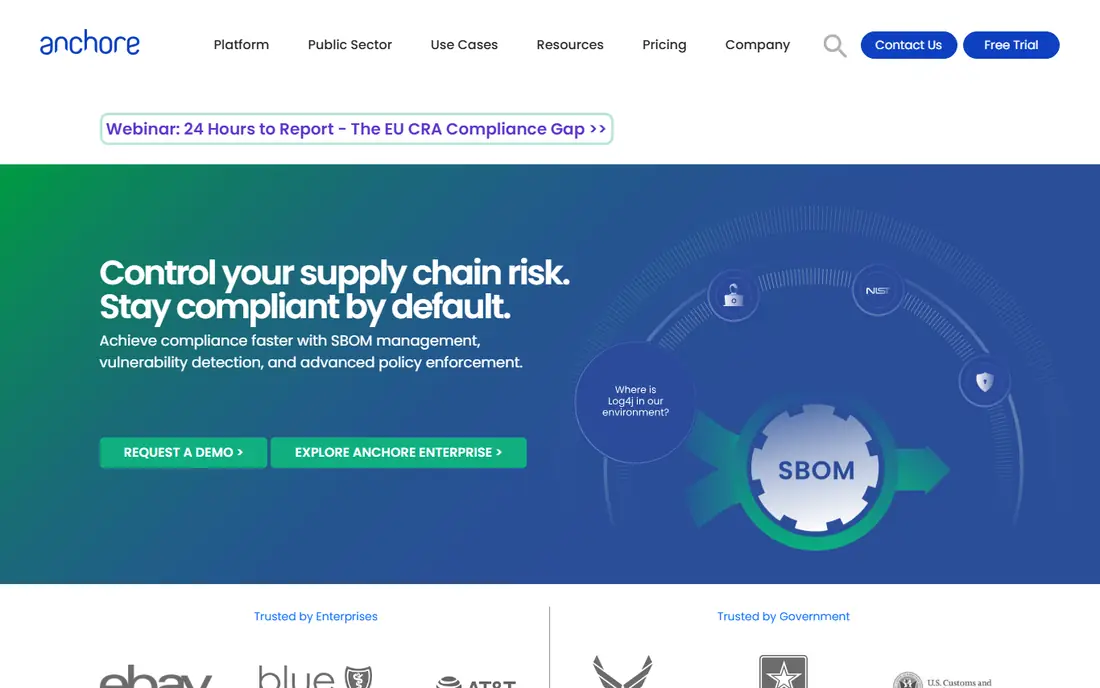
In short, Anchore is for compliance-driven teams needing deep image analysis and SBOMs. Its open-source engine powers SBOM workflows that regulated industries increasingly need.
What users get: Compliance-grade image analysis.
Honest limits: Concentrated on build-time. More specifically, the vendor is smaller than the product players. Also, Runtime protection is restricted; Anchore is a build-time specialist. Anchore shows no starting price here, so confirm the cost on the vendor site. Free access exists with Anchore.
- Open-source core
- Well suited to regulated industries
- Runtime features restricted
Wiz
Ideal for: Teams wanting agentless visibility with graph-based attack path analysis
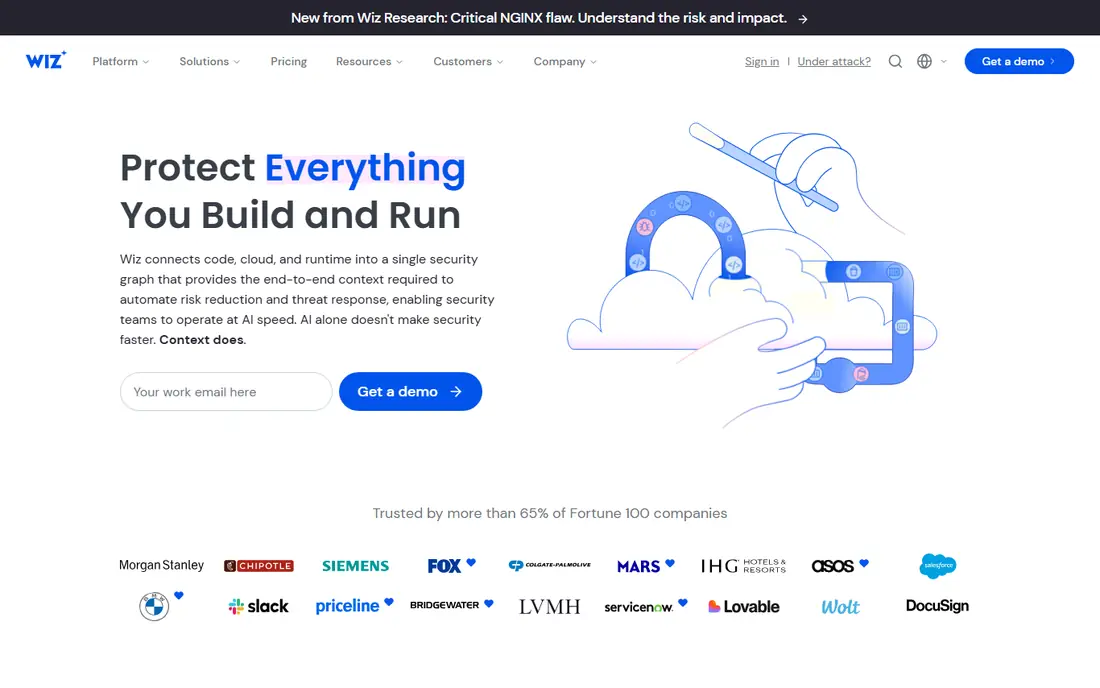
Pick Wiz if this describes you: teams wanting agentless visibility with graph-based attack path analysis. Wiz changed cloud security with agentless scanning: link your cloud accounts and get full visibility in minutes, no agents to deploy. Its security graph correlates container vulnerabilities with misconfigurations, exposed identities and network paths, showing the attack paths that matter rather than vulnerability lists.
Drawbacks to consider: Premium pricing.
Where it shines: Correlates containers with identity and exposure. Also, Wiz's UX makes that triage easy-to-learn. But for context-first container risk prioritization, Wiz leads. Wiz does not show a starting price in this comparison, so check the vendor site for current pricing. There is no free plan with Wiz.
- Quick agentless deployment
- Feature-rich security graph
- Runtime sensors newer and less deep
Snyk
Ideal for: Developer-first organizations shifting container security left
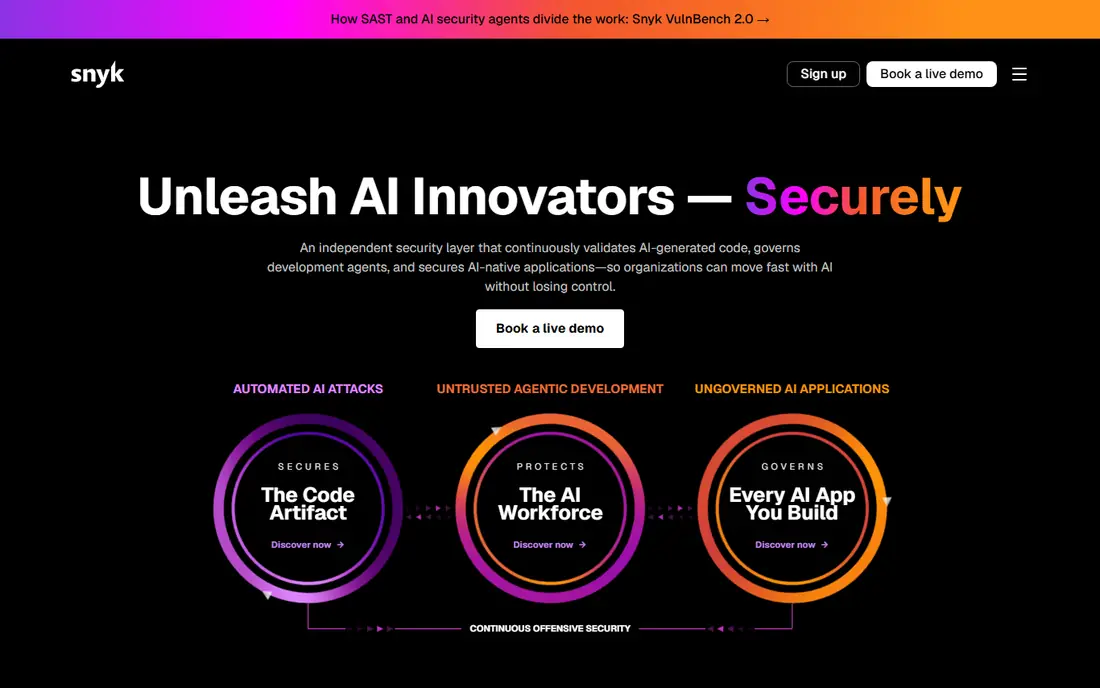
Snyk is built with developer-first organizations shifting container security left in mind. Snyk meets developers where they work: container image scanning in CI, IaC and Helm chart checks in pull requests, with fix advice that tells developers exactly what to change.
On top of that, the free level is ample enough for small teams and open-source projects. But for preventing vulnerable containers from shipping, Snyk is the developer's choice. This comparison lists no price for Snyk; ask the vendor. Snyk includes a free tier.
What to check first: Enterprise features need higher levels.
- Actionable fix advice
- Ample free level
- Runtime depth restricted
Sysdig
Ideal for: Teams prioritizing Kubernetes runtime security and threat detection
For teams prioritizing Kubernetes runtime security and threat detection, Sysdig is a natural candidate. Drift prevention stops containers from deviating from their approved images, and admission policies gate what deploys.
Worth adding: for Kubernetes-heavy estates where runtime is the risk, that depth is unmatched. Check the vendor site for Sysdig pricing; none is listed in this comparison. As for free access: Free trial.
Trade-offs to know: Premium pricing.
What works well: Deep Kubernetes context.
- Best-in-class runtime detection
- Falco open-source lineage
- VM and Windows coverage thinner
Aqua Security
Ideal for: Container-first teams wanting the deepest build-to-run coverage
Aqua Security targets Container-first teams wanting the deepest build-to-run coverage. The interface carries the weight of its breadth, and broader cloud security features trail the CNAPP systems. But when containers are the estate, Aqua's specialization presents.
Best features of Aqua Security: Open-source on-ramp with Trivy.
Where it is weaker: UI complexity. For container-first organizations, the lifecycle depth is the draw. Its open-source tools, including Trivy for vulnerability scanning, provide teams a free on-ramp that commercial competitors cannot match. This comparison lists no price for Aqua Security; ask the vendor. Free plan details: Free trial.
- Solid Kubernetes controls
- Deepest scan-assure-run lifecycle
- Pricing enterprise-grade
Red Hat Advanced Cluster Security
Ideal for: OpenShift and Kubernetes-native organizations
Red Hat Advanced Cluster Security serves OpenShift and Kubernetes-native organizations. For OpenShift estates, the integration is smooth. The policy engine excels at preventing misconfigurations from deploying: privileged pods, insecure capabilities and vulnerable images get blocked at admission.
From a buyer's view, value concentrates inside Red Hat and Kubernetes-native environments; multi-cloud CNAPP buyers get more elsewhere. But for OpenShift shops, ACS is the native answer. Red Hat Advanced Cluster Security does not show a starting price in this comparison, so check the vendor site for current pricing. Trial and free access: Free trial.
Points against: Broader cloud features restricted. Strengths: Native OpenShift fit.
- Kubernetes-centric design
- Capable policy-as-code
- Enterprise pricing
Notes on cloud container security software
Containers changed the attack surface. Beyond that, workloads are ephemeral, images bundle dependencies with known vulnerabilities, Kubernetes RBAC misconfigurations open doors, and runtime drift means a running container may no longer match what was deployed. Beyond that, traditional endpoint and network tools were not aimed at this.
Container security spans the lifecycle: image and IaC scanning at build, registry and admission control at ship, runtime detection and drift prevention at run, plus supply-chain integrity through SBOMs and signing.
How the list was put together
Pricing pages, product documentation and feature lists were the main sources, and every entry carries at least one honest drawback. Where a vendor does not publish a price, the entry says quote. Where a price depends on seats or billing term, the entry says so. Position on the page reflects fit for a typical buyer first, with price clarity and free access breaking ties. Treat it as a guide, not a ruling.
What to check before you buy
- Confirm the entry price with every vendor: no tool from Anchore to Red Hat Advanced Cluster Security shows a fixed starting price.
- Check what the free option really includes: Anchore and Snyk offer a free plan, and usage caps differ.
- Use real work to test the free trial from Sysdig, Aqua Security and Red Hat Advanced Cluster Security, rather than a demo project.
- Read the limits listed for Anchore first: focused on build-time.
- Read the plan comparison for Sysdig carefully; key features often start on a higher tier.
- Make sure Snyk lets you export your data in a format another tool can read.
Frequently asked questions
Do I need container security if I have a CNAPP?
CNAPPs include container security, and for plenty of organizations that suffices. In daily use, specialists make sense for Kubernetes-heavy estates wanting maximum runtime depth, OpenShift environments, or teams building on open source with commercial support.
How are the tools for cloud container security software ordered?
Anchore sits first and Red Hat Advanced Cluster Security last because the order follows typical fit for cloud container security software, then price clarity and free access. It is a judgement call, so read each profile for fit and limits.
Which options for cloud container security software have a free plan?
On this list, Anchore and Snyk include a free plan. Caps on seats, usage or features are common, so test the free plan against your real workload. Several others offer a trial instead.
Is Anchore the right pick for everyone comparing cloud container security software?
No single tool suits every team. Anchore comes first because it fits compliance-driven teams needing deep image analysis and SBOMs, while Wiz suits teams wanting agentless visibility with graph-based attack path analysis and Snyk suits developer-first organizations shifting container security left. Match the tool to your own size, budget and workflow before deciding.
Do these tools publish their prices?
No. None of the tools, from Anchore to Red Hat Advanced Cluster Security, shows a fixed starting price here, so budget time for quotes.