Best Cloud Platform Services for Businesses in 2026: 8 Platforms Compared

- 1
 AWSBroadest business cloudVisit
- 2
 Microsoft AzureMicrosoft-based businessesVisit
- 3
 Google CloudData-driven businessesVisit
- 4
 IBM CloudRegulated businessesVisit
- 5
 Oracle CloudOracle-based businessesVisit
- Business cloud services range from raw infrastructure to fully managed platforms, and the right choice depends on how much IT capacity a company has.
- AWS, Azure, and Google Cloud suit companies with IT teams, while Rackspace and Heroku suit businesses that want more management handled for them.
- Managed services cost more per unit but save staff time, which is often the real budget constraint for a small or mid-size business.
- Security, compliance, and support quality should weigh as heavily as price when a business moves core systems to the cloud.
- Our pick for most businesses is Microsoft Azure for Microsoft-centric companies and AWS for everyone else, with Rackspace as the managed pick.
Quick comparison
| Product | Ideal for | Price from | Free version | |
|---|---|---|---|---|
| AWS | Broadest business cloud | See website | Free trial | Visit |
| Microsoft Azure | Microsoft-based businesses | See website | Free trial | Visit |
| Google Cloud | Data-driven businesses | See website | Free trial | Visit |
| IBM Cloud | Regulated businesses | See website | Free trial | Visit |
| Oracle Cloud | Oracle-based businesses | See website | Yes | Visit |
 DigitalOcean | Small business simplicity | See website | Free trial | Visit |
 Rackspace | Managed cloud services | See website | No | Visit |
 Heroku | Simple managed app hosting | See website | Free trial | Visit |
The best cloud platform services for businesses
A business cloud platform must run the systems a company depends on, from websites and email to databases and line-of-business applications, reliably and securely. The platforms below were compared on service breadth, management effort, security and compliance, support, and fit for different business sizes.
AWS
Ideal for: Broadest business cloud

Amazon Web Services gives businesses the broadest set of cloud services, from hosting and storage to databases, AI, and analytics, across a global region network. Its security and compliance coverage suits companies in regulated sectors, and its partner ecosystem means most business applications have a supported path to AWS. For a business with IT capacity, it is the most flexible platform available.
That flexibility needs skill: AWS rewards teams that can manage infrastructure, monitor costs, and handle security well. Smaller businesses without IT staff may find a managed provider easier. For businesses with technical capacity, AWS remains the leading choice.
- Largest service catalog
- Global reach
- Mature security and compliance options
- Needs IT skill to manage well
- Billing complexity
Microsoft Azure
Ideal for: Microsoft-based businesses
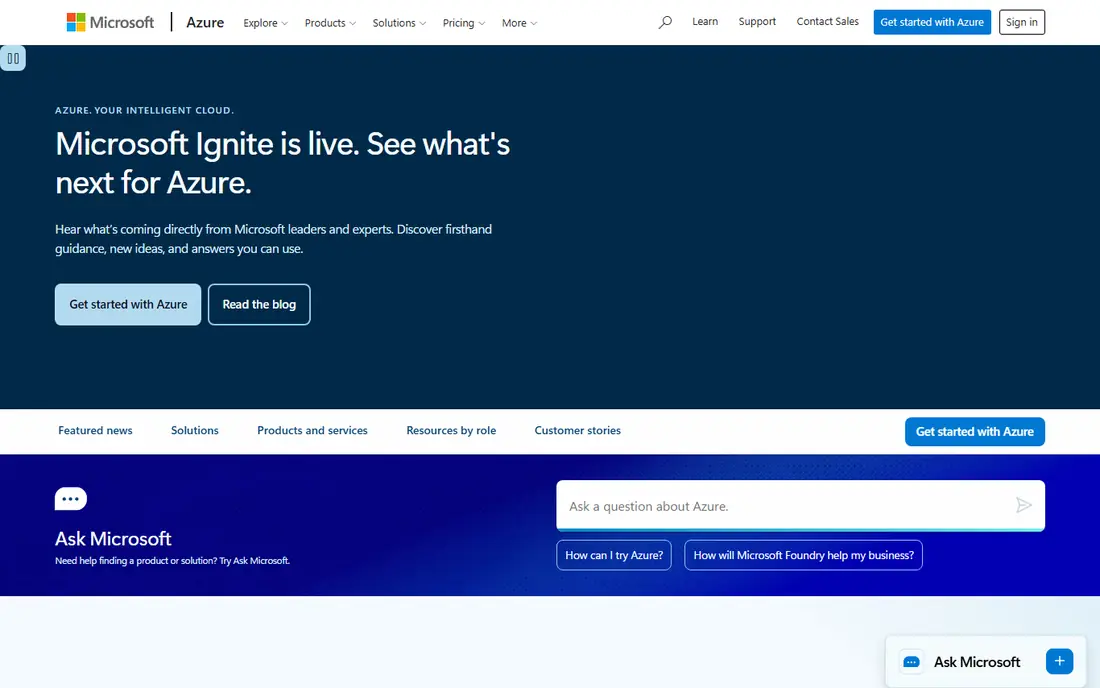
Microsoft Azure is the natural cloud for businesses running Microsoft 365, Windows, and Microsoft business applications, since it integrates with identity, licensing, and management tools those businesses already use. Its hybrid support helps companies that keep some systems on premises, and its enterprise security and compliance features are strong. For a Microsoft-based business, Azure simplifies the move to the cloud.
Businesses without a Microsoft base get less advantage, and Azure's pricing and portal complexity still need attention. For the many businesses built on Microsoft tools, though, Azure is the most coherent cloud choice.
- Deep Microsoft 365 and Windows integration
- Enterprise security
- Hybrid cloud support
- Complex for non-Microsoft shops
- Pricing needs care
Google Cloud
Ideal for: Data-driven businesses
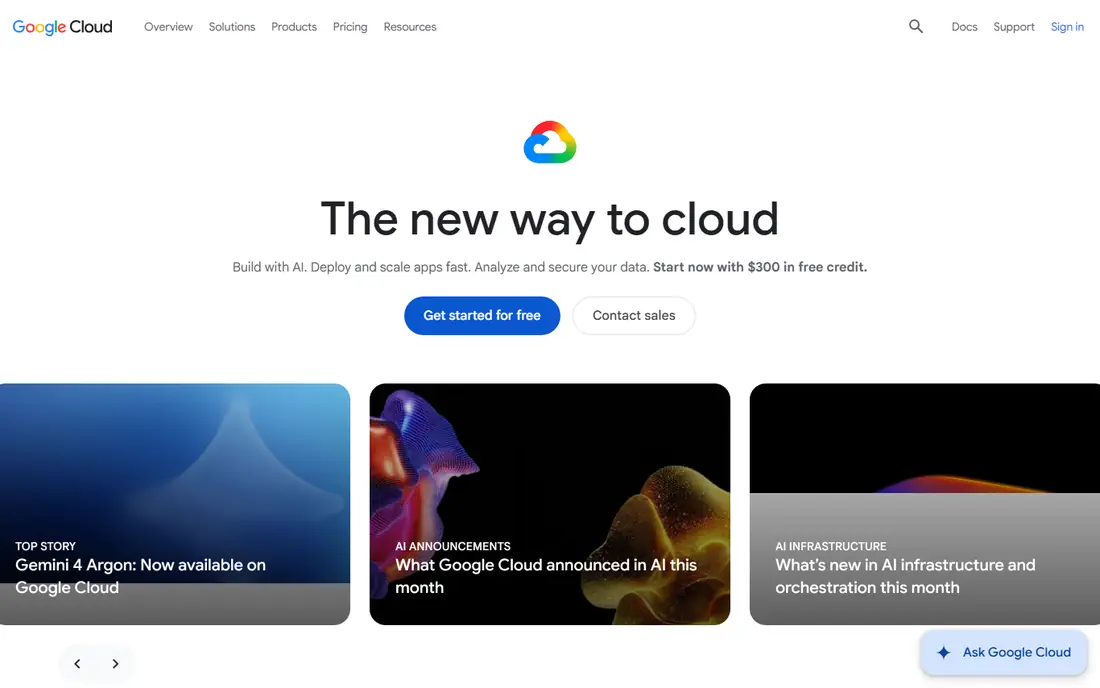
Google Cloud suits businesses that are data-driven or built around Google Workspace, with strong analytics, AI, and collaboration integrations. Its global network delivers good performance, and its data tools help businesses turn operational data into reports and forecasts. Startups and digital-first businesses often find it a natural fit.
Its business application ecosystem is smaller than AWS or Azure, and legacy enterprise integrations are fewer. For a business whose advantage comes from data and modern applications, Google Cloud is a strong platform.
- Strong data and AI services
- Good collaboration tools integration
- Global network
- Smaller business app ecosystem than AWS or Azure
- Fewer enterprise legacy integrations
IBM Cloud
Ideal for: Regulated businesses
IBM Cloud targets businesses in regulated industries, with hybrid cloud tools and compliance features for finance, healthcare, and government work. Its enterprise support and integration with existing IBM systems help large organizations modernize without a disruptive rebuild. For regulated businesses, that focus is a real advantage.
Smaller businesses and startups will find less to use here than on simpler clouds, and its public cloud footprint is smaller than the leaders. For its target audience, though, IBM Cloud is a credible and well-supported platform.
- Regulated industry focus
- Hybrid cloud
- Strong enterprise support
- Smaller public cloud footprint
- Less suited to small businesses
Oracle Cloud
Ideal for: Oracle-based businesses
Oracle Cloud Infrastructure suits businesses running Oracle databases and enterprise applications, with strong support for those systems and competitive pricing for large workloads. Its always-free tier also helps small businesses and developers test without cost. For an Oracle-based business, moving to Oracle Cloud keeps databases and applications close together.
The ecosystem and talent pool are smaller than AWS or Azure, and teams new to Oracle face a learning curve. For Oracle-centric businesses, however, it is a logical and often cost-effective cloud.
- Always-free tier
- Strong Oracle database and apps support
- Competitive enterprise pricing
- Smaller ecosystem
- Learning curve for non-Oracle teams
DigitalOcean
Ideal for: Small business simplicity
DigitalOcean is the simplest cloud on this list for a small business that needs websites, applications, and databases without enterprise complexity. Its flat pricing, clear interface, and fast setup let a small team run reliable infrastructure without a dedicated IT department. Managed databases and Kubernetes cover growth beyond a single server.
Enterprise compliance and specialized managed services are thinner than on the big clouds, so regulated or very large businesses need more. For a typical small business, DigitalOcean offers the best balance of capability and simplicity.
- Simple pricing and interface
- Fast setup
- Good for websites and apps
- Fewer enterprise and compliance features
- Smaller managed service catalog
Rackspace
Ideal for: Managed cloud services
Rackspace provides managed cloud services across AWS, Azure, Google Cloud, and its own platforms, handling operations, monitoring, and support for businesses that lack a large IT team. That managed layer is its main value: a business gets cloud infrastructure plus people who run it, with support and guidance included. For companies that want cloud benefits without hiring cloud engineers, Rackspace is a practical route.
Managed services cost more than raw cloud, and direct control is less than running the cloud yourself. For a business where IT staff time is the constraint, though, paying for management is often cheaper than hiring, and Rackspace is a leading managed provider.
- Managed services and expert support
- Multi-cloud expertise
- Good for businesses without IT teams
- Managed service costs more
- Less direct control than raw cloud
Heroku
Ideal for: Simple managed app hosting
Heroku offers simple managed hosting for business applications, with deployment from code, managed databases, and add-ons for common needs like logging and monitoring. A small team can ship and scale an application without infrastructure expertise, which is why startups and agencies have long used it. Its simplicity keeps focus on the product, not the platform.
Costs rise at scale, and control and compliance options are limited compared with full clouds. For a small business application that needs to be live quickly and reliably, Heroku remains a good managed choice.
- Very simple app deployment and scaling
- Managed add-ons
- Fast time to production
- Higher cost at scale
- Limited control and compliance options
How we picked these
We compared official service catalogs, pricing pages, and support documentation for cloud platforms and managed providers, focusing on business fit, management effort, security and compliance, support quality, and scalability. We favored platforms with proven business use and included both raw clouds and managed providers, since businesses differ in how much IT capacity they have.
What to check before you choose
Assess your IT capacity honestly. A business with engineers can run AWS or Azure directly, while a business without them should budget for a managed provider like Rackspace or a simple platform like Heroku or DigitalOcean. Also list your compliance needs, since regulated businesses need specific certifications and data controls.
Check support options and response times, since a business outage needs fast help, not a forum post. Finally, model total cost including management time: a cheaper raw cloud that needs a hire is not cheaper than a managed service that does not.
Another practical step is to test support before you depend on it. Send a question during the trial and note how fast and how helpfully the team responds, since that response is a preview of what you will get when something breaks at an awkward moment. Also check the documentation and community: clear guides and an active user community can solve many problems without waiting for support at all. If the service handles important data or money, review its security and privacy pages too, and confirm that its practices match your requirements. A product that is strong on features but weak on support or security can cost far more in stress and risk than it saves in subscription fees.
Frequently asked questions
Which cloud platform is best for a small business?
DigitalOcean and Heroku are best for small businesses that want simplicity, while Rackspace suits small businesses that want managed support. Larger small businesses with IT staff can also use AWS or Azure effectively.
Should a business use a managed cloud provider?
Yes, if it lacks IT staff or wants to focus on its core business rather than infrastructure. Managed providers cost more per unit but save hiring and training costs, which often makes them cheaper overall.
Is Azure better than AWS for a Microsoft-based business?
Usually yes, because Azure integrates with Microsoft 365, Windows, and identity tools in ways AWS cannot match. That integration simplifies management, licensing, and security for Microsoft-centric companies.
How important is cloud support for a business?
Very important. When a business system goes down, fast expert support matters more than a small price difference. Check support tiers and response times before committing to a platform.
Can a business switch cloud providers later?
Yes, but migration takes planning, especially for databases and proprietary services. Using standard tools and keeping infrastructure definitions portable makes a future move easier.
Should I try a free plan or trial first for best cloud platform services for biz?
Yes, whenever one is available. A trial with your real data and real tasks reveals fit, speed, and ease of use in a way no sales page can, and it often surfaces deal-breakers early, such as a missing integration or a confusing workflow. Use the trial actively rather than just browsing: complete a typical task end to end, contact support once, and check how easy it is to export your work if you decide to leave.