Best Cloud Storage and File Sharing Services

- 1
 Google Driveteams already on Google WorkspaceVisit
- 2
 Dropbox Businessteams that want the most reliable syncVisit
- 3
 OneDriveteams on Microsoft 365Visit
- 4
 Box Businessteams that need unlimited storage and compliance controlsVisit
- 5
 iCloud+Apple households and small teams on Apple devicesVisit
- Cloud storage entry prices run from $0.99 a month for iCloud+ 50 GB to $15 per user a month for Dropbox Standard and Box Business, so the cheapest option depends on whether you count seats or storage.
- Google Drive and OneDrive are effectively free for teams already on Google Workspace or Microsoft 365, which makes them the default for most businesses.
- Storage is usually pooled on team plans, so one heavy user can eat the shared allowance, while per-user plans such as OneDrive give each person their own terabyte.
- Security differs more than storage does: Sync.com encrypts every file end to end by default, Box and Egnyte add governance and compliance controls, and the rest rely on encryption in transit and at rest.
- Check the file size limit, the version history window and the minimum user count before you buy, because those three limits cause most of the surprise bills and failed uploads.
Quick comparison
| Product | Ideal for | Price from | Free version | |
|---|---|---|---|---|
| Google Drive | teams already on Google Workspace | $7 per user/month (Business Starter, billed annually) | Yes | Visit |
| Dropbox Business | teams that want the most reliable sync | $15 per user/month (Standard, billed annually) | Yes | Visit |
| OneDrive | teams on Microsoft 365 | $5 per user/month (Plan 1, billed annually) | Yes | Visit |
| Box Business | teams that need unlimited storage and compliance controls | $15 per user/month (Business, billed annually) | Free trial (14 days) | Visit |
| iCloud+ | Apple households and small teams on Apple devices | $0.99 per month (50 GB) | Yes | Visit |
 pCloud | users who want a one-time lifetime plan | $49.99 per year (Premium 500 GB) | Yes | Visit |
 Sync.com | teams that want end-to-end encryption by default | $6 per user/month (Teams 1TB, billed annually) | Yes | Visit |
 Egnyte | teams that need file governance and hybrid storage | $10 per user/month (Team, billed annually) | No | Visit |
The best cloud storage and file sharing services
Google Drive
Ideal for: teams already on Google Workspace
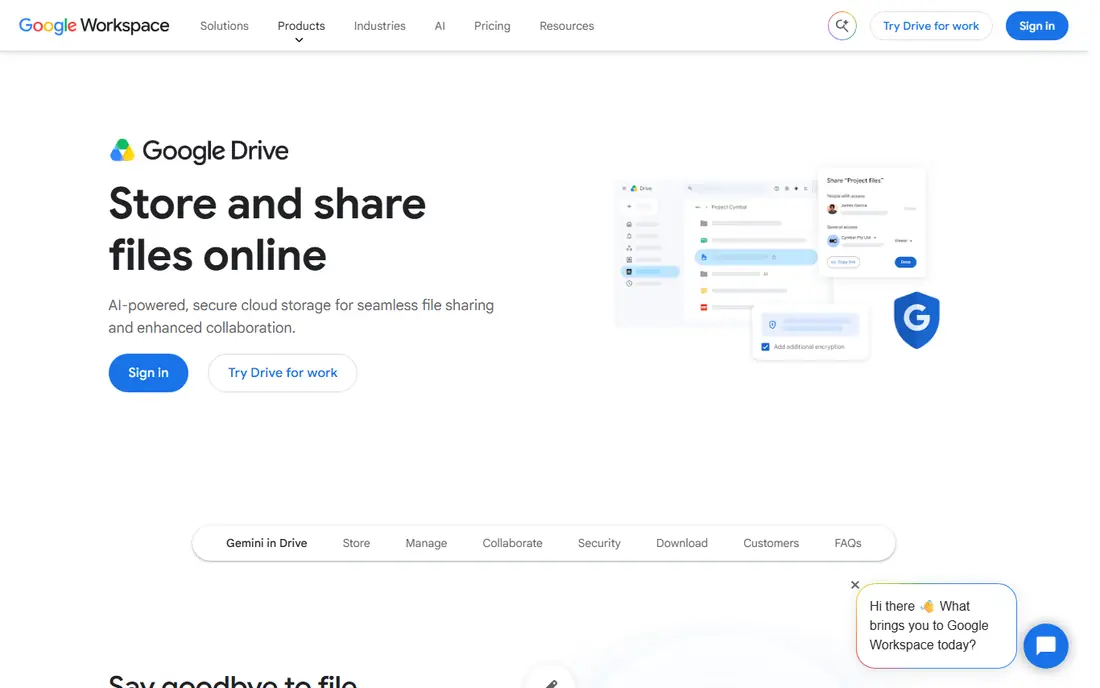
Google Drive is the storage layer of Google Workspace, and for most teams it is the default rather than a choice: if your company runs on Gmail and Google Docs, your files are already there. Business Starter costs $7 per user a month billed annually and includes 30 GB of pooled storage per user, Gmail with a custom domain, Meet and the full Docs, Sheets and Slides suite. Higher tiers raise the storage: Business Standard at $14 per user a month includes 2 TB per user, and Business Plus at $22 adds 5 TB and more admin controls.
The sharing model is the strongest in this list for collaboration. Multiple people can edit the same document at once, comments and suggestions work in the file itself, and shared drives give a team a folder that survives when a member leaves. The main limits are that the 15 GB free allowance is shared across Drive, Gmail and Photos, so a heavy email user can fill it, and that data loss prevention needs the higher tiers.
- 15 GB free with every Google account
- Real-time collaboration in Docs, Sheets and Slides
- Storage is shared across Drive, Gmail and Photos
- Admin controls need a Workspace plan
Dropbox Business
Ideal for: teams that want the most reliable sync
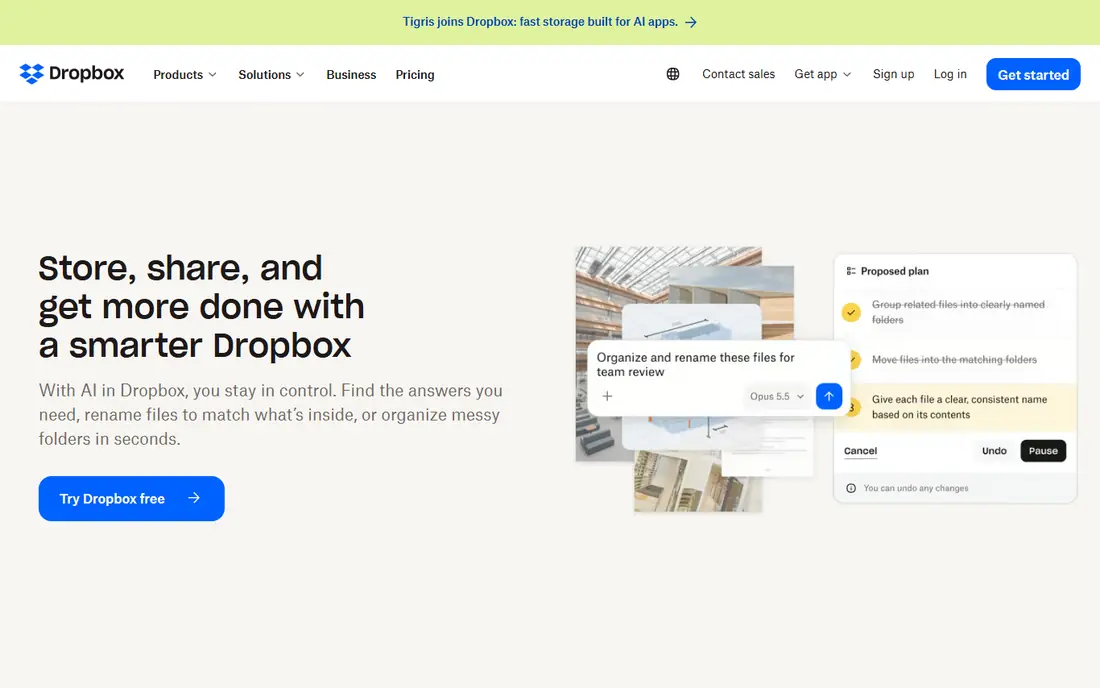
Dropbox built its name on sync that just works, and that is still its main advantage. Files appear on every device quickly, conflicts are rare, and Smart Sync lets you see a file without downloading it until you open it. Business Standard costs $15 per user a month billed annually, or $18 billed monthly, with pooled storage starting at 3 TB for the team, a 180-day file history, team folders, watermarking and an admin console. Advanced costs $24 per user a month billed annually with 15 TB pooled storage, SSO and a one-year history.
Dropbox also covers the basics well: a free Basic account gives 2 GB, Plus costs $9.99 a month for 2 TB, and file requests, e-signatures and document tracking are built in. The limits to know are the 3-user minimum on business plans, which sets a floor of $45 a month, and the pooled storage model, which means one team member with a huge video library can consume the shared allowance.
- Fast, reliable sync with Smart Sync
- 180-day file history on Standard
- A 3-user minimum applies to business plans
- Storage is pooled, so one heavy user affects the team
OneDrive
Ideal for: teams on Microsoft 365
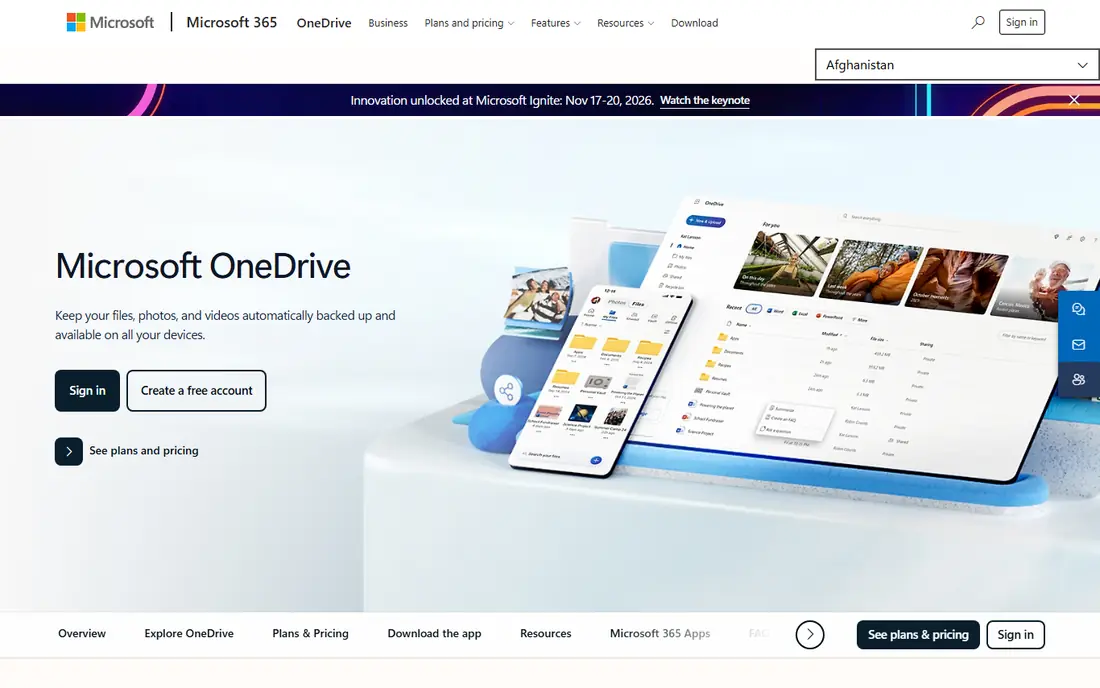
OneDrive is Microsoft's cloud storage, and for a team on Microsoft 365 it is usually already included: Business Standard at $12.50 per user a month includes 1 TB of OneDrive per seat alongside Outlook, Word, Excel, PowerPoint and Teams. Bought on its own, OneDrive for Business Plan 1 costs $5 per user a month billed annually for 1 TB per user, and Plan 2 costs $10 for unlimited storage. A free personal account includes 5 GB, and Microsoft 365 Personal costs $9.99 a month for 1 TB plus the Office apps.
The integration with Office is the reason to pick it. Files open in Word and Excel online with real-time co-authoring, version history is automatic, and SharePoint libraries sit beside personal OneDrive folders in the same client. The weak points are sync reliability on very large libraries, where Dropbox still leads, and sharing settings that need admin attention to avoid over-sharing.
- Included with Microsoft 365 at no extra cost for many teams
- 1 TB per user on Plan 1
- Sync reliability is weaker than Dropbox on very large libraries
- Sharing settings need admin care
Box Business
Ideal for: teams that need unlimited storage and compliance controls
Box is a content platform for businesses that need storage with governance, and its headline feature is unlimited storage on the Business plan. Business costs $15 per user a month billed annually, or $20 billed monthly, with unlimited storage, a 5 GB single-file upload limit, Box AI for single-file insights, unlimited web e-signatures and 50,000 API calls a month. A cheaper Business Starter plan costs $5 per user a month billed annually for teams of 3 to 10 users, with 100 GB of storage and a 2 GB upload limit. Business Plus at $25 adds unlimited external collaborators, and Enterprise at $35 adds advanced compliance and watermarking.
Box also offers a free personal account with 10 GB, and a 14-day free trial on all business plans. The governance controls are the reason to spend more than Dropbox or Google: granular permissions, retention policies, legal hold and a HIPAA business associate agreement are available on Business. The main catch is that external collaborators need a seat on the Business plan, so sharing widely with clients pushes you to Business Plus.
- Unlimited storage on Business
- HIPAA BAA available on the Business plan
- A 3-user minimum applies to all business plans
- External collaborators need a seat on Business
iCloud+
Ideal for: Apple households and small teams on Apple devices
iCloud+ is Apple's storage subscription, and it is the cheapest entry point in this list at $0.99 a month for 50 GB, with 200 GB at $2.99 and 2 TB at $9.99. It is built into every iPhone, iPad and Mac, so photos, documents, device backups and app data sync with no setup and no extra app to install. Every Apple account includes 5 GB free, and iCloud+ adds Private Relay, Hide My Email and HomeKit Secure Video alongside the extra storage.
The limits are real. iCloud works poorly on Windows and Android, there is no business plan with admin controls or shared team drives, and the web interface is thinner than Google Drive or Dropbox. File sharing works through links and shared albums, but there is no shared drive that survives when a member leaves.
- Built into every Apple device with no setup
- Private Relay and Hide My Email included
- Weak on Windows and Android
- No real team plan with admin controls
pCloud
Ideal for: users who want a one-time lifetime plan
pCloud is a Swiss cloud storage service, and its main selling point is the lifetime plan: pay once and keep the storage. Premium costs $49.99 a year for 500 GB, or $9.99 a month, while Premium Plus costs $99.99 a year for 2 TB. Lifetime plans cost $199 for 500 GB, $399 for 2 TB and $1,190 for 10 TB, which pays for itself in about four years against the annual price. A free account includes 10 GB, and files can be stored in a European or a US data region, which matters for teams with data residency needs.
pCloud covers the storage basics well, with file versioning, a media player, and a crypto folder that adds client-side encryption for an extra fee. What it lacks is real-time collaboration: there is no equivalent of Google Docs or Office online, so it works best as a file store rather than a workspace. The lifetime model is also a bet on the company, since a one-time payment only pays off if the service keeps running.
- Lifetime plans end the monthly bill
- Files can be stored in the EU or the US on your choice
- No real-time collaboration like Google or Microsoft
- Lifetime plans cost $199 and up
Sync.com
Ideal for: teams that want end-to-end encryption by default
Sync.com is a Canadian cloud storage service that encrypts every file end to end by default, so even Sync.com cannot read your data. Teams 1TB costs $6 per user a month billed annually, or $8 billed monthly, with a 3-user minimum, 1 TB per user, an administrator account and unlimited data transfer. Teams 2TB costs $9 per user a month billed annually, and Teams Unlimited costs $15. A free account includes 5 GB, and every plan carries a 30-day money-back guarantee.
The encryption model is the reason to choose Sync.com over Dropbox or Google, and it suits teams handling sensitive client files, legal documents or health data. The trade is ecosystem depth: Sync.com has fewer third-party integrations than its larger rivals, and sync can be slower on very large libraries. There is no built-in document editing, so teams pair it with a separate office suite.
- Zero-knowledge encryption on every file
- A 30-day money-back guarantee
- Fewer integrations than Dropbox or Google
- Sync is slower on very large libraries
Egnyte
Ideal for: teams that need file governance and hybrid storage
Egnyte is a content platform for teams that need file sharing with governance, and it is the most enterprise-shaped tool in this list. The Team plan costs $10 per user a month billed annually for teams of 1 to 10 users, Business costs $22 per user a month for 10 to 100 users, Enterprise Lite costs $39 and Elite costs $48. Business adds single-document AI questions and answers, permissions management, Google Workspace integration and Microsoft 365 co-editing, while the higher tiers add ransomware detection, data classification, legal hold and advanced compliance.
Egnyte's distinctive feature is hybrid storage: files can live in the cloud, on a local server, or both, with the same permissions and governance everywhere. That suits industries such as construction, life sciences and professional services, where large files and strict retention rules are the norm. There is no free tier, and Egnyte requires payment from day one, so a trial runs through sales rather than self-service.
- Hybrid cloud and on-premises storage in one platform
- Strong ransomware detection and governance
- No free tier, and payment starts from day one
- Advanced features need Business at $22
How we chose
We compared the vendor pricing pages, plan tables and product documentation for each service, and we checked the limits that decide the real cost: storage per user or pooled, file size caps, version history windows and minimum user counts. We gave weight to services that publish a real price, that offer a free tier or trial, and that cover both storage and sharing rather than one alone. We did not run hands-on tests, and we did not rank services on review scores from other sites. Prices change often in this category, so confirm every figure on the vendor site before you buy.
What to check before you buy
Start with who pays and how storage is counted. Per-user plans give each person their own allowance, while pooled plans share one bucket across the team, so a team with one heavy user needs a different plan than a team with even usage. Check the minimum user count too, because Box, Dropbox and Sync.com all require at least 3 users on business plans, which sets a monthly floor of $15 to $45. Then check the file size limit and the version history window, since a 2 GB upload cap or a 30-day history will block real work. Check security last: end-to-end encryption, admin controls, retention policies and compliance certifications matter more than an extra terabyte once the files hold client data.
Use the table below to match a situation to a starting point.
| Your situation | Start here | Monthly cost to expect | | Team already on Google Workspace | Google Drive Business Starter | $7 per user, 30 GB pooled per user | | Team already on Microsoft 365 | OneDrive, included in the subscription | $0 extra with Business Standard at $12.50 per user | | Team that needs the best sync | Dropbox Business Standard | $15 per user, $45 a month floor for 3 users | | Apple household, personal files | iCloud+ 200 GB | $2.99 a month, no team plan | | Team that needs unlimited storage | Box Business | $15 per user, $45 a month floor for 3 users | | Team that needs privacy first | Sync.com Teams 1TB | $6 per user, $18 a month floor for 3 users | | User who hates monthly bills | pCloud Premium lifetime | $199 once for 500 GB, or $49.99 a year |
Also confirm the cancellation terms, the export path for your files, and whether the service keeps deleted files long enough to recover from a mistake. Read the plan page twice, and test sharing with a real outside collaborator before you move a whole team.
Frequently asked questions
How much cloud storage do I need?
A light user needs 100 GB, a typical office worker needs 500 GB to 1 TB, and a team working with video or design files needs 2 TB or more per person. Pooled plans hide the answer, because one heavy user can take the shared allowance, so count the heaviest user first. Check your current usage in your existing service before you buy, and pick a plan with room to grow rather than the cheapest tier.
Is free cloud storage enough?
For one person with light needs, yes: Google gives 15 GB free, Apple gives 5 GB, and Dropbox and Sync.com give 2 GB and 5 GB. For a team, no: free tiers lack admin controls, shared drives and a useful history window, and the storage runs out fast once files are shared. A small team should budget at least $5 to $15 per user a month for a real plan.
Which cloud storage is the most private?
Sync.com is the most private option in this guide, because it encrypts every file end to end by default and cannot read your data. pCloud offers a crypto folder with client-side encryption for an extra fee. Google, Dropbox, Microsoft, Box and Apple all encrypt data in transit and at rest, but they hold the keys, so they can read your files if required. Check the privacy policy and the data region before you store sensitive files.
Can I use cloud storage as a backup?
It helps, but it is not a backup on its own. Sync services copy the current state of your files, so a deleted or corrupted file can sync the damage to every device before you notice. Version history helps, with 180 days on Dropbox Standard and 30 days on most other plans, but a real backup needs a separate copy on a different medium. Follow the 3-2-1 rule: three copies, two media types, one offsite.
What happens to my files if I stop paying?
Most services keep your files for a grace period, then restrict access to read-only or delete the account. Google and Microsoft limit the account until you free space or resubscribe, Dropbox keeps files for a limited time after cancellation, and pCloud lifetime plans never expire. Export your files before you cancel, and check the retention terms on the vendor site, because the grace period varies by service.