Smokeball leads the list, best for small businesses concentrated on productivity and automation. Listed starting prices: MyCase from $50 per user a month. Alternatives: Dropbox Business for straightforward cloud storage and file sharing, and MyCase for businesses wanting storage inside practice management. All 5 tools are compared below on price, free plan and limits.
Short on time? The summary and table above give the quick view of 5 cloud storage software for small law offices, and the profiles that follow give the detail behind each entry.
Key takeaways
Smokeball is the opening pick, best for small businesses concentrated on productivity and automation.
NetDocuments fits secure legal document and email management.
Starting prices begin at $50 per user per month with MyCase.
A permanent free plan is missing from all 5 tools, Smokeball and NetDocuments included; plan for a trial or a premium start.
Best for: Small businesses concentrated on productivity and automation
Pick Smokeball if this describes you: small businesses centred on productivity and automation. Its strengths lean toward workflow automation instead of acting as a pure storage layer, so businesses with heavy document retention needs may want a dedicated product alongside it.
Limits to weigh: Best value for businesses using its full suite.
Worth adding: consider alternatives if storage governance is the primary requirement. Check the vendor site for Smokeball pricing; none is listed in this comparison. Free options: Not stated.
Best for: Straightforward cloud storage and file sharing
Dropbox Business is designed for straightforward cloud storage and file sharing. Dropbox Business gives you cloud storage and sharing along with eSignature, document tracking, and backup products geared toward professionals and teams. Its familiarity makes it simple for small law offices to adopt without much training, and shared folders map naturally onto client and matter organization.
Watch-outs: Firm-specific compliance setup is on you.
It is general-purpose storage instead of a legal document management system, so matter-centric organization and retention controls rely on how the firm sets things up. On top of that, businesses needing legal-specific governance should look at dedicated systems. Check the vendor site for Dropbox Business pricing; none is listed in this comparison. Free plan details: Not stated.
Best for: Businesses wanting storage inside practice management
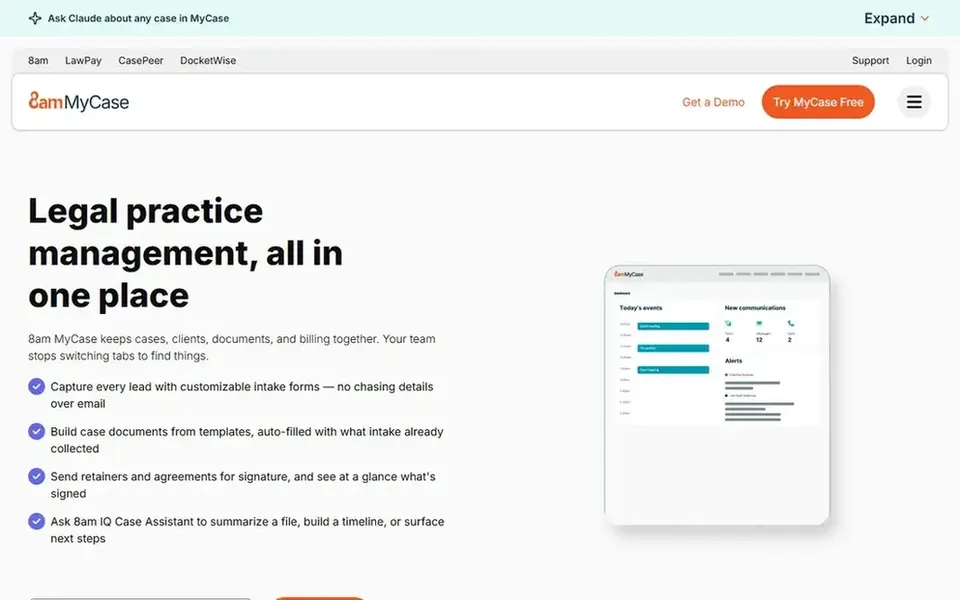
For businesses wanting storage inside practice management, MyCase is a natural candidate. It suits offices that want a single system for daily legal work instead of a dedicated document management system.
Price to start with MyCase: $50 per user per month. Free plan details: Free trial.
Strengths: Made for running a profitable firm.
Drawbacks to consider: Less suited as standalone storage.
iManage is a good fit for knowledge work and document activation. The system is wide and generally needs configuration to match a small firm's workflows.
Offices that primarily need straightforward cloud storage may find a general tool simpler to adopt. Pricing for iManage is not stated here, so ask the vendor for current figures. Free options: Not stated.
Drawbacks to consider: Enterprise orientation may feel heavy.
Best for: Secure legal document and email management
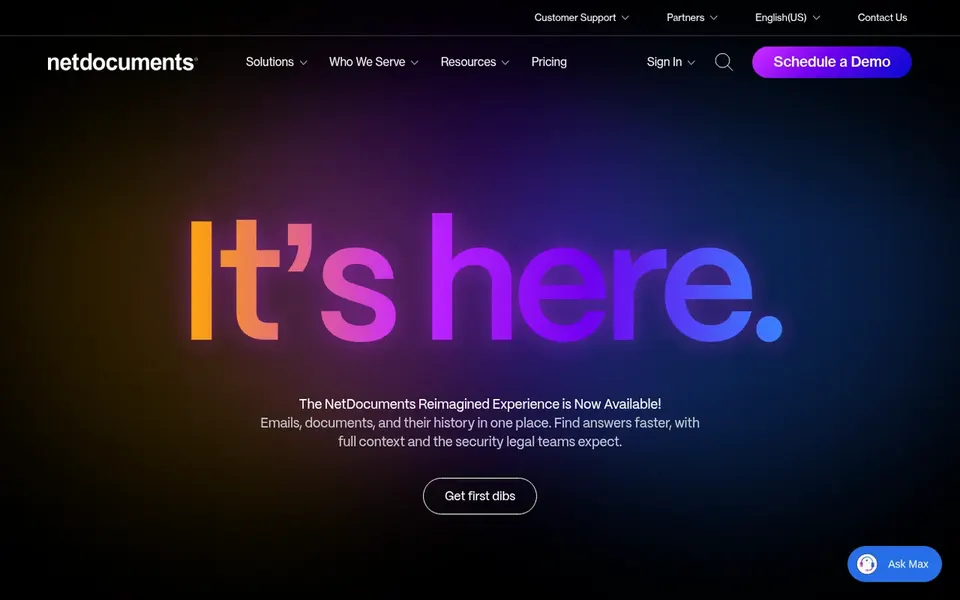
NetDocuments is built with secure legal document and email management in mind. NetDocuments supplies document and email management aimed at legal businesses and departments, with a secure, compliant product that is accessible from anywhere. It is designed around how legal teams store, find, and share matter files, making it a natural fit for small offices that treat document management as core infrastructure instead of an add-on.
For everyday use, a legal-focused system can need more setup and planning than general storage, which may be heavy for a very small office with straightforward needs. For everyday use, businesses seeking light file sharing might prefer a general business storage tool. Pricing for NetDocuments is not stated here, so ask the vendor for current figures. Free options: Not stated.
Confirm the entry price on the vendor page. For Smokeball, Dropbox Business, iManage and NetDocuments that means a quote rather than a fixed price.
Use real work to test the free trial from MyCase, rather than a demo project.
Before choosing Smokeball, weigh its main limit: productivity focus over deep storage control.
Get the contract term, renewal terms and any onboarding fees from Dropbox Business in writing.
Find out whether the entry plan of NetDocuments covers your must-haves or only a trimmed-down version.
How we picked
We compared the tools on published pricing, free plan or trial availability, feature coverage for cloud storage software for small law offices, and the limits each vendor documents. Plan names, prices and limits change often. Treat the figures here as a starting point and verify them with the vendor. Tools are placed by general fit for cloud storage software for small law offices, with price clarity and free access as tie-breakers. A different team can reasonably rank them differently.
Every price and plan detail on this page comes from the vendors’ own websites. We did not run hands-on tests unless the text says so, and we do not publish star ratings or review scores. See how we score and our disclosure.
Keep your shortlist in one place
Paste prices, trial dates and notes from this guide into Ainotely, our AI note app. It files them into a topic and pulls out tasks like “cancel trial by Friday”. Free 7-day trial, no card needed.
Often, yes. MyCase offers a free trial. Use your own data and a real task during the test, and check what the free tier or trial limits before you rely on it.
What should a small firm check before committing to cloud storage?
Confirm how files are organized by matter, what retention and deletion controls exist, and how sharing permissions work for clients and outside counsel. Also review access logging and integration with the email and office tools already in use.
Is Smokeball the right pick for everyone comparing cloud storage software for small law offices?
No single tool suits every team. Smokeball comes first because it fits small firms focused on productivity and automation, while Dropbox Business suits simple cloud storage and file sharing and MyCase suits firms wanting storage inside practice management. Match the tool to your own size, budget and workflow before deciding.
What is the cheapest option for cloud storage software for small law offices in this list?
On published monthly entry prices, MyCase is the lowest here at $50 per user per month. Entry price is only part of the cost, because seats, add-ons and billing terms can change the total. All 5 picks in this cloud storage software for small law offices comparison show their pricing, free plan details and main limits on the cards above.
Do these tools publish their prices?
Not all of them. Smokeball, Dropbox Business, iManage and NetDocuments publish no starting price, so expect a quote request for those. The rest, MyCase included, show a starting price, though seats and billing terms still change the final cost.