Best Co parenting apps in 2026: 8 Options Compared

- 1
 OurFamilyWizardhigh conflict cases needing a court ready recordVisit
- 2
 TalkingParentsrecorded messages and callsVisit
- 3
 AppCloseall in one co parenting in a single tierVisit
- 4
 2housesfamilies wanting a shared family hubVisit
- 5
 Cozilow conflict families needing a shared organizerVisit
- OurFamilyWizard is our pick for high conflict cases needing a court ready record, with starting price See website and free plan No.
- TalkingParents is our pick for recorded messages and calls, with starting price See website and free plan No.
- AppClose is our pick for all in one co parenting in a single tier, with starting price See website and free plan Free trial.
- 2houses is our pick for families wanting a shared family hub, with starting price See website and free plan No.
- Prices and free tiers change often, so confirm the current plan on the official site before you subscribe.
Quick comparison
| Product | Ideal for | Price from | Free version | |
|---|---|---|---|---|
| OurFamilyWizard | high conflict cases needing a court ready record | See website | No | Visit |
| TalkingParents | recorded messages and calls | See website | No | Visit |
| AppClose | all in one co parenting in a single tier | See website | Free trial | Visit |
| 2houses | families wanting a shared family hub | See website | No | Visit |
| Cozi | low conflict families needing a shared organizer | Free | Yes | Visit |
 Custody X Change | building custody schedules and parenting plans | See website | No | Visit |
 WeParent | simple shared calendar and messaging | See website | No | Visit |
 FamCal | families wanting a free shared calendar | Free | Yes | Visit |
The best co parenting apps
We compared official feature pages, pricing, app store listings, privacy policies, and public reviews to build this list of 8 co parenting apps. The options below cover well known leaders and strong smaller choices, so you can match one to your budget and your main need.
OurFamilyWizard
Ideal for: high conflict cases needing a court ready record
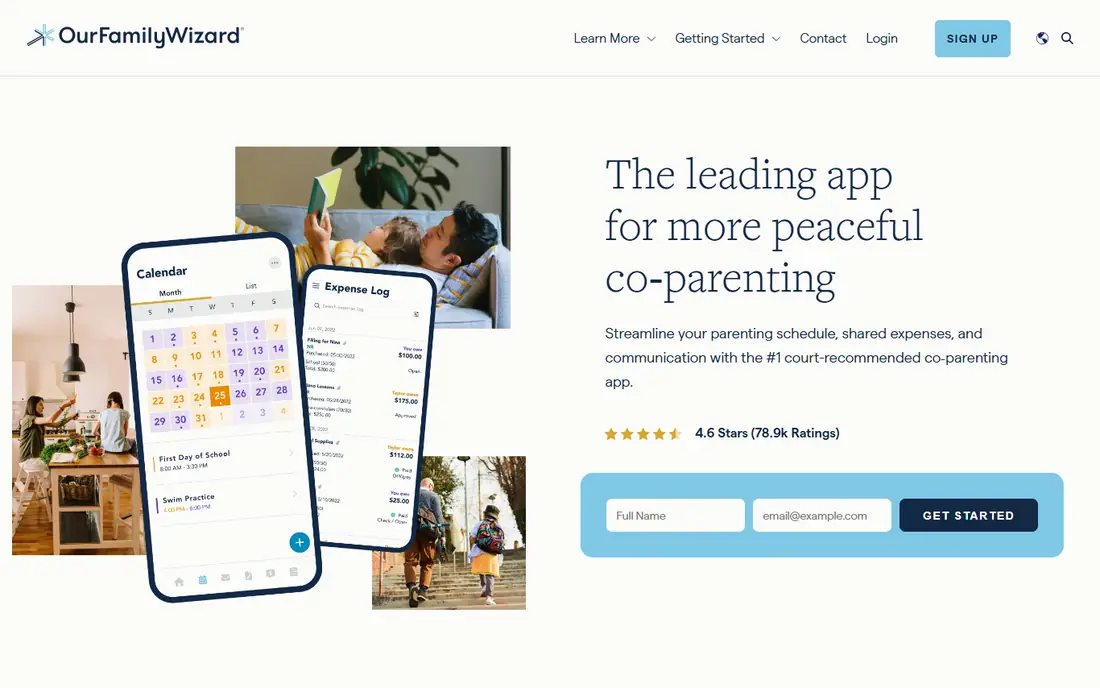
OurFamilyWizard is the most established choice when a clear, court ready record matters. Messages, calendar changes, and expenses are logged with timestamps that cannot be edited after sending, and professionals can be given access. The per parent annual price adds up for two households, but many courts and lawyers know the platform well.
What we like about OurFamilyWizard for high conflict cases needing a court ready record comes down to this: unalterable message and calendar records; expense tracking; professional access for lawyers and mediators No option here is perfect, and the limit to note is that priced per parent and billed annually; interface feels dated in places If that limit touches your main use, look at the next option in this list instead.
Skip OurFamilyWizard if that drawback is a deal breaker, and pick a rival whose strengths fit your daily work better.
- Unalterable message and calendar records
- Expense tracking
- Professional access for lawyers and mediators
- Priced per parent and billed annually
- Interface feels dated in places
TalkingParents
Ideal for: recorded messages and calls
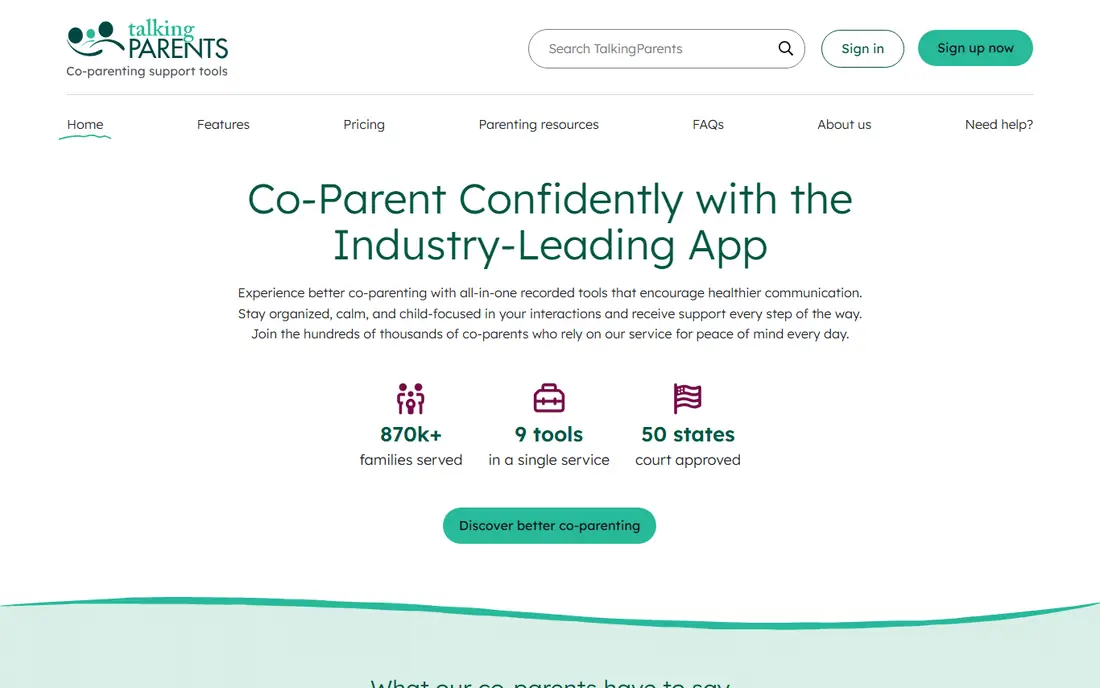
TalkingParents focuses on a complete record of messages and calls, which helps when disputes turn on what was actually said. The shared calendar and expense tools cover daily coordination, and records can be exported. Since the free plan ended, budget for a monthly plan per parent.
Our view is that TalkingParents earns its place for recorded messages and calls through recorded messaging and calls with timestamps; shared calendar; expense records The drawback is real too, since free plan removed in 2026; higher tiers needed for some features That balance is worth a trial run with your own files, schedule, or team before you pay for a full plan.
Skip TalkingParents if that drawback is a deal breaker, and pick a rival whose strengths fit your daily work better.
- Recorded messaging and calls with timestamps
- Shared calendar
- Expense records
- Free plan removed in 2026
- Higher tiers needed for some features
AppClose
Ideal for: all in one co parenting in a single tier
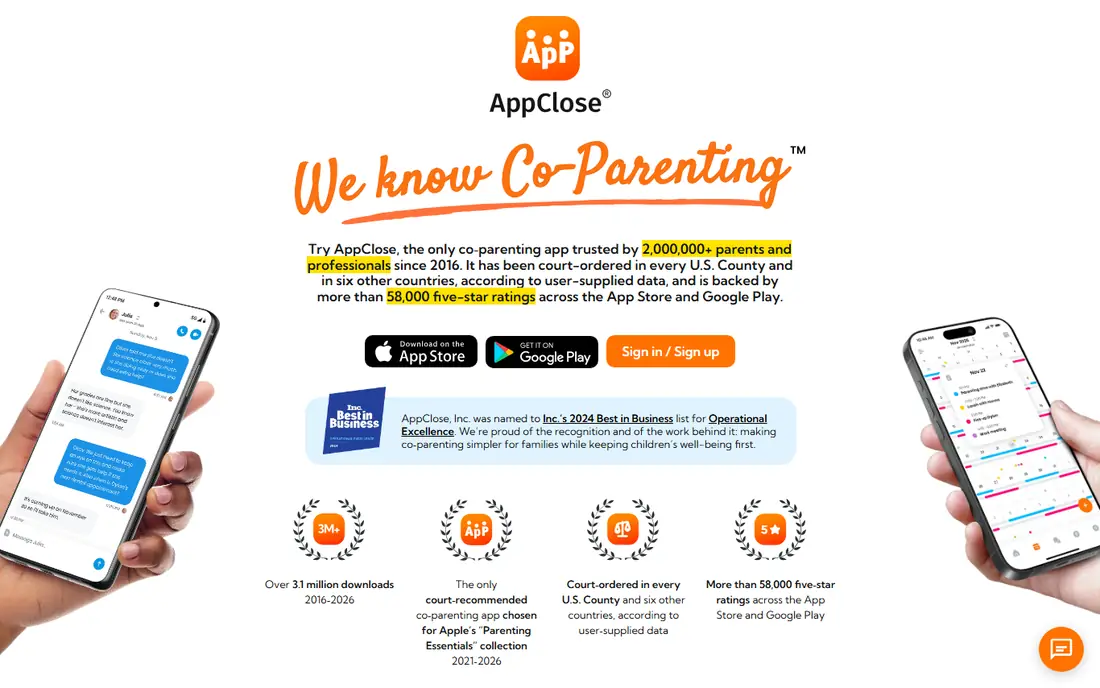
AppClose puts messaging, calendar, expenses, and calling into a single tier rather than splitting features across plans. That simplicity helps families who want one place for coordination and records. Both parents need to adopt it for the record to be complete, and the paid plan is now the norm.
Choose AppClose when all in one co parenting in a single tier is your main need, because messaging, calendar, expenses, and calling in one tier; record exports; court focused tools Keep in mind that moved to paid plans in 2026; both parents need to use it A short trial will show quickly whether those strengths matter more to you than that limit.
Skip AppClose if that drawback is a deal breaker, and pick a rival whose strengths fit your daily work better.
- Messaging, calendar, expenses, and calling in one tier
- Record exports
- Court focused tools
- Moved to paid plans in 2026
- Both parents need to use it
2houses
Ideal for: families wanting a shared family hub
2houses works as a shared family hub with calendar, expenses, journal, and documents in one place. Per family pricing can be simpler than per parent billing for some households. It is less court focused than OurFamilyWizard or TalkingParents, so weigh that if a legal record is the priority.
For families wanting a shared family hub, 2houses stands out because shared calendar, expenses, journal, and documents; custody schedule tools; per family pricing That combination explains why it appears near the top of this list for that use. The honest catch is that record features are less court focused than specialist rivals; both parents need to join Weigh that trade against your own priorities before you commit, since the best choice here depends on which limit you can live with.
Skip 2houses if that drawback is a deal breaker, and pick a rival whose strengths fit your daily work better.
- Shared calendar, expenses, journal, and documents
- Custody schedule tools
- Per family pricing
- Record features are less court focused than specialist rivals
- Both parents need to join
Cozi
Ideal for: low conflict families needing a shared organizer
Cozi is the right pick when co parents get along and mainly need a shared calendar and lists. It is free, simple, and easy for grandparents and sitters to join. It offers no court ready record or tamper proof messaging, so it does not fit high conflict cases.
What we like about Cozi for low conflict families needing a shared organizer comes down to this: free shared calendar and lists; simple family organizer; shopping and to do lists No option here is perfect, and the limit to note is that no court ready records; not built for high conflict cases If that limit touches your main use, look at the next option in this list instead.
Skip Cozi if that drawback is a deal breaker, and pick a rival whose strengths fit your daily work better.
- Free shared calendar and lists
- Simple family organizer
- Shopping and to do lists
- No court ready records
- Not built for high conflict cases
Custody X Change
Ideal for: building custody schedules and parenting plans
Custody X Change excels at building and testing custody schedules. It calculates parenting time, prints calendars, and helps draft parenting plans, and one parent can use it alone. It is not a full messaging replacement, so pair it with a communication tool when both are needed.
Our view is that Custody X Change earns its place for building custody schedules and parenting plans through detailed custody calendars and time calculations; parenting plan templates; works for one parent alone The drawback is real too, since less of a messaging app; paid plans needed for full features That balance is worth a trial run with your own files, schedule, or team before you pay for a full plan.
Skip Custody X Change if that drawback is a deal breaker, and pick a rival whose strengths fit your daily work better.
- Detailed custody calendars and time calculations
- Parenting plan templates
- Works for one parent alone
- Less of a messaging app
- Paid plans needed for full features
WeParent
Ideal for: simple shared calendar and messaging
WeParent covers the basics of shared calendar, messaging, expenses, and documents in a clean app. It suits families who want a simple shared system without a large feature set. Its smaller base means fewer lawyers and mediators will already know it, which matters in some cases.
Choose WeParent when simple shared calendar and messaging is your main need, because shared calendar and messaging; expense tracking; document storage Keep in mind that smaller user base than leading rivals; fewer professional integrations A short trial will show quickly whether those strengths matter more to you than that limit.
Skip WeParent if that drawback is a deal breaker, and pick a rival whose strengths fit your daily work better.
- Shared calendar and messaging
- Expense tracking
- Document storage
- Smaller user base than leading rivals
- Fewer professional integrations
FamCal
Ideal for: families wanting a free shared calendar
FamCal is a free shared calendar for families that mainly need to coordinate schedules, tasks, and notes. It is easy to set up and works across households. It lacks court ready records and deep expense tracking, so it fits low conflict coordination rather than legal documentation.
For families wanting a free shared calendar, FamCal stands out because free shared calendar; tasks and notes; simple family sharing That combination explains why it appears near the top of this list for that use. The honest catch is that no court ready records; limited expense tools Weigh that trade against your own priorities before you commit, since the best choice here depends on which limit you can live with.
Skip FamCal if that drawback is a deal breaker, and pick a rival whose strengths fit your daily work better.
- Free shared calendar
- Tasks and notes
- Simple family sharing
- No court ready records
- Limited expense tools
How we picked these
We started from the topic itself and shortlisted products that exist and work today, then checked each one against its official feature pages and pricing. We compared free tiers, starting prices, core features, and honest limits, and we read public reviews to catch problems that marketing pages skip. We did not claim hands-on testing that did not happen, and we left out products that did not truly fit the topic, even when they were popular in a nearby category.
We also weighed who each product is really for. A tool that suits a large team can be a poor pick for a solo user, and a free plan that covers casual use may not suit heavy daily work. That is why each write-up names a best fit and a clear drawback, so you can judge the trade for yourself.
How to choose the right co parenting apps
If a court order names a specific app, use that app and ask a lawyer before switching. For high conflict cases, prioritize unalterable records and export options over extra features. For low conflict families, a simple shared calendar may be enough. Agree who pays, since per parent billing means both households carry a cost, and check fee waiver programs if cost is a barrier. This article is general information, not legal advice.
Start with your main need
Write down the one job this co parenting app must do well for you, then judge every option on that job first. Extra features look tempting in a demo, but they rarely make up for a weak core fit. If two options tie on your main need, let price and ease of use break the tie.
Check the total cost
Look past the headline monthly price and check seat counts, usage limits, add ons, and renewal terms. A cheap plan that caps the feature you use most can cost more than a mid priced plan that includes it. Free trials help, but set a reminder to review the plan before the trial ends.
Test before you commit
Run a real task through your top two choices, using your own files, schedule, or team, rather than sample data alone. Check support response times, export options, and how easy it is to cancel. A tool you can leave easily is often a safer bet than one that locks your data in.
Frequently asked questions
What is the best co parenting app?
OurFamilyWizard is the best pick when a court ready record matters, while Cozi and FamCal suit low conflict families who mainly need a shared calendar.
Do both parents need the same app?
Yes, for messaging and records to be complete, both parents need to use the same platform.
Which co parenting app is cheapest?
Free options like Cozi and FamCal cost nothing for basic coordination, while paid court focused apps charge per parent.
Can co parenting app records be used in court?
Records from court focused apps are often used in family proceedings, but admissibility depends on the court and the case, so ask a lawyer.
What if my co parent refuses to use the app?
Talk to a lawyer or mediator, since a court order may be needed, and keep your own clear records in the meantime.