Best Coding Platforms for Beginners in 2026: 8 Platforms Compared

- 1
 freeCodeCampStructured free pathVisit
- 2
 CodecademyGuided interactive lessonsVisit
- 3
 Khan AcademyFoundations and younger learnersVisit
- 4
 The Odin ProjectSerious free web pathVisit
- 5
 ScrimbaInteractive video codingVisit
- freeCodeCamp is the best free starting point for most beginners, with a structured path from HTML to full-stack projects and free certificates.
- Codecademy suits learners who want guided, interactive lessons and are willing to pay for Plus or Pro once the free tier runs out.
- Khan Academy is the best free option for younger learners and for building math and computing foundations alongside code.
- The Odin Project is the best free path for serious learners who want a portfolio and are comfortable setting up tools on their own computer.
- Start free, finish one path before switching platforms, and build projects early, since finishing matters more than collecting courses.
Quick comparison
| Product | Ideal for | Price from | Free version | |
|---|---|---|---|---|
| freeCodeCamp | Structured free path | Free | Yes | Visit |
| Codecademy | Guided interactive lessons | Free | Yes | Visit |
| Khan Academy | Foundations and younger learners | Free | Yes | Visit |
| The Odin Project | Serious free web path | Free | Yes | Visit |
| Scrimba | Interactive video coding | Free | Yes | Visit |
 Replit | Coding in the browser | Free | Yes | Visit |
 Coursera | Certificates and university courses | Free | Yes | Visit |
 Code.org | School-age first steps | Free | Yes | Visit |
The best coding platforms for beginners
These eight platforms cover free curricula, guided lessons and browser coding. We compared official pricing pages, course catalogs and public reviews, with attention to how much a beginner can learn before hitting a paywall.
freeCodeCamp
Ideal for: Structured free path
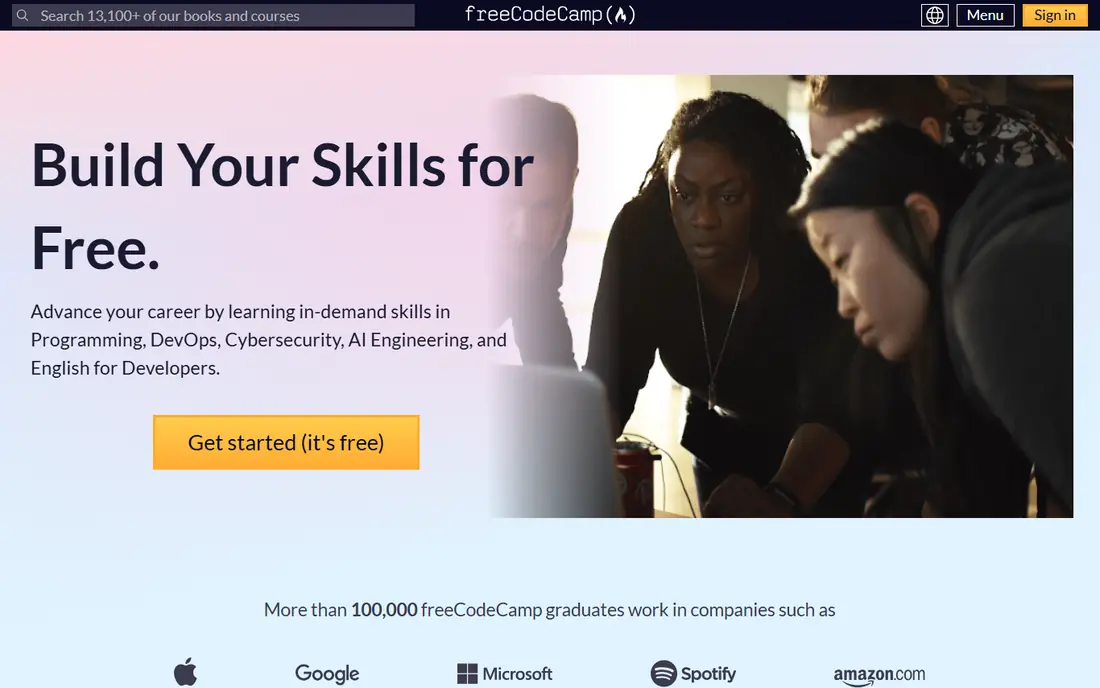
freeCodeCamp is our pick for most beginners because it removes the two biggest barriers: cost and confusion about what to learn next. Its curriculum runs from responsive web design through JavaScript, Python and data analysis, with projects and free certifications along the way. The forum community is large and active, which helps when you get stuck.
The trade-off is structure without a tutor. You set your own pace, and no one checks in when you stall, so it suits learners who can keep a regular habit. If you can commit to steady sessions and build the projects, freeCodeCamp will take you further for free than most paid platforms will for a monthly fee.
- Completely free curriculum
- Project-based certifications
- Large community forum
- Self-directed, so motivation matters
- Less hand-holding than paid platforms
Codecademy
Ideal for: Guided interactive lessons
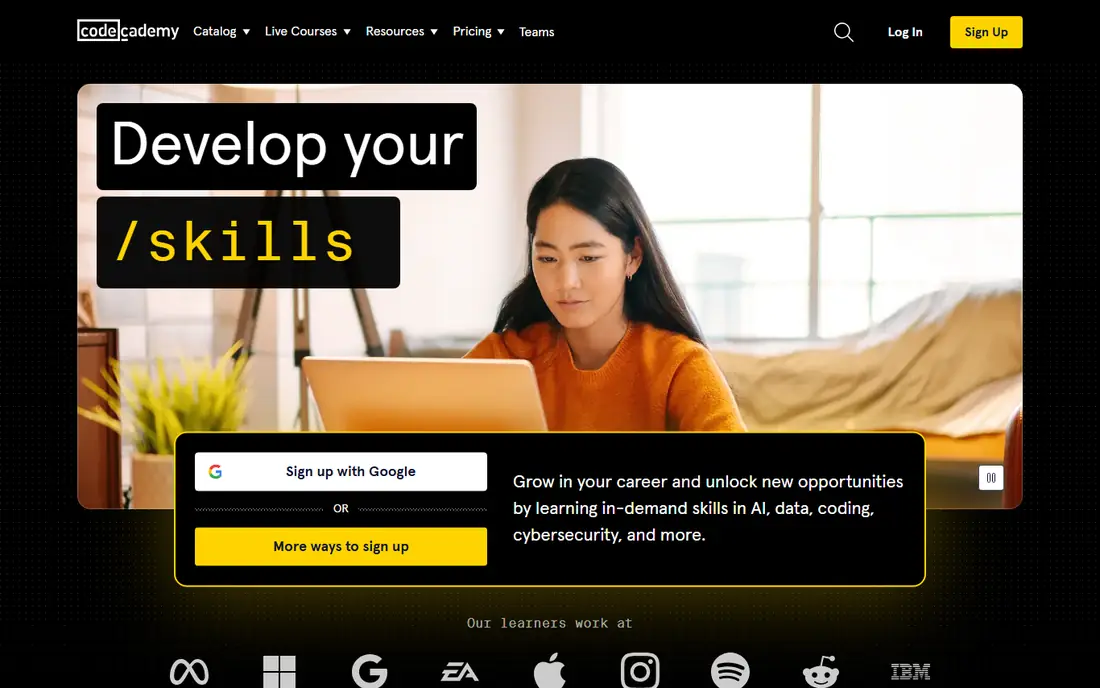
Codecademy is the most polished guided option here. Lessons run in the browser with instant feedback, so you write real code from the first minute, and career paths organize lessons into a sequence aimed at a job outcome. Progress tracking and quizzes keep the structure clear, which many beginners find reassuring.
The free tier covers introductory material, but serious paths sit behind Plus at $14.99 per month or Pro at $19.99 per month on annual billing. That cost is fair for the guidance you get, but try the free lessons first and check freeCodeCamp before paying, since the free path may already cover your goals.
- Interactive lessons with instant feedback
- Career paths
- Progress tracking
- Free tier is limited
- Plus costs $14.99 per month and Pro $19.99 per month on annual billing
Khan Academy
Ideal for: Foundations and younger learners
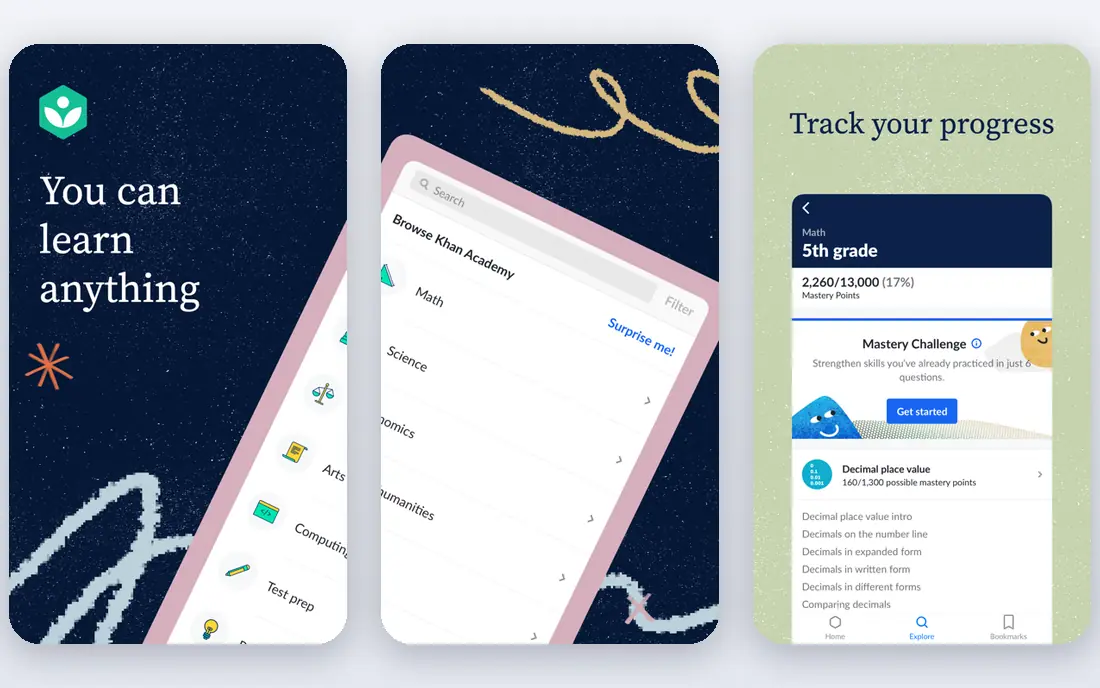
Khan Academy is the best free choice for younger learners and for anyone who wants foundations before frameworks. Its introductory programming courses use a friendly, visual approach, and the same platform covers the math that makes later topics easier, from algebra to algorithms. Everything is free, with no paywall at any point.
The limit is depth of practice. You will write code, but the hands-on volume is smaller than on freeCodeCamp or Codecademy, and there are no job-oriented certificates. Use Khan Academy to build understanding and confidence, then move to a project-based platform when you are ready to build.
- Completely free
- Gentle introductions
- Strong math and computing foundations
- Less hands-on coding practice than freeCodeCamp
- No formal certificates for jobs
The Odin Project
Ideal for: Serious free web path
The Odin Project is the best free path for learners who are serious about web development and willing to work a little harder. It teaches full-stack JavaScript or Ruby paths, includes Git, testing and deployment, and pushes you to build portfolio projects that employers can actually review. It is free throughout.
The catch is setup. You install tools on your own computer and work through readings and projects with less hand-holding than a guided platform gives. Learners who finish it tend to be well prepared, but beginners who want everything in the browser should start with freeCodeCamp or Codecademy instead.
- Completely free
- Portfolio-focused
- Teaches real tools including Git and the command line
- Requires setup on your own computer
- Less guidance than Codecademy
Scrimba
Ideal for: Interactive video coding
Scrimba's format is what makes it stand out: video lessons you can pause at any moment and edit the code yourself, right inside the lesson. That learn-by-doing style works well for web development topics such as JavaScript and React, where seeing code run matters more than reading about it. Free samples let you test the format before paying.
The catalog is narrower than Codecademy's, and Pro pricing sits in the $18 to $30 per month range depending on plan and billing. If the interactive video style clicks for you, it is an excellent supplement to a structured curriculum. If you want the widest course choice, start elsewhere.
- Interactive screencasts you can pause and edit
- Strong web development courses
- Free samples
- Paid Pro plans cost more than some rivals
- Catalog is smaller than Codecademy
Replit
Ideal for: Coding in the browser
Replit is the easiest place to start writing code with zero setup. Open a browser, pick a language, and you are coding in seconds, with sharing and collaboration built in. That low friction makes it a great companion to any course: you can try ideas, build small projects and share them without installing anything.
It is not a curriculum, so beginners still need a learning path from freeCodeCamp, Codecademy or The Odin Project. The free tier covers casual use, while Core at around $20 per month adds more power and private projects. Use Replit as your playground, not your teacher.
- No setup needed
- Many languages
- Easy sharing and collaboration
- Free tier has limits
- Core costs around $20 per month
- Not a structured course
Coursera
Ideal for: Certificates and university courses
Coursera suits beginners who want a certificate from a university or company on their resume. Courses such as Python for Everybody and introductory computer science paths are well structured, and many can be audited free, with payment only for a verified certificate. Financial aid is available on many courses.
The subscription model, often around $39 per month for specializations, can add up if you move slowly, so audit first and pay only when you are sure you will finish. For a credential that hiring managers recognize, Coursera is the strongest pick in this list.
- University and industry courses
- Certificates for resumes
- Free auditing on many courses
- Monthly subscription costs add up
- Pacing can be slow for self-directed learners
Code.org
Ideal for: School-age first steps
Code.org is the best first step for school-age learners and complete beginners who find text code intimidating. Block-based puzzles teach logic and sequencing, then the platform bridges into JavaScript, making the jump to real code gentler. It is free and widely used in schools.
Adults and older teens will outgrow it quickly, and it does not lead to job-ready skills on its own. Treat it as an on-ramp: a few weeks here builds confidence, then move to freeCodeCamp or Khan Academy for the next stage.
- Completely free
- Block-based start that leads into real code
- Classroom friendly
- Aimed at younger learners
- Adults will outgrow it quickly
How we picked these
We compared official pricing pages, course catalogs and public reviews for coding platforms that welcome true beginners in October 2026. We favored platforms with a free tier, a clear learning path and current content, and we left out bootcamps costing thousands of dollars, since this list is about platforms a beginner can start today.
What to check before you choose a coding platform
Start with your goal, not the platform's marketing. A learner aiming for web development should pick a path that ends in portfolio projects, while someone exploring code for fun can start anywhere free and switch later. Write down one goal, such as building a personal website or learning Python basics, and choose the platform whose path ends there.
Then test the teaching style. Take one free lesson on two platforms and notice which one keeps you going: some learners need video, some need interactive exercises, and some need reading and projects. The best platform is the one you will return to tomorrow, and free tiers make that test cost nothing.
Finally, build early. Courses teach syntax, but projects teach programming, so start a small project within your first two weeks, even a simple page or script. Share it, get feedback, and keep a steady schedule of short sessions rather than rare long ones. Consistency beats intensity for beginners.
Frequently asked questions
What is the best coding platform for beginners?
freeCodeCamp is the best free starting point for most beginners, thanks to its structured curriculum and free certifications. Codecademy is better if you want guided lessons and are willing to pay, while Khan Academy suits younger learners.
Can I learn coding for free?
Yes, freeCodeCamp, Khan Academy, The Odin Project and Code.org are all completely free, and Codecademy, Scrimba, Replit and Coursera offer free tiers or free auditing. Most beginners can go a long way without paying anything.
How long does it take to learn coding as a beginner?
A few months of steady practice can cover the basics of one language and a few projects, while job-ready skills usually take six to twelve months of consistent work. Progress depends more on regular practice and finished projects than on total hours studied.
Which language should a beginner learn first?
Python is the easiest first language for general programming and data work, while JavaScript is the best first language for web development. Either is a good choice, and the concepts transfer to the next language you learn.
Is Codecademy worth paying for?
Codecademy Plus or Pro is worth it if guided lessons and career paths keep you learning when free platforms do not. Try the free tier and freeCodeCamp first, and pay only if the structure clearly helps you finish more lessons.