Best Coding tools for kids in 2026: 8 Options Compared

- Scratch is our pick for visual coding for younger kids, with starting price Free and free plan Yes.
- Code.org is our pick for free classroom friendly coding lessons, with starting price Free and free plan Yes.
- Tynker is our pick for game based coding courses, with starting price See website and free plan Free trial.
- Kodable is our pick for coding basics for early learners, with starting price See website and free plan Free trial.
- Prices and free tiers change often, so confirm the current plan on the official site before you subscribe.
Quick comparison
| Product | Ideal for | Price from | Free version | |
|---|---|---|---|---|
 Scratch | visual coding for younger kids | Free | Yes | Visit |
 Code.org | free classroom friendly coding lessons | Free | Yes | Visit |
 Tynker | game based coding courses | See website | Free trial | Visit |
 Kodable | coding basics for early learners | See website | Free trial | Visit |
 CodeMonkey | game based coding with real code | See website | Free trial | Visit |
 Hopscotch | creative coding on iPad | See website | Yes | Visit |
 Lightbot | logic puzzles that teach programming | See website | Yes | Visit |
 Khan Academy | free coding plus math and science | Free | Yes | Visit |
The best coding tools for kids
We compared official feature pages, pricing, app store listings, privacy policies, and public reviews to build this list of 8 coding tools for kids. The options below cover well known leaders and strong smaller choices, so you can match one to your budget and your main need.
Scratch
Ideal for: visual coding for younger kids
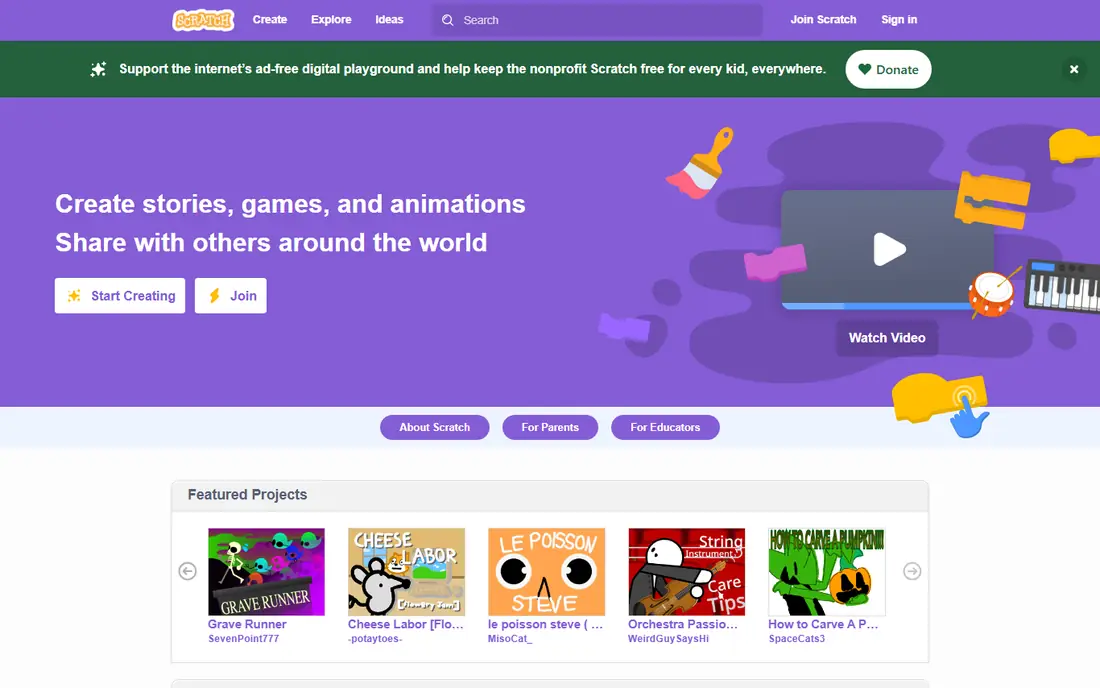
Scratch is the standard starting point for younger kids learning to code. Block based coding lets children build games and animations without typing syntax, and the community offers endless project ideas. Text based coding comes later, and parents should check sharing settings for young users.
What we like about Scratch for visual coding for younger kids comes down to this: free block based coding; large community; creative projects No option here is perfect, and the limit to note is that text based coding comes later; moderation needs adult attention for young users If that limit touches your main use, look at the next option in this list instead.
Skip Scratch if that drawback is a deal breaker, and pick a rival whose strengths fit your daily work better.
- Free block based coding
- Large community
- Creative projects
- Text based coding comes later
- Moderation needs adult attention for young users
Code.org
Ideal for: free classroom friendly coding lessons
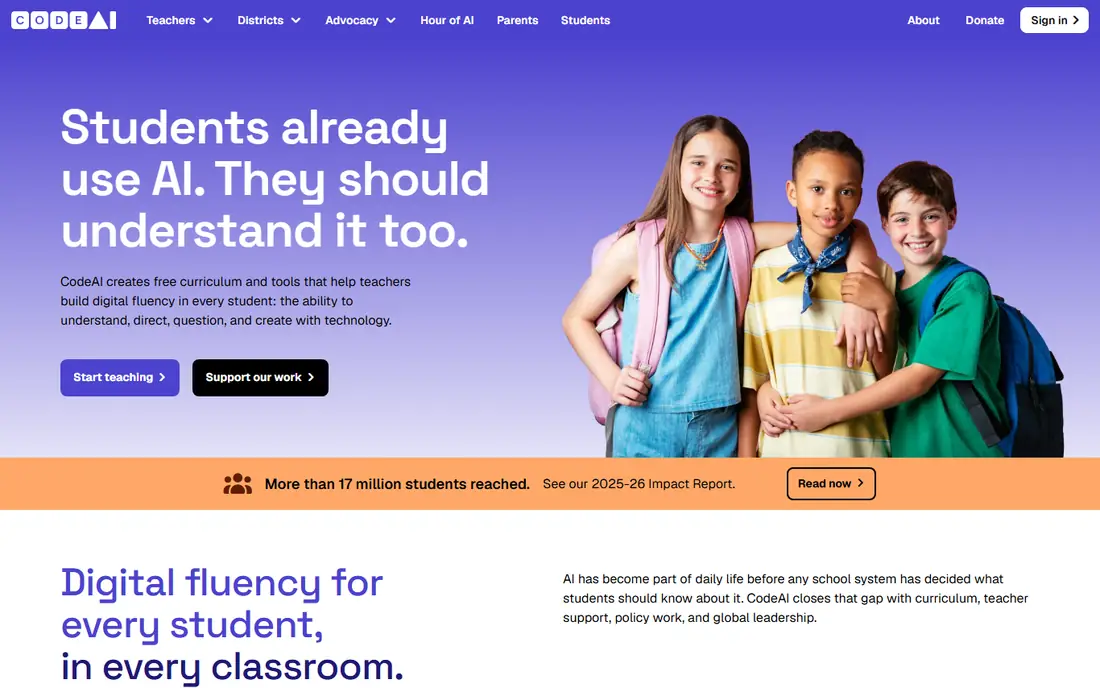
Code.org offers free structured coding courses and Hour of Code activities for schools and homes. Lessons progress step by step, and teacher tools help classrooms. It is less game focused than some rivals, but the free price and structure make it a strong start.
Our view is that Code.org earns its place for free classroom friendly coding lessons through free structured courses; hour of code activities; classroom tools for teachers The drawback is real too, since game style depth is lighter than tynker; progress needs an account for full tracking That balance is worth a trial run with your own files, schedule, or team before you pay for a full plan.
Skip Code.org if that drawback is a deal breaker, and pick a rival whose strengths fit your daily work better.
- Free structured courses
- Hour of Code activities
- Classroom tools for teachers
- Game style depth is lighter than Tynker
- Progress needs an account for full tracking
Tynker
Ideal for: game based coding courses
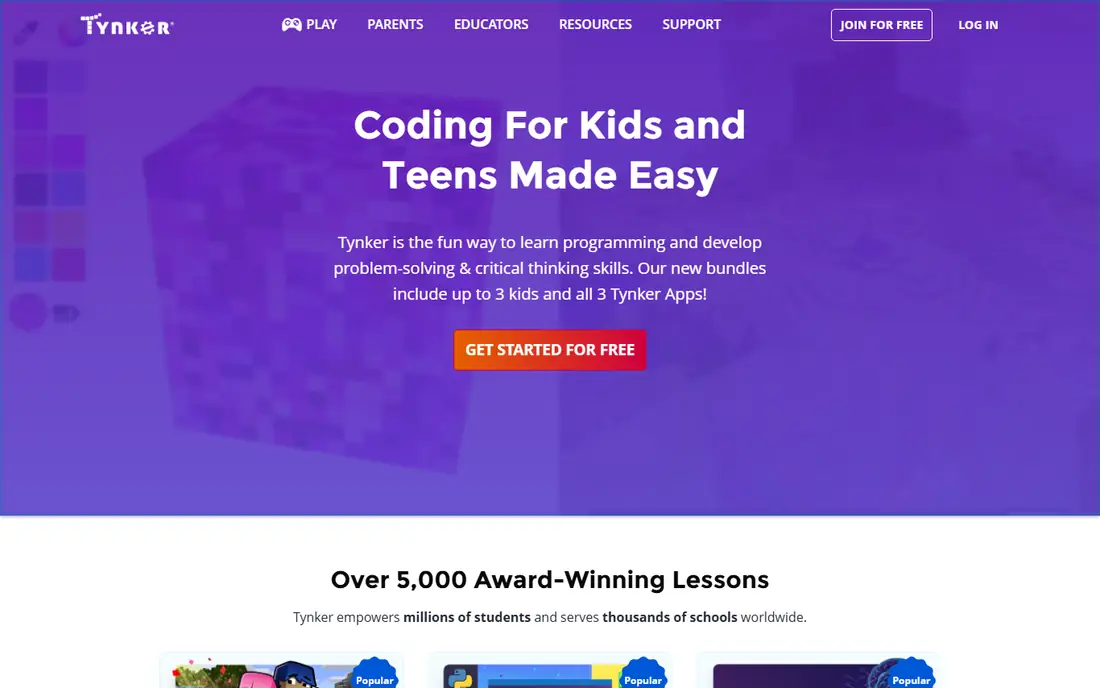
Tynker turns coding lessons into games, with paths covering Minecraft, robotics, and app building. Progress tracking helps parents and teachers follow learning. Full courses need a subscription, so use the trial to check whether your child likes the style.
Choose Tynker when game based coding courses is your main need, because game based courses across ages; minecraft and robotics paths; progress tracking Keep in mind that full courses need a subscription; some content needs a paid plan A short trial will show quickly whether those strengths matter more to you than that limit.
Skip Tynker if that drawback is a deal breaker, and pick a rival whose strengths fit your daily work better.
- Game based courses across ages
- Minecraft and robotics paths
- Progress tracking
- Full courses need a subscription
- Some content needs a paid plan
Kodable
Ideal for: coding basics for early learners
Kodable introduces coding basics to early learners through games that teach sequences and logic without heavy reading. Classroom tools and progress reports help teachers. Older kids outgrow it faster than Scratch or Tynker, so it suits the youngest learners best.
For coding basics for early learners, Kodable stands out because early learner friendly coding games; classroom tools; progress reports That combination explains why it appears near the top of this list for that use. The honest catch is that best for younger kids; older kids outgrow it faster Weigh that trade against your own priorities before you commit, since the best choice here depends on which limit you can live with.
Skip Kodable if that drawback is a deal breaker, and pick a rival whose strengths fit your daily work better.
- Early learner friendly coding games
- Classroom tools
- Progress reports
- Best for younger kids
- Older kids outgrow it faster
CodeMonkey
Ideal for: game based coding with real code
CodeMonkey teaches real coding concepts through games where a monkey collects bananas by running code. It bridges block coding and text coding well for younger to middle ages. Full courses need a subscription.
What we like about CodeMonkey for game based coding with real code comes down to this: games that teach real coding concepts; classroom and home plans; progress tracking No option here is perfect, and the limit to note is that subscription needed for full courses; style suits younger to middle ages If that limit touches your main use, look at the next option in this list instead.
Skip CodeMonkey if that drawback is a deal breaker, and pick a rival whose strengths fit your daily work better.
- Games that teach real coding concepts
- Classroom and home plans
- Progress tracking
- Subscription needed for full courses
- Style suits younger to middle ages
Hopscotch
Ideal for: creative coding on iPad
Hopscotch brings block based coding to iPad with creative game projects. Kids can build and share games with a touch friendly interface. It is iPad focused, and text based coding is limited, so pair it with another tool as kids grow.
Our view is that Hopscotch earns its place for creative coding on iPad through block coding on ipad; creative game projects; community sharing The drawback is real too, since ipad focused; text coding is limited That balance is worth a trial run with your own files, schedule, or team before you pay for a full plan.
Skip Hopscotch if that drawback is a deal breaker, and pick a rival whose strengths fit your daily work better.
- Block coding on iPad
- Creative game projects
- Community sharing
- IPad focused
- Text coding is limited
Lightbot
Ideal for: logic puzzles that teach programming
Lightbot teaches programming logic through puzzles where a robot follows sequences and loops. It is simple, focused, and works well in classrooms. The scope is narrower than full platforms, and older kids may finish it quickly.
Choose Lightbot when logic puzzles that teach programming is your main need, because puzzle games that teach sequences and loops; simple interface; classroom use Keep in mind that narrower scope than full coding platforms; older kids finish it quickly A short trial will show quickly whether those strengths matter more to you than that limit.
Skip Lightbot if that drawback is a deal breaker, and pick a rival whose strengths fit your daily work better.
- Puzzle games that teach sequences and loops
- Simple interface
- Classroom use
- Narrower scope than full coding platforms
- Older kids finish it quickly
Khan Academy
Ideal for: free coding plus math and science
Khan Academy offers free coding courses alongside math, science, and other subjects. Structured lessons suit kids who like a classroom style. Coding depth is lighter than specialist platforms, but the free price and breadth make it a useful companion.
For free coding plus math and science, Khan Academy stands out because free coding courses plus math and science; structured lessons; progress tracking That combination explains why it appears near the top of this list for that use. The honest catch is that coding depth is lighter than specialist platforms; style is lesson based Weigh that trade against your own priorities before you commit, since the best choice here depends on which limit you can live with.
Skip Khan Academy if that drawback is a deal breaker, and pick a rival whose strengths fit your daily work better.
- Free coding courses plus math and science
- Structured lessons
- Progress tracking
- Coding depth is lighter than specialist platforms
- Style is lesson based
How we picked these
We started from the topic itself and shortlisted products that exist and work today, then checked each one against its official feature pages and pricing. We compared free tiers, starting prices, core features, and honest limits, and we read public reviews to catch problems that marketing pages skip. We did not claim hands-on testing that did not happen, and we left out products that did not truly fit the topic, even when they were popular in a nearby category.
We also weighed who each product is really for. A tool that suits a large team can be a poor pick for a solo user, and a free plan that covers casual use may not suit heavy daily work. That is why each write-up names a best fit and a clear drawback, so you can judge the trade for yourself.
How to choose the right coding tools for kids
Match the tool to age and reading level, since early learners need visual blocks while older kids benefit from text coding. Try a free trial with your child before paying, and check sharing and chat settings for any community features. Look for progress tracking if you want to follow learning, and let kids build projects they care about rather than only completing lessons.
Start with your main need
Write down the one job this coding tools for kid must do well for you, then judge every option on that job first. Extra features look tempting in a demo, but they rarely make up for a weak core fit. If two options tie on your main need, let price and ease of use break the tie.
Check the total cost
Look past the headline monthly price and check seat counts, usage limits, add ons, and renewal terms. A cheap plan that caps the feature you use most can cost more than a mid priced plan that includes it. Free trials help, but set a reminder to review the plan before the trial ends.
Test before you commit
Run a real task through your top two choices, using your own files, schedule, or team, rather than sample data alone. Check support response times, export options, and how easy it is to cancel. A tool you can leave easily is often a safer bet than one that locks your data in.
Frequently asked questions
What is the best coding tool for kids?
Scratch is the best free starting point for younger kids, while Tynker and CodeMonkey suit kids ready for structured game based courses.
What age can kids start coding?
Kids can start with visual tools like Scratch and Kodable from around age 5 to 8, depending on reading level.
Are coding apps for kids free?
Scratch, Code.org, and Khan Academy are free, while Tynker, Kodable, and CodeMonkey offer trials with paid full courses.
Do kids need a computer to learn coding?
Most tools work on computers and tablets, with Hopscotch built for iPad and Scratch working in a browser.
Is coding safe for kids online?
Check sharing, chat, and privacy settings on any community tool, and supervise younger children online.