Best Coin App in 2026: 7 Apps to Identify and Value Coins

- 1
 CoinSnapPhoto identification and value estimatesVisit
- 2
 CoinoscopeFree coin identificationVisit
- 3
 CoinInLarge database and collection trackingVisit
- 4
 Coin ID ScannerValue checker and metal pricesVisit
- 5
 PCGS CoinFactsUS coin values and gradingVisit
- CoinSnap and Coinoscope are the best free starting points for identifying coins from a photo.
- CoinIn and Coin ID Scanner suit collectors who want large databases, value estimates and collection tracking.
- PCGS CoinFacts and NGC suit serious collectors who want trusted price guides, grading and certification checks.
- Numista suits world coin collectors who want a deep catalogue, collection tools and a community to swap with.
- App value estimates are research estimates, not professional appraisals, and they often assume a better grade than a photo can confirm.
- Never clean a coin that might be valuable, since cleaning can sharply reduce collector value.
Quick comparison
| Product | Ideal for | Price from | Free version | |
|---|---|---|---|---|
| CoinSnap | Photo identification and value estimates | Free | Yes | Visit |
| Coinoscope | Free coin identification | Free | Yes | Visit |
| CoinIn | Large database and collection tracking | Free | Yes | Visit |
| Coin ID Scanner | Value checker and metal prices | Free | 3-day trial | Visit |
| PCGS CoinFacts | US coin values and grading | See website | Yes | Visit |
 NGC | Certification and grading | See website | Yes | Visit |
 Numista | World coin catalogue and swapping | Free | Yes | Visit |
The best coin apps
A coin app should do three jobs: identify the coin from a photo, give a sensible value range, and help you organize what you own. The apps below cover all three, but they differ in database size, price guides and whether they connect to professional grading. We compared official homepages, app store listings and pricing pages to pick apps that are actively maintained and genuinely useful for collectors.
A short note on value: an app estimate is a starting point for research, not a professional appraisal. Grade, variety, mint mark and condition decide most of a coin's value, and a phone photo cannot confirm those reliably. For a coin that looks valuable, check a trusted price guide and recent sold listings, or ask a dealer or grading service before selling.
CoinSnap
Ideal for: Photo identification and value estimates
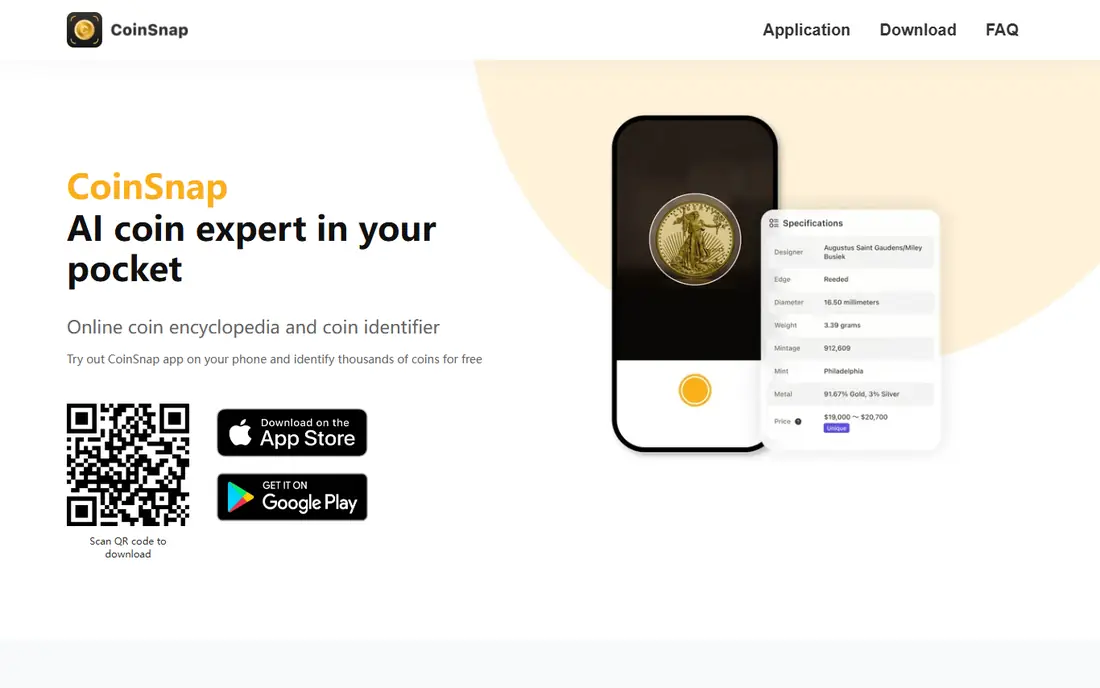
CoinSnap identifies coins from a photo taken on the spot or uploaded from a gallery, showing origin, year, rarity level and an estimated market price. Its app store listing notes coverage of hundreds of thousands of coin types, plus expert analysis and grading reports, and collection management with folders and a total value tracker. The app is free to download, with CoinSnap Premium as a yearly subscription with a 7-day trial.
CoinSnap suits collectors who want a fast first answer on an unknown coin. Its strength is the combination of identification, value estimates and collection tracking in one app. The limit is the paywall: free use is limited, and the premium subscription renews automatically unless you turn it off at least 24 hours before the end of the period, so set a reminder if you only want the trial.
- Large coin database with photo identification
- Rarity levels and market price estimates
- Collection folders with total estimated value
- Full features need CoinSnap Premium
- Free identification is limited, so check the trial terms before subscribing
Coinoscope
Ideal for: Free coin identification
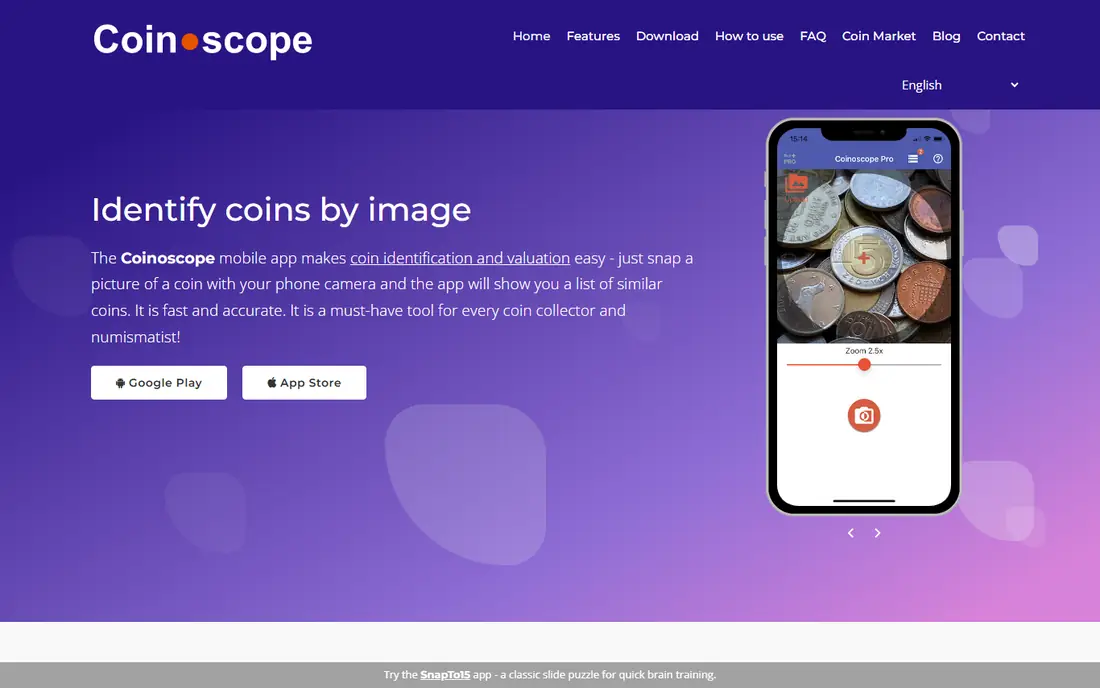
Coinoscope is a mobile app that identifies coins by image: snap a picture with your phone camera and it shows a list of similar coins. Its homepage notes AI recognition, gallery uploads, collection management, an estimate value feature, and a desktop browser view for results. Basic functionality is free, with a Pro version that removes ads and opens premium features. The site reports 2,600,000 downloads across Android and iOS.
Coinoscope is our pick for a free coin identifier, especially for casual collectors and people checking pocket change. The free tier covers identification well, while value estimates carry daily limits. For world coins and quick checks, Coinoscope is hard to beat for the price, which is nothing. For a coin that looks valuable, confirm the value with PCGS or NGC before acting on it.
- Basic identification is free
- Estimate value feature with daily limits
- Desktop browser view for search results
- Advanced features and unlimited value estimates need Pro
- Value estimates still need cross-checking against price guides
CoinIn
Ideal for: Large database and collection tracking
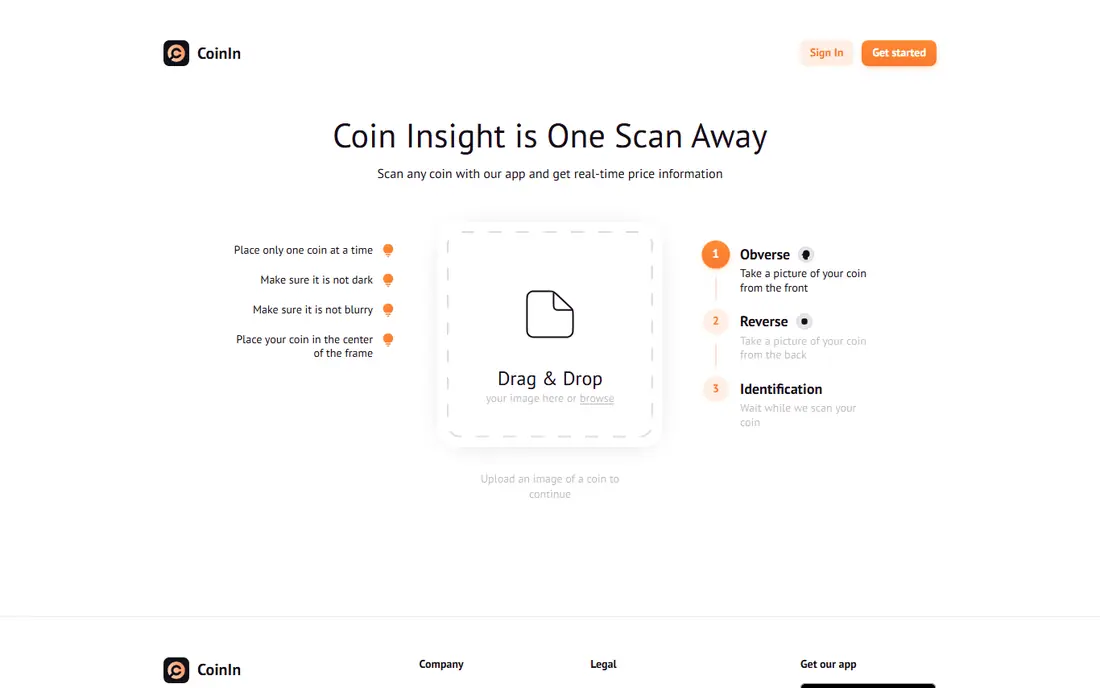
CoinIn is a coin scan identifier that uses AI image recognition to identify, track and value coins. Its app store listing notes a database of more than 270,000 coins, recognition of rare, foreign and error coins, collection trends, and a personalized online collection you can access anytime. The app is free to download, with in-app purchases ranging from 4.99 USD to 59.99 USD per item for advanced features.
CoinIn suits collectors building a serious collection, since the database depth and collection tools go beyond a one-off identification. Its web homepage also lets you scan coins by uploading front and back photos, with hints on lighting and framing. The free tier covers basic identification, while deeper history, value tracking and collector tools sit behind purchases.
- Database of more than 270,000 coins
- Identifies rare, foreign and error coins
- Personalized online collection
- Advanced features need in-app purchases
- Some users report ads on the free tier
Coin ID Scanner
Ideal for: Value checker and metal prices
Coin ID Scanner identifies a coin's country, year, denomination, metal and key details from a photo, using a database of more than 187,000 coins with images, specifications, mint marks and history. Its homepage also offers live precious metal prices, a coin value checker that compares rarity, condition, metal content and auction records, and guides on grading, mint marks, error coins and storage. Premium costs 6.99 USD per week after a 3-day free trial, with a yearly option at 39.99 USD.
Coin ID Scanner suits collectors who want value context, not just a name. The metal price charts help with bullion and melt value, which matters for silver and gold coins. The weekly price is steep for casual use, so the yearly plan is better value if you use it regularly, and the trial is worth testing before you commit.
- Database of more than 187,000 coins
- Live gold, silver, platinum and palladium prices
- Collecting guides on grading, mint marks and error coins
- Premium costs 6.99 USD per week or 39.99 USD per year after a 3-day trial
- Weekly pricing adds up fast if you forget to cancel
PCGS CoinFacts
Ideal for: US coin values and grading
PCGS is a leading coin and banknote authentication and grading service, and its homepage highlights CoinFacts as the most comprehensive database for US coins on the internet, plus a price guide with current and historic prices, indexes and graphs updated daily. It also offers cert verification to check PCGS certification numbers, a set registry for collectors, and auction prices realized from major auction houses.
PCGS CoinFacts is the reference to check when an app gives you a value that seems high. Its price guide is organized by coin type, date, mint mark and grade, which is exactly the detail a photo app cannot confirm. For US collectors, PCGS is essential. For world coins, pair it with Numista or Coinoscope for identification, then use PCGS for US value checks.
- Most comprehensive US coin database online
- Price guide updated daily
- Cert verification and auction prices realized
- US focused, so world coin coverage is thinner
- Grading and submission services cost extra
NGC
Ideal for: Certification and grading
NGC provides expert coin grading for coins, tokens and medals, with an accurate, consistent and impartial assessment of authenticity and grade, backed by the NGC Guarantee. Its homepage offers certification verification by entering a cert number and grade, plus free membership to add coins, track a collection and join the NGC Registry. You can also scan the QR code on the back of an NGC holder with a phone.
NGC suits collectors with graded coins or coins worth grading. If you buy a slabbed coin, verifying its cert number on NGC's site confirms the description and grade in NGC's database. For raw coins, NGC's grading service gives a professional opinion that app estimates cannot. The honest limit is cost: grading a common modern coin can cost more than the coin is worth, so grade only coins where the value justifies the fee.
- Expert coin grading since 1987
- Certification verification by number and grade
- Free membership to add coins and join the registry
- Grading fees can exceed the value of common coins
- Certification lookup can be rate limited
Numista
Ideal for: World coin catalogue and swapping
Numista is a platform to learn, collect, swap and share about numismatics, with a catalogue of world coins and banknotes built by the community and volunteers. Its homepage highlights advanced search filters to identify coins, collection management with pictures and personal comments, swap matching with other members, and a forum with more than 1,173,547 messages posted. It also lists numismatic fairs, expos, museums and shops.
Numista suits world coin collectors who want depth and community rather than a quick photo scan. If you know a coin's country, year or design details, Numista's filters will find it, and the swap tools help you trade duplicates. It pairs well with a photo app: identify with CoinSnap or Coinoscope, then research and organize with Numista.
- Collaborative catalogue covering all countries and periods
- Collection management with pictures and statistics
- Swap matching with other members
- No photo identification app in the same way as CoinSnap
- Catalogue quality depends on community contributions
How we picked these
We compared official homepages and app store listings, favoring apps with real photo identification, a large database, clear free tiers and a current presence in app stores. We included two professional references, PCGS and NGC, because value estimates from apps need a trusted check, and we included Numista for world coin depth. We dropped apps whose official homepages could not be confirmed, and we only list tools we verified.
How to value a coin with an app
Start with good photos. Place the coin on a plain background with even light, photograph the front and back directly from above, and keep the full edge in focus. A blurry or dark photo gives a wrong match, especially for worn coins. Take both sides, since the reverse often carries the mint mark or variety detail that decides value.
Next, check the suggested match against the coin in your hand. Compare date, mint mark, design, weight and size, and look for variety markers such as doubled dies or overdates. If the app suggests several matches, read each one carefully rather than accepting the first. For world coins, cross-check the match in Numista's catalogue.
Finally, check value in more than one place. Compare the app estimate with the PCGS price guide for US coins, recent sold listings for the same coin and grade, and metal prices for bullion coins. If the app value is far above those sources, trust the lower, better-sourced figure. For a coin that could be worth hundreds or more, get a dealer opinion or professional grading before selling, and never clean the coin first.
Frequently asked questions
What is the best coin appraisal app for free?
Coinoscope is the best free coin identifier, with basic identification free and value estimates available with daily limits. CoinSnap and CoinIn also offer free identification, with fuller features behind a subscription. For trusted values, cross-check any free app estimate against the PCGS price guide.
Which coin app is the best for identifying coins from a photo?
CoinSnap and Coinoscope lead for photo identification, with large databases and fast results. CoinIn and Coin ID Scanner are strong alternatives with deeper collection tools. For best results, photograph both sides in even light on a plain background.
What coin app is the best for valuing coins accurately?
No app alone gives a fully accurate value, since grade and variety decide most of the price and a photo cannot confirm them. Use an app for a first estimate, then check the PCGS price guide, recent sold listings and metal prices. For valuable coins, a dealer opinion or professional grading is the reliable route.
Can a coin app tell me if my coin is rare?
An app can flag rarity levels and suggest whether a coin type is scarce, but rarity alone does not set value: condition, variety and demand matter too. Check the specific date, mint mark and variety in a catalogue such as Numista or PCGS CoinFacts before assuming a coin is rare and valuable.
Should I clean a coin before scanning or selling it?
No. Cleaning strips the original surface and can sharply reduce collector value. Scan the coin as it is, and let a professional grader assess any coin that might be valuable. Handling coins by the edges, not the faces, also helps preserve condition.
Are coin identifier apps safe to use?
Reputable apps from official app stores are generally safe, but check privacy policies and permissions before installing, since photo apps handle images and sometimes location data. Stick to apps with a clear developer, a working homepage and a privacy policy, and avoid apps that ask for unrelated permissions.