Best Coin Apps Free in 2026: 8 Options Compared

- 1
 CoinMarketCapFree price tracking for thousands of coinsVisit
- 2
 CoinGeckoFree tracking with independent dataVisit
- 3
 CoinbaseBeginner friendly crypto trading appVisit
- 4
 KrakenLower fee trading with strong securityVisit
- 5
 Binance.USMany coins for US tradersVisit
- Coinbase and Kraken lead for free apps to buy and track crypto, with fees on trades.
- CoinMarketCap and CoinGecko are the best free portfolio trackers without trading.
- Binance.US suits US traders who want many coins, where available.
- Crypto is volatile and risky; only invest money you can afford to lose.
Quick comparison
| Product | Ideal for | Price from | Free version | |
|---|---|---|---|---|
| CoinMarketCap | Free price tracking for thousands of coins | Free | Yes | Visit |
| CoinGecko | Free tracking with independent data | Free | Yes | Visit |
| Coinbase | Beginner friendly crypto trading app | Free | Yes | Visit |
| Kraken | Lower fee trading with strong security | Free | Yes | Visit |
| Binance.US | Many coins for US traders | Free | Yes | Visit |
 Delta | Free portfolio tracking with exchange links | Free | Yes | Visit |
 Crypto.com App | Trading plus card and earn features | Free | Yes | Visit |
 Gemini | Regulated US exchange with strong security | Free | Yes | Visit |
The best best coin apps free
Free coin apps cover two jobs: tracking prices and portfolios, and buying or selling crypto. Tracking apps are free, while trading apps are free to download but charge fees on trades. The apps below cover both jobs.
CoinMarketCap
Ideal for: Free price tracking for thousands of coins
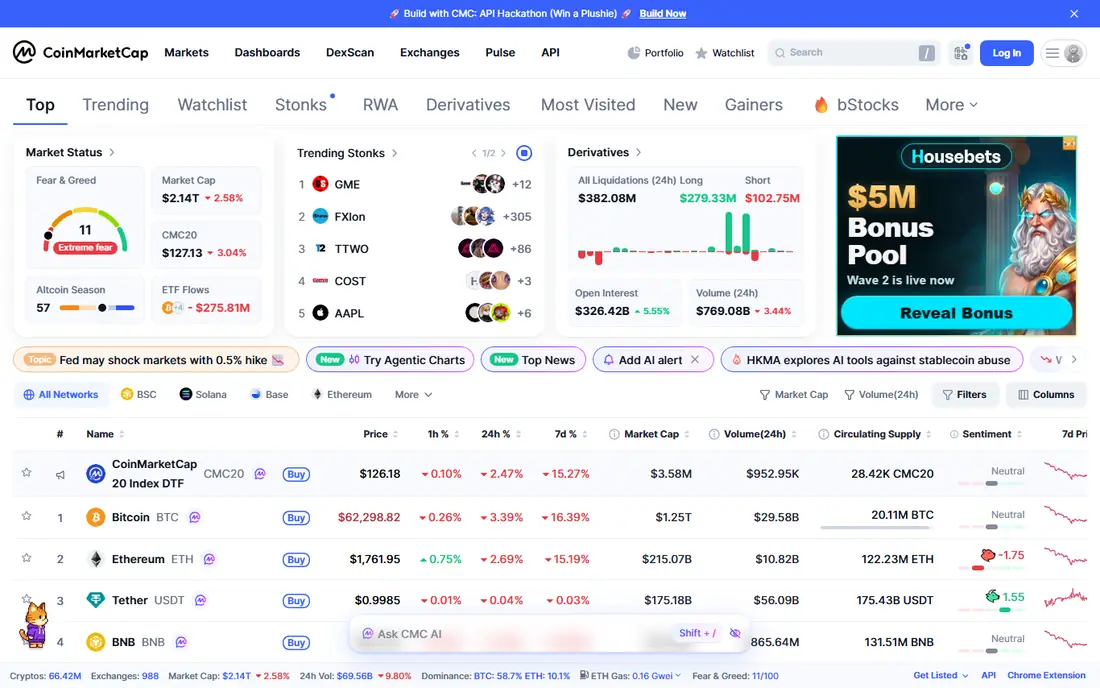
CoinMarketCap tracks prices for thousands of coins, with portfolio tracking, watchlists, and price alerts. It suits anyone who wants free market data without trading. The app is widely used.
It does not offer trading in the app, and the free version includes ads. For free tracking, CoinMarketCap is our pick.
- Huge coin coverage
- Portfolio tracking
- Price alerts
- No trading in app
- Ads in free version
CoinGecko
Ideal for: Free tracking with independent data
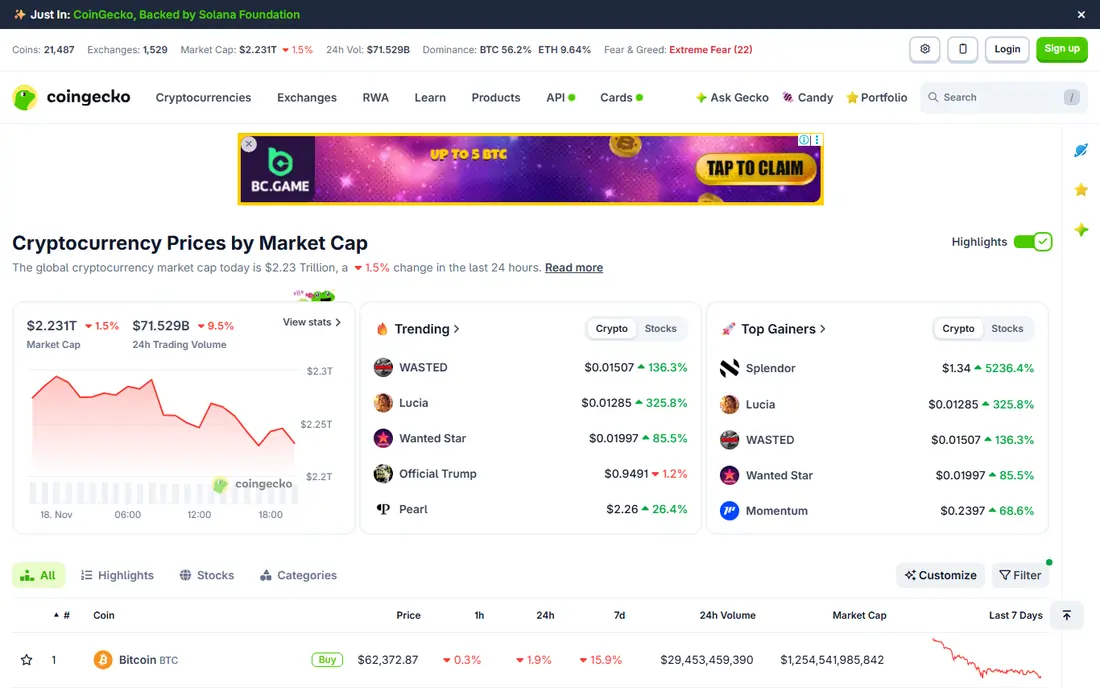
CoinGecko offers independent price data, portfolio tracking, and large coin coverage, with a reputation for data quality. It suits trackers who want a CoinMarketCap alternative. The free tier is generous.
It does not offer trading in the app, and premium features cost more. For independent tracking, CoinGecko is excellent.
- Independent price data
- Portfolio tracking
- Large coin coverage
- No trading in app
- Premium features cost more
Coinbase
Ideal for: Beginner friendly crypto trading app
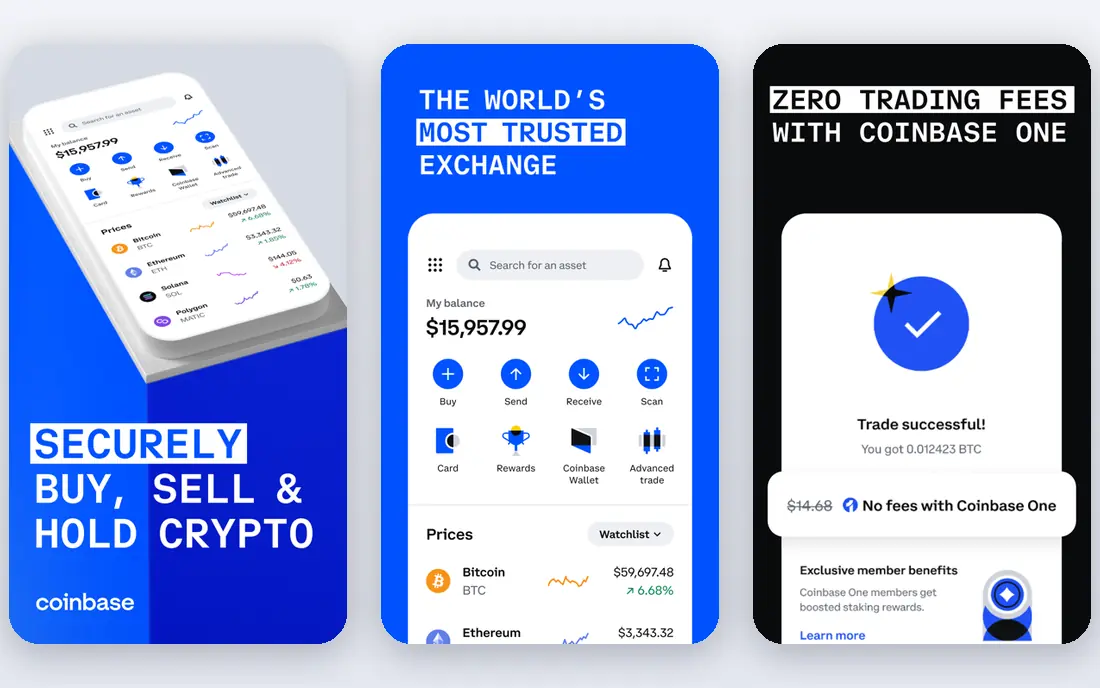
Coinbase makes buying and selling crypto easy for beginners, with learning rewards and strong security features. It suits newcomers who want a trusted US exchange. The app is polished.
Trade fees are higher than Kraken for active traders, and spreads apply. For beginner trading, Coinbase is a good start.
- Easy buying and selling
- Learning rewards
- Strong security
- Trade fees are higher than rivals
- Spreads apply
Kraken
Ideal for: Lower fee trading with strong security
Kraken offers lower trade fees than Coinbase for many traders, with strong security and a wide coin range. It suits traders who want value and safety. The Pro platform adds advanced tools.
The interface is denser for beginners, and funding options vary. For lower fee trading, Kraken is a strong choice.
- Lower trade fees
- Strong security
- Many coins
- Interface is denser for beginners
- Funding options vary
Binance.US
Ideal for: Many coins for US traders
Binance.US offers many coins with low trade fees and staking options for US traders. It suits traders who want a wide coin range at low cost. The app is capable.
Availability varies by state, and its regulatory history is worth reading before signing up. For coin variety, Binance.US is a contender.
- Many coins
- Low trade fees
- Staking options
- Availability varies by state
- Regulatory history worth reading
Delta
Ideal for: Free portfolio tracking with exchange links
Delta tracks portfolios across exchanges and wallets, with alerts and a clean interface. It suits investors who hold crypto in several places and want one view. The free tier covers core tracking.
It does not offer trading, and Pro features cost more. For portfolio tracking, Delta is a polished option.
- Portfolio tracking
- Exchange connections
- Alerts
- Trading is not included
- Pro features cost more
Crypto.com App
Ideal for: Trading plus card and earn features
Crypto.com App offers trading plus a card, earn features, and a large coin range in one app. It suits users who want crypto spending and earning alongside trading. The ecosystem is broad.
Fees vary by feature, and the interface is busy. For an all in one crypto app, Crypto.com is a contender.
- Trading plus card
- Earn features
- Large coin range
- Fees vary by feature
- Interface is busy
Gemini
Ideal for: Regulated US exchange with strong security
Gemini is a regulated US exchange with strong security, plus earn and card options. It suits US users who prioritize regulation and safety. The interface is clean.
Fees are higher for simple trades, and the coin range is narrower than Binance.US. For regulated trading, Gemini is a trusted choice.
- Regulated US exchange
- Strong security
- Earn and card options
- Fees are higher for simple trades
- Coin range is narrower
How we picked these
We compared official feature pages, pricing, and app store listings for each app, checking supported coins, fees, and security features. We favored apps that publish fee schedules and security practices plainly. We did not claim hands-on testing; our comparison rests on published features and public reviews. Crypto prices are volatile, and you can lose money.
We also checked whether each option is still offered and supported, and we left out products with unclear pricing, broken pages, or a poor fit for the topic. Where a price or free tier could not be confirmed from the vendor site, we wrote See website rather than guessing. Readers should still check the vendor page before buying, since prices and plans change.
How to choose a free coin app
Decide whether you want to track or trade. Trackers such as CoinMarketCap and CoinGecko are free and cover thousands of coins without holding your funds. Trading apps such as Coinbase and Kraken hold funds and charge trade fees. Many users pair a tracker with one trading app.
Check fees on trades, not just the download price. Trading apps are free to install, but spreads, trade fees, and withdrawal fees vary. Compare the total cost for your trade size, since a free app with high spreads can cost more than a paid alternative.
Check security features carefully. Two factor authentication, withdrawal address allow lists, and cold storage practices matter when an app holds your funds. Use strong passwords, enable all security options, and consider a hardware wallet for larger holdings.
Confirm coin and state availability. Some apps restrict coins or services by US state, and Binance.US availability varies. Check that your state and the coins you want are supported before signing up.
Before you pay, confirm the total cost for the first year, including any add ons, renewal prices, and fees that only appear at checkout. A low starting price can hide a higher renewal rate, and a free tier can limit the feature you need most. Write down the features you will use weekly, and pay only for those.
After you choose, give the option a fair trial with your real workload, not just a quick tour. Set a reminder to review it after two to four weeks, and note what worked, what annoyed you, and what you never used. That review tells you whether to keep, upgrade, or switch before a renewal locks you in.
If the option disappoints, switch sooner rather than later. Export your data first, check whether you can keep your account history or settings, and confirm any cancellation terms. A good provider makes leaving straightforward, and a difficult exit is itself useful information about the service.
Talk to people who already use the option before you commit, especially for a business purchase. A short conversation with a current user reveals support quality, setup effort, and daily friction that marketing pages omit. Ask what surprised them after the first month, since early impressions often differ from longer use.
Keep a simple record of why you chose the option, including the price you were quoted and the features that mattered. That note makes renewal talks easier and helps a colleague or future you understand the decision. If the price rises or a key feature changes, the note shows whether the original reasons still hold.
Finally, plan the first week of use before you pay. List the setup steps, the data you need to move, and the people who need access. A clear first week plan turns a promising choice into a working routine, and it exposes missing features while you can still change your mind.
Save the vendor support page and the cancellation instructions in the same place as your receipt. When something goes wrong, you will want support details at hand rather than searching for them under pressure. A tidy record saves time and keeps a small problem from becoming a long one.
Keep notes on the first month of use, including any issues and how support handled them. Those notes give you clear evidence if you need a refund, an upgrade, or a switch, and they help you advise a friend or colleague who asks about the same choice later.
Frequently asked questions
What is the best free coin app?
CoinMarketCap is our pick for free price tracking, while Coinbase is best for beginners who want to trade. Kraken suits traders who want lower fees and strong security. Your goal, tracking or trading, decides the winner.
Are coin apps really free?
Tracking apps are free, with optional paid tiers for extras. Trading apps are free to download and create an account, but they charge fees on trades, spreads, and sometimes withdrawals. Read the fee schedule before trading.
Is it safe to keep crypto in an app?
Reputable exchanges use security measures such as cold storage and two factor authentication, but exchange hacks have happened. For larger holdings, a hardware wallet you control is safer. Enable all security options on any app you use.
Which coin app has the lowest fees?
Fees vary by trade type and volume. Kraken and Binance.US often offer lower fees than Coinbase for active traders, while Coinbase is simpler for beginners. Compare maker, taker, spread, and withdrawal fees for your trading style.
Can I track my portfolio for free?
Yes, CoinMarketCap, CoinGecko, and Delta offer free portfolio tracking by linking exchange accounts or entering holdings manually. Free tiers cover most needs, with paid tiers adding alerts and advanced analytics.
How often should I review my choice?
Review it at least once a year, and sooner if your needs, budget, or team size change. Prices, features, and policies shift over time, and a better fit may appear. A short yearly check, comparing your current option with two alternatives, keeps you from paying for features you no longer use.