Graphisoft Archicad leads the list, best for Architect-focused BIM with easy-to-learn tools. Listed starting prices: Graphisoft Archicad from $43 per seat per month. For a different need, Vectorworks Architect covers concept-to-construction design adaptability and Bentley OpenBuildings covers high-performance sustainable building design. Details, prices and limits for the rest of the 5 tools are below.
Choosing collaborative BIM software for architects usually comes down to price, fit and limits. This Ainotely guide sets 5 tools side by side on those three points, with the facts kept short and checkable.
Key takeaways
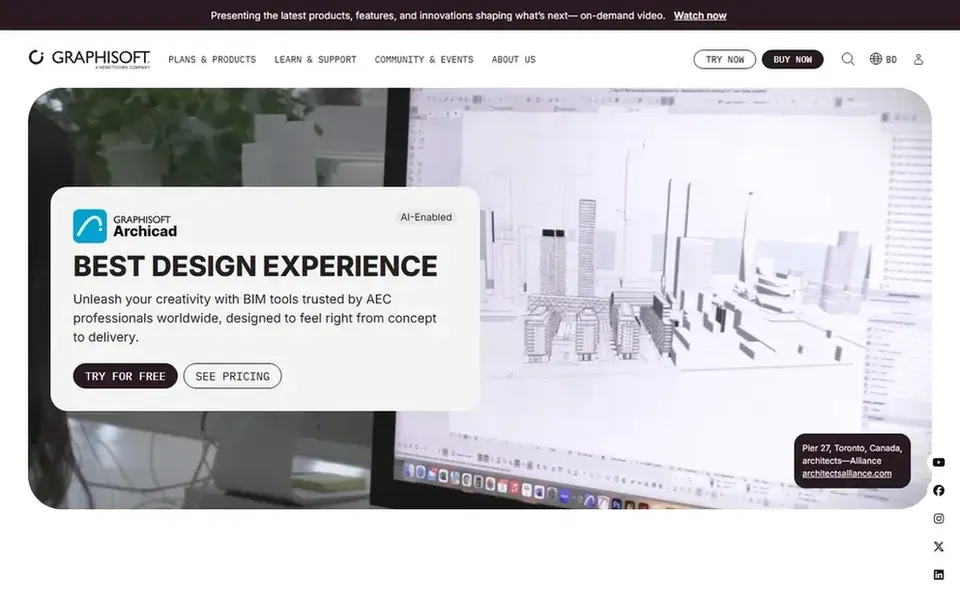
Graphisoft Archicad takes the first slot, best suited to Architect-focused BIM with easy-to-learn tools.
What to know about Autodesk Revit first: broad feature set takes time to learn.
Neither Graphisoft Archicad nor Trimble Connect, nor any of the other 3 tools, has a permanent free plan; trials and quotes are the norm.
Trimble Connect is the one to check for cloud collaboration and shared data.
For the cheapest start, look at Graphisoft Archicad: $43 per seat per month.
Best for: Architect-focused BIM with easy-to-learn tools
Graphisoft Archicad is a good fit for Architect-focused BIM with easy-to-learn tools. Designers who value a clean interface frequently find it approachable for daily project work.
More specifically, pick something else when a single vendor ecosystem across engineering disciplines is the priority. Price to start with Graphisoft Archicad: $43 per seat per month. Free access: Free trial.
Points against: Interoperability with other BIM tools needs care.
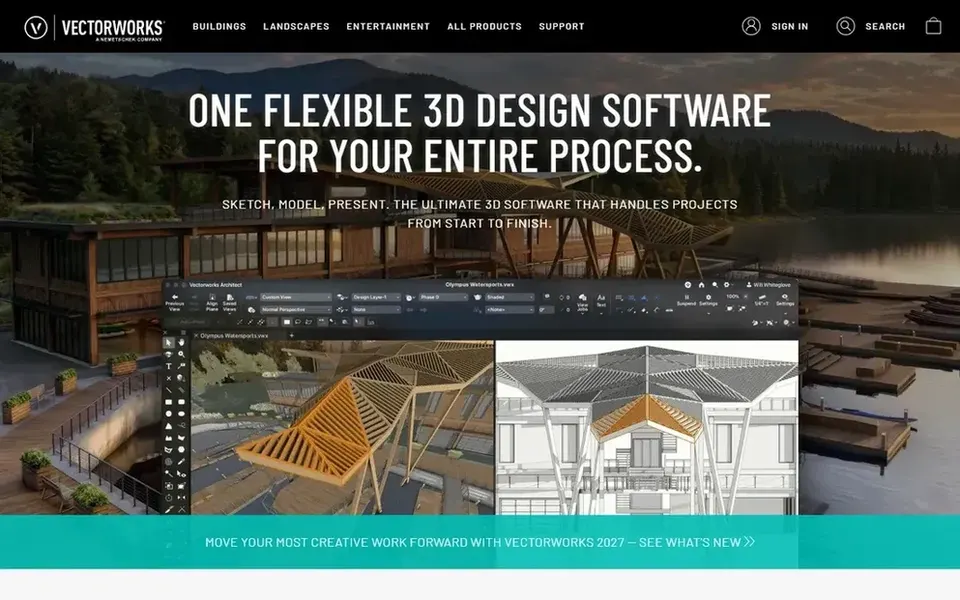
Best for: Concept-to-construction design adaptability
Vectorworks Architect was built for concept-to-construction design adaptability. Vectorworks Architect is BIM software built to support architecture projects from concept through construction. Its adaptability appeals to design-led practices that want modeling freedom alongside documentation.
The main drawbacks: Coordination with engineering tools needs planning.
For everyday use, businesses that move between early design exploration and in-depth drawings in one environment commonly find the range handy, and the system is positioned for architects who value adaptable workflows over rigid templates. That adaptability can need more upfront decisions about standards and templates. Also, teams expecting a completely prescriptive, discipline-wide system may prefer a more structured product. Check the vendor site for Vectorworks Architect pricing; none is listed in this comparison. Trial and free access: Not stated.
Best for: High-performance sustainable building design
Bentley OpenBuildings is a good fit for high-performance sustainable building design. The system can carry a ramp-up time and may fit bigger or specialized practices better than small studios.
Trade-offs to know: Ramp-up time for new users.
Teams wanting a straightforward, quick authoring environment might find it more than needed. This comparison lists no price for Bentley OpenBuildings; ask the vendor. Free access: Not stated.
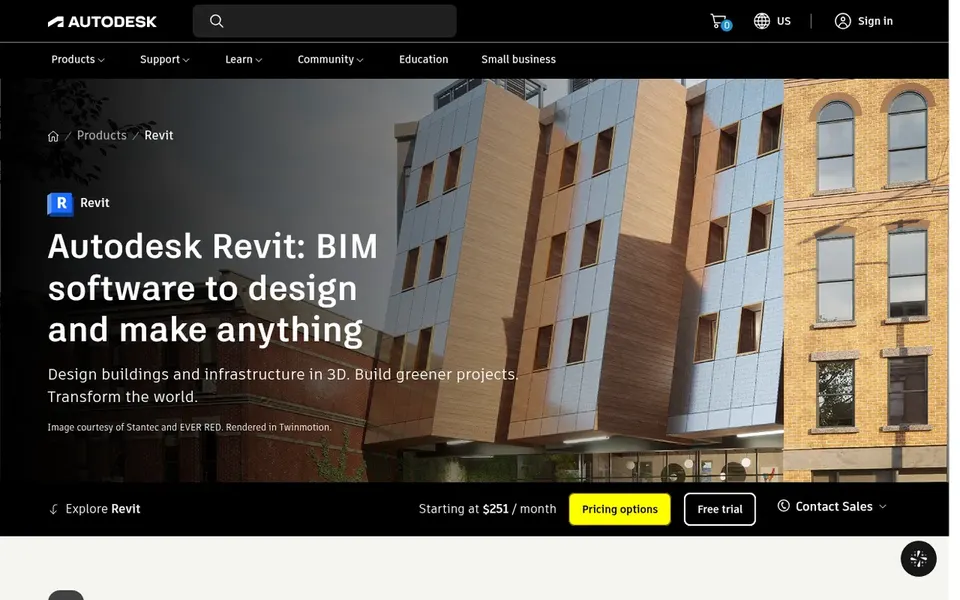
Best for: Integrated design, documentation, and coordination
Autodesk Revit serves integrated design, documentation, and coordination. Teams working alongside structural and MEP consultants often value its coordination focus, and optional AI-assisted workflows add adaptability for practices exploring newer tools.
From a buyer's view, businesses that chiefly need concept design or simple documentation may find it heavier than necessary. As for the details, the breadth of Revit means a steeper ramp-up time and more demanding hardware than lighter tools. Pricing for Autodesk Revit is not stated here, so ask the vendor for current figures. Free access: Not stated.
Where it falls short: Wide feature set takes time to learn.
Trimble Connect was built for cloud collaboration and shared data. Trimble Connect is a cloud-based collaboration environment positioned as a single source of truth for projects. For everyday use, Trimble Connect does not offer BIM authoring, so it works alongside design software instead of rather than it.
Its benefit relies on consistent adoption by all project participants. Architects can use it to simplify collaboration across teams and stakeholders, complementing authoring tools instead of replacing them. Pricing for Trimble Connect is not stated here, so ask the vendor for current figures. Free plan details: Not stated.
Ask Vectorworks Architect, Bentley OpenBuildings, Autodesk Revit and Trimble Connect for a written quote, since no starting price is shown.
Use real work to test the free trial from Graphisoft Archicad, rather than a demo project.
Before choosing Graphisoft Archicad, weigh its main limit: fewer native choices for some engineering disciplines.
Before you load data into Vectorworks Architect, check what an export looks like and who can run it.
Check the support hours and onboarding help Graphisoft Archicad offers; smaller vendors vary a lot here.
How we picked
For each of the 5 tools we noted price, free plan or trial, fit for collaborative BIM software for architects and the main limit, using vendor pages and documentation. Where a vendor does not publish a price, the entry says quote. Where a price depends on seats or billing term, the entry says so. Position on the page reflects fit for a typical buyer first, with price clarity and free access breaking ties. Treat it as a guide, not a ruling.
Every price and plan detail on this page comes from the vendors’ own websites. We did not run hands-on tests unless the text says so, and we do not publish star ratings or review scores. See how we score and our disclosure.
Keep your shortlist in one place
Paste prices, trial dates and notes from this guide into Ainotely, our AI note app. It files them into a topic and pulls out tasks like “cancel trial by Friday”. Free 7-day trial, no card needed.
Does any tool for collaborative BIM software for architects here have a free plan?
No tool in this list, Graphisoft Archicad and Trimble Connect included, has a permanent free plan. Graphisoft Archicad offer a trial. Trials and quotes are the usual route, so plan a short evaluation period.
Do these tools publish their prices?
Not all of them. Vectorworks Architect, Bentley OpenBuildings, Autodesk Revit and Trimble Connect publish no starting price, so expect a quote request for those. The rest, Graphisoft Archicad included, show a starting price, though seats and billing terms still change the final cost.
Which BIM software is a good match for architects collaborating with engineers?
This list starts with Graphisoft Archicad, which fits Architect-focused BIM with easy-to-learn tools. For other needs, Vectorworks Architect is aimed at concept-to-construction design flexibility, and Bentley OpenBuildings at high-performance sustainable building design. Check each tool's price and main limit first.
Can I try these tools before paying?
Often, yes. Graphisoft Archicad offers a free trial. Use your own data and a real task during the test, and check what the free tier or trial limits before you rely on it.
What is the cheapest option for collaborative BIM software for architects in this list?
On published monthly entry prices, Graphisoft Archicad is the lowest here at $43 per seat per month. Entry price is only part of the cost, because seats, add-ons and billing terms can change the total.