Best Compliance Management Software in 2026: 8 Platforms Compared

- 1
 VantaGrowing companies automating SOC 2 and ISO 27001Visit
- 2
 DrataScale-ups wanting continuous compliance monitoringVisit
- 3
 SecureframeStartups needing guided compliance setupVisit
- 4
 OneTrustOrganisations with broad privacy and governance needsVisit
- 5
 LogicGateTeams building custom risk and compliance workflowsVisit
- Vanta, Drata and Secureframe suit growing companies that want automated evidence collection for common frameworks.
- AuditBoard and LogicGate suit larger teams that need audit management, risk registers and board reporting.
- OneTrust suits organisations with broad privacy and governance needs across many regulations.
- Check framework coverage and integration depth before you buy, since a missing integration means manual evidence work.
Quick comparison
| Product | Ideal for | Price from | Free version | |
|---|---|---|---|---|
| Vanta | Growing companies automating SOC 2 and ISO 27001 | See website | No | Visit |
| Drata | Scale-ups wanting continuous compliance monitoring | See website | No | Visit |
| Secureframe | Startups needing guided compliance setup | See website | No | Visit |
| OneTrust | Organisations with broad privacy and governance needs | See website | No | Visit |
| LogicGate | Teams building custom risk and compliance workflows | See website | No | Visit |
 AuditBoard | Larger teams managing audits and risk at scale | See website | No | Visit |
 Hyperproof | Teams wanting controls linked to live evidence | See website | No | Visit |
 ZenGRC | Mid-sized teams needing audit and risk tracking | See website | No | Visit |
The best best compliance management software
We compared the leading best compliance management software on fit, features and value, and the eight picks below cover different budgets and needs.
Vanta
Ideal for: Growing companies automating SOC 2 and ISO 27001
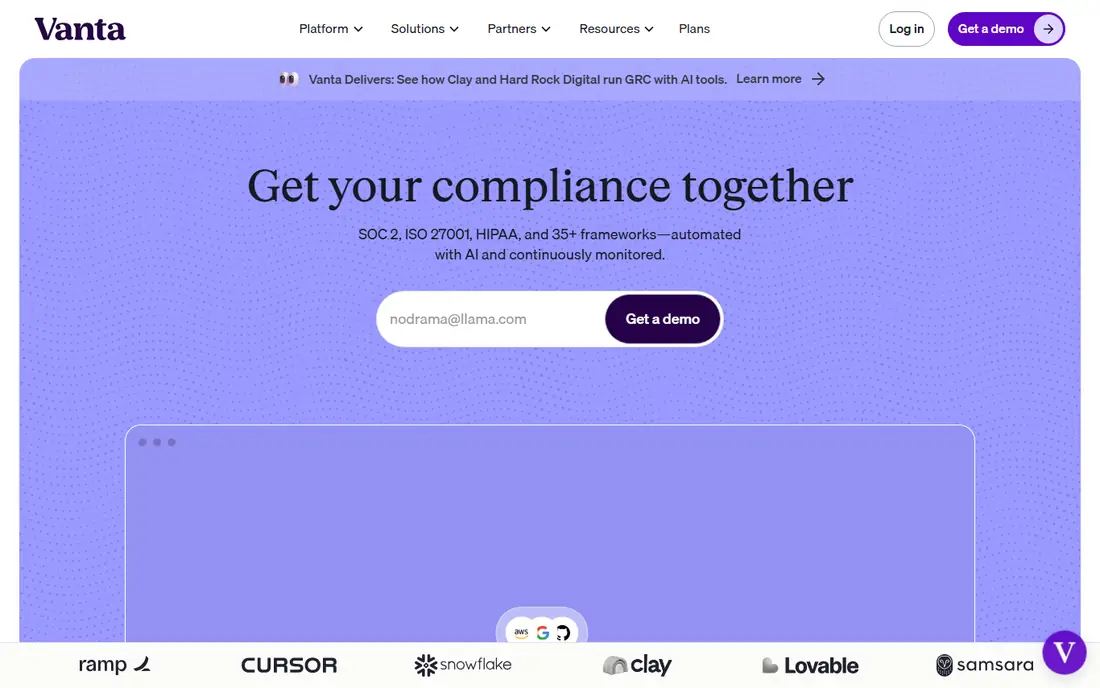
Vanta fits growing companies that need to show SOC 2 or ISO 27001 to win customers. Its automated evidence collection and templates cut much of the manual work in audit preparation. In daily use, automated evidence from many integrations stands out as the practical reason to consider it, especially for readers whose main need matches its best use. The catch is quote-based pricing, so get a firm quote for your framework and headcount before you compare. Pricing varies by plan, so we list it as See website rather than guessing a figure that may not match your plan. Before you commit, check the current plan details on the official site, including limits, trial terms and what happens when you cancel. For most readers in this group, this is worth a short trial before you commit, especially if the free tier or trial covers your main use.
- Automated evidence from many integrations
- Framework templates
- Auditor sharing tools
- Pricing is quote-based
- Smaller companies should check starter plan scope
Drata
Ideal for: Scale-ups wanting continuous compliance monitoring
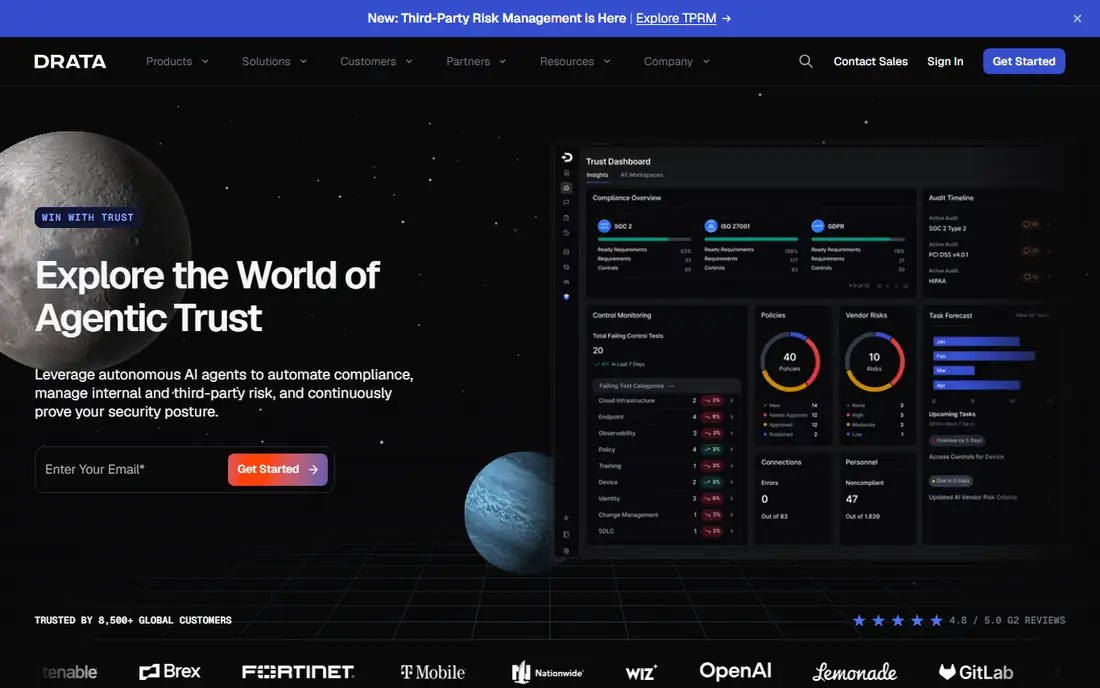
Drata fits scale-ups that want compliance monitored continuously rather than checked once a year. Its monitoring flags failing controls early, which helps teams fix gaps before an audit. In daily use, continuous control monitoring stands out as the practical reason to consider it, especially for readers whose main need matches its best use. The catch is price and scope for very small teams, which should check whether a lighter tool fits better. Pricing varies by plan, so we list it as See website rather than guessing a figure that may not match your plan. Before you commit, check the current plan details on the official site, including limits, trial terms and what happens when you cancel. Try it with a real task from your own work before you pay, since a demo rarely shows the limits you will meet daily.
- Continuous control monitoring
- Many integrations
- Framework library
- Pricing is quote-based
- Very small teams may find it more than they need
Secureframe
Ideal for: Startups needing guided compliance setup
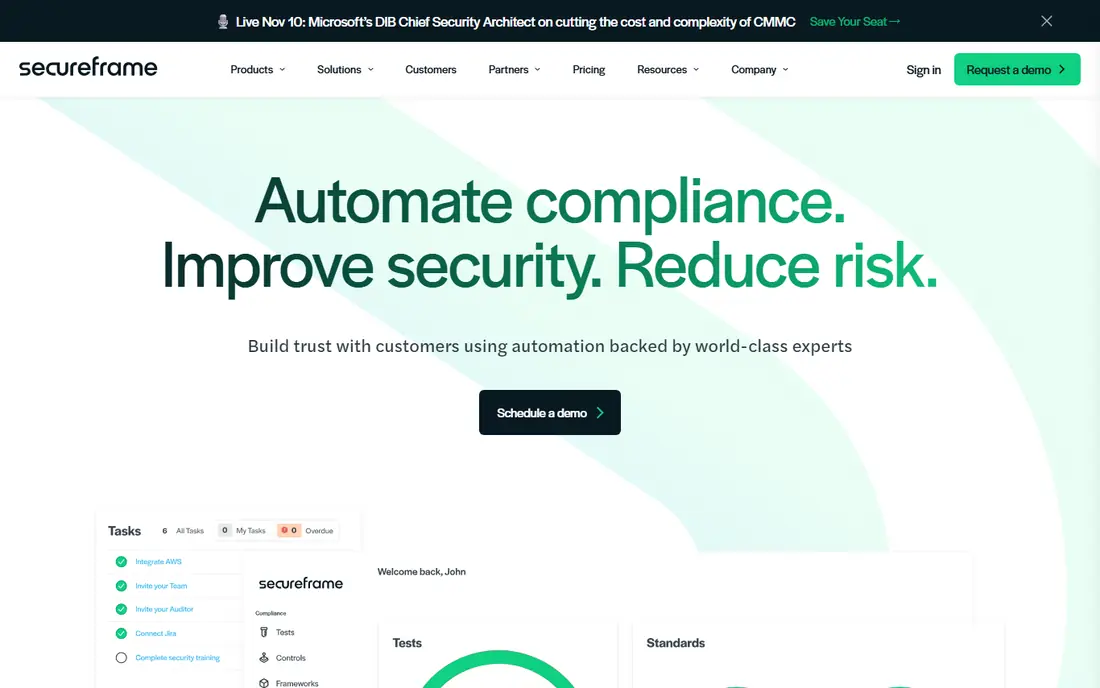
Secureframe fits startups that want guided help through their first framework. Its guided setup and templates suit teams without a dedicated compliance hire. In daily use, guided setup for common frameworks stands out as the practical reason to consider it, especially for readers whose main need matches its best use. The catch is depth: larger companies with complex risk needs may outgrow it. Pricing varies by plan, so we list it as See website rather than guessing a figure that may not match your plan. Before you commit, check the current plan details on the official site, including limits, trial terms and what happens when you cancel. If this matches your main need, put it near the top of your shortlist and compare its total cost, not only its headline price.
- Guided setup for common frameworks
- Automated evidence
- Policy templates
- Integration depth varies by system
- Enterprise features are thinner than larger rivals
OneTrust
Ideal for: Organisations with broad privacy and governance needs
OneTrust fits organisations that must manage privacy and governance across many regulations. Its breadth suits companies with complex, multi-region obligations. In daily use, broad privacy, risk and governance modules stands out as the practical reason to consider it, especially for readers whose main need matches its best use. The catch is scope: it needs careful scoping, or teams buy modules they rarely use. Pricing varies by plan, so we list it as See website rather than guessing a figure that may not match your plan. Before you commit, check the current plan details on the official site, including limits, trial terms and what happens when you cancel. Shortlist it if your budget and workflow match, and test the exact feature you will use most before you decide.
- Broad privacy, risk and governance modules
- Many regulations covered
- Enterprise reporting
- Large, modular product that needs careful scoping
- Pricing is enterprise-level
LogicGate
Ideal for: Teams building custom risk and compliance workflows
LogicGate fits teams that want to design their own risk and compliance workflows. Its flexible builder suits organisations whose processes do not fit a fixed template. In daily use, flexible no-code workflow builder stands out as the practical reason to consider it, especially for readers whose main need matches its best use. The catch is design effort: you need clear processes before the tool can model them well. Pricing varies by plan, so we list it as See website rather than guessing a figure that may not match your plan. Before you commit, check the current plan details on the official site, including limits, trial terms and what happens when you cancel. For most readers in this group, this is worth a short trial before you commit, especially if the free tier or trial covers your main use.
- Flexible no-code workflow builder
- Risk registers
- Audit and policy modules
- Setup needs planning and process design
- Pricing is quote-based
AuditBoard
Ideal for: Larger teams managing audits and risk at scale
AuditBoard fits larger teams that run formal audit, risk and control programmes. Its connected audit and risk tools suit companies with dedicated audit staff. In daily use, audit management, risk and controls in one platform stands out as the practical reason to consider it, especially for readers whose main need matches its best use. The catch is cost and implementation effort, which makes it a poor fit for a small startup. Pricing varies by plan, so we list it as See website rather than guessing a figure that may not match your plan. Before you commit, check the current plan details on the official site, including limits, trial terms and what happens when you cancel. Try it with a real task from your own work before you pay, since a demo rarely shows the limits you will meet daily.
- Audit management, risk and controls in one platform
- Strong reporting
- Enterprise controls
- Enterprise pricing and implementation effort
- Smaller teams may not need its depth
Hyperproof
Ideal for: Teams wanting controls linked to live evidence
Hyperproof fits teams that want each control tied to live evidence rather than static documents. Its evidence-linked controls make audit preparation clearer and easier to review. In daily use, controls linked to evidence and risks stands out as the practical reason to consider it, especially for readers whose main need matches its best use. The catch is checking integration coverage, since a missing link means manual evidence work. Pricing varies by plan, so we list it as See website rather than guessing a figure that may not match your plan. Before you commit, check the current plan details on the official site, including limits, trial terms and what happens when you cancel. If this matches your main need, put it near the top of your shortlist and compare its total cost, not only its headline price.
- Controls linked to evidence and risks
- Framework library
- Collaboration tools
- Smaller vendor than some rivals
- Check integration coverage for your stack
ZenGRC
Ideal for: Mid-sized teams needing audit and risk tracking
ZenGRC fits mid-sized teams that need audit, risk and vendor tracking in one place. Its combined modules suit teams moving from spreadsheets to a shared system. In daily use, audit, risk and vendor tracking stands out as the practical reason to consider it, especially for readers whose main need matches its best use. The catch is enterprise feel and quote pricing, so smaller teams should trial it first. Pricing varies by plan, so we list it as See website rather than guessing a figure that may not match your plan. Before you commit, check the current plan details on the official site, including limits, trial terms and what happens when you cancel. Shortlist it if your budget and workflow match, and test the exact feature you will use most before you decide.
- Audit, risk and vendor tracking
- Workflow tools
- Reporting dashboards
- Pricing is quote-based
- Interface can feel enterprise-heavy for small teams
How we picked these
We compared official feature pages, pricing pages, app store listings, privacy policies and public reviews for each option in this list. We checked whether each product still exists and works today, whether its homepage loads, and whether its price and free tier could be confirmed from the vendor. Where a price could not be confirmed, we wrote See website rather than guessing.
We favoured products that fit the topic closely, served different budgets and use cases, and had clear strengths and honest weaknesses. We did not claim hands-on testing we did not do, and we left out products that did not fit the topic, even when they were popular in a nearby category.
How to pick compliance software that survives an audit
List the frameworks you must meet this year and next, such as SOC 2, ISO 27001, HIPAA or GDPR, and check each vendor against that list. A platform that covers one framework well may be thin on another. Ask for a demo using your own controls, not only a generic template.
Check which systems it connects to for automatic evidence, such as cloud providers, HR tools and code repositories. Manual uploads work for a small company, but they become a burden as evidence grows. Also check how auditor access works, since sharing evidence cleanly saves time during an audit.
Assign an owner for each control and a review date, and treat compliance as ongoing work rather than a one-off project. The platform helps, but stale evidence and unowned controls are still the usual audit finding.
Frequently asked questions
What is the best compliance management software?
Vanta and Drata are strong starting points for growing companies that need SOC 2 or ISO 27001 automation. AuditBoard and LogicGate suit larger teams with formal audit and risk programmes. OneTrust suits broad privacy and governance needs.
What is the best compliance management platform for startups?
Vanta, Drata and Secureframe are built for startups and scale-ups, with templates, automated evidence and guided setup. Compare framework coverage and integration depth, since those decide how much manual work remains.
Can compliance software replace an auditor?
No, it prepares evidence, tracks controls and flags gaps, but an independent auditor still tests and certifies. The software makes the audit faster and less painful, it does not grant certification itself.
How long does SOC 2 preparation take with software?
Timelines vary with company size and existing controls, but automation usually shortens evidence collection from months of manual work to a shorter, steadier process. Allow time for policy writing, control fixes and an observation period.
Is compliance software worth the cost?
For companies that must show compliance to win customers, it usually is, because manual evidence work and failed audits cost more in lost deals and staff time. Smaller companies with one framework should compare starter plans carefully.