7 Computer Imaging Software Options Ranked for 2026

- 1
 ManageEngine OS DeployerEnterprise OS deploymentVisit
- 2
 Macrium ReflectCapable desktop imagingVisit
- 3
 Acronis Cyber ProtectComplete cyber protectionVisit
- 4
 SmartDeployModern endpoint deploymentVisit
- 5
 Paragon Hard Disk ManagerPartitioning plus imagingVisit
- The list opens with ManageEngine OS Deployer, aimed at enterprise OS deployment.
- Pricing for ManageEngine OS Deployer, Macrium Reflect, Acronis Cyber Protect and others is quote-based, which adds a sales step before you can compare cost.
- Clonezilla suits free bare-metal cloning.
- Only Clonezilla offers a free plan among these 7 tools.
Direct answer
Start with ManageEngine OS Deployer if you need enterprise OS deployment. Alternatives: Macrium Reflect for feature-rich desktop imaging, and Acronis Cyber Protect for complete cyber protection. Prices, free plans and limits for all 7 tools follow.
Quick comparison
| Product | Ideal for | Price from | Free version | |
|---|---|---|---|---|
| ManageEngine OS Deployer | Enterprise OS deployment | See website | No | Visit |
| Macrium Reflect | Capable desktop imaging | See website | No | Visit |
| Acronis Cyber Protect | Complete cyber protection | See website | No | Visit |
| SmartDeploy | Modern endpoint deployment | See website | No | Visit |
| Paragon Hard Disk Manager | Partitioning plus imaging | See website | No | Visit |
 Iperius Backup | Adaptable Windows backup | See website | No | Visit |
 Clonezilla | Free bare-metal cloning | Free (open source) | Yes | Visit |
Every option for computer imaging software explained
Ainotely compared 7 tools for computer imaging software. The goal is a practical shortlist: published prices, free plan facts, best-fit use cases and honest limits for every entry.
ManageEngine OS Deployer
Ideal for: Enterprise OS deployment
ManageEngine OS Deployer makes the most sense for enterprise OS deployment. Smaller shops will find it heavy.
Limits to weigh: Windows Server required.
But for organizations doing regular hardware refreshes or managing large fleets, OS Deployer's centralized approach beats manual imaging decisively. ManageEngine OS Deployer shows no starting price here, so confirm the cost on the vendor site. ManageEngine OS Deployer has no free plan.
- Centralized OS deployment
- Deals with drivers and profiles
- Ramp-up time
Macrium Reflect
Ideal for: Capable desktop imaging
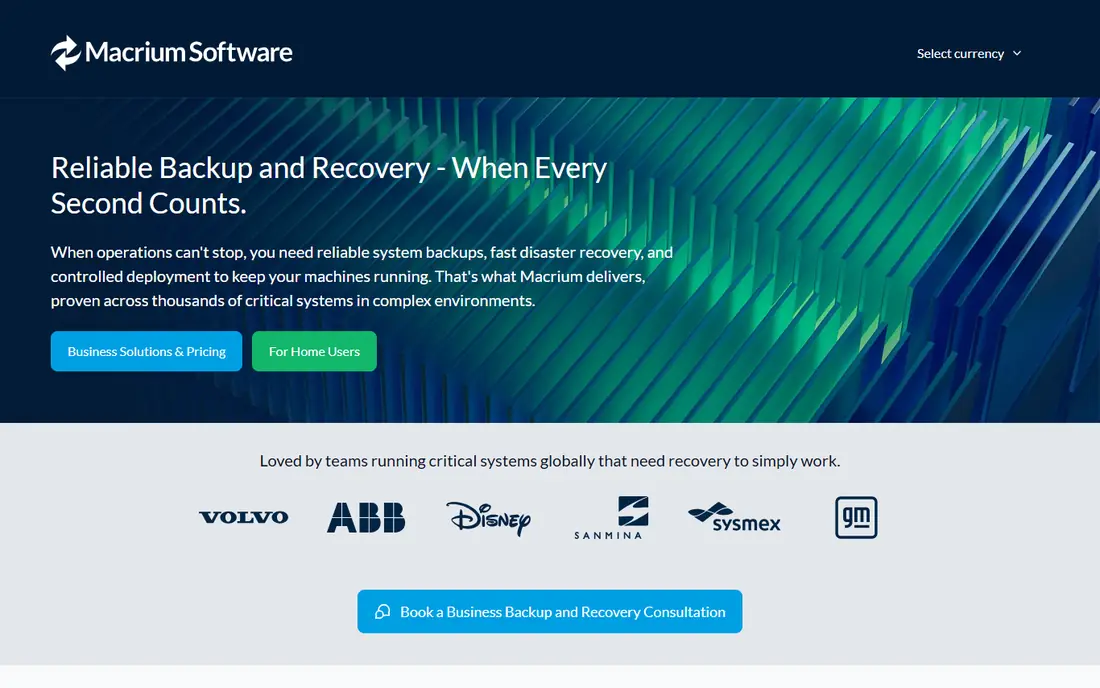
Macrium Reflect serves capable desktop imaging. Macrium Reflect is the technician's imaging tool: quick, steady disk imaging with very good bootable rescue media and fine-grained control over what gets imaged and how. Cloning, differential imaging, and rapid recovery work exactly as advertised.
In daily use, the interface assumes technical users; this is not software for beginners. But for technicians who image machines on a regular basis and need it to work every time, Macrium's reliability reputation is well earned. Check the vendor site for Macrium Reflect pricing; none is listed in this comparison. Macrium Reflect has no free tier.
Honest limits: Interface is technical.
- Trusted by technicians
- Very good rescue media
- Business pricing per workstation
Acronis Cyber Protect
Ideal for: Complete cyber protection

Acronis Cyber Protect targets complete cyber protection. The breadth brings complexity; there is a lot to configure.
Where it falls short: Pricing has numerous levels.
Acronis Cyber Protect does not show a starting price in this comparison, so check the vendor site for current pricing. Acronis Cyber Protect has no free plan.
- Solid for MSPs
- Imaging plus backup, security, management
- Can be complicated
SmartDeploy
Ideal for: Modern endpoint deployment
SmartDeploy works best for modern endpoint deployment. SmartDeploy's clever trick is the single golden image: one Windows image deploys to any hardware since the system manages drivers automatically through its driver packs.
In practice, IT teams stop maintaining separate images per model. As for the details, cloud deployment choices suit remote and hybrid workforces. No starting price is listed for SmartDeploy here; confirm pricing on the vendor site. SmartDeploy has no free tier.
Points against: Less for pure backup.
- Single golden image for any hardware
- Cloud-friendly
- Subscription pricing
Paragon Hard Disk Manager
Ideal for: Partitioning plus imaging
Choose Paragon Hard Disk Manager for partitioning plus imaging. Paragon Hard Disk Manager bundles disk imaging with the partitioning tools technicians actually need: resize, migrate, wipe, and clone alongside backup and recovery. It is the Swiss-army choice for desktop technicians who do a bit of everything.
Drawbacks to consider: Interface is dense.
For everyday use, the interface packs in a lot and can feel dense. Worth adding: the software is steady and the bundles are fairly priced. In practice, cloud backup integration trails the cloud-native vendors. But for technicians who want one Windows tool handling imaging, partitioning, and migration, Paragon's combination is practical and proven. Paragon Hard Disk Manager shows no starting price here, so confirm the cost on the vendor site. No free plan comes with Paragon Hard Disk Manager.
- Merges partitioning and imaging
- Reliable
- Less cloud integration
Iperius Backup
Ideal for: Adaptable Windows backup
In short, Iperius Backup is for adaptable Windows backup. Iperius Backup is a Windows-focused backup tool with unusual destination adaptability: local, network, FTP, and all major cloud storage providers. Perpetual licensing choices appeal to buyers avoiding subscriptions.
It is Windows-only and the interface prioritizes function over form. But the adaptability of where backups go, combined with straightforward licensing, makes Iperius a practical choice for Windows-centric small firms that want control over their backup destinations. Iperius Backup does not show a starting price in this comparison, so check the vendor site for current pricing. Iperius Backup has no permanent free option.
Where it falls short: Windows only.
- Perpetual licenses available
- Very adaptable destinations
- Interface is utilitarian
Clonezilla
Ideal for: Free bare-metal cloning
Clonezilla was built for free bare-metal cloning. Pair it with scheduled backup software for continuing protection. Clonezilla is the free standard for disk imaging.
Boot from USB, clone a disk to an image file, restore it later; the Server Edition multicasts images to numerous machines simultaneously for lab and classroom deployment. It supports a broad set of filesystems and costs nothing. In daily use, the text-based interface demands technical confidence, and there is no scheduling, central dashboard, or reporting. It is a cloning tool, not a backup system. Entry price for Clonezilla: Free. You can start on Clonezilla without paying.
What to check first: Text interface.
- Fully free
- Quick cloning
- No scheduling or central management
Selection criteria
The comparison looks at four things: starting price, free access, how well the feature set matches computer imaging software, and the main limit of each tool. Where a price is missing, the vendor does not list one publicly or ties it to a quote. Always confirm before budgeting. We ordered the tools by general fit, then by how clearly pricing is shown, then by free access. A buyer with unusual needs may reorder them.
Before you commit
- Confirm the entry price on the vendor page. For ManageEngine OS Deployer, Macrium Reflect, Acronis Cyber Protect and others that means a quote rather than a fixed price.
- Test the free plan from Clonezilla against your real workload before relying on it.
- Read the limits listed for ManageEngine OS Deployer first: Windows Server required.
- Ask Acronis Cyber Protect whether prices are locked for the first term and what happens at renewal.
- Involve the people who will use SmartDeploy daily; a short pilot beats a long feature checklist.
Frequently asked questions
Is ManageEngine OS Deployer the right pick for everyone comparing computer imaging software?
No single tool suits every team. ManageEngine OS Deployer comes first because it fits enterprise OS deployment, while Macrium Reflect suits powerful desktop imaging and Acronis Cyber Protect suits complete cyber protection. Match the tool to your own size, budget and workflow before deciding.
Can I deploy one image to different hardware?
Yes, with the right tool. Entry-level cloning tools may produce unbootable systems on different hardware. In daily use, if your fleet is diverse, verify this capability specifically.
Do these tools publish their prices?
Not all of them. ManageEngine OS Deployer, Macrium Reflect, Acronis Cyber Protect and others publish no starting price, so expect a quote request for those. The rest, Clonezilla included, show a starting price, though seats and billing terms still change the final cost.
Which options for computer imaging software have a free plan?
Clonezilla is the only tool in this list with a free plan. Free plans usually cap users, projects or features, so check the limits on the vendor page.
Can I try these options before paying?
Often, yes. Clonezilla has a free plan. Use your own data and a real task during the test, and check what the free tier or trial limits before you rely on it.