Best Computer Vision Software in 2026: 8 Options Compared

- 1
 Roboflowteams building custom vision modelsVisit
- 2
 Clarifaicompanies wanting vision plus AI platformVisit
- 3
 Google Cloud Visiondevelopers on Google CloudVisit
- 4
 Amazon Rekognitiondevelopers on AWSVisit
- 5
 Azure AI Visiondevelopers on Microsoft AzureVisit
- Roboflow is our pick for teams building custom vision models, while Clarifai suits companies wanting vision plus AI platform.
- Google Cloud Vision is a strong option for developers on Google Cloud, and Amazon Rekognition fits developers on AWS.
- Prices are mostly custom or vary by plan, so get a written quote and check what is included before you commit.
- Azure AI Vision and Ultralytics show how different this market is, from simple tools to full enterprise platforms.
- Read the catch for each option below, because limits on price, scale and support matter as much as headline features.
Quick comparison
| Product | Ideal for | Price from | Free version | |
|---|---|---|---|---|
| Roboflow | teams building custom vision models | See website | Yes | Visit |
| Clarifai | companies wanting vision plus AI platform | See website | Yes | Visit |
| Google Cloud Vision | developers on Google Cloud | See website | See website | Visit |
| Amazon Rekognition | developers on AWS | See website | See website | Visit |
| Azure AI Vision | developers on Microsoft Azure | See website | See website | Visit |
 Ultralytics | developers wanting YOLO models | See website | Yes | Visit |
 Viso Suite | enterprises wanting end to end vision | See website | See website | Visit |
 Chooch | companies wanting ready vision models | See website | See website | Visit |
The best computer vision software
We compared official feature pages, pricing pages, app store listings where relevant, privacy policies and public reviews to build this list of best computer vision software. Each option below truly fits the topic, and we note where pricing is custom or where a free option has real limits.
Roboflow
Ideal for: teams building custom vision models
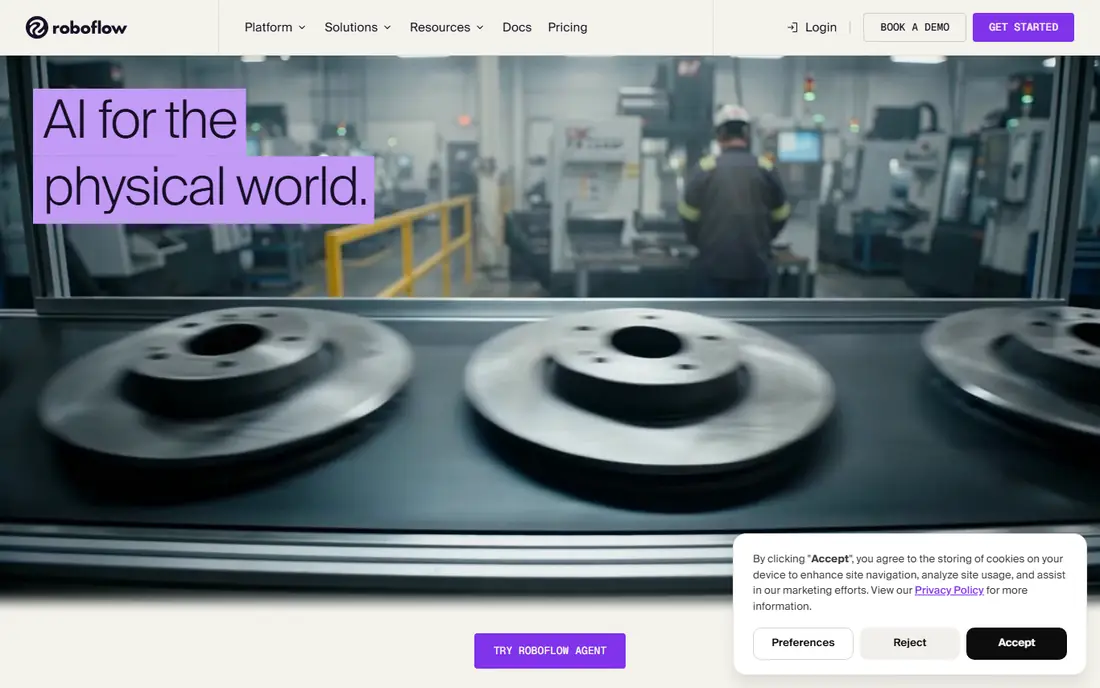
Roboflow is a strong fit for teams building custom vision models. Roboflow helps teams label data, train models and deploy computer vision. For many buyers, that focus is the main reason to shortlist it, even when other options look similar on a feature list. Its dataset tools suit companies building custom detection or classification models. That practical detail matters in daily use, because a tool that fits your workflow will get used, while a poor fit often sits unused. We also checked how clearly the vendor explains pricing, support and limits, since vague pricing makes comparison harder. The catch is that model quality depends heavily on the quality and size of training data. Pricing is listed as See website, and the free plan status is Yes, so confirm the exact terms on the official site before you buy. If that catch affects your main use case, move to the next option rather than trying to work around it.
- Dataset tools, labelling and model training
- Deployment options
- Integrations
- Pricing varies by usage
- Free tier limits
- Model quality depends on data
Clarifai
Ideal for: companies wanting vision plus AI platform
For companies wanting vision plus AI platform, Clarifai is worth a close look. Clarifai offers a platform for computer vision and other AI models. For many buyers, that focus is the main reason to shortlist it, even when other options look similar on a feature list. Its ready models and custom training suit varied business uses. That practical detail matters in daily use, because a tool that fits your workflow will get used, while a poor fit often sits unused. We also checked how clearly the vendor explains pricing, support and limits, since vague pricing makes comparison harder. The catch is that test models on your own images before relying on accuracy claims. Pricing is listed as See website, and the free plan status is Yes, so confirm the exact terms on the official site before you buy. If that catch affects your main use case, move to the next option rather than trying to work around it.
- Computer vision models and platform
- Data labelling
- Deployment tools
- Pricing varies by usage
- Free tier limits
- Model choice needs testing
Google Cloud Vision
Ideal for: developers on Google Cloud
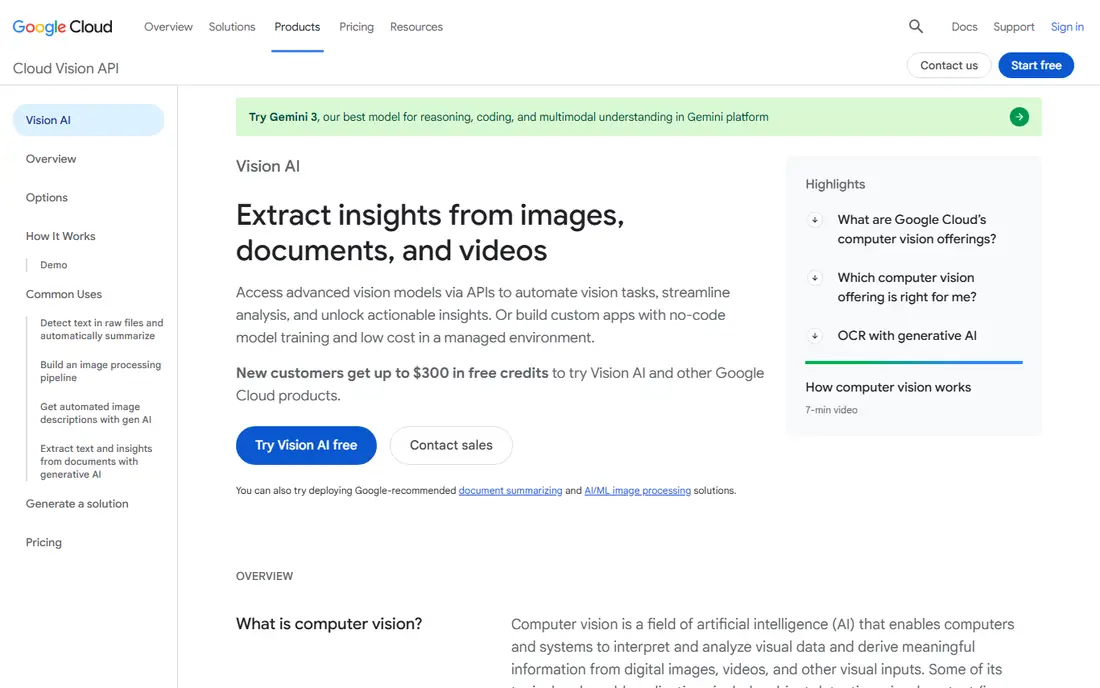
Google Cloud Vision stands out for developers on Google Cloud. Google Cloud Vision provides APIs for labelling, text detection and face detection. For many buyers, that focus is the main reason to shortlist it, even when other options look similar on a feature list. Its cloud integration suits developers already building on Google Cloud. That practical detail matters in daily use, because a tool that fits your workflow will get used, while a poor fit often sits unused. We also checked how clearly the vendor explains pricing, support and limits, since vague pricing makes comparison harder. The catch is that usage based pricing means cost monitoring matters at scale. Pricing is listed as See website, and the free plan status is See website, so confirm the exact terms on the official site before you buy. If that catch affects your main use case, move to the next option rather than trying to work around it.
- Image labelling, OCR and detection APIs
- Google Cloud integration
- Scalable pricing
- Pricing varies by usage
- Google Cloud setup needed
- Data privacy needs checking
Amazon Rekognition
Ideal for: developers on AWS
If you need help with developers on AWS, Amazon Rekognition deserves attention. Amazon Rekognition offers image and video analysis through AWS APIs. For many buyers, that focus is the main reason to shortlist it, even when other options look similar on a feature list. Its detection tools cover objects, faces, text and activities in images and video. That practical detail matters in daily use, because a tool that fits your workflow will get used, while a poor fit often sits unused. We also checked how clearly the vendor explains pricing, support and limits, since vague pricing makes comparison harder. The catch is that teams should review privacy, consent and bias risks for face related uses. Pricing is listed as See website, and the free plan status is See website, so confirm the exact terms on the official site before you buy. If that catch affects your main use case, move to the next option rather than trying to work around it.
- Image and video analysis APIs
- Face and object detection
- AWS integration
- Pricing varies by usage
- AWS setup needed
- Privacy and bias considerations matter
Azure AI Vision
Ideal for: developers on Microsoft Azure
Azure AI Vision is a strong fit for developers on Microsoft Azure. Azure AI Vision provides image analysis and OCR through Microsoft Azure. For many buyers, that focus is the main reason to shortlist it, even when other options look similar on a feature list. Its enterprise controls suit companies with compliance requirements. That practical detail matters in daily use, because a tool that fits your workflow will get used, while a poor fit often sits unused. We also checked how clearly the vendor explains pricing, support and limits, since vague pricing makes comparison harder. The catch is that face related features have access restrictions, so check current eligibility. Pricing is listed as See website, and the free plan status is See website, so confirm the exact terms on the official site before you buy. If that catch affects your main use case, move to the next option rather than trying to work around it.
- Image analysis, OCR and face APIs
- Azure integration
- Enterprise controls
- Pricing varies by usage
- Azure setup needed
- Face features have restrictions
Ultralytics
Ideal for: developers wanting YOLO models
For developers wanting YOLO models, Ultralytics is worth a close look. Ultralytics is known for YOLO object detection models and tools. For many buyers, that focus is the main reason to shortlist it, even when other options look similar on a feature list. Its open source options suit developers building custom detection systems. That practical detail matters in daily use, because a tool that fits your workflow will get used, while a poor fit often sits unused. We also checked how clearly the vendor explains pricing, support and limits, since vague pricing makes comparison harder. The catch is that tuning and deployment still need engineering skill and good data. Pricing is listed as See website, and the free plan status is Yes, so confirm the exact terms on the official site before you buy. If that catch affects your main use case, move to the next option rather than trying to work around it.
- YOLO models and tools
- Open source options
- Training and deployment
- Open source licensing varies
- Support varies
- Model tuning needs expertise
Viso Suite
Ideal for: enterprises wanting end to end vision
Viso Suite stands out for enterprises wanting end to end vision. Viso Suite offers an end to end platform for building and running vision applications. For many buyers, that focus is the main reason to shortlist it, even when other options look similar on a feature list. Its edge deployment suits factories, retail and logistics use cases. That practical detail matters in daily use, because a tool that fits your workflow will get used, while a poor fit often sits unused. We also checked how clearly the vendor explains pricing, support and limits, since vague pricing makes comparison harder. The catch is that enterprise pricing means smaller teams may prefer API tools. Pricing is listed as See website, and the free plan status is See website, so confirm the exact terms on the official site before you buy. If that catch affects your main use case, move to the next option rather than trying to work around it.
- End to end computer vision platform
- Edge deployment
- No code options
- Pricing is custom
- Enterprise focus
- Setup planning needed
Chooch
Ideal for: companies wanting ready vision models
If you need help with companies wanting ready vision models, Chooch deserves attention. Chooch provides ready computer vision models for faces, objects and actions. For many buyers, that focus is the main reason to shortlist it, even when other options look similar on a feature list. Its APIs suit companies that want vision features without training models. That practical detail matters in daily use, because a tool that fits your workflow will get used, while a poor fit often sits unused. We also checked how clearly the vendor explains pricing, support and limits, since vague pricing makes comparison harder. The catch is that test accuracy on your own data before committing. Pricing is listed as See website, and the free plan status is See website, so confirm the exact terms on the official site before you buy. If that catch affects your main use case, move to the next option rather than trying to work around it.
- Ready vision models for faces, objects and actions
- APIs
- Deployment options
- Pricing is custom
- Model accuracy varies by use
- Smaller vendor scale
How we picked these
We started from the topic itself and kept only products that truly fit it in October 2026. We compared official feature pages, pricing pages, app store listings where relevant, privacy policies and public reviews. We did not claim hands-on testing that did not happen, and we did not invent prices, awards, user counts or ratings. We favoured a mix of well known leaders and strong smaller options, and we kept pricing honest. Where a vendor does not publish a price, we wrote See website rather than guessing. That approach keeps the comparison useful even when exact prices need a quote.
How to choose the right option for you
Start with your main job, not the longest feature list. For best computer vision software, write down the one outcome you need in the next three months, then check which options deliver that outcome without extra tools. A short trial or demo is worth more than a long sales call, because it shows whether the workflow fits your team. Next, check total cost, not just the headline price. Look for per user fees, usage limits, add ons, renewal prices and contract length. Ask what support is included, what happens at renewal, and how you can leave or export your data. Those answers often decide value more than a small price gap. Then check fit for your scale and skills. A tool built for large enterprises can feel heavy for a small team, while a simple tool can feel thin for a large team. Read recent public reviews, check the vendor privacy policy, and confirm support hours for your time zone. If a vendor cannot answer those questions clearly, treat that as a warning sign. Finally, shortlist two or three options and test them on a real task. For best computer vision software, use your own data or a realistic example, not just a demo script. Compare speed, clarity and support during the test, then choose the option your team will actually use every week.