Best Conference line services in 2026: 8 Compared

- 1
 Zoomvideo and audio conference callsVisit
- 2
 Google Meetsimple conference calls with GoogleVisit
- 3
 Microsoft Teamsconference calls in Microsoft 365Visit
- 4
 Webexbusiness conference callsVisit
- 5
 GoTo Meetingstraightforward business meetingsVisit
- Our pick for most readers is Zoom, because it fits best conference line service directly and covers the core need without unnecessary extras.
- Google Meet is the strongest alternative when simple conference calls with Google matters more than a single all purpose choice, so compare it side by side with our pick.
- Pricing varies widely across this list, so check the official pricing page before you commit, and treat any figure marked See website as quote based or usage based.
- The best choice depends on your budget, your team size, and how often you will use it, which is why we list 8 options for best conference line service rather than a single winner for everyone.
Quick comparison
| Product | Ideal for | Price from | Free version | |
|---|---|---|---|---|
| Zoom | video and audio conference calls | See website | Yes | Visit |
| Google Meet | simple conference calls with Google | See website | Yes | Visit |
| Microsoft Teams | conference calls in Microsoft 365 | See website | Yes | Visit |
| Webex | business conference calls | See website | Yes | Visit |
| GoTo Meeting | straightforward business meetings | See website | Free trial | Visit |
 Dialpad | conference calls plus business phone | See website | Free trial | Visit |
 FreeConferenceCall.com | free conference lines | See website | Yes | Visit |
 UberConference | simple team conference calls | See website | Free trial | Visit |
The best conference line services
We compared official feature pages, pricing pages, app store listings where relevant, privacy policies, and public reviews for best conference line service. The 8 options below cover the main ways readers approach this topic, from well known leaders to smaller specialists worth considering.
Zoom
Ideal for: video and audio conference calls
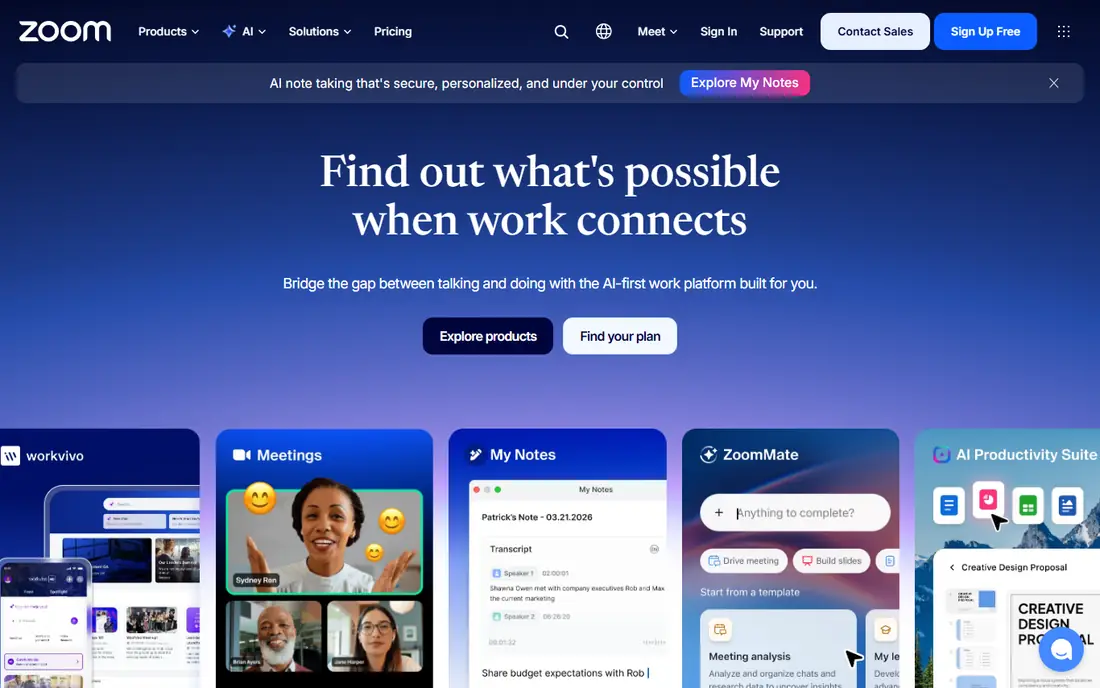
For readers whose main need is video and audio conference calls, Zoom is worth a close look. It is aimed at that use case first, which keeps the decision clearer than a general tool that tries to cover everything. That focus matters in daily use, because it affects cost, setup time, and how much help you need from the provider. On the plus side, it offers reliable large meetings and dial in numbers. Those points matter in daily use, because they affect setup time, ongoing cost, and how much support you need from the provider. It also offers recording and transcripts. The limits to weigh are full features need paid plans and large meetings need higher tiers. If either one clashes with how you work, another option on this list may fit better. Our view is to weigh those limits against the strengths above, and to check the official pricing page before you commit, since plans change.
- Reliable large meetings
- Dial in numbers
- Recording and transcripts
- Full features need paid plans
- Large meetings need higher tiers
Google Meet
Ideal for: simple conference calls with Google
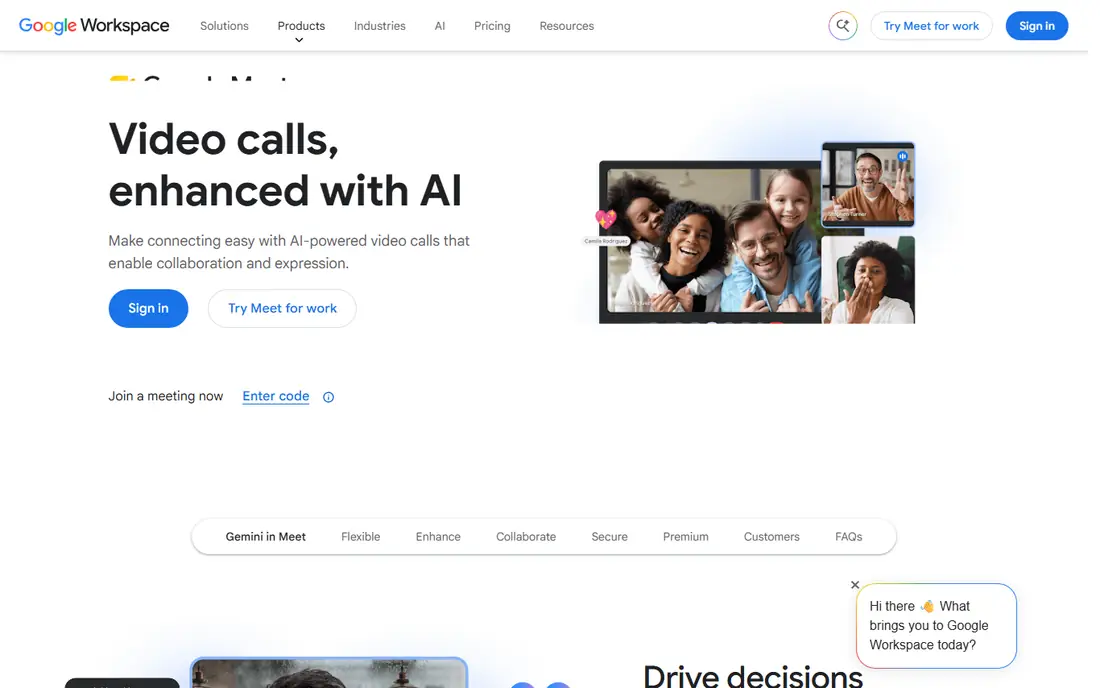
Google Meet stands out first for simple conference calls with Google, and that focus shapes the whole experience. It is aimed at that use case first, which keeps the decision clearer than a general tool that tries to cover everything. That focus matters in daily use, because it affects cost, setup time, and how much help you need from the provider. On the plus side, it offers free tier for basic calls and browser based. Those points matter in daily use, because they affect setup time, ongoing cost, and how much support you need from the provider. It also offers google Calendar integration. The limits to weigh are advanced controls need Workspace and call limits on free tier. If either one clashes with how you work, another option on this list may fit better. Our view is to weigh those limits against the strengths above, and to check the official pricing page before you commit, since plans change.
- Free tier for basic calls
- Browser based
- Google Calendar integration
- Advanced controls need Workspace
- Call limits on free tier
Microsoft Teams
Ideal for: conference calls in Microsoft 365
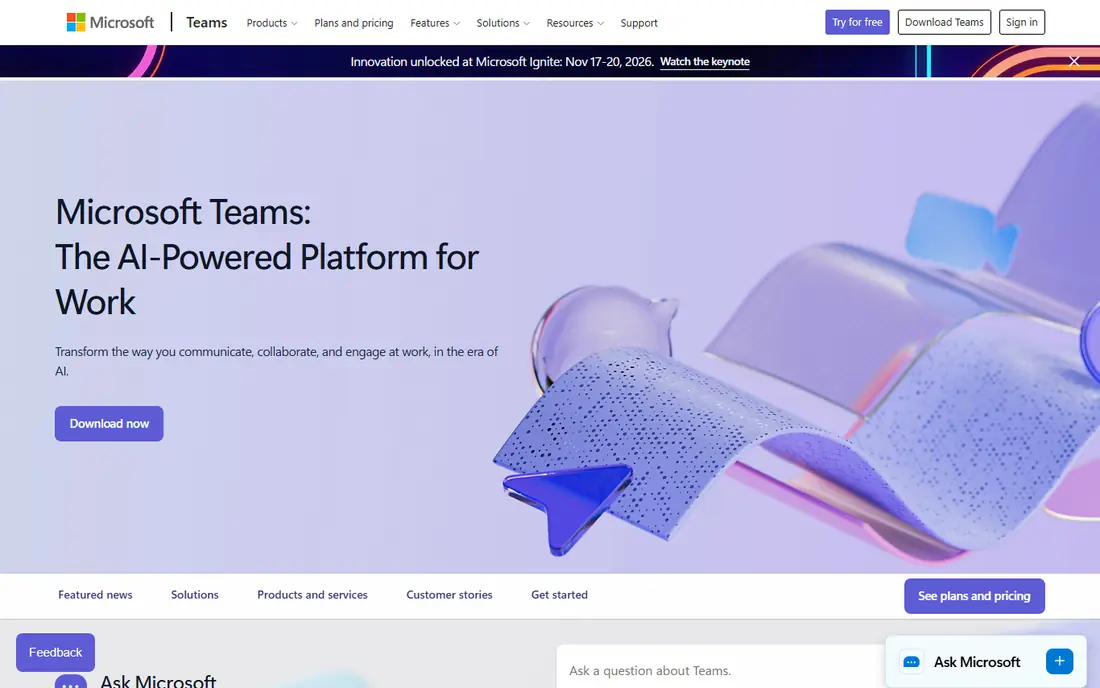
If conference calls in Microsoft 365 is your priority, Microsoft Teams deserves a place on your shortlist. It is aimed at that use case first, which keeps the decision clearer than a general tool that tries to cover everything. That focus matters in daily use, because it affects cost, setup time, and how much help you need from the provider. On the plus side, it offers deep Microsoft 365 integration and large meetings. Those points matter in daily use, because they affect setup time, ongoing cost, and how much support you need from the provider. It also offers chat and files in one place. The limits to weigh are best value inside Microsoft 365 and setup can feel heavy for small teams. If either one clashes with how you work, another option on this list may fit better. Our view is to weigh those limits against the strengths above, and to check the official pricing page before you commit, since plans change.
- Deep Microsoft 365 integration
- Large meetings
- Chat and files in one place
- Best value inside Microsoft 365
- Setup can feel heavy for small teams
Webex
Ideal for: business conference calls
We put Webex on this list mainly for business conference calls, where it covers the basics well. It is aimed at that use case first, which keeps the decision clearer than a general tool that tries to cover everything. That focus matters in daily use, because it affects cost, setup time, and how much help you need from the provider. On the plus side, it offers strong meeting security options and dial in and video. Those points matter in daily use, because they affect setup time, ongoing cost, and how much support you need from the provider. It also offers good large event tools. The limits to weigh are interface can feel complex and some features need higher plans. If either one clashes with how you work, another option on this list may fit better. Our view is to weigh those limits against the strengths above, and to check the official pricing page before you commit, since plans change.
- Strong meeting security options
- Dial in and video
- Good large event tools
- Interface can feel complex
- Some features need higher plans
GoTo Meeting
Ideal for: straightforward business meetings
For readers whose main need is straightforward business meetings, GoTo Meeting is worth a close look. It is aimed at that use case first, which keeps the decision clearer than a general tool that tries to cover everything. That focus matters in daily use, because it affects cost, setup time, and how much help you need from the provider. On the plus side, it offers simple meeting links and dial in numbers. Those points matter in daily use, because they affect setup time, ongoing cost, and how much support you need from the provider. It also offers drawing and recording tools. The limits to weigh are pricing is higher than some rivals and free tier is limited. If either one clashes with how you work, another option on this list may fit better. Our view is to weigh those limits against the strengths above, and to check the official pricing page before you commit, since plans change.
- Simple meeting links
- Dial in numbers
- Drawing and recording tools
- Pricing is higher than some rivals
- Free tier is limited
Dialpad
Ideal for: conference calls plus business phone
Dialpad stands out first for conference calls plus business phone, and that focus shapes the whole experience. It is aimed at that use case first, which keeps the decision clearer than a general tool that tries to cover everything. That focus matters in daily use, because it affects cost, setup time, and how much help you need from the provider. On the plus side, it offers aI meeting notes and phone and meetings together. Those points matter in daily use, because they affect setup time, ongoing cost, and how much support you need from the provider. It also offers good call quality. The limits to weigh are aI features vary by plan and setup needs some configuration. If either one clashes with how you work, another option on this list may fit better. Our view is to weigh those limits against the strengths above, and to check the official pricing page before you commit, since plans change.
- AI meeting notes
- Phone and meetings together
- Good call quality
- AI features vary by plan
- Setup needs some configuration
FreeConferenceCall.com
Ideal for: free conference lines
If free conference lines is your priority, FreeConferenceCall.com deserves a place on your shortlist. It is aimed at that use case first, which keeps the decision clearer than a general tool that tries to cover everything. That focus matters in daily use, because it affects cost, setup time, and how much help you need from the provider. On the plus side, it offers free conference lines and dial in numbers. Those points matter in daily use, because they affect setup time, ongoing cost, and how much support you need from the provider. It also offers recording included. The limits to weigh are free tier has basic features and interface feels dated. If either one clashes with how you work, another option on this list may fit better. Our view is to weigh those limits against the strengths above, and to check the official pricing page before you commit, since plans change.
- Free conference lines
- Dial in numbers
- Recording included
- Free tier has basic features
- Interface feels dated
UberConference
Ideal for: simple team conference calls
We put UberConference on this list mainly for simple team conference calls, where it covers the basics well. It is aimed at that use case first, which keeps the decision clearer than a general tool that tries to cover everything. That focus matters in daily use, because it affects cost, setup time, and how much help you need from the provider. On the plus side, it offers simple interface and no PINs for many calls. Those points matter in daily use, because they affect setup time, ongoing cost, and how much support you need from the provider. It also offers screen sharing. The limits to weigh are now part of Dialpad and feature set is narrower than rivals. If either one clashes with how you work, another option on this list may fit better. Our view is to weigh those limits against the strengths above, and to check the official pricing page before you commit, since plans change.
- Simple interface
- No PINs for many calls
- Screen sharing
- Now part of Dialpad
- Feature set is narrower than rivals
How we picked these
We started with products and services that exist and work in October 2026 and that truly fit best conference line service, then we compared their official feature pages, pricing pages, app store listings where relevant, privacy policies, and public reviews. We left out options that did not fit the topic, even when they were popular elsewhere, and we marked prices as See website whenever the vendor did not publish a simple starting price we could verify. We mixed well known leaders with smaller specialists, because the best known name is not always the best fit for a particular budget, team size, or use case. We did not claim hands-on testing we did not do. Instead, we weighed published features, pricing, limits, and reported problems, and we kept the honest weakness of each option next to its strengths so readers can judge the trade off for themselves.
What to check before you choose
Start with the job you actually need done, not the longest feature list. Write down your budget, how often you will use the service, who else needs access, and what must work on day one. Then match that short list against two or three options here, rather than comparing all eight in full detail at once. Check the total cost, not just the headline price. Look for setup fees, per user charges, usage limits, renewal prices, and cancellation terms on the official pricing page. A low starting price can still be costly if the plan you need sits two tiers higher, and a higher price can be fair value if it removes a separate tool you already pay for. - Total cost over a full year, including renewal pricing and add ons. - Limits that matter to you, such as users, volume, storage, or locations covered. - Support hours and channels, and whether help is included or charged extra. - Contract length, cancellation terms, and what happens to your data if you leave. Finally, confirm availability for your location and your situation before you pay. Some services vary by state, country, or plan, and some offers depend on eligibility checks. A quick check of the official terms page now saves a refund request later, and it keeps the choice grounded in what you will actually receive.
Frequently asked questions
Which conference line services is best for most people?
Our pick for most readers is Zoom, because it covers the core need for best conference line service without unnecessary extras. That said, the right pick depends on your budget and how often you will use it, so compare our pick with Google Meet before you decide. Both are strong, and they suit different priorities.
How much do conference line services cost?
Prices vary widely across this list, and several vendors use quote based or usage based pricing, which is why some entries say See website. Check the official pricing page for the plan that matches your volume and team size, and add up renewal prices and add ons before you compare totals.
Is there a free conference line services option?
Yes. Zoom, Google Meet, Microsoft Teams, Webex, FreeConferenceCall.com offer a free tier, although free tiers usually limit features, volume, or support, so check what is included before you rely on one.
How do I choose between these conference line services?
Start with your must have features, your budget, and how often you will use the service, then narrow the list to two or three options that meet those needs. Read the strengths and limits for each one, check the official pricing page, and use a trial or a small first order when one is offered.
Can I switch conference line services later?
In most cases, yes, but switching can take time if you have data, settings, or a contract tied to your current choice. Check contract length, export options, and cancellation terms before you sign up, and keep a copy of your data where the service allows it.