7 Best Construction Contract Management Software Options for 2026

- 1
 Autodesk Construction Cloud (Build)Design-build businesses and contractors already using Revit, AutoCAD and other Autodesk toolsVisit
- 2
 Jonas ConstructionSpecialty, mechanical, electrical and service contractors that require contracts tied to accountingVisit
- 3
 CMiCLarge contractors that want contracts, accounting, payroll and job costing in one ERPVisit
- 4
 ProcoreGeneral contractors needing contracts, change orders and payments in one systemVisit
- 5
 Viewpoint (Trimble)Large contractors that require Vista ERP job costingVisit
- Number one here is Autodesk Construction Cloud (Build), a fit for design-build businesses and contractors already using Revit, AutoCAD and other Autodesk tools.
- A permanent free plan is missing from all 7 tools, Autodesk Construction Cloud (Build) and Aconex (Oracle) included; plan for a trial or a premium start.
- Check the limits for CMiC before you commit: long implementation, commonly six to eighteen months, and high services costs.
- Aconex (Oracle) is the one to check for owners, consultants and contractors on large infrastructure and capital projects.
Direct answer
If you need design-build businesses and contractors already using Revit, AutoCAD and other Autodesk tools, Autodesk Construction Cloud (Build) is the first tool to look at here. Alternatives: Jonas Construction for specialty, mechanical, electrical and service contractors that require contracts tied to accounting, and CMiC for large contractors that want contracts, accounting, payroll and job costing in one ERP.
Quick comparison
| Product | Ideal for | Price from | Free version | |
|---|---|---|---|---|
| Autodesk Construction Cloud (Build) | Design-build businesses and contractors already using Revit, AutoCAD and other Autodesk tools | 1,400 dollars per user per year, 800 dollars for Essentials, third-party reported, checked 12 Nov 2026 | Free trial (30 days) | Visit |
| Jonas Construction | Specialty, mechanical, electrical and service contractors that require contracts tied to accounting | Quote only, checked 12 Nov 2026 | No | Visit |
| CMiC | Large contractors that want contracts, accounting, payroll and job costing in one ERP | Quote only, checked 12 Nov 2026 | No | Visit |
| Procore | General contractors needing contracts, change orders and payments in one system | Quote only, checked 12 Nov 2026 | No | Visit |
| Viewpoint (Trimble) | Large contractors that require Vista ERP job costing | Quote only, checked 12 Nov 2026 | No | Visit |
 e-Builder (Trimble) | Owners and public agencies managing capital programmes and large project portfolios | Quote only, checked 12 Nov 2026 | No | Visit |
 Aconex (Oracle) | Owners, consultants and contractors on large infrastructure and capital projects | Quote only, checked 12 Nov 2026 | No | Visit |
Construction Contract Management Software compared in detail
Ainotely compared 7 tools for construction contract management software. The goal is a practical shortlist: published prices, free plan facts, best-fit use cases and honest limits for every entry.
Autodesk Construction Cloud (Build)
Ideal for: Design-build businesses and contractors already using Revit, AutoCAD and other Autodesk tools
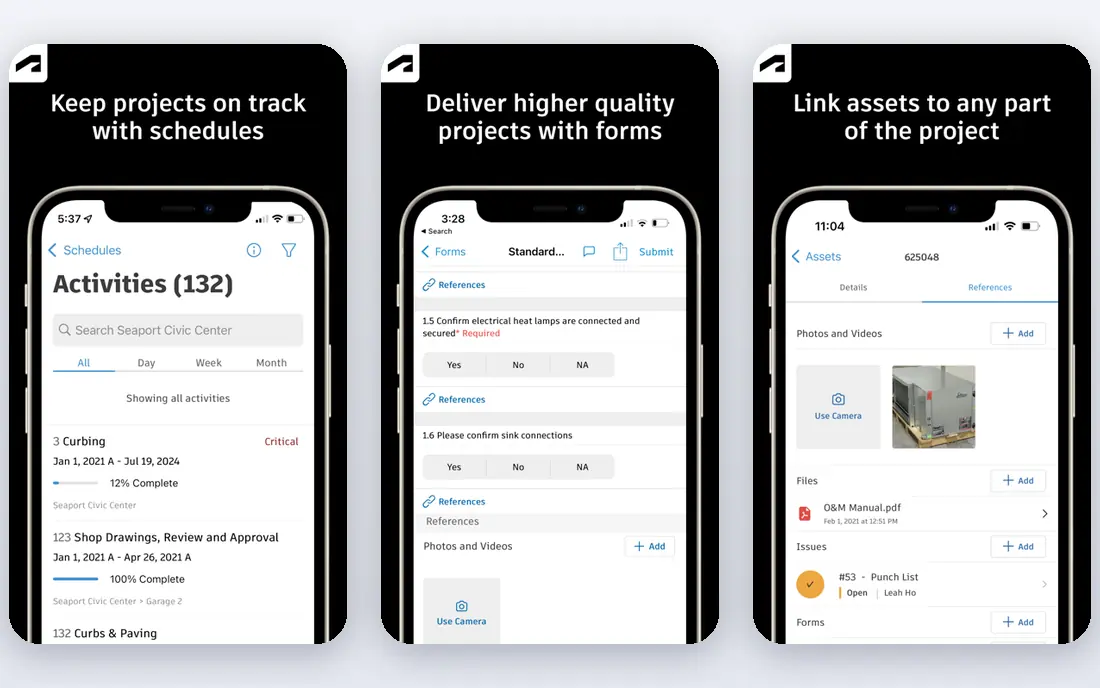
Autodesk Construction Cloud (Build) works best for design-build businesses and contractors already using Revit, AutoCAD and other Autodesk tools. Autodesk Construction Cloud Build, renamed Forma Build in March 2026, links design, preconstruction and field work in one cloud product. For everyday use, contract documents, drawings, RFIs and change orders sit in the same typical data environment.
So a contract change can be traced back to the drawing revision that caused it. Note a price conflict: one source reports 1,400 dollars per user a year, whereas another reports 1,625 dollars. Price to start with Autodesk Construction Cloud (Build): 1,400 dollars per user per year, 800 dollars for Essentials, third-party reported,. On free options: Free trial (30 days).
Trade-offs to know: the cost module is less deep than a full ERP.
- Published per-user pricing
- Strong BIM and drawing links
- Cost climbs rapidly as user numbers grow
Jonas Construction
Ideal for: Specialty, mechanical, electrical and service contractors that require contracts tied to accounting
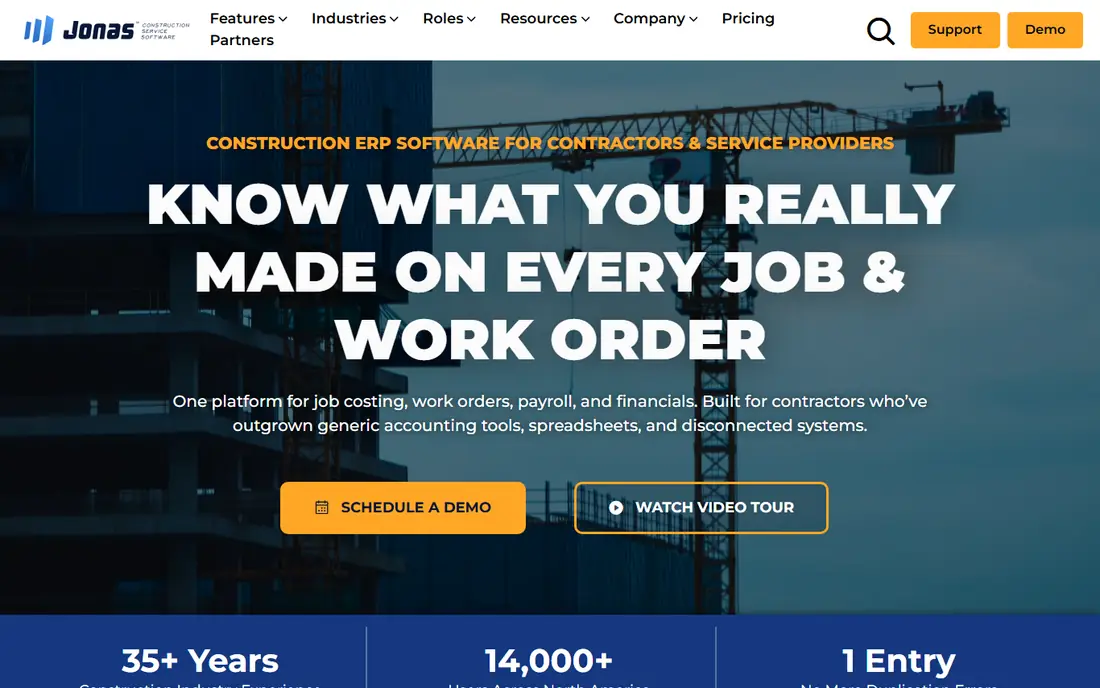
Jonas Construction is designed for specialty, mechanical, electrical and service contractors that require contracts tied to accounting. The vendor does not publish pricing, and every deal is quoted. Jonas Construction is an integrated construction and service management system pitched at mechanical, electrical, plumbing and other specialty contractors.
Watch-outs: Per-user pricing brings up quick for bigger teams.
Its contract tools handle project contracts, subcontracts, change orders and billing, and they connect straight to job costing, payroll, equipment and service work. That link matters, because a change order on a service job can flow through to billing and to the technician schedule. The starting price for Jonas Construction: Quote only, checked 12 Nov 2026. No free plan comes with Jonas Construction.
- Solid fit for specialty trade contractors
- Deep construction accounting and service management
- The interface feels dated next to newer cloud systems
CMiC
Ideal for: Large contractors that want contracts, accounting, payroll and job costing in one ERP
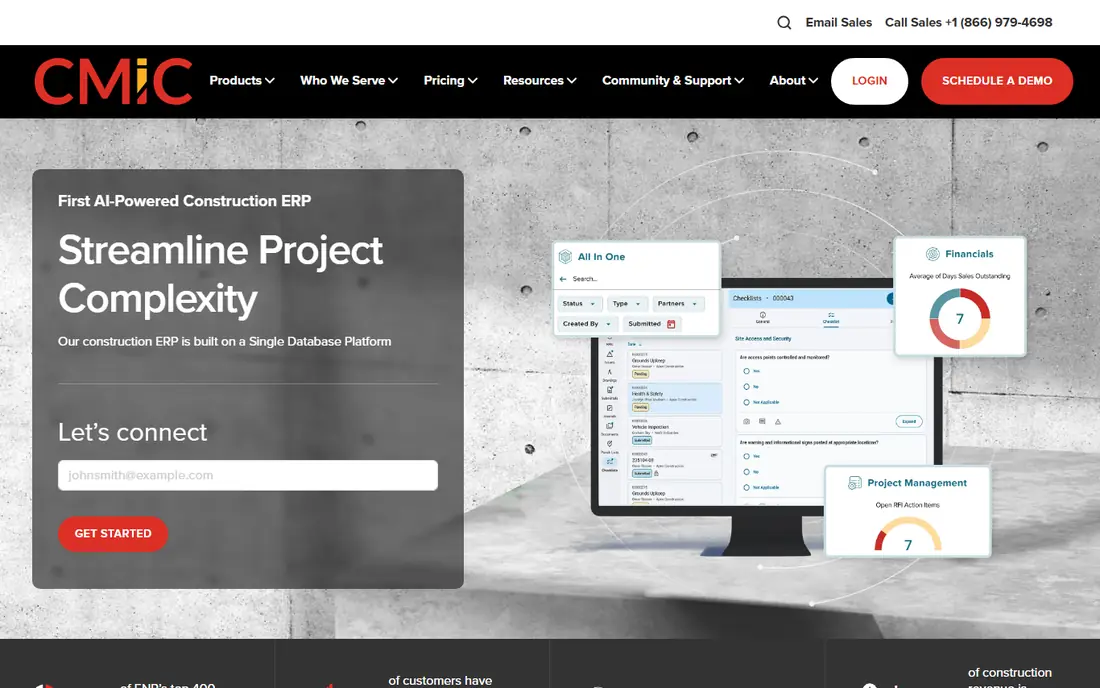
CMiC is designed for large contractors that want contracts, accounting, payroll and job costing in one ERP. CMiC is a construction ERP built on a single database, so contracts, budgets, change orders, payroll and accounting all draw on the same figures.
The main drawbacks: commonly six to eighteen months, high services costs.
CMiC cost at the entry level: Quote only, checked 12 Nov 2026. There is no free plan with CMiC.
- Accounting and project controls
- Capable job costing and financial reporting
- Long implementation
Procore
Ideal for: General contractors needing contracts, change orders and payments in one system
Procore makes the most sense for general contractors needing contracts, change orders and payments in one platform. You can produce prime contracts and subcontracts from templates, route them for approval, collect signatures and link each contract to its budget, schedule of values and change orders.
Price to start with Procore: Quote only, checked 12 Nov 2026. Procore does not include a free plan.
- Solid subcontract and payment workflows
- Large integration library
- No published price makes budgeting hard before a sales conversation
Viewpoint (Trimble)
Ideal for: Large contractors that require Vista ERP job costing
Where Viewpoint (Trimble) fits: large contractors that need Vista ERP job costing, payroll and contract control in one system. External figures conflict: one directory reports a starting price of 10,000 dollars a year, whereas another reports core modules at 800 to 1,500 dollars per user per year. Viewpoint Vista, part of Trimble Construction One, is an enterprise construction ERP for job costing, financial management, payroll, HR, equipment and service management.
Its contract tools link subcontracts and change orders to job cost, so committed cost, forecast cost and actual cost are visible in one place, and payment applications flow into the accounting system. Also, Vista deals with union payroll, multi-company and multi-currency accounting, which fits large contractors with complicated labour and entity structures. Viewpoint (Trimble) starts at: Quote only, checked 12 Nov 2026. Viewpoint (Trimble) has no permanent free option.
- Union payroll and multi-entity accounting
- Long track record with large contractors
- Quote-only pricing with large implementation costs
e-Builder (Trimble)
Ideal for: Owners and public agencies managing capital programmes and large project portfolios
e-Builder (Trimble) is designed for owners and public agencies managing capital programmes and large project portfolios. It handles the full capital project lifecycle, from planning and design through procurement, construction and handover, with cost management, document control, process automation, scheduling and bid management. Also, contract administration sits inside that programme view, so an owner can track contracts, changes and payments across a portfolio of projects.
That portfolio view is its primary strength, and also its central limit for a contractor. As for the details, Trimble publishes no price, and cost is by quote only. e-Builder (Trimble) starts at: Quote only, checked 12 Nov 2026. e-Builder (Trimble) has no permanent free option.
- Solid capital planning
- Cost control and programme reporting for owners
- Made for owners instead of contractors, so a contractor using it on its own projects will find some workflows pitched at the client side
Aconex (Oracle)
Ideal for: Owners, consultants and contractors on large infrastructure and capital projects
In short, Aconex (Oracle) is for owners, consultants and contractors on large infrastructure and capital projects. Its contract strength is control: every document, transmittal, RFI, change and approval is logged with a full audit trail.
So the project record can stand up in a dispute. Aconex (Oracle) cost at the entry level: Quote only, checked 12 Nov 2026. Aconex (Oracle) does not include a free plan.
- Made for multi-organisation capital programmes
- Very solid audit trail and document control
- Heavy setup and administration for a small contractor
Construction Contract Management Software: the basics
Subcontracts, change orders and payments are the three workflows that separate a real construction contract tool from a generic document store. From a buyer's view, the best tools link the subcontract to the budget, so committed cost updates once a subcontract is signed. They track insurance expiry before a payment is released.
As for the details, a payment workflow should let the subcontractor submit an application against the schedule of values, let the project manager certify the work completed and apply retention.
What construction contract management software does
Construction contract management software is the system a contractor, owner or programme manager uses to produce, approve, track and close out construction contracts. It handles prime contracts with clients and subcontracts with trade partners, and it keeps every version, signature, change and payment in one place. From a buyer's view, a decent tool starts with templates and approval routing.
So a draft moves from the project manager to commercial review and then to signature. It should store the signed contract, the scope, the schedule of values and the insurance documents alongside it. It should manage change orders from first request to approved change, with an audit trail that displays who asked and what it costs.
Picking the right construction contract management software
Check the licence, the implementation and the renewal terms, since those are three separate costs. In practice, check the product fit in a demo that uses your own contract documents, not the vendor sample set.
How we built this list
For each of the 7 tools we noted price, free plan or trial, fit for construction contract management software and the main limit, using vendor pages and documentation. Where a price is missing, the vendor does not list one publicly or ties it to a quote. Always confirm before budgeting. We ordered the tools by general fit, then by how clearly pricing is shown, then by free access. A buyer with unusual needs may reorder them.
Pre-purchase checklist
- Check the current price for Autodesk Construction Cloud (Build), Aconex (Oracle) and the rest on each vendor page, since seats and billing terms change the total.
- Run a trial of Autodesk Construction Cloud (Build) with real work before paying for a year; your own workflow is the best test.
- Before choosing Autodesk Construction Cloud (Build), weigh its main limit: cost climbs rapidly as user numbers grow, and the cost module is less deep than a full ERP.
- Confirm the exact Procore plan that includes your must-have features.
- The entry price of Viewpoint (Trimble) is only the starting point; model the full cost with seats and extras.
Frequently asked questions
What is the best construction contract management software for a general contractor?
Start with Autodesk Construction Cloud (Build) if you need design-build businesses and contractors already using Revit, AutoCAD and other Autodesk tools. Jonas Construction is the better match for specialty, mechanical, electrical and service contractors that need contracts tied to accounting, and CMiC for large contractors that want contracts, accounting, payroll and job costing in one ERP. The best choice depends on budget, team size and workflow.
How are the tools for construction contract management software ordered?
The order follows typical fit for construction contract management software, with Autodesk Construction Cloud (Build) first and Aconex (Oracle) last, then price clarity and free access. It is editorial judgement, not a score, so another team could rank the tools differently.
How much does construction contract management software cost?
Autodesk Build is the exception, with a reported 1,400 dollars per user a year.
Does any tool for construction contract management software here have a free plan?
No tool in this list, Autodesk Construction Cloud (Build) and Aconex (Oracle) included, has a permanent free plan. Autodesk Construction Cloud (Build) offer a trial. Trials and quotes are the usual route, so plan a short evaluation period.
Can I try these options before paying?
Often, yes. Autodesk Construction Cloud (Build) offers a free trial. Use your own data and a real task during the test, and check what the free tier or trial limits before you rely on it.
Do these tools publish their prices?
Yes. Every tool from Autodesk Construction Cloud (Build) to Aconex (Oracle) shows a starting price, though seats, add-ons and billing terms still change the final cost.