Best Construction Machine Tracking Software in 2026: 8 Tools Compared

- 1
 SamsaraGPS plus utilization and safetyVisit
- 2
 Teletrac NavmanFleet and asset trackingVisit
- 3
 Verizon ConnectLarge fleet telematicsVisit
- 4
 GeotabFleet data and integrationsVisit
- 5
 TennaConstruction asset trackingVisit
- Samsara and Teletrac Navman lead for GPS tracking plus utilization and safety data.
- Verizon Connect and Geotab suit large fleets with broad telematics and reporting.
- Tenna and Fleetio fit construction firms that need asset and maintenance tracking.
- Trackunit and Hilti ON!Track suit equipment-focused teams with tool and machine tracking.
- Check hardware, coverage, and maintenance alerts before choosing.
Quick comparison
| Product | Ideal for | Price from | Free version | |
|---|---|---|---|---|
| Samsara | GPS plus utilization and safety | See website | No | Visit |
| Teletrac Navman | Fleet and asset tracking | See website | No | Visit |
| Verizon Connect | Large fleet telematics | See website | No | Visit |
| Geotab | Fleet data and integrations | See website | No | Visit |
| Tenna | Construction asset tracking | See website | No | Visit |
 Fleetio | Fleet and maintenance management | See website | Free trial | Visit |
 Trackunit | Equipment tracking and access | See website | No | Visit |
 Hilti ON!Track | Tool and asset tracking | See website | No | Visit |
The best construction machine tracking software
We compared official feature pages, pricing pages, and public reviews for eight machine and fleet tracking tools used on construction sites. The best pick depends on whether you track heavy machines, vehicles, tools, or all three, and on how much maintenance and utilization data you need.
Samsara
Ideal for: GPS plus utilization and safety
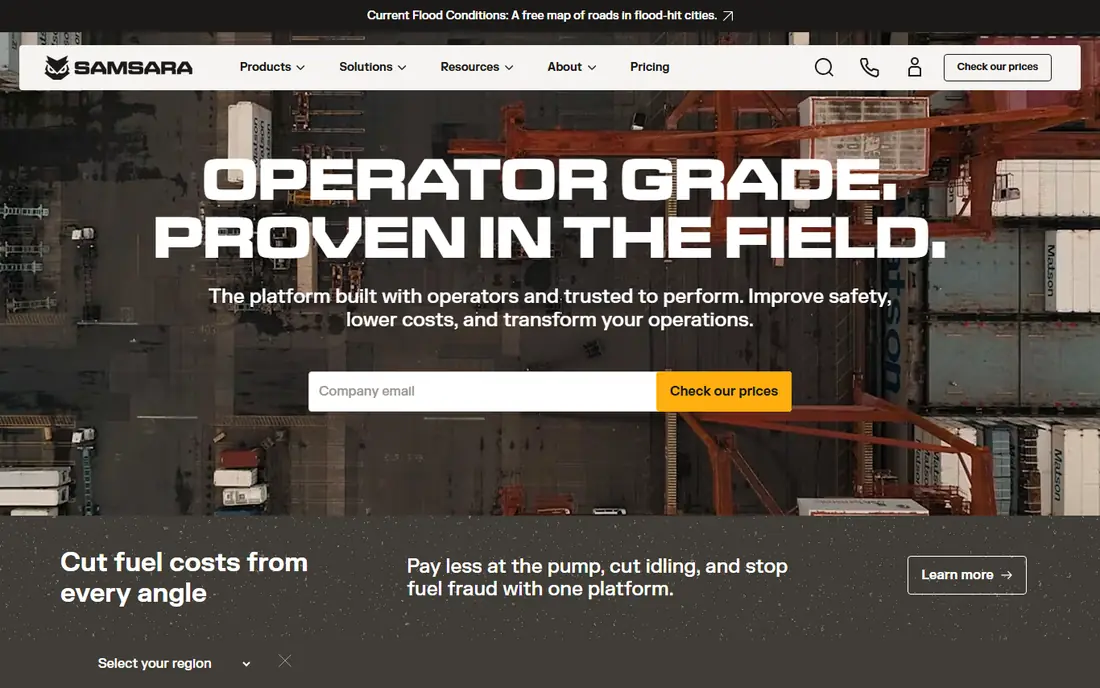
Samsara tracks vehicles and equipment with GPS, utilization, and engine data, plus safety features such as cameras and alerts on higher plans. Construction managers can see where machines are, how much they are used, and when maintenance is due. The dashboard suits firms with mixed fleets of trucks and heavy equipment.
Pricing is quoted, and hardware per asset adds cost. For a construction firm that wants one platform for vehicles, machines, and safety, Samsara is a leading choice. Confirm hardware options for each machine type.
- GPS and utilization tracking
- Safety and camera options
- Maintenance alerts
- Pricing is quoted
- Hardware costs add up
Teletrac Navman
Ideal for: Fleet and asset tracking

Teletrac Navman offers GPS tracking, geofencing, and utilization reports for construction fleets and assets. Managers can set site boundaries, track machine hours, and review safety events. The platform suits firms that need reliable location data plus basic fleet management.
Pricing is quoted, and the product range can confuse buyers, so confirm which platform fits your fleet. For a firm that wants proven tracking with geofencing and reporting, Teletrac Navman is a solid option.
- GPS tracking and geofencing
- Utilization reports
- Safety tools
- Pricing is quoted
- Interface varies by product line
Verizon Connect
Ideal for: Large fleet telematics
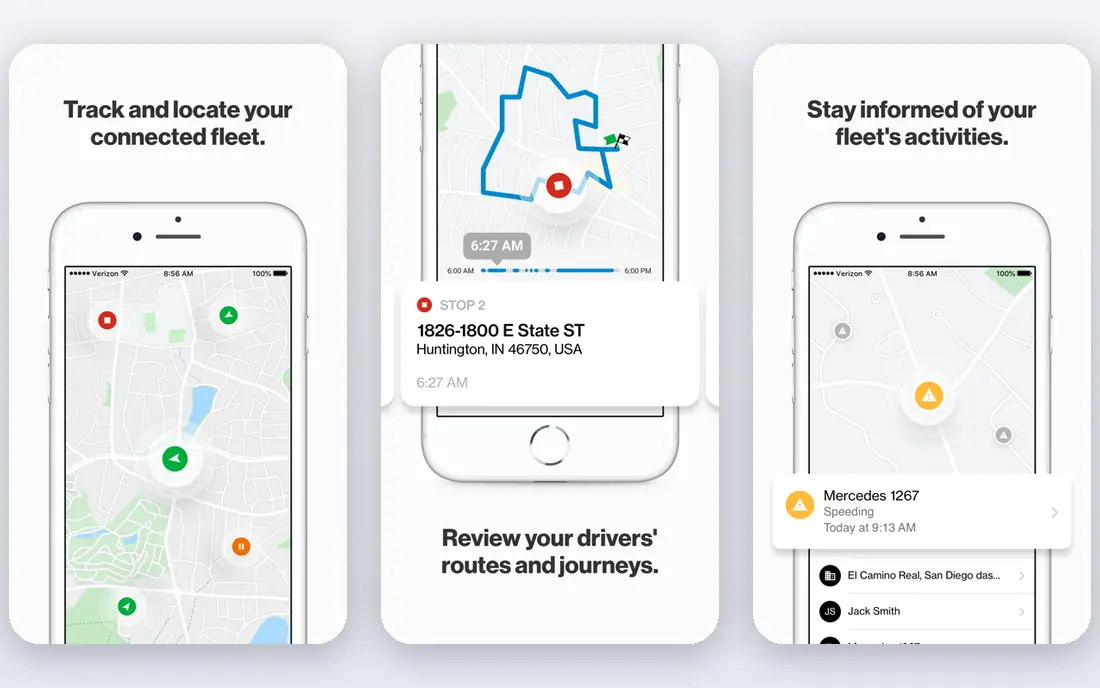
Verizon Connect provides telematics for large fleets, including GPS, maintenance scheduling, and driver safety tools. Construction firms can track vehicles and equipment, plan maintenance by hours or mileage, and review utilization across sites. The platform scales to hundreds of assets.
Smaller fleets may find the system broad and costly. For a large construction firm with many vehicles and machines, Verizon Connect offers depth and reporting. Check hardware and plan options for heavy equipment versus trucks.
- Broad fleet telematics
- Maintenance scheduling
- Driver safety tools
- Pricing is quoted
- Smaller fleets may find it broad
Geotab
Ideal for: Fleet data and integrations
Geotab offers fleet telematics with an open platform and marketplace, letting firms add apps for maintenance, safety, and asset tracking. Construction managers get GPS, engine data, and utilization reports, plus integrations with other business tools. The open approach suits firms that want to tailor tracking to their workflow.
Setup needs planning when many add-ons are used, and pricing is quoted. For a firm that values integrations and data flexibility, Geotab is a strong platform. Confirm device options for heavy machines and off-road equipment.
- Open platform and integrations
- Rich vehicle data
- Marketplace add-ons
- Pricing is quoted
- Setup needs planning for add-ons
Tenna
Ideal for: Construction asset tracking
Tenna is built for construction, tracking machines, vehicles, tools, and materials with GPS and QR options. Managers can see asset locations, utilization, and maintenance due dates in one dashboard designed for job sites. The construction focus shows in asset types and workflows.
Vehicle telematics depth is lighter than Samsara or Verizon Connect. For a construction firm whose main need is asset visibility and maintenance, Tenna is a focused fit. Check tracker options for each asset type.
- Built for construction assets
- QR and GPS tracking
- Maintenance alerts
- Pricing is quoted
- Vehicle telematics are lighter than Samsara
Fleetio
Ideal for: Fleet and maintenance management
Fleetio focuses on fleet and maintenance management, with asset records, service reminders, inspections, and fuel tracking. Construction firms can manage maintenance schedules and costs, even if GPS comes through integrations. The tool suits firms that care most about upkeep and total cost.
GPS tracking is not as deep natively as Samsara, so firms needing live location should check integrations. For a firm that wants maintenance discipline plus asset records, Fleetio is a practical choice. Test inspection and reminder workflows during a trial.
- Maintenance tracking and reminders
- Asset records
- Fuel and inspection tools
- GPS tracking needs integrations
- Pricing rises with assets
Trackunit
Ideal for: Equipment tracking and access
Trackunit tracks construction equipment with telematics, location, and utilization data, plus access control options that limit who can operate machines. Rental firms and contractors value the way equipment data, access, and fleet views sit together. The platform suits equipment-heavy operations.
Vehicle fleet management is lighter than full telematics platforms. For an equipment-focused firm or rental business, Trackunit offers focused tracking and control. Confirm device options for your machine brands.
- Equipment telematics
- Access control options
- Rental and fleet tools
- Pricing is quoted
- Vehicle fleet features are lighter
Hilti ON!Track
Ideal for: Tool and asset tracking
Hilti ON!Track tracks tools and assets with tags and software, linking to Hilti service and repair where relevant. Construction teams can find tools, track assignments, and manage maintenance and calibration. The system suits firms with many power tools and small assets that GPS platforms miss.
Firms with few Hilti tools may get less value from Hilti-specific links. For a tool-heavy contractor, ON!Track fills a gap that machine GPS alone leaves. Check tag options and plan limits for your tool count.
- Tool and asset tracking
- Hilti tool integration
- Service and repair links
- Best for Hilti-heavy fleets
- Pricing varies by plan
How we picked these
We compared official feature pages, pricing pages, and public reviews for construction tracking tools in October 2026. We favored tools with GPS or asset tracking, utilization data, maintenance alerts, and job-site usability, and we mixed fleet telematics with equipment and tool tracking. We did not claim hands-on testing, and we list prices as shown on vendor sites, using See website where pricing is quoted.
What to check before you buy
Start with asset types. List machines, vehicles, and tools separately, since GPS trackers, telematics devices, and tags suit different assets. Then check coverage and battery life for remote sites, where cell signal may be weak. Confirm maintenance alerts by hours, mileage, or calendar, whichever your fleet uses.
Next, test the dashboard with real site data, including geofences for job sites and yards. Check integrations with accounting, project management, and maintenance tools. Finally, run a pilot on a subset of assets, measure utilization insights and maintenance misses, and confirm hardware install effort before a full rollout.
A final check before you commit
Shortlists often look similar on paper, so the deciding factor is usually fit with daily work rather than a long feature list. Ask the vendor to walk through your most common task from start to finish, using your own data types where possible, and note every step that needs a workaround or a separate tool. Pay attention to how the team responds to awkward questions about limits, since honest answers at demo stage predict support quality later. If a vendor cannot show your core workflow clearly, that gap will not close after purchase, no matter how attractive the pricing page looks.
Support quality shows up in small moments, such as how fast a password reset, a billing question, or a data import problem gets a useful answer. During a trial, submit a real support question and judge the reply for speed, clarity, and follow-through, since that experience predicts life after purchase. Also check community forums, status pages, and help centers, which reveal how often problems occur and how openly the vendor communicates about them. A vendor with clear status updates and honest incident notes earns trust that marketing pages cannot buy.
Finally, confirm the practical details that demos often skip: how users are added and removed, how data is backed up, what happens during an outage, and how billing handles mid-month changes. These details rarely appear in marketing material, yet they shape daily admin work and incident response, so ask for written answers and keep them with the contract. A vendor that answers plainly about outages and billing builds confidence, while vague answers suggest problems that will surface later. Spend twenty minutes on these questions now, and you will save hours of confusion when a real incident or billing dispute arrives.
Frequently asked questions
What does construction machine tracking software do?
It tracks location, utilization, and maintenance for machines, vehicles, and tools on job sites. Managers use it to find assets, plan maintenance, and reduce idle time and loss.
Do I need GPS trackers for every machine?
Not always. GPS suits machines and vehicles, while QR tags suit tools and small assets. Many firms mix both, using Tenna or Hilti ON!Track for tools alongside GPS for machines.
Can tracking software help with maintenance?
Yes. Most tools alert on hours, mileage, or calendar schedules, and Fleetio and Tenna focus on maintenance records. Regular alerts help prevent breakdowns and costly downtime.
Does tracking work on remote job sites?
Coverage depends on cell signal and tracker type. Check device options for remote areas, including satellite or offline features where offered, before buying.
How much does machine tracking cost?
Pricing is usually quoted per asset plus hardware, and varies by features. Ask for a full quote including devices, plans, and installation for your asset count.