Top 8 Contract Automation Software Options for 2026, Compared
- 1
 Docusign CLMFirms already standardized on Docusign and SalesforceVisit
- 2
 PandaDocSales teams generating contracts and proposalsVisit
- 3
 JuroFast-growing businesses that want self-serve contractsVisit
- 4
 IroncladEnterprise legal teams with complicated workflowsVisit
- 5
 LinkSquaresLegal teams centred on post-signature contract intelligenceVisit
- Docusign CLM is the opening pick, best for businesses already standardized on Docusign and Salesforce.
- PandaDoc has the lowest monthly starting price in this list: $19 per seat/month.
- Only PandaDoc offers a free plan among these 8 tools.
- Contractbook suits small teams that want templates plus data extraction.
Direct answer
If you need businesses already standardized on Docusign and Salesforce, Docusign CLM is the first tool to look at here. If your case is different, PandaDoc suits sales teams generating contracts and proposals and Juro suits fast-growing companies that want self-serve contracts. Prices, free plans and limits for all 8 tools follow.
Quick comparison
| Product | Ideal for | Price from | Free version | |
|---|---|---|---|---|
| Docusign CLM | Firms already standardized on Docusign and Salesforce | See website | No | Visit |
| PandaDoc | Sales teams generating contracts and proposals | $19 per seat/month (Starter, billed yearly) | Yes | Visit |
| Juro | Fast-growing businesses that want self-serve contracts | See website | No | Visit |
| Ironclad | Enterprise legal teams with complicated workflows | See website | No | Visit |
| LinkSquares | Legal teams centred on post-signature contract intelligence | See website | No | Visit |
 Agiloft | Organizations needing no-code configurability | See website | No | Visit |
 Concord | Small and mid-sized businesses wanting published pricing | $499 a month (Essentials, billed yearly, 5 users included) | No | Visit |
 Contractbook | Small teams that want templates plus data extraction | See website | Free trial (14 days) | Visit |
The 8 tools in detail
If you are comparing contract automation software, this page covers 8 tools in one place: what each is best for, what it costs to start, whether it has a free plan, and the main limit to know about.
Docusign CLM
Ideal for: Firms already standardized on Docusign and Salesforce
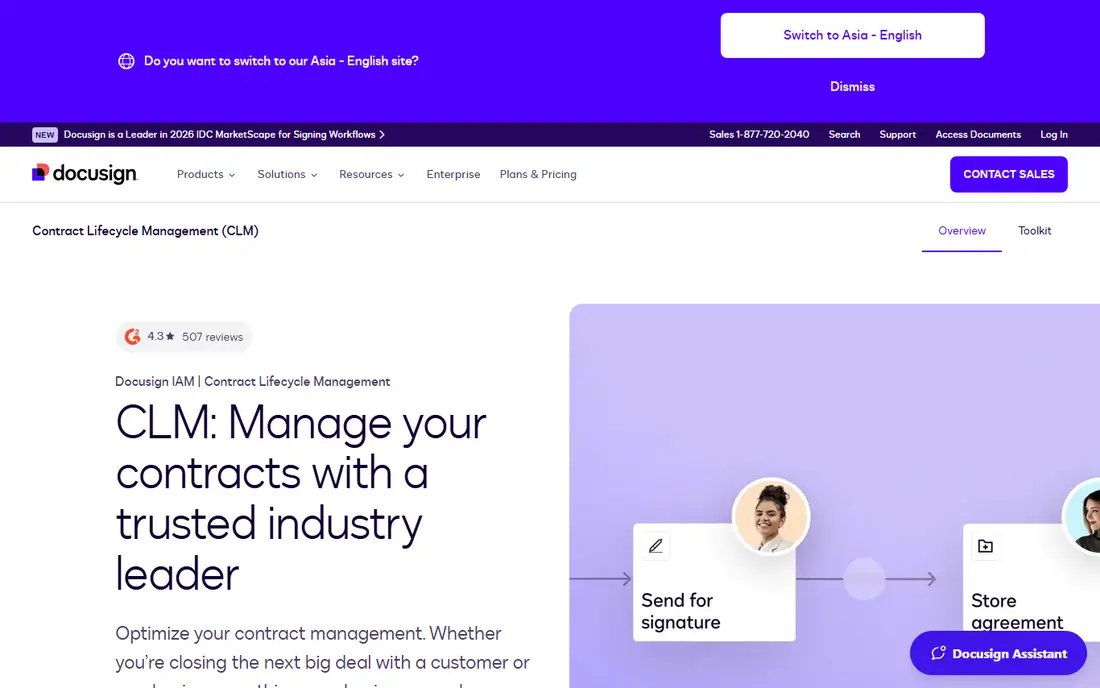
Docusign CLM is built with firms already standardized on Docusign and Salesforce in mind. Firms that do not already use Salesforce or Docusign eSignature lose much of the integration advantage.
Docusign CLM is the contract lifecycle product inside Docusign's Intelligent Agreement Management product. This comparison lists no price for Docusign CLM; ask the vendor. Docusign CLM has no free plan.
Trade-offs to know: Pricing only through sales.
- Drag-and-drop workflow editor with more than 100 prebuilt steps
- Links to SAP Ariba and Coupa for procurement
- Best value assumes you already use other Docusign products
PandaDoc
Ideal for: Sales teams generating contracts and proposals
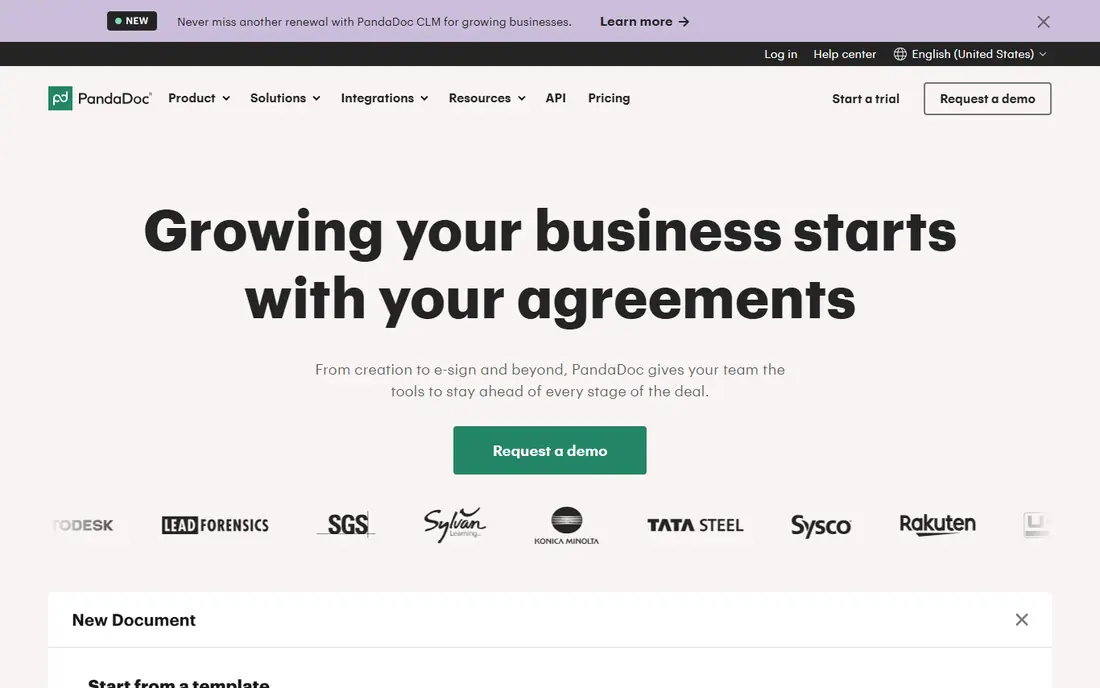
Think of PandaDoc for sales teams generating contracts and proposals. PandaDoc is a document automation tool instead of a full CLM, and for plenty of sales-led businesses that is exactly what they need. Enterprise layers on workflow automation, CPQ, single sign-on and API access.
Prices are public. The Free plan includes 60 document sends per year with e-signatures and a handful of templates. The limitation displays when legal gets involved. Starting cost for PandaDoc: $19 per seat/month. Free access exists with PandaDoc.
Trade-offs to know: CPQ and API access sit on Enterprise.
- Published per-seat pricing
- Pricing tables and CRM integrations for sales documents
- Workflow automation
Juro
Ideal for: Fast-growing businesses that want self-serve contracts
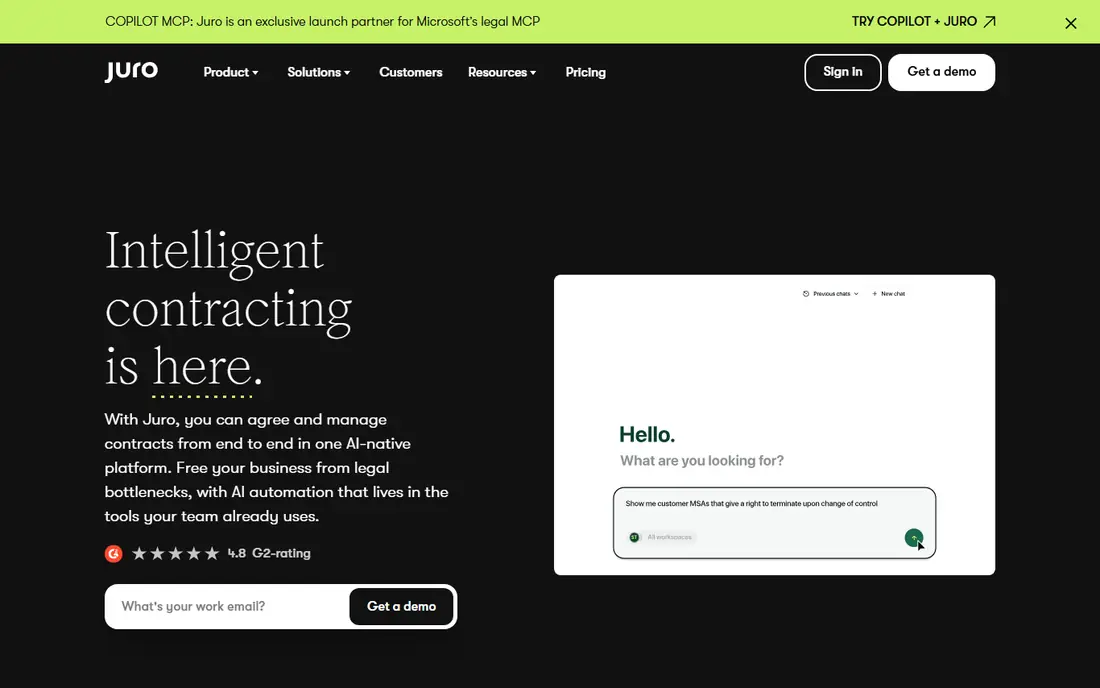
Think of Juro for fast-growing businesses that want self-serve contracts. Juro is designed so that sales, HR and procurement can build routine contracts themselves whereas legal sets the rules. Juro's conversational assistant, Operator, answers questions about your contract repository in plain language and cites its sources.
Points against: Deeper integrations like Salesforce.
Every plan comes with unlimited users, workflows and templates, which is useful when dozens of managers have to request agreements. More specifically, Slack and Google Drive come standard, but Salesforce, HubSpot and Workday connections cost additional. Check the vendor site for Juro pricing; none is listed in this comparison. No free plan comes with Juro.
- Draft and review choices
- Unlimited users
- AI features are selected as extras in the quote
Ironclad
Ideal for: Enterprise legal teams with complicated workflows
Ironclad is aimed squarely at enterprise legal teams with complicated workflows. Its workflow tools let legal ops teams design intake and approval processes so routine agreements move without a lawyer opening each one. Sales teams can build and sign agreements from inside their CRM, which removes plenty of email traffic.
Watch-outs: Custom pricing with extras for some integrations and additional instances.
Ironclad builds each quote from the products you choose, the deployment partner you use and extras like API access or additional instances. Its FAQ notes that some integrations are premium. As for the details, the honest catch is cost and effort. Check the vendor site for Ironclad pricing; none is listed in this comparison. Ironclad has no free tier.
- Ironclad AI is grounded in your own contract history
- Includes the full lifecycle from build and review to sign, store
- Implementation is a project, not an afternoon
LinkSquares
Ideal for: Legal teams centred on post-signature contract intelligence
LinkSquares is a good fit for legal teams centred on post-signature contract intelligence. The company says more than 1,200 customers use the product.
Trade-offs to know: Pricing tailored by volume, users and modules.
What users get: Slack and Dropbox. LinkSquares states there are no hidden fees and that onboarding costs are disclosed at the start, so ask for that breakdown early. Check the vendor site for LinkSquares pricing; none is listed in this comparison. LinkSquares has no permanent free option.
- Solid repository and contract intelligence for finding terms
- Integrations with Salesforce, Docusign
- E-signature is priced separately
Agiloft
Ideal for: Organizations needing no-code configurability
Agiloft is built with organizations needing no-code configurability in mind. Agiloft's selling point is adaptability. Beyond that, Agiloft advertises over 1,000 pre-built connectors, including Salesforce, SAP and Oracle, and says it has been named a leader in Gartner's Magic Quadrant six years in a row.
Watch-outs: Pricing only through sales.
From a buyer's view, the product comes with AI for extraction, risk analysis and contract questions, plus a contract intelligence product called Astra. Worth adding: agree on a straightforward first release with the vendor and expand from there. Also, administrators can configure contract types, approval chains and processes with a point-and-click interface rather than filing change requests with the vendor. No starting price is listed for Agiloft here; confirm pricing on the vendor site. No free plan comes with Agiloft.
- Approved users can change workflows and approval chains without code
- Built-in support for Docusign and Adobe Sign
- Configurability can result in long design phases
Concord
Ideal for: Small and mid-sized businesses wanting published pricing
Concord is a good fit for small and mid-sized businesses wanting published pricing. Essentials is $499 a month, Business $899 and Enterprise $1,299, all billed yearly with 5 users included. Worth adding: ask about freemium choices, which the pricing page mentions only in a footnote.
The main drawbacks: Entry price is high for very small teams.
The product is targeted at businesses where contracts are handled by numerous departments, not just legal. More specifically, the weakness is the floor. Beyond that, at $499 a month, Concord is a real commitment for a 10-person company, and per-user extras grow quickly. Free viewer and guest accounts keep the premium seat count down. Concord pricing: $499 per month. No free plan comes with Concord.
- Transparent plan pricing
- E-signature and deadline alerts
- Additional users cost $49 to $89 a month each based on plan
Contractbook
Ideal for: Small teams that want templates plus data extraction
Contractbook serves small teams that want templates plus data extraction. Essential is for one user with 5 templates and 100 signed contracts per year. In daily use, Accelerate raises that to 10 users and 500 signed contracts and layers on automations and dynamic templates with conditional logic.
What Contractbook does well: then a restricted free plan.
The plans are defined by clear usage limits. In daily use, the caps on signed contracts are the primary thing to test against your volume. Pricing for Contractbook is not stated here, so ask the vendor for current figures. Free options: Free trial (14 days). The main drawbacks: uploads and signed contracts a year.
- SOC 2 and GDPR compliance listed
- AI-powered upload and data extraction from Centralize upward
- Automations and conditional templates only on Accelerate
How we chose
Each tool was reviewed on what its vendor publishes: price, plan limits, core features and stated drawbacks. We did not run hands-on tests. Plan names, prices and limits change often. Treat the figures here as a starting point and verify them with the vendor. The sequence is a judgement call: typical use case first, then pricing transparency, then free access. Use the profiles to check fit.
Things to verify first
- Confirm the entry price on the vendor page. For Docusign CLM, Juro, Ironclad and others that means a quote rather than a fixed price.
- Test the free plan from PandaDoc against your real workload before relying on it.
- Take the trial from Contractbook and push a live task through it before you pay.
- Before choosing Docusign CLM, weigh its main limit: pricing only through sales.
- Confirm you can export your data from Concord, so leaving later does not mean losing records.
- A short pilot of LinkSquares with your real workflow tells you more than a feature table.
Frequently asked questions
How are the tools for contract automation software ordered?
The order follows typical fit for contract automation software, with Docusign CLM first and Contractbook last, then price clarity and free access. It is editorial judgement, not a score, so another team could rank the tools differently.
Do these tools publish their prices?
Not all of them. Docusign CLM, Juro, Ironclad and others publish no starting price, so expect a quote request for those. The rest, PandaDoc included, show a starting price, though seats and billing terms still change the final cost.
Is Docusign CLM the right pick for everyone comparing contract automation software?
No single tool suits every team. Docusign CLM comes first because it fits companies already standardized on Docusign and Salesforce, while PandaDoc suits sales teams generating contracts and proposals and Juro suits fast-growing companies that want self-serve contracts. Match the tool to your own size, budget and workflow before deciding.
Can I try these options before paying?
Often, yes. PandaDoc has a free plan and Contractbook offers a free trial. Use your own data and a real task during the test, and check what the free tier or trial limits before you rely on it.