7 Best Contract Repository Management Software Options for 2026

- 1
 ContractSafeMid-market teams that want transparent pricing and unlimited usersVisit
- 2
 ContractWorksTeams that require a searchable repository up and running quickVisit
- 3
 AgiloftOrganizations with complicated, multi-jurisdiction contract workflowsVisit
- 4
 IroncladLarge legal teams that require deep workflow automationVisit
- 5
 DocuSign CLMEnterprises already standardized on DocuSign eSignatureVisit
- ContractSafe is the opening pick, best for mid-market teams that want transparent pricing and unlimited users.
- ContractWorks stands alone as the one tool in this list with a free plan.
- ContractSafe has the lowest monthly starting price in this list: $450/mo.
- Concord is the one to check for business teams that want to self-serve routine contracts.
- What to know about Agiloft first: quote-based pricing with no public levels, configuration and implementation add significant cost, smaller teams may find it more product than they need.
Direct answer
ContractSafe is the first pick on this list for mid-market teams that want transparent pricing and unlimited users. ContractWorks is better for teams that require a searchable repository up and running quick, and Agiloft is better for organizations with complicated, multi-jurisdiction contract workflows. Details, prices and limits for the rest of the 7 tools are below.
Quick comparison
| Product | Ideal for | Price from | Free version | |
|---|---|---|---|---|
| ContractSafe | Mid-market teams that want transparent pricing and unlimited users | $450/mo | Not stated | Visit |
| ContractWorks | Teams that require a searchable repository up and running quick | See website | Yes | Visit |
| Agiloft | Organizations with complicated, multi-jurisdiction contract workflows | See website | No | Visit |
| Ironclad | Large legal teams that require deep workflow automation | See website | No | Visit |
| DocuSign CLM | Enterprises already standardized on DocuSign eSignature | See website | No | Visit |
 SpotDraft | Mid-market legal teams that want AI-native CLM without enterprise complexity | See website | No | Visit |
 Concord | Business teams that want to self-serve routine contracts | $499/mo | No | Visit |
The 7 tools in detail
If you are comparing contract repository management software, this page covers 7 tools in one place: what each is best for, what it costs to start, whether it has a free plan, and the main limit to know about.
ContractSafe
Ideal for: Mid-market teams that want transparent pricing and unlimited users
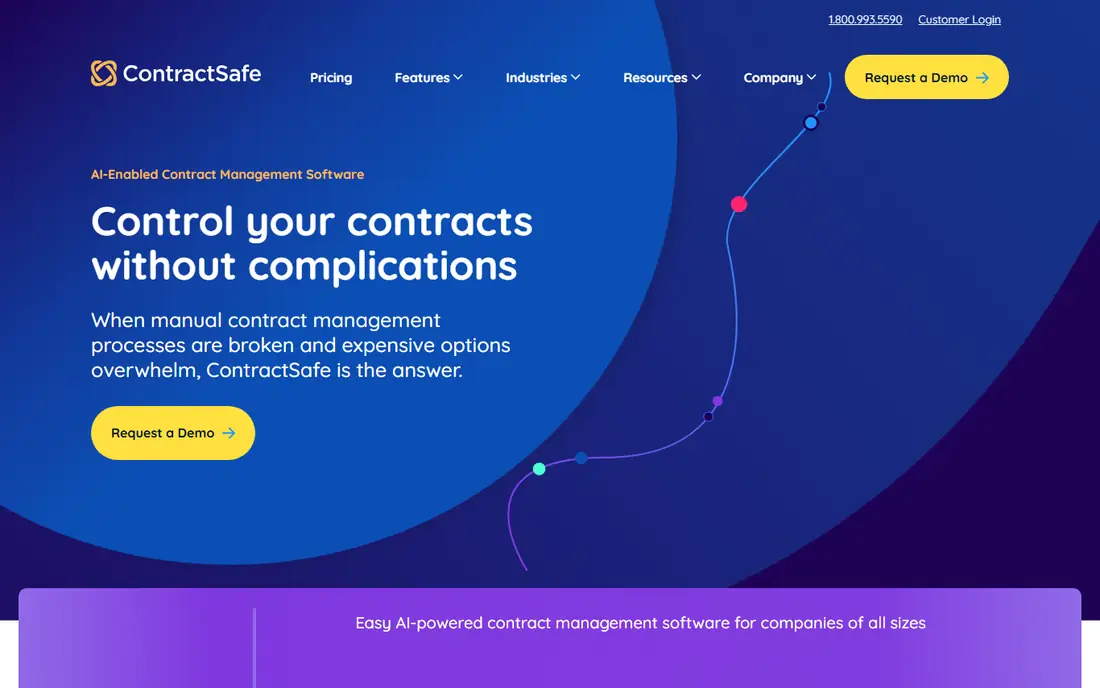
Pick ContractSafe if this describes you: mid-market teams that want transparent pricing and unlimited users. AI extraction pulls parties, dates, values and renewal terms from uploaded contracts for human review.
The system handles approvals, e-signature and renewal alerts. ContractSafe cost at the entry level: $450/mo. Free plan details: Not stated.
Limits to weigh: contract volume bands can push expanding teams up a level.
- Onboarding and migration included at no additional charge
- AI extraction included on every plan
- Not made for deep enterprise workflow customization
ContractWorks
Ideal for: Teams that require a searchable repository up and running quick
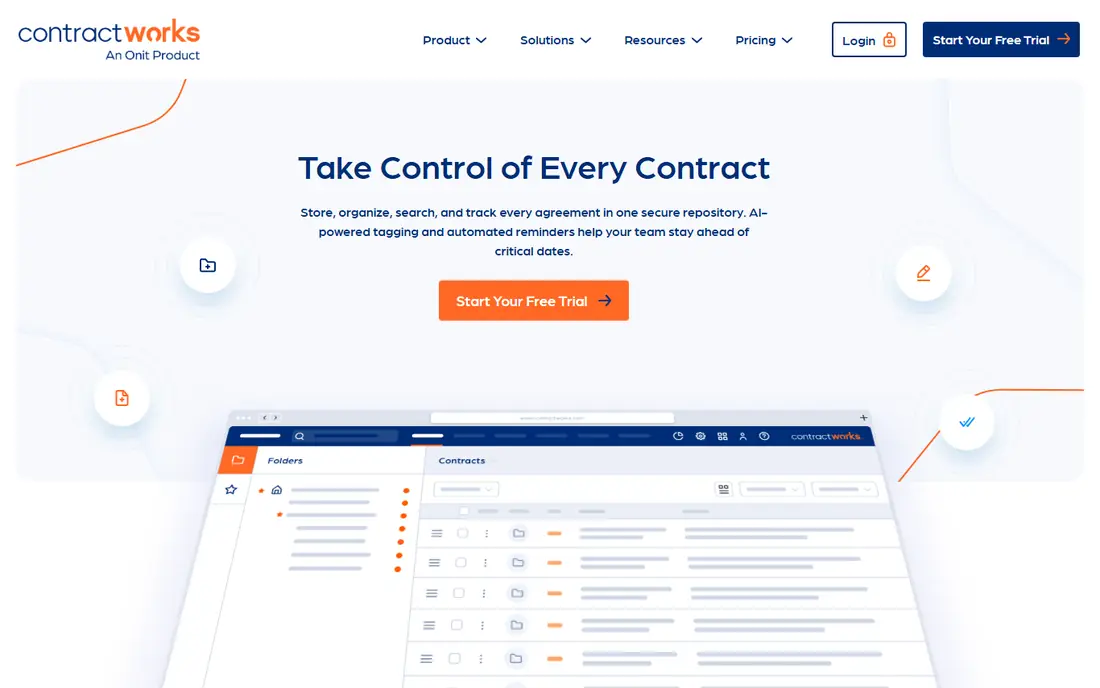
ContractWorks is a good fit for teams that require a searchable repository up and running quick. If your central problem is a shared drive full of signed PDFs, ContractWorks is made for exactly that.
As for the details, a 14-day free trial lets you test it against your own contracts before committing. No starting price is listed for ContractWorks here; confirm pricing on the vendor site. ContractWorks has a free plan.
- 14-day free trial to test with real contracts
- Unlimited users and free implementation on every plan
- Check the vendor page for plan limits
Agiloft
Ideal for: Organizations with complicated, multi-jurisdiction contract workflows
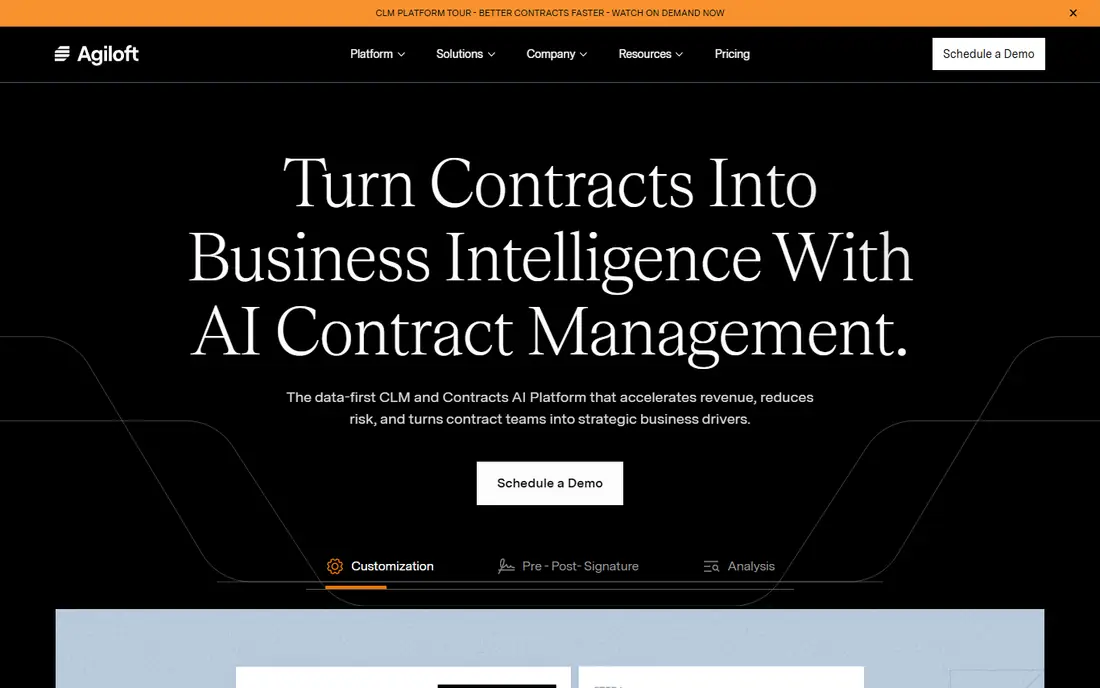
Agiloft was built for organizations with complicated, multi-jurisdiction contract workflows. It is a no-code CLM that spans the full lifecycle from request and negotiation to execution and obligation tracking, with AI features for extraction, risk analysis and contract interrogation baked in instead of bolted on.
Downsides: Quote-based pricing with no public levels.
It links to more than a thousand business systems and publishes a capable customer retention record. For everyday use, the flip side of that adaptability is cost: pricing is quote-based, and configured rollouts can run well into five figures per year before implementation. Pricing for Agiloft is not stated here, so ask the vendor for current figures. No free plan comes with Agiloft.
- Solid obligation tracking and analytics
- Wide integration catalog with major ERPs
- Smaller teams may find it more product than they need
Ironclad
Ideal for: Large legal teams that require deep workflow automation
Ironclad makes the most sense for large legal teams that require deep workflow automation. Ironclad is the name that comes up in nearly every enterprise CLM conversation, and it earned that position by treating contracting as a workflow problem instead of a filing problem. More specifically, the trade-off is the enterprise sales model: pricing is quote-based, and implementations can run into consulting territory.
For everyday use, beyond the searchable repository, it gives you a workflow designer for approvals, collaborative redlining that keeps negotiations in one place, and AI features that extract data and flag issues across the contract portfolio. It plugs into the tools contracts actually touch, including Salesforce, Slack, HubSpot and DocuSign. This comparison lists no price for Ironclad; ask the vendor. Ironclad has no permanent free option.
Honest limits: overkill for teams that chiefly need storage and search.
- Feature-rich workflow designer for complicated approval chains
- Broad integration ecosystem with major CRMs and collaboration tools
- Quote-only pricing with enterprise-level budgets
DocuSign CLM
Ideal for: Enterprises already standardized on DocuSign eSignature
Pick DocuSign CLM if this describes you: enterprises already standardized on DocuSign eSignature. Born from the SpringCM acquisition and now sitting alongside the Intelligent Agreement Management family, it provides the central repository, clause library, redlining and workflow automation you would expect, with native e-signature rather than an integration.
In daily use, if your company already signs everything with DocuSign, DocuSign CLM is the path of least resistance into full contract lifecycle management. This comparison lists no price for DocuSign CLM; ask the vendor. DocuSign CLM has no free plan.
Drawbacks to consider: AI features concentrated in higher levels.
- Native e-signature with no integration needed
- Deep Salesforce and Microsoft integrations
- Implementation commonly needs professional services
SpotDraft
Ideal for: Mid-market legal teams that want AI-native CLM without enterprise complexity
SpotDraft is a good fit for mid-market legal teams that want AI-native CLM without enterprise complexity. SpotDraft aims squarely at mid-market legal teams that want structure without enterprise weight. On top of that, pricing is quote-based and not published.
Downsides: No published pricing.
The vendor positions itself as the practical middle ground between straightforward repositories and heavyweight enterprise CLM. In practice, the AI-native product handles drafting with conditional templates, collaborative negotiation in Word or Slack, a searchable repository with access controls, analytics on renewals and bottlenecks, and compliant e-signatures. In daily use, implementation runs about six weeks with a dedicated team, which is fast for this category. SpotDraft does not show a starting price in this comparison, so check the vendor site for current pricing. SpotDraft does not include a free plan.
- Capable Word and Slack integration for negotiation
- Solid compliance posture with ISO 27001 and SOC 2
- Not made for the most complicated enterprise approval orchestration
Concord
Ideal for: Business teams that want to self-serve routine contracts
Concord targets business teams that want to self-serve routine contracts. Concord positions itself for the large share of agreements that never need legal complexity, which describes most firms' daily contracting.
Watch-outs: per-month pricing can exceed flat-rate competitors for small teams.
Also, the product handles intake to renewal in one place: self-serve templates, in-browser negotiation with redlining and comments, built-in e-signature, AI-assisted review, and proactive deadline alerts with reporting. In daily use, pricing opens at $499 a month on the Essential plan, with higher levels quoted. Price to start with Concord: $499/mo. No free plan comes with Concord.
- Built-in e-signature with unlimited signatures
- AI review and alerts that reduce legal bottlenecks
- No free trial available as of 2026
How the list was put together
The comparison looks at four things: starting price, free access, how well the feature set matches contract repository management software, and the main limit of each tool. Prices and plan limits come from vendor pages and can change, so confirm them on the vendor site before you buy. We ordered the tools by general fit, then by how clearly pricing is shown, then by free access. A buyer with unusual needs may reorder them.
What to confirm before you sign up
- Confirm the entry price on the vendor page. For ContractWorks, Agiloft, Ironclad and others that means a quote rather than a fixed price.
- Test the free plan from ContractWorks against your real workload before relying on it.
- Before choosing ContractSafe, weigh its main limit: not designed for deep enterprise workflow customization, advanced AI review features sit in higher tiers, contract volume bands can push expanding teams up a level.
- Confirm that Concord connects to the apps your team already uses, on the plan you would actually buy.
- Make sure SpotDraft lets you export your data in a format another tool can read.
Frequently asked questions
What is the cheapest option for contract repository management software in this list?
On published monthly entry prices, ContractSafe is the lowest here at $450/mo. Entry price is only part of the cost, because seats, add-ons and billing terms can change the total.
Which options for contract repository management software have a free plan?
ContractWorks is the only tool in this list with a free plan. Free plans usually cap users, projects or features, so check the limits on the vendor page.
Can I try these options before paying?
Often, yes. ContractWorks has a free plan. Use your own data and a real task during the test, and check what the free tier or trial limits before you rely on it.
Do these tools publish their prices?
Not all of them. ContractWorks, Agiloft, Ironclad and others publish no starting price, so expect a quote request for those. The rest, ContractSafe included, show a starting price, though seats and billing terms still change the final cost.
Can we migrate our existing contracts into a new system?
Yes, and this is where projects most frequently stall. Vendors that bundle migration help (ContractSafe and ContractWorks contain it on every plan) remove a major risk.
How does AI extraction actually work?
You upload contracts, and the system spots agreement types, parties, dates, values and renewal terms for human review. This is the feature you will use daily, so the proof of concept matters more than the feature list.