8 Best Conversational Analytics Tools for Business

- Six of the eight tools in this guide publish no price, so expect a sales conversation and an annual contract for CallMiner, Observe.AI, Verint, Gong, Invoca, and Chorus by ZoomInfo.
- Avoma and CallRail publish prices. Avoma starts at $19 per recorder seat per month on annual billing, and CallRail starts at $50 per month on annual billing.
- Contact centers that need to score every call should start with CallMiner, Observe.AI, or Verint, while sales teams should start with Gong, Avoma, or Chorus by ZoomInfo.
- Free trials are rare here. Only Avoma and CallRail offer a 14-day trial with no card required, and CallMiner offers pilot programs in certain cases.
Quick comparison
| Product | Ideal for | Price from | Free version | |
|---|---|---|---|---|
 CallMiner | Large contact centers | quote only | Free trial (pilot program) | Visit |
 Observe.AI | Enterprise contact centers | quote only | No | Visit |
 Verint | Enterprise CX teams | quote only | No | Visit |
 Gong | Revenue and sales teams | quote only | No | Visit |
 Avoma | Sales teams that meet on video | $19 per recorder seat/month (billed annually) | Free trial (14 days) | Visit |
 Invoca | Marketing teams that rely on calls | quote only | No | Visit |
 CallRail | Small businesses and agencies | $50 per month (billed annually) | Free trial (14 days) | Visit |
 Chorus by ZoomInfo | Sales teams inside ZoomInfo | quote only | No | Visit |
The best conversational analytics tools for business
CallMiner
Ideal for: Large contact centers
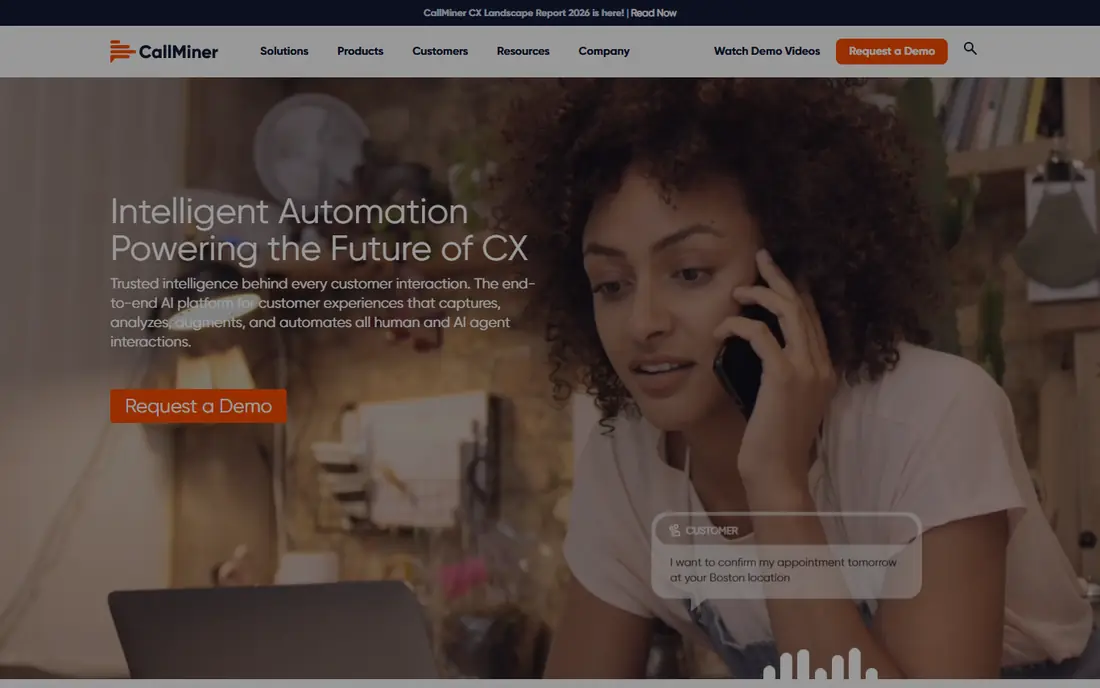
CallMiner Eureka analyzes every customer interaction across voice, chat, email, and social channels, then turns that material into trends, root causes, and coaching actions. Its RealTime product listens during live calls and prompts agents while the conversation is still running, which helps teams fix compliance risks before the call ends. Quality teams can score 100 percent of interactions instead of sampling a small set, and managers can search transcripts for the exact phrases that signal churn, confusion, or a broken process.
CallMiner suits midsize and large contact centers best, and its own pricing page says its subscription models scale from teams of more than 60 agents to global enterprises. Pricing is bundled by user count or interaction volume, with AI features included in every package, according to the vendor. There is no public price, no self-serve plan, and no standard trial, so buyers must go through sales and, in certain cases, a pilot program. Teams under 60 agents should ask early whether they meet the minimum.
- Analyzes voice, chat, email, and social in one platform
- RealTime coaching guides agents during live calls
- Pricing starts at teams of more than 60 agents, so smaller teams fall below the floor
- No self-serve signup or standard trial, pilots only in certain cases
Observe.AI
Ideal for: Enterprise contact centers
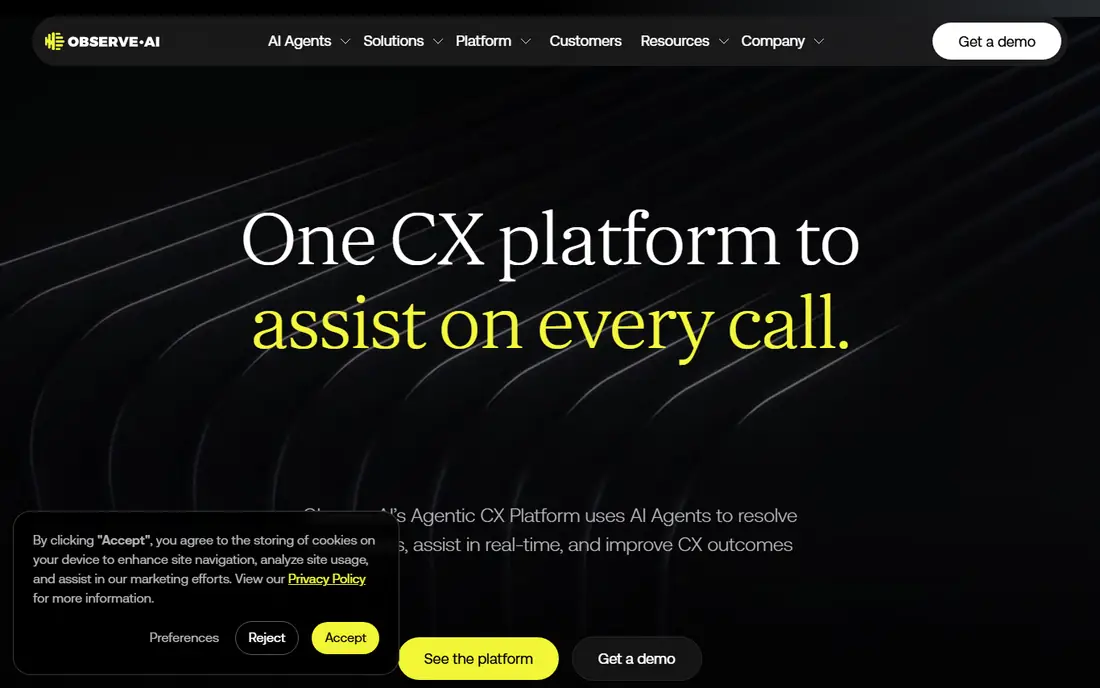
Observe.AI is an agentic CX platform that runs three kinds of AI agents on one system: agents that resolve customer requests across voice and chat, companion agents that guide human agents in real time, and operations agents that evaluate and improve the whole contact center. Its conversation intelligence transcribes and analyzes every interaction, and its Auto QA scores 100 percent of calls with evidence-based forms instead of the small sample a human team can review. The vendor reports more than 350 enterprise customers and more than 19,000 agents supported on the platform.
Observe.AI fits large contact centers that want automation, agent assist, and analytics in one contract. Its speech models are trained on more than 10 million calls, according to the vendor, and most teams go from setup to production in a month or two. The main drawback is access: the vendor states there is no public self-serve tier, pricing is custom and based on deployment scope, and every deal runs through the sales team. Buyers should budget time for a full sales cycle and ask which modules the quote covers.
- Evaluates 100 percent of interactions with Auto QA
- Combines AI agents, real-time assist, and coaching on one platform
- No public pricing and no self-serve tier
- Sold direct to enterprise through sales, so small teams have no entry path
Verint
Ideal for: Enterprise CX teams
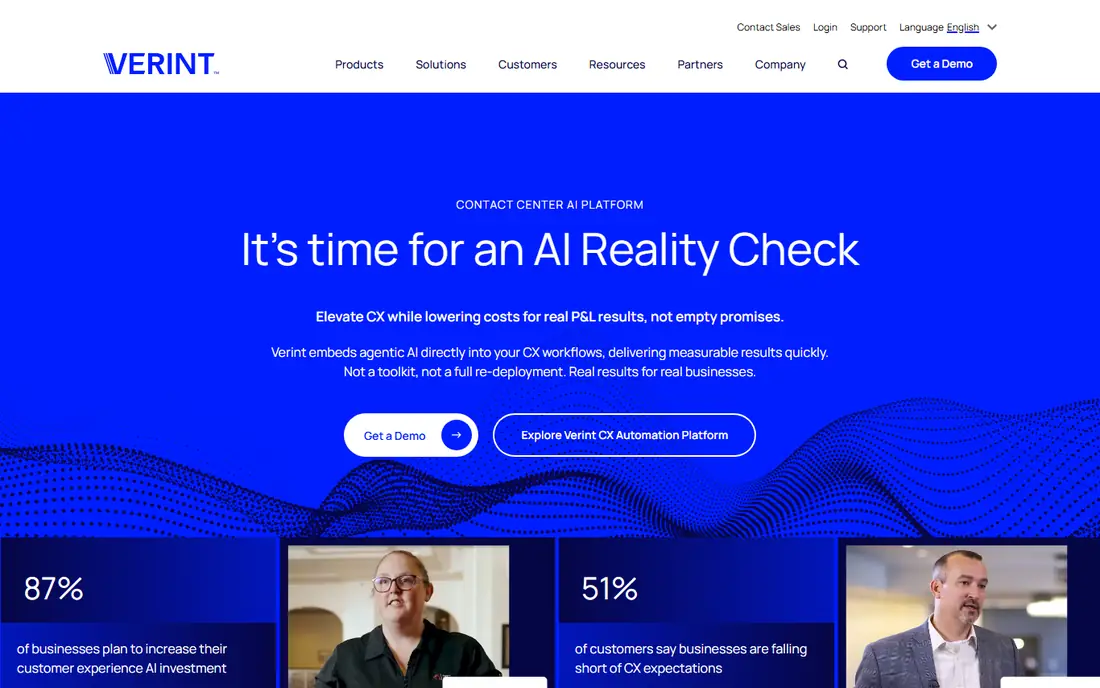
Verint CX Automation Platform brings AI agents, analytics, and workforce engagement together for large contact centers. Its speech and text analytics read every interaction, its Quality Bot scores calls automatically, and its Da Vinci AI combines vendor, commercial, and customer models to power agents that summarize calls and answer knowledge questions. Verint says its AI agents deploy in about 30 days on top of existing infrastructure, without a full system replacement.
Verint reports customer results on its homepage, including a payments company that moved from evaluating 1 percent of calls to 96 percent with Quality Bot, and an energy supplier that cut 35 seconds from every call. Those are vendor-reported outcomes, not independent tests. The trade is cost and complexity: Verint publishes no price for any product, deals are quoted per module and per agent, and professional services are usually part of the agreement. Teams already running Verint workforce tools get the most value.
- Combines speech analytics, quality bots, and workforce engagement in one platform
- AI agents deploy in about 30 days on existing infrastructure
- No public pricing anywhere on the vendor site
- Automation bots are licensed piece by piece, so the first quote rarely covers the full scope
Gong
Ideal for: Revenue and sales teams
Gong is a Revenue AI platform that captures customer calls, emails, and meetings, then analyzes them to show what moves deals forward. Its models are trained on more than 3.5 billion sales interactions, according to the vendor, and it tracks talk patterns, topics, risks, and next steps across the full pipeline. Managers use it to coach reps from real calls, spot stalled deals early, and forecast with data from actual conversations instead of CRM notes alone.
Gong serves more than 5,000 customers, mostly large revenue teams in software, financial services, healthcare, and manufacturing. It fits sales organizations that already record most calls and want one system for coaching, deal review, and forecasting. Pricing is the main hurdle: Gong publishes no dollar figures, its pricing page says licenses are priced per user and a platform fee applies based on the number of users supported, and buyer reports put core licenses near $1,200 to $2,400 per seat per year. There is no free plan or trial, so small teams should weigh the entry cost against lighter tools like Avoma.
- AI models trained on more than 3.5 billion sales interactions
- Captures calls, emails, and meetings in one revenue record
- No free plan and no self-serve signup
- Licenses are per user plus a platform fee, and add-on modules cost extra
Avoma
Ideal for: Sales teams that meet on video
Avoma records meetings, transcribes them in real time, and writes AI summary notes with action items, so reps can stay in the conversation instead of taking notes. It supports more than 70 languages, syncs notes to Salesforce, HubSpot, Zoho, Pipedrive, and Copper, and works across Zoom, Teams, Meet, Webex, and GoToMeeting. Managers can build scorecards for methods like MEDDPICC and SPICED, track keywords, and run coaching from scored calls.
Avoma pricing is the clearest in this guide. The Startup plan costs $19 per recorder seat per month on annual billing, Organization costs $29, and Enterprise costs $39 with a 10-seat minimum. The catch is the Conversation Intelligence add-on, which costs $29 per seat per month on annual billing and holds the coaching, call scoring, and smart trackers many buyers want. A fully loaded seat therefore costs $48 per month on annual billing before any bundle discount. Avoma offers a 14-day trial of the Organization plan with all add-ons switched on and no card required, and viewers and collaborators stay free.
- Publishes clear per-seat prices with a 14-day trial
- Viewers and collaborators are free, so only recorders need a license
- Conversation Intelligence costs $29 per seat per month on top of the base plan
- Startup plan caps at 25 recorder seats
Invoca
Ideal for: Marketing teams that rely on calls
Invoca connects marketing, commerce, and contact center teams by tying phone calls to the campaigns and keywords that produced them. Its call tracking uses dynamic number insertion to attribute each call to a session, campaign, and ad, and its Signal AI analyzes 100 percent of calls to surface intent, outcomes, and quality signals. PreSense passes digital intent data to agents the moment a call arrives, so the agent knows what the caller searched and clicked before the conversation starts.
Invoca serves enterprise B2C brands in healthcare, insurance, financial services, automotive, home services, retail, telecom, and travel, and it names Mayo Clinic, Mutual of Omaha, and Verizon as customers. Its three tiers are Pro, Enterprise, and Elite, and all are quote-based with annual contract terms. Pro includes 6,000 annual numbers and 5 custom Signals, Enterprise includes 12,000 numbers and 50 Signals, and Elite includes 18,000 numbers and 100 Signals. Buyers should confirm which add-ons are in the quote, because Signal AI, Quality Management, and PreSense cost extra on every tier, and there is no self-serve trial or public price.
- Signal AI analyzes 100 percent of calls and ties them to campaigns
- Deep integrations with Google Ads, Salesforce, and Meta
- All three tiers are quote-based with annual contract terms
- Signal AI, Quality Management, and PreSense are add-ons on every tier
CallRail
Ideal for: Small businesses and agencies
CallRail tracks calls, texts, and forms back to the campaigns, keywords, and ads that drove them, which makes it a strong fit for businesses that win customers by phone. Its dynamic number insertion shows each website visitor a tracking number tied to their source, and its dashboards report which channels produce quality leads rather than raw call volume. Premium Conversation Intelligence transcribes calls, writes AI summaries, reads sentiment, tags conversions, and scores leads, while Voice Assist answers calls, qualifies leads, and books appointments when staff are busy.
CallRail pricing starts at $50 per month on annual billing for Lead Tracking, or $55 month to month, and rises to $95, $150, and $195 per month on annual billing for the three higher plans. Every plan includes 5 local numbers, 250 local minutes, and 25 texts, with extra numbers near $3 each and extra minutes billed per minute. Premium Conversation Intelligence only appears on the two Lead Conversion plans, so buyers who want AI summaries and sentiment must budget at least $150 per month on annual billing. A 14-day trial needs no card, and there is no permanent free plan.
- Publishes four clear plans with a 14-day trial
- Premium Conversation Intelligence adds summaries, sentiment, and lead scoring
- Every plan includes only 5 local numbers and 250 local minutes, with overages billed separately
- Premium Conversation Intelligence is only on the $150 and $195 plans
Chorus by ZoomInfo
Ideal for: Sales teams inside ZoomInfo
Chorus by ZoomInfo captures and analyzes sales calls, meetings, and emails to show managers how top reps win and where deals stall. It transcribes every conversation, tracks talk time and topics, and builds playlists of winning moments that new hires can study. Deal intelligence syncs contacts and communications to the CRM automatically, giving leaders a live view of account momentum, while market intelligence shows why teams win or lose.
Chorus fits sales teams that already use ZoomInfo data and want conversation intelligence from the same vendor. ZoomInfo acquired Chorus in 2021, and the product is now sold as part of the ZoomInfo platform rather than as a standalone tool. ZoomInfo publishes no Chorus price, plan, or billing unit on the product page, and every quote is custom, tied to seat count, contract length, and the other ZoomInfo products in the bundle. Buyer reports put a base package near $8,000 a year for three seats, plus about $1,200 a year for each extra seat, but those figures are reported by buyers, not published by the vendor.
- Analyzes calls, meetings, and emails for coaching and deal insight
- Pairs conversation data with ZoomInfo contact and company data
- No public pricing and no standalone purchase path
- Sold inside ZoomInfo bundles, so teams outside that ecosystem get less value
How we chose
We opened each vendor homepage and pricing page on 11 November 2026 and recorded what the vendor itself publishes. Where a vendor showed a price, we used that figure and named the plan. Where a vendor hid the price, we wrote quote only, and any buyer-reported figure in the text is labeled as reported by buyers. We compared features from vendor product pages, documentation, and help centers, and checked trial terms, seat minimums, and add-on pricing where the vendor lists them. We did no hands-on testing and ran no demos, so this guide compares published facts rather than personal use. Prices change, so check the vendor page linked in Sources before you buy.
What to check before you buy
- Confirm which channels each tool covers. Some tools analyze voice only, while others cover chat, email, and meetings too.
- Ask whether scoring covers 100 percent of calls or only a sample, and whether summaries, sentiment, and coaching are included or sold as add-ons.
- Check consent and recording rules for every region where you operate, and confirm the tool supports announcements and retention controls.
- Confirm the CRM, telephony, and ad platform integrations you need, and ask whether each integration is included or costs extra.
- Ask for the full quote in writing, including platform fees, add-ons, implementation, and overage rates for extra numbers, minutes, and seats.
- Ask about contract length, renewal terms, and minimum seats, because most tools in this guide sell annual contracts.
- Test transcription accuracy on your own calls during the trial or pilot, using real product names and industry terms.
Decision table by team size and budget
| Team size and budget | Best fit | What to expect | | 1 to 5 users, under $100 per month | CallRail | $50 per month on annual billing, 5 numbers, 250 minutes | | 5 to 25 users, under $500 per month | Avoma | $19 per recorder seat per month on annual billing, plus $29 for Conversation Intelligence | | 25 to 100 users, sales-led | Gong or Avoma | Gong by quote with a platform fee; Avoma Organization at $29 per seat | | 60 or more agents, contact center | CallMiner or Observe.AI | Quote only, annual contracts, 100 percent call scoring | | Enterprise B2C marketing | Invoca | Quote only, Pro tier from 6,000 numbers a year | | ZoomInfo customers | Chorus by ZoomInfo | Quote only, bundled with ZoomInfo data |
Frequently asked questions
What is conversational analytics software?
Conversational analytics software records, transcribes, and analyzes customer calls, meetings, chats, and emails, then turns them into searchable insights. It finds trends, scores agent performance, flags compliance risks, and shows which topics drive sales or churn. Managers use the results for coaching, quality checks, and forecasting.
How much do conversational analytics tools cost?
Prices range from $19 per recorder seat per month for Avoma Startup to custom enterprise contracts that run into six figures a year. CallRail starts at $50 per month on annual billing. Six of the eight tools in this guide publish no price at all, so buyers should request written quotes that list platform fees, add-ons, and overage rates.
Which conversational analytics tool is best for a small business?
CallRail is the best fit for most small businesses that win customers by phone, because it starts at $50 per month on annual billing and includes call tracking with a 14-day trial. Avoma is the best fit for small sales teams that meet on video, because it starts at $19 per recorder seat per month with a 14-day trial.
Do these tools analyze every call?
CallMiner, Observe.AI, Invoca, and Verint analyze or score 100 percent of calls, according to their own product pages. Gong and Chorus capture and analyze the calls they record, and Avoma records the meetings you choose to record. CallRail transcribes calls on every plan, but its Premium Conversation Intelligence features only appear on the two higher plans.
Can conversational analytics replace manual call reviews?
It can replace most sampling, because AI scores every call and flags the ones that need human attention. That saves hours of listening and gives managers a full picture instead of a small sample. Human review is still needed for edge cases, disputes, and compliance sign-off, so treat the tool as a filter that points reviewers at the right calls.