This list puts TalentLMS first for straightforward cloud course delivery. Listed starting prices: TalentLMS from $119 per month. For a different need, Adobe Learning Manager covers personalized learning at scale and Docebo covers skills-driven remote onboarding at scale. All 6 tools are compared below on price, free plan and limits.
Ainotely put together this guide to corporate LMS for onboarding remote employees for readers who want a clear shortlist without reading every vendor page. It compares 6 tools on starting price, free plans, who each one suits and where each one falls short.
Key takeaways
TalentLMS sits first on this list: straightforward cloud course delivery.
Cornerstone OnDemand is the one to check for workforce readiness and skills visibility.
A fair warning about Docebo: wide system may feel complicated for small teams.
TalentLMS is the only tool of the 6 with a free plan.
TalentLMS is the lowest-priced starter here at $119 per month.
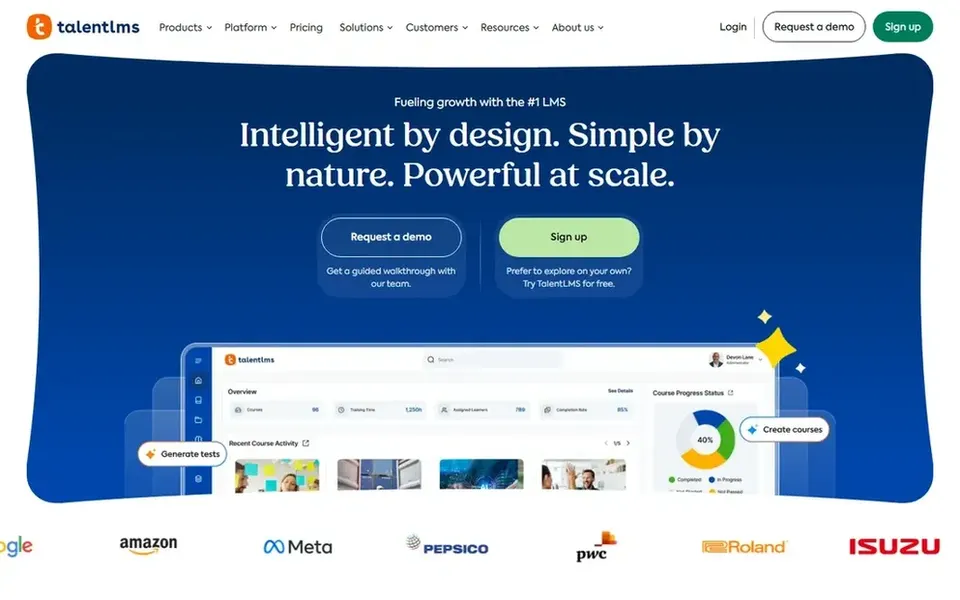
TalentLMS is a good fit for straightforward cloud course delivery. TalentLMS describes itself as a cloud LMS for moving training online, centred on creating and managing online courses. The system centers on course delivery, so organizations wanting deep skills intelligence or readiness modeling may need more.
Trade-offs to know: Less emphasis on deep skills intelligence.
On top of that, if onboarding is part of a bigger talent strategy, consider a broader product instead. For remote onboarding, that translates into a practical way to build welcome modules, policy training, and role introductions that new hires complete at their own pace. On cost, TalentLMS starts like this: $119 per month. TalentLMS offers a free plan.
For personalized learning at scale, Adobe Learning Manager is a natural candidate. The broad scope means onboarding setup takes planning, and teams should confirm how new hire workflows are handled.
More specifically, if you want a narrow onboarding tool with minimal configuration, a more straightforward LMS may serve better. On top of that, Adobe Learning Manager is an AI-powered LMS for creating, managing, and delivering personalized learning experiences at scale, spanning customer training, partner education, and employee skilling. Check the vendor site for Adobe Learning Manager pricing; none is listed in this comparison. Free access: Not stated.
Drawbacks to consider: Wide scope may need more planning. Where Adobe Learning Manager stands out: Includes employee, customer.
Best for: Skills-driven remote onboarding at scale
Pick Docebo if this describes you: skills-driven remote onboarding at scale. If you only need straightforward course delivery for a handful of remote hires, a lighter cloud LMS may be simpler to run.
Downsides: Setup needs planning across modules.
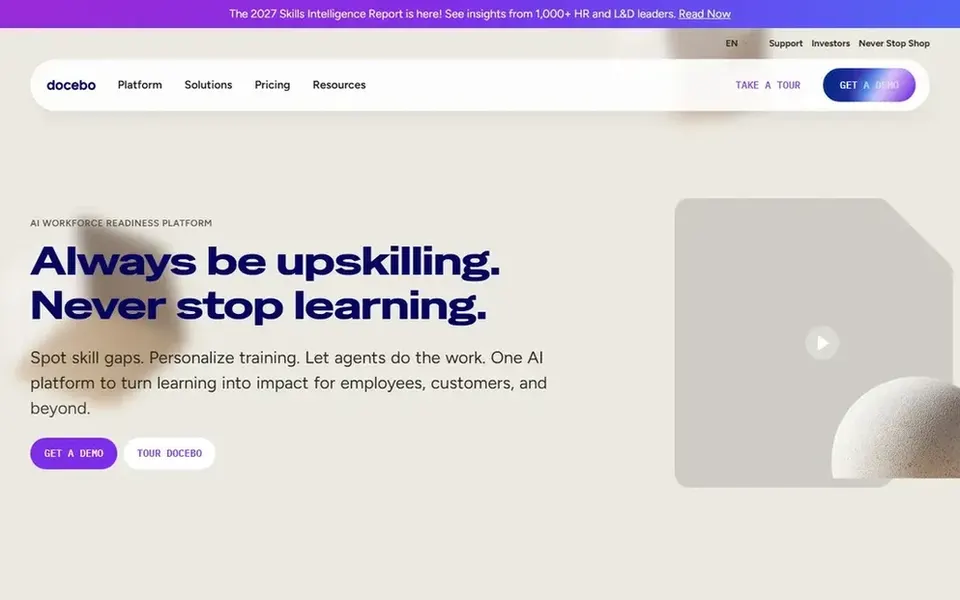
For remote onboarding, that combination means new hires can move through structured learning whereas managers see who is ready and what comes next. Docebo presents itself as a workforce readiness product that links skills intelligence, learning, knowledge, and AI agents. This comparison lists no price for Docebo; ask the vendor. Free plan details: Not stated.
Absorb LMS serves AI-powered enterprise training programs. The enterprise orientation means smaller teams may find the system more than they need.
Strengths: Enterprise-oriented LMS positioning.
More specifically, for remote onboarding, this means new hires can follow structured programs whereas the organization tracks how training links to performance. This comparison lists no price for Absorb LMS; ask the vendor. As for free access: Not stated.
Downsides: Full value relies on structured rollout.
Best for: Accelerating capability across audiences
Where Litmos fits: accelerating capability across audiences. Since it serves several audiences, teams wanting onboarding-specific workflows may need to shape them carefully.
Where it is weaker: Configuration choices can add complexity.
Also, if your priority is a tightly focused new hire experience, a dedicated onboarding LMS may be more straightforward. For remote onboarding, that means new hire programs can sit alongside customer and partner training in one environment. No starting price is listed for Litmos here; confirm pricing on the vendor site. As for free access: Not stated.
Best for: Workforce readiness and skills visibility
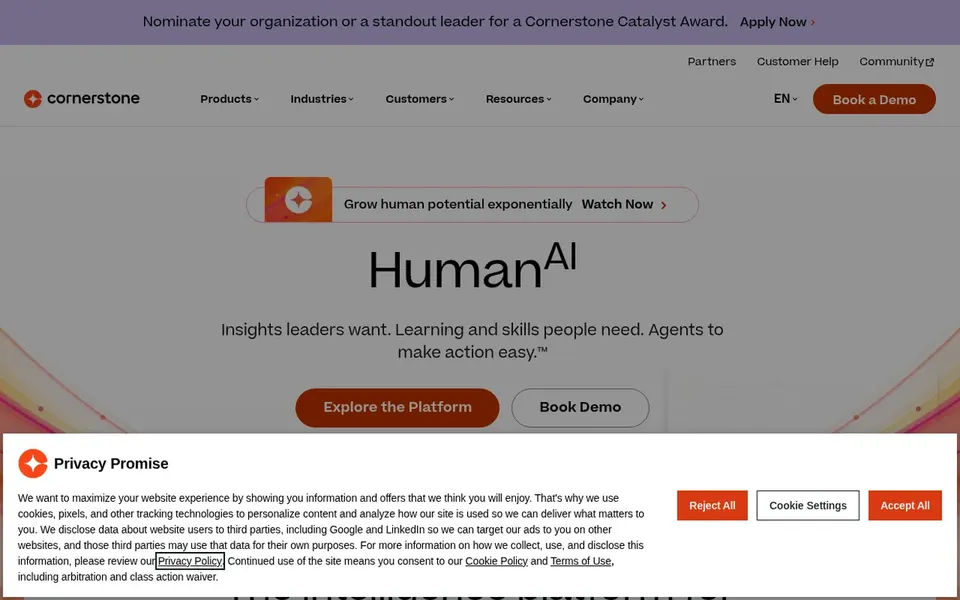
Cornerstone OnDemand is a good fit for workforce readiness and skills visibility. It fits businesses that treat onboarding as part of a longer capability-building plan.
If your onboarding needs are straightforward and self-contained, a more focused LMS could be the better match. Cornerstone OnDemand shows no starting price here, so confirm the cost on the vendor site. Free plan details: Not stated.
Reasons to shortlist it: AI agents.
Trade-offs to know: Requires internal ownership to configure.
Confirm the entry price on the vendor page. For Adobe Learning Manager, Docebo, Absorb LMS and others that means a quote rather than a fixed price.
Look at the free plan from TalentLMS closely: its caps decide whether it is usable for real work.
Before choosing TalentLMS, weigh its main limit: less emphasis on deep skills intelligence.
Run a one or two week pilot of Docebo with the people who will use it every day.
Look at the renewal terms for Absorb LMS: auto-renewal, notice periods and price changes can matter more than the first-year price.
How we picked
Pricing pages, product documentation and feature lists were the main sources, and every entry carries at least one honest drawback. Seat minimums, billing terms and add-ons can move the real cost, so the starting prices here are a guide and not a quote. Order on the page follows fit for the typical buyer first, then price transparency and free access. Your own requirements should decide the final pick. The same method was used for each of the 6 corporate LMS for onboarding remote employees picks on this page.
Every price and plan detail on this page comes from the vendors’ own websites. We did not run hands-on tests unless the text says so, and we do not publish star ratings or review scores. See how we score and our disclosure.
Keep your shortlist in one place
Paste prices, trial dates and notes from this guide into Ainotely, our AI note app. It files them into a topic and pulls out tasks like “cancel trial by Friday”. Free 7-day trial, no card needed.
How are the tools for corporate LMS for onboarding remote employees ordered?
TalentLMS sits first and Cornerstone OnDemand last because the order follows typical fit for corporate LMS for onboarding remote employees, then price clarity and free access. It is a judgement call, so read each profile for fit and limits.
Is TalentLMS the right pick for everyone comparing corporate LMS for onboarding remote employees?
No single tool suits every team. TalentLMS comes first because it fits straightforward cloud course delivery, while Adobe Learning Manager suits personalized learning at scale and Docebo suits skills-driven remote onboarding at scale. Match the tool to your own size, budget and workflow before deciding.
How do TalentLMS and Litmos differ for onboarding?
TalentLMS centers on cloud course creation and management, which suits teams wanting a clear, course-focused system. Litmos positions itself around learning acceleration across employees, customers, and partners, so it may suit organizations training multiple audiences in one place.
Can I try these tools before paying?
Often, yes. TalentLMS has a free plan. Use your own data and a real task during the test, and check what the free tier or trial limits before you rely on it. Each of the 6 options in this corporate LMS for onboarding remote employees guide has its own card above with the price, free plan and limits.
Which options for corporate LMS for onboarding remote employees have a free plan?
TalentLMS is the only tool in this list with a free plan. Free plans usually cap users, projects or features, so check the limits on the vendor page. All 6 picks in this corporate LMS for onboarding remote employees comparison show their pricing, free plan details and main limits on the cards above.