Best CPQ Software in 2026: 8 Tools Compared

- 1
 Salesforce Revenue CloudSalesforce-native teamsVisit
- 2
 Oracle CPQComplex manufacturingVisit
- 3
 SAP CPQSAP-led estatesVisit
- 4
 DealHubGuided selling and DealRoomVisit
- 5
 PandaDoc CPQDocument-led SMB quotingVisit
- Salesforce Revenue Cloud is our pick for Salesforce-native teams, with deep CRM integration and AI-guided quoting on its current platform.
- PandaDoc and HubSpot suit smaller teams best, with lower entry prices and document-led quoting that is fast to adopt.
- Oracle CPQ and SAP CPQ suit complex manufacturing and ERP-led estates, where configuration rules are deep and product data lives in ERP.
- Budget for implementation, not just licences: enterprise CPQ projects often cost well above annual licence fees in services and take months.
Quick comparison
| Product | Ideal for | Price from | Free version | |
|---|---|---|---|---|
| Salesforce Revenue Cloud | Salesforce-native teams | See website | No | Visit |
| Oracle CPQ | Complex manufacturing | $240 per user per month | No | Visit |
| SAP CPQ | SAP-led estates | See website | No | Visit |
| DealHub | Guided selling and DealRoom | See website | No | Visit |
| PandaDoc CPQ | Document-led SMB quoting | $35 per user per month | No | Visit |
 Conga CPQ | Complex Salesforce orgs | See website | No | Visit |
 HubSpot Sales Hub CPQ | HubSpot-first teams | See website | No | Visit |
 PROS | Price optimisation | See website | No | Visit |
The best cpq software
CPQ stands for configure, price, quote. It helps sales teams build valid product combinations, apply pricing rules and discounts, and produce accurate quotes without spreadsheet errors. We compared official pricing pages, CRM fit, configuration depth, approval workflows and implementation effort.
Salesforce Revenue Cloud
Ideal for: Salesforce-native teams
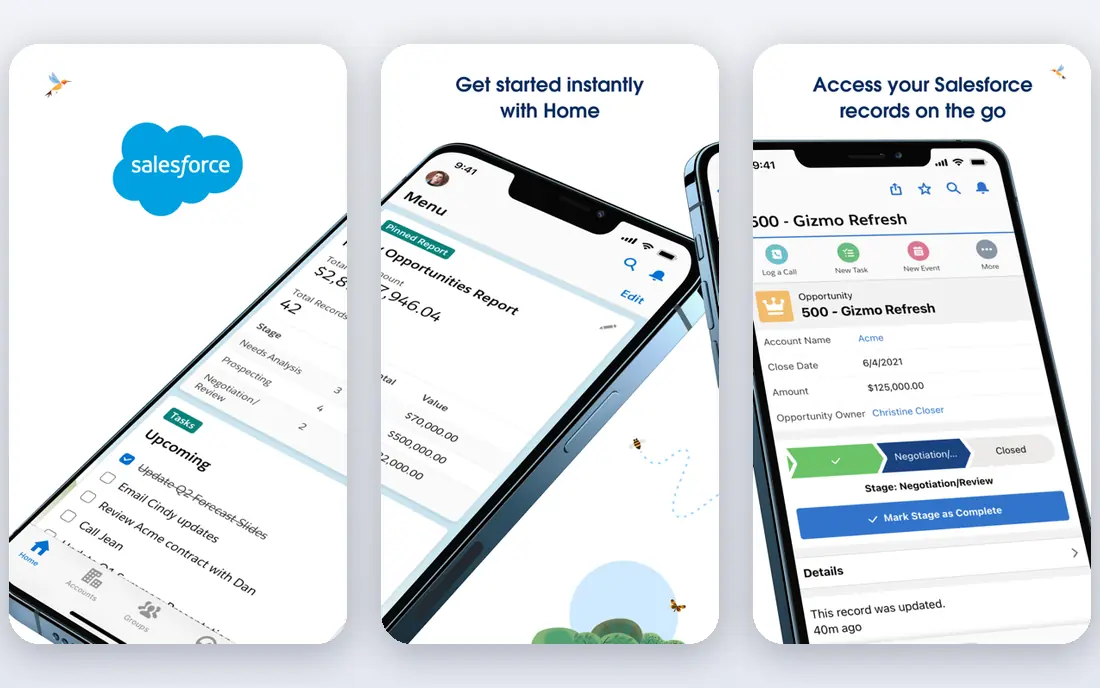
Salesforce Revenue Cloud is the current Salesforce path for CPQ, replacing the older Salesforce CPQ for new customers. It handles product configuration, pricing, quoting and revenue lifecycle work inside Salesforce, so quotes, orders and renewals share one data model. Published summaries list Revenue Cloud Advanced at about 200 dollars per user per month, though enterprise pricing is quote based.
The catch is effort. Implementation is rarely quick, and the total project cost often exceeds licence fees once services, data cleanup and training are counted. Revenue Cloud fits teams already standardised on Salesforce who will use its depth for years, not teams looking for a quick quoting fix.
- Deepest Salesforce CRM integration
- AI-guided quoting and approvals
- Covers subscriptions, usage and renewals
- Quote-based enterprise pricing
- Implementation often takes six to nine months
- Salesforce CPQ is end of sale for new buyers
Oracle CPQ
Ideal for: Complex manufacturing
Oracle CPQ suits manufacturers and complex B2B sellers with deep configuration rules. It handles engineered products, multi-level bills of material, complex pricing and approval chains that simpler tools cannot model. Published comparisons list Oracle CPQ pricing from about 240 dollars per user per month, with no free tier.
The weakness is cost and complexity. Oracle CPQ is an enterprise purchase with partner-led implementation, so small and midsize teams will find it heavy. It earns its place when product complexity is the core problem and the rest of the stack already leans on Oracle.
- Deep configuration for complex products
- Strong B2B pricing rules
- Proven in manufacturing estates
- High per-user price
- Implementation needs experienced Oracle partners
SAP CPQ
Ideal for: SAP-led estates
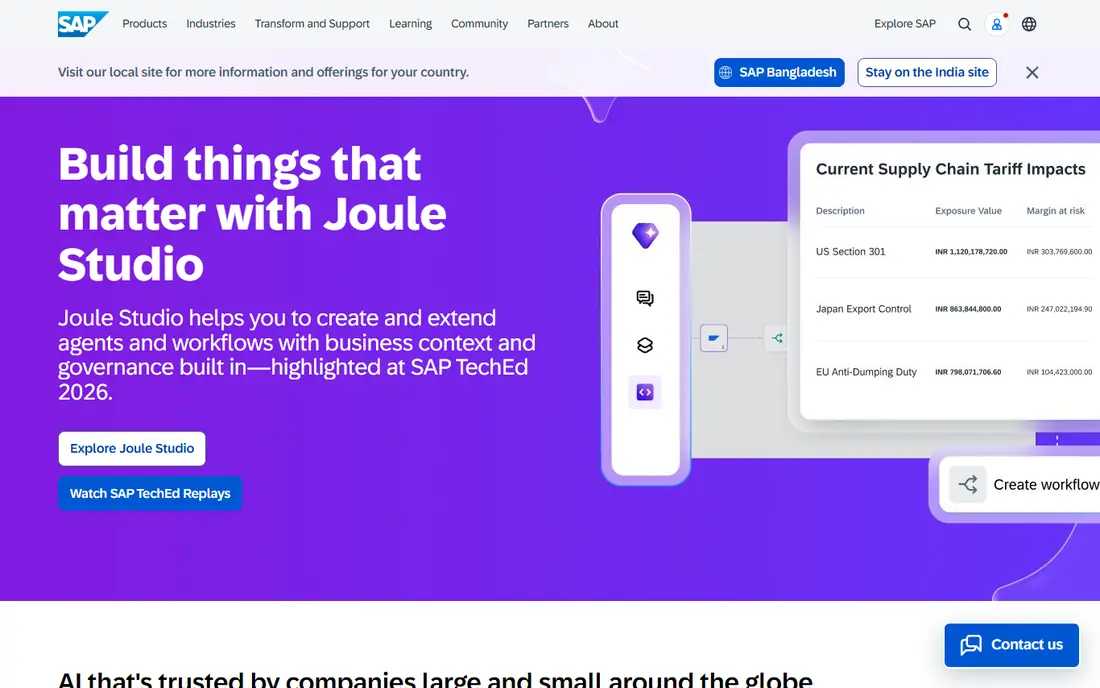
SAP CPQ suits companies whose product, pricing and order data already live in SAP. It keeps configuration and quoting consistent with ERP records, which reduces order errors for complex products and large catalogs. Pricing is quote based, and implementation is an ERP-adjacent project rather than a simple app install.
The limit is fit. Outside a SAP estate, SAP CPQ loses much of its advantage, and a CRM-native or standalone tool will deploy faster. Choose SAP CPQ when ERP truth matters more than sales speed, and when your SAP team can own the rollout.
- Strong fit for SAP S/4HANA estates
- Product configuration tied to ERP data
- Quote accuracy for engineered products
- Quote-based pricing
- Best value only inside a SAP estate
DealHub
Ideal for: Guided selling and DealRoom
DealHub suits B2B sales teams that need guided selling plus buyer collaboration. Its DealRoom gives buyers a shared space for quotes, documents and approvals, while guided selling walks reps through valid configurations and pricing. Published summaries place DealHub pricing in the mid-market to enterprise range, with quote-based plans by seat and module.
The catch is usage billing. Complex usage-based pricing needs manual setup, and some customisation limits appear at the edges. DealHub fits RevOps-led teams replacing fragmented quoting and contract tools with one platform, rather than teams that only need simple quotes.
- Guided selling flows
- DealRoom collaboration with buyers
- Fast deployment for a full quote-to-revenue stack
- Quote-based pricing
- Complex usage billing needs manual setup
- Learning curve for advanced use
PandaDoc CPQ
Ideal for: Document-led SMB quoting
PandaDoc CPQ is the small-business pick. It adds product catalogs, pricing rules and quote generation to a document platform that already handles proposals, contracts and signatures, so a small team can quote and close without a separate CPQ project. Published summaries list PandaDoc pricing from about 35 dollars per user per month.
The limit is depth. PandaDoc handles standard products and pricing well, but engineered configurations and deep approval chains will stretch it. For a small business that needs professional quotes fast, PandaDoc is the easiest CPQ on-ramp in this list.
- Lowest serious CPQ entry price here
- Quotes, proposals and e-signatures in one document flow
- Fast to adopt
- Configuration depth trails enterprise CPQ
- Complex pricing rules need workarounds
Conga CPQ
Ideal for: Complex Salesforce orgs
Conga CPQ suits Salesforce organisations with complex quoting needs that go beyond native Salesforce tools. It adds deeper configuration, pricing and document generation, with a track record in enterprise Salesforce estates. Pricing is quote based, and the platform rewards teams that invest in admin and process design.
The weakness is effort. Conga is not a light add-on, and teams that want a quick fix may prefer DealHub or PandaDoc. It earns its place when Salesforce is the system of record and quoting complexity is high enough to justify a dedicated CPQ layer.
- Strong CPQ depth for Salesforce orgs that need more than native tools
- Document generation included
- Proven enterprise track record
- Quote-based pricing
- Implementation and admin effort are significant
HubSpot Sales Hub CPQ
Ideal for: HubSpot-first teams
HubSpot Sales Hub CPQ suits teams already running sales on HubSpot. Quotes, products, discounts and approvals live inside the CRM reps already use, which keeps adoption high and admin low. Published summaries place Sales Hub Pro around 90 dollars per seat per month, with CPQ features on Pro and Enterprise tiers.
The limit is complexity. HubSpot CPQ handles standard SaaS and services quoting well, but deep manufacturing configuration and complex usage billing need a dedicated tool. For a HubSpot-first team with straightforward products, it is the fastest CPQ path available.
- Native HubSpot CRM quoting
- Easy for HubSpot-first revenue teams
- Quotes and payments in one CRM
- CPQ depth is lighter than enterprise tools
- Best pricing sits on Pro tiers and above
PROS
Ideal for: Price optimisation
PROS suits B2B sellers whose core problem is price, not just configuration. Its optimisation tools analyse costs, willingness to pay and deal history to guide reps toward prices that protect margin, which matters for large catalogs and negotiated deals. Published comparisons list PROS optimisation pricing from about 6,250 dollars per month for entry tiers, with higher tiers above that.
The catch is scope and price. PROS is an enterprise optimisation platform, not a cheap quoting tool, and many teams pair it with a CPQ front end for configuration and documents. Choose PROS when pricing science is the bottleneck, and budget for a serious implementation.
- Strong price optimisation and guidance
- AI-driven pricing for B2B
- Margin protection for complex catalogs
- Quote-based enterprise pricing
- Optimisation focus means quoting workflows need pairing with a CPQ front end
How we picked these
We compared official pricing pages, CRM and ERP fit, configuration depth, approval workflows and implementation effort for tools still operating in October 2026. We kept enterprise, mid-market and SMB options in the list, since a startup and a manufacturer do not buy the same CPQ. We did not implement these platforms, and we did not repeat vendor claims about quote speed or win rates as measured facts.
What to check before you buy
Start with your hardest quote. Pick a real deal with options, discounts, bundles and a renewal or amendment, and run it through each shortlisted tool in a demo. A tool that handles simple quotes but fails on amendments, co-terming or usage overages will fail in month seven, when those cases arrive. Test the amendment path, not just the first quote.
Next, price the project, not just the licence. Enterprise CPQ implementation often costs well above annual licence fees in services, and timelines of six to nine months are common. Ask vendors for a written implementation estimate, data cleanup scope and training plan, and confirm who owns product data after go-live.
Finally, decide who owns pricing rules. CPQ only works when product, pricing and discount rules are clean and owned by RevOps or finance, not scattered across spreadsheets. Clean the catalog, agree discount guardrails and approval thresholds, and start with one product line before rolling out to the full catalog.
Frequently asked questions
What is the best CPQ software for small business?
PandaDoc CPQ is our pick for most small businesses, with pricing from about 35 dollars per user per month and a fast document-led workflow. HubSpot Sales Hub CPQ suits HubSpot-first teams, while DealHub suits mid-market teams that need guided selling and DealRoom collaboration.
Is Salesforce CPQ still available?
Salesforce no longer sells the older Salesforce CPQ to new customers, and points new buyers to Revenue Cloud Advanced. Existing Salesforce CPQ customers should confirm their migration path with Salesforce, since new purchases follow the Revenue Cloud model.
How much does CPQ software cost?
Entry SMB tools start around 35 dollars per user per month, mid-market tools are quote based in the mid tens per user per month, and enterprise tools such as Oracle CPQ list from about 240 dollars per user per month. Implementation services often add significant cost on top of licences.
How long does CPQ implementation take?
Small tools can go live in weeks, while enterprise CPQ projects often take six to nine months, including data cleanup, rule design, testing and training. Start with one product line, prove the quote and amendment flows, and expand from there.
Do I need CPQ if I already have a CRM?
You need CPQ when quotes involve complex options, bundles, discounts or approvals that spreadsheets and basic CRM quotes handle badly. If your quotes are simple and standard, your CRM quote tool may be enough, and a full CPQ project would add cost without benefit.