This list puts Widen Collective first for enterprise asset management with workflow automation. Look at Canto for organizing, finding and sharing assets, and at Adobe Workfront for centralized work and resource management. Prices, free plans and limits for all 6 tools follow.
If you are comparing creative portfolio management software for enterprise, this page covers 6 tools in one place: what each is best for, what it costs to start, whether it has a free plan, and the main limit to know about.
Key takeaways
This list starts with Widen Collective, which is built for enterprise asset management with workflow automation.
Every tool from Widen Collective to Bynder works by quote, with no list price shown.
Bynder is the one to check for managing and distributing digital assets at scale.
None of the 6 tools, from Widen Collective to Bynder, has a free plan, so budget for a subscription or use a trial.
The main caution on Adobe Workfront: wide scope may feel heavy for small teams.
Best for: Enterprise asset management with workflow automation
Widen Collective is a good fit for enterprise asset management with workflow automation. Widen Collective, presented as Acquia DAM, is an enterprise digital asset management product that centralizes assets, automates workflows and provides on-brand content across channels.
Points against: Enterprise orientation may be more than smaller teams need.
Teams that require governance and automation around asset distribution are the intended audience. From a buyer's view, consider Widen Collective when automatic, on-brand delivery at scale is the priority, and look elsewhere if your needs are largely light asset sharing. Widen Collective shows no starting price here, so confirm the cost on the vendor site. Free options: Free trial.
Canto is aimed squarely at organizing, finding and sharing assets. Canto centres on asset organization and sharing, so creative portfolio planning and resourcing may need separate tools.
In daily use, pick Canto when the primary pain is scattered files and slow asset retrieval instead of campaign scheduling. Pricing for Canto is not stated here, so ask the vendor for current figures. Free access: Free trial.
Trade-offs to know: Search quality relies on metadata.
Best for: Centralized work and resource management
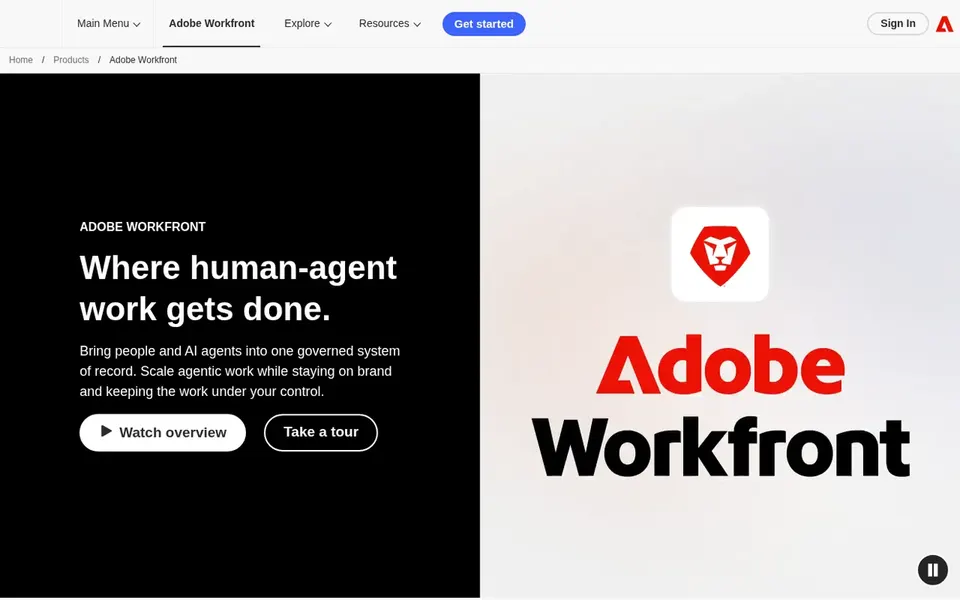
Adobe Workfront was built for centralized work and resource management. From a buyer's view, since Workfront is made for enterprise project management, its breadth can feel like more than a small studio needs.
Teams that coordinate across departments and want creative work tied to broader project workflows are the natural audience for this product. Worth adding: teams whose primary need is storing and sharing finished brand assets may prefer a dedicated asset management tool. Adobe Workfront shows no starting price here, so confirm the cost on the vendor site. Free plan details: Not stated.
Best for: Straightforward, usable brand asset management
Brandfolder makes the most sense for straightforward, usable brand asset management. Brandfolder leans toward asset management instead of full creative portfolio planning, so teams with complicated resourcing needs may want a broader tool.
Best features of Brandfolder: distribute and analyze assets in one place.
Points against: Lighter on deep project portfolio planning.
Worth adding: choose it when simplicity and quick rollout matter most. Brandfolder shows no starting price here, so confirm the cost on the vendor site. On free options: Not stated.
Choose Frontify for unifying brand guidelines and assets. Worth adding: Frontify is oriented around brand systems, so teams seeking heavy project portfolio tracking may need extra software.
Where it falls short: Needs continuing content upkeep.
From a buyer's view, keeping guidelines current takes continuing effort. Frontify shows no starting price here, so confirm the cost on the vendor site. On free options: Not stated.
Best for: Managing and distributing digital assets at scale
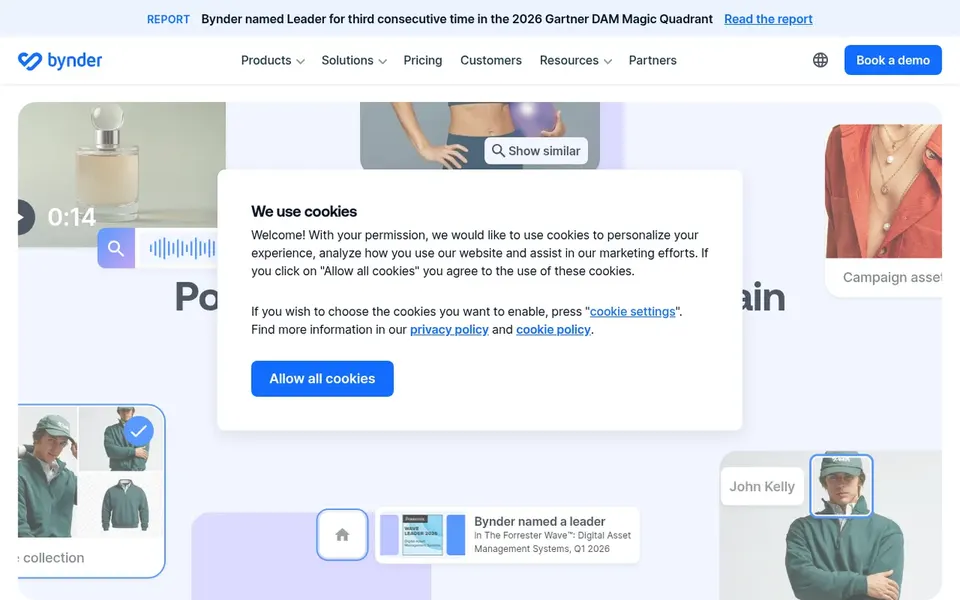
For managing and distributing digital assets at scale, Bynder is a natural candidate. Bynder centers on digital asset management, so teams that require deep project planning or resource allocation may have to pair it with another system.
Drawbacks to consider: Asset focus may not include full project planning.
Bynder describes itself as an enterprise digital asset management platform for creating, managing and distributing content at scale. Organizations that treat content volume as a core operational challenge will find the asset-centric approach a natural fit. Bynder shows no starting price here, so confirm the cost on the vendor site. Free access: Not stated. What works well: Suited to high-volume content operations.
Request quotes from Widen Collective, Bynder and the others; the list shows no fixed prices.
Use real work to test the free trial from Widen Collective and Canto, rather than a demo project.
Read the limits listed for Widen Collective first: enterprise orientation may be more than smaller teams need.
Price Widen Collective for your actual team size; headline prices rarely include add-ons or overage.
Read the plan comparison for Adobe Workfront carefully; key features often start on a higher tier.
How we picked
Selection started from tools commonly considered for creative portfolio management software for enterprise, then narrowed to 6 that have clear pricing information or a clear quote process. Seat minimums, billing terms and add-ons can move the real cost, so the starting prices here are a guide and not a quote. Tools are placed by general fit for creative portfolio management software for enterprise, with price clarity and free access as tie-breakers. A different team can reasonably rank them differently.
Every price and plan detail on this page comes from the vendors’ own websites. We did not run hands-on tests unless the text says so, and we do not publish star ratings or review scores. See how we score and our disclosure.
Keep your shortlist in one place
Paste prices, trial dates and notes from this guide into Ainotely, our AI note app. It files them into a topic and pulls out tasks like “cancel trial by Friday”. Free 7-day trial, no card needed.
What is the difference between creative portfolio management and digital asset management?
Creative portfolio management typically spans planning, resourcing and tracking creative work, whereas digital asset management concentrates on storing, finding and distributing finished files. Some systems blend both, so clarify which problem dominates for your team.
Does any tool for creative portfolio management software for enterprise here have a free plan?
No tool in this list, Widen Collective and Bynder included, has a permanent free plan. Widen Collective, Canto offer a trial. Trials and quotes are the usual route, so plan a short evaluation period.
How are the tools for creative portfolio management software for enterprise ordered?
The order follows typical fit for creative portfolio management software for enterprise, with Widen Collective first and Bynder last, then price clarity and free access. It is editorial judgement, not a score, so another team could rank the tools differently.
Can these tools replace project management software?
Some, like Adobe Workfront, are project management systems at their core. Others, like Bynder, Brandfolder and Canto, center on assets and may need pairing with planning tools.
Do these tools publish their prices?
No. None of the tools, from Widen Collective to Bynder, shows a fixed starting price here, so budget time for quotes.
How should an enterprise evaluate these systems?
Start with your biggest bottleneck, whether planning, asset distribution or compliance, then shortlist tools aligned to it. Confirm integrations, governance controls and search quality on vendor sites, and request demonstrations using your own workflows.