Creator Platforms: 6 Tools Worth Comparing in 2026

- Top of the list is Gumroad, which targets selling digital downloads with zero setup.
- For course creators who want platform control, Thinkific is worth a look.
- A fair warning about Podia: fewer advanced features, design options restricted, smaller ecosystem, community tools entry-level.
- Gumroad, Patreon, Podia, Thinkific: these are the 4 tools out of 6 that offer a free plan.
- For Kajabi, Podia, Mighty Networks and Thinkific, you have to request a quote because no starting price is shown.
Direct answer
Gumroad is the first pick on this list for selling digital downloads with zero setup. Patreon fits memberships and recurring fan support; Kajabi fits creators running a full course business in one place. Prices, free plans and limits for all 6 tools follow.
Quick comparison
| Product | Ideal for | Price from | Free version | |
|---|---|---|---|---|
 Gumroad | Selling digital downloads with zero setup | Free to start; fees per sale | Yes | Visit |
 Patreon | Memberships and recurring fan support | Free to start; platform fees per payout | Yes | Visit |
 Kajabi | Creators running a full course business in one place | See website | No | Visit |
 Podia | Selling courses, downloads and webinars just | See website | Yes | Visit |
 Mighty Networks | Firms built around community | See website | No | Visit |
 Thinkific | Course creators who want product control | See website | Yes | Visit |
The 6 tools in detail
This Ainotely guide covers 6 creator platforms. Each profile lists a starting price, free plan details, strengths and drawbacks, so you can drop poor fits quickly.
Gumroad
Ideal for: Selling digital downloads with zero setup
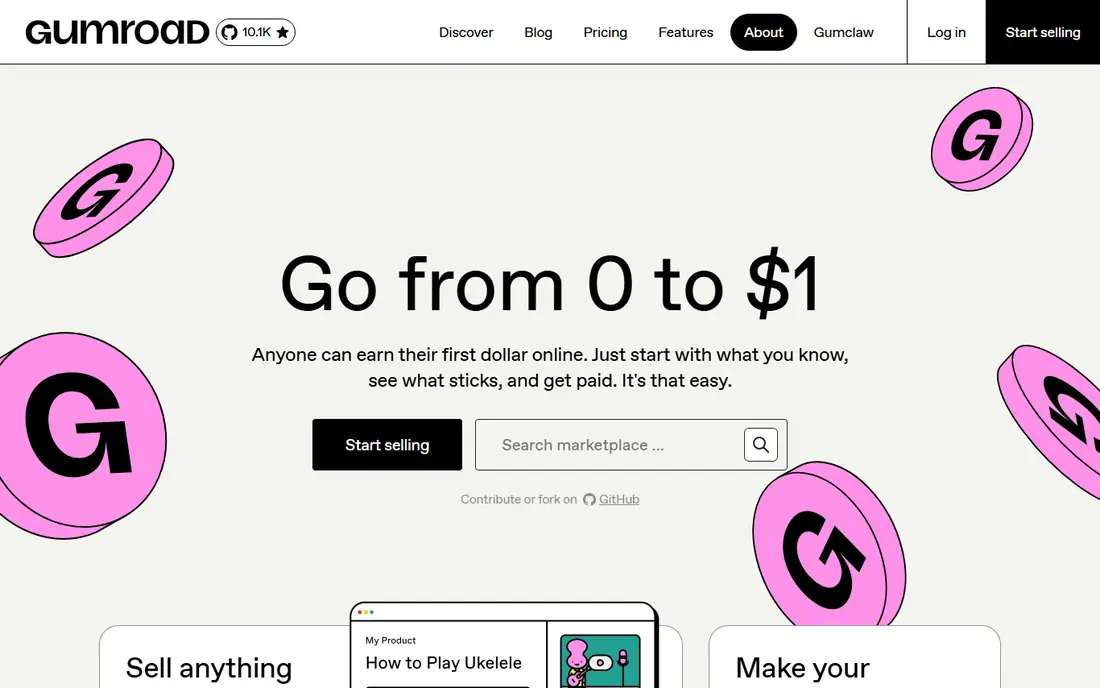
Gumroad was built for selling digital downloads with zero setup. For testing product ideas and side income, the zero-commitment model is ideal.
Reasons to shortlist it: Instant setup.
Optimize your product page for Gumroad search with clear titles and keywords, not just for your own audience. Gumroad starts at: Free to start. Gumroad includes a free tier.
- Discovery marketplace
- Takes care of VAT and taxes
- Fees per sale add up, restricted customization, entry-level analytics, brand is Gumroad's
Patreon
Ideal for: Memberships and recurring fan support

Patreon serves memberships and recurring fan support. Patreon defined the creator membership: fans pay monthly for bonus content, early access and community. On top of that, Patreon's annual membership choice boosts creator cash flow substantially.
Where it shines: Proven membership model; adaptable levels.
From a buyer's view, promote it each December when supporters are in a giving mood and planning the year ahead. More specifically, the system takes a cut of earnings, and your page lives on Patreon's brand. Adaptable levels let you structure offerings from tip-jar to premium. Price to start with Patreon: Free to start. Free access exists with Patreon.
- No upfront cost
- Discovery from existing users
- System fees on earnings, restricted branding, algorithm dependence, some categories restricted
Kajabi
Ideal for: Creators running a full course business in one place

Kajabi serves creators running a full course business in one place. The templates look professional, and premium plans charge no transaction fees, which matters at volume.
The main drawbacks: overkill for single products.
In practice, Kajabi's pipeline blueprints for launches are worth following the first time: the sequence of opt-in, webinar, offer and cart close is refined from thousands of launches. In practice, customize the copy, keep the structure. Check the vendor site for Kajabi pricing; none is listed in this comparison. Kajabi has no free plan.
- Refined templates
- No transaction fees on premium plans
- Costly, no free plan, community features entry-level
Podia
Ideal for: Selling courses, downloads and webinars just
Where Podia fits: selling courses, downloads and webinars just. Podia keeps digital product selling straightforward: courses, ebooks, webinars and memberships with email marketing included and no transaction fees.
Also, the interface is friendly and migration from other products is assisted. Podia shows no starting price here, so confirm the cost on the vendor site. Podia offers a free plan.
Best features of Podia: email marketing included.
- Clean straightforward interface
- No transaction fees
- Fewer advanced features, design choices restricted, smaller ecosystem, community tools entry-level
Mighty Networks
Ideal for: Firms built around community
Mighty Networks was built for companies built around community. Mighty Networks centers the community: courses, events, discussions and memberships orbit a branded space with its own mobile apps. A regular live session, even a casual AMA, does more for retention than any content library.
Mighty Networks' events calendar hands members reasons to return weekly. Also, creators whose value is the network effect get the right foundation. It costs more than straightforward product tools and course features trail Kajabi. In practice, when community is the product, not the add-on, Mighty Networks suits. Check the vendor site for Mighty Networks pricing; none is listed in this comparison. Mighty Networks has no free tier.
Limits to weigh: No free plan.
- No transaction fees on plans
- Branded mobile apps
- Pricier than entry-level tools
Thinkific
Ideal for: Course creators who want product control
Thinkific is aimed squarely at course creators who want system control. The course builder manages multimedia well, and the free plan is genuinely usable.
Seed discussion prompts in the first week when energy is highest. For course-first firms that want to keep every dollar of each sale, it is the value leader. No starting price is listed for Thinkific here; confirm pricing on the vendor site. Thinkific offers a free plan.
- White-label choices
- No transaction fees
- Marketing tools lighter than Kajabi, community features developing, design needs effort, app ecosystem smaller
Creator Platforms: more detail
Course products sell structured learning. Beyond that, membership systems sell continuing access and belonging. The practical questions: what cut does the system take, can you use your own domain and branding, how do payouts work in your country, and does the product bring discovery or just tools.
From a buyer's view, we compared monetization models, fee structures, course and community features, customization, payout choices, and how much of the business can run on the system alone.
How we compared the tools
Each tool was reviewed on what its vendor publishes: price, plan limits, core features and stated drawbacks. We did not run hands-on tests. Where a price is missing, the vendor does not list one publicly or ties it to a quote. Always confirm before budgeting. The order reflects how well each tool fits the most common buying scenario for creator platforms, then price clarity, then free plan access. It is a starting point, not a verdict.
Before you commit
- Get a written quote from Kajabi, Podia, Mighty Networks and Thinkific; the list shows no starting price for them.
- Look at free plan limits closely: Gumroad, Patreon, Podia and Thinkific have one, and the caps decide whether it is usable for real work.
- Before choosing Gumroad, weigh its main limit: fees per sale add up, restricted customization, entry-level analytics, brand is Gumroad's.
- Map your must-have features to a specific Patreon plan before you compare prices.
- Check the support hours and onboarding help Mighty Networks offers; smaller vendors vary a lot here.
Frequently asked questions
Is Gumroad the right pick for everyone comparing creator platforms?
No single tool suits every team. Gumroad comes first because it fits selling digital downloads with zero setup, while Patreon suits memberships and recurring fan support and Kajabi suits creators running a full course business in one place. Match the tool to your own size, budget and workflow before deciding.
Which options for creator platforms have a free plan?
Gumroad, Patreon, Podia and Thinkific offer a free plan in this list. Free plans usually cap users, projects or features, so check the limits on the vendor page.
How are the tools for creator platforms ordered?
The order follows typical fit for creator platforms, with Gumroad first and Thinkific last, then price clarity and free access. It is editorial judgement, not a score, so another team could rank the tools differently.
Can I try these options before paying?
Often, yes. Gumroad, Patreon, Podia and Thinkific have a free plan. Use your own data and a real task during the test, and check what the free tier or trial limits before you rely on it.